SUB/WAVE: Build Your Own AI-Powered Radio Station on Your Hardware
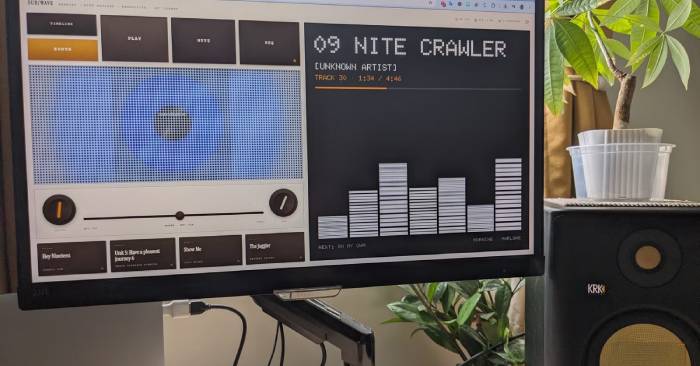
Spotify's AI DJ feature gets plenty of love, but it has a real limitation: you're locked into Spotify's catalog. Sure, their library is massive, but here's the thing—many collectors have spent decades building personal music collections, digitizing rare vinyl and obscure tracks that'll never hit a streaming service. They want something that can automatically curate radio-style playlists from their own library at home. Enter SUB/WAVE.
This self-hosted solution transforms your music collection into a DJ-style radio station. The initial setup isn't buttery smooth, but it's absolutely worth investing the time.
How SUB/WAVE Solves the Problem
Running an AI Radio Station Entirely on Your Own Hardware
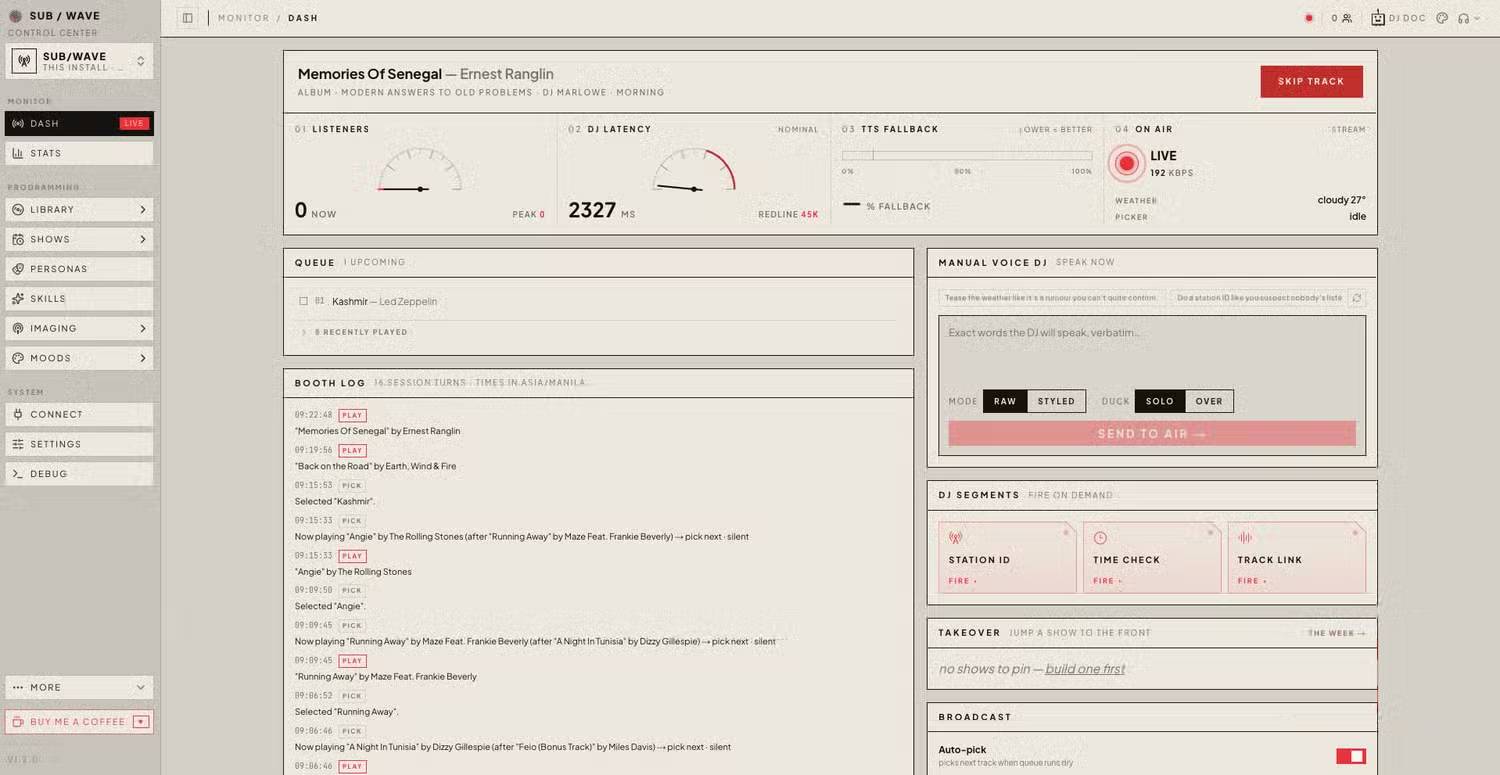
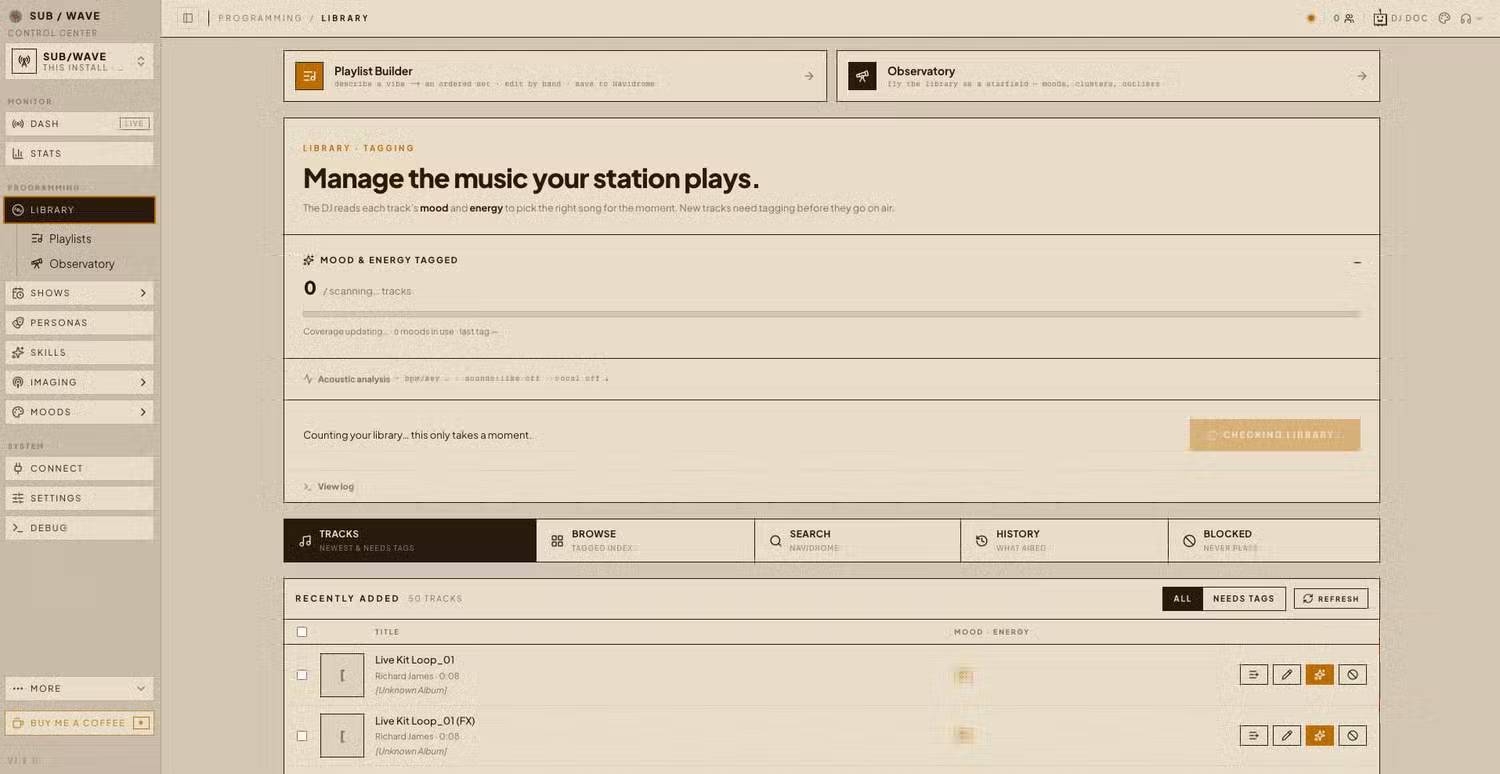
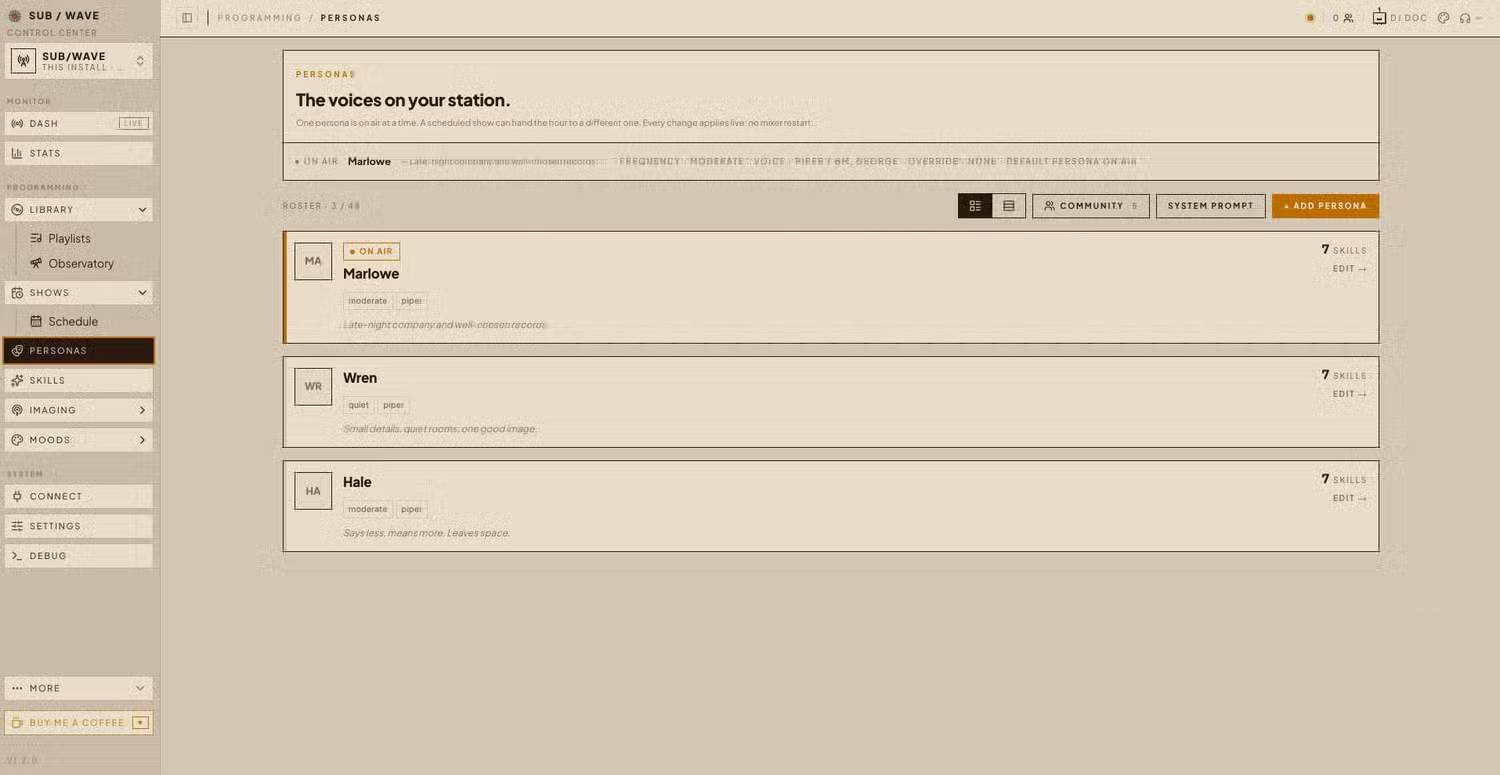
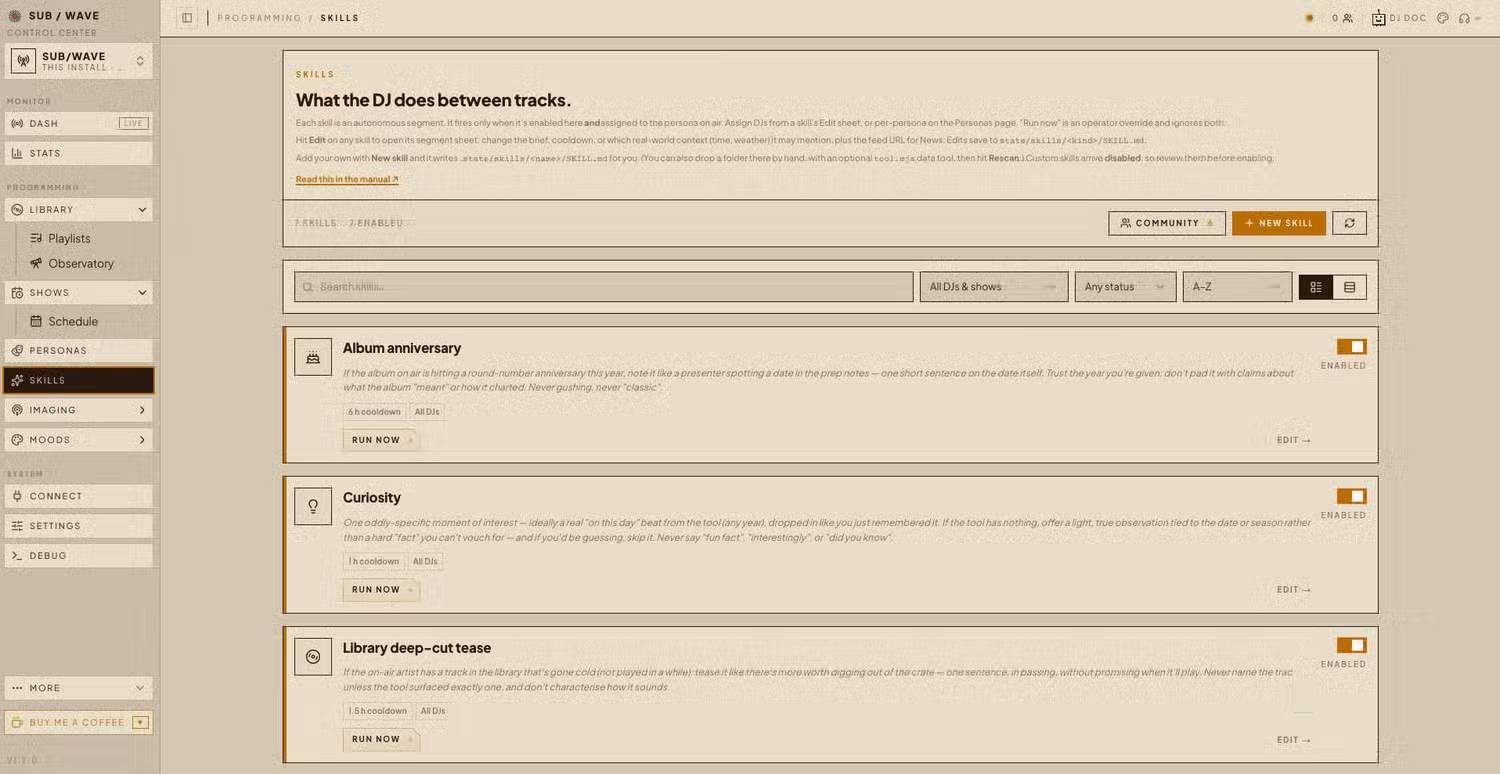
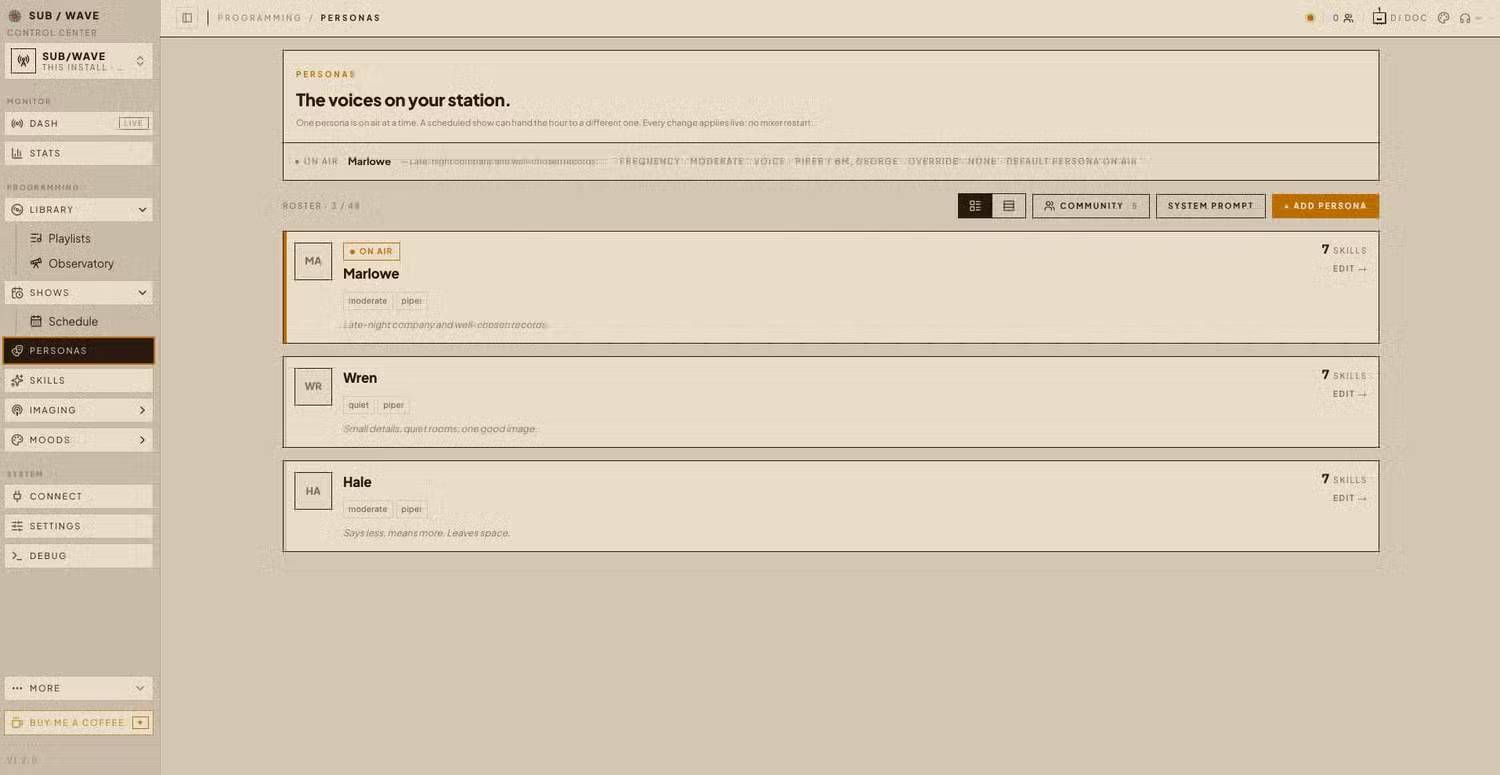
People searching for something different than mainstream streaming platforms have discovered SUB/WAVE. Rather than connecting you to a commercial streaming directory, SUB/WAVE taps into your personal music server and plays everything in radio-station style—complete with smooth transitions and optional live DJ commentary. While it's not dead simple, a newcomer can typically get it running in about an hour, though you'll probably hit a few snags along the way.
The architecture is pleasantly flexible. Unlike Spotify as a single monolithic app, SUB/WAVE is a collection of services working in parallel. The foundation is Navidrome, an API that indexes your local music collection. SUB/WAVE uses Navidrome to browse your library, queue tracks, and build a continuous radio station powered by AI analysis.
That AI analysis comes from Ollama, which runs its own language model locally on your machine. SUB/WAVE queries this local model to generate playlists, create smooth transitions, and make programming decisions. Each component runs inside Docker in separate containers—this keeps everything in one managed environment. You'll need to enter various commands into Terminal during setup so each component can communicate.
Pro tip: Save all URLs and login credentials when creating accounts—the SUB/WAVE setup wizard will ask for them later.
The End Result Is Actually Compelling
It Really Feels Like Listening to Live Radio
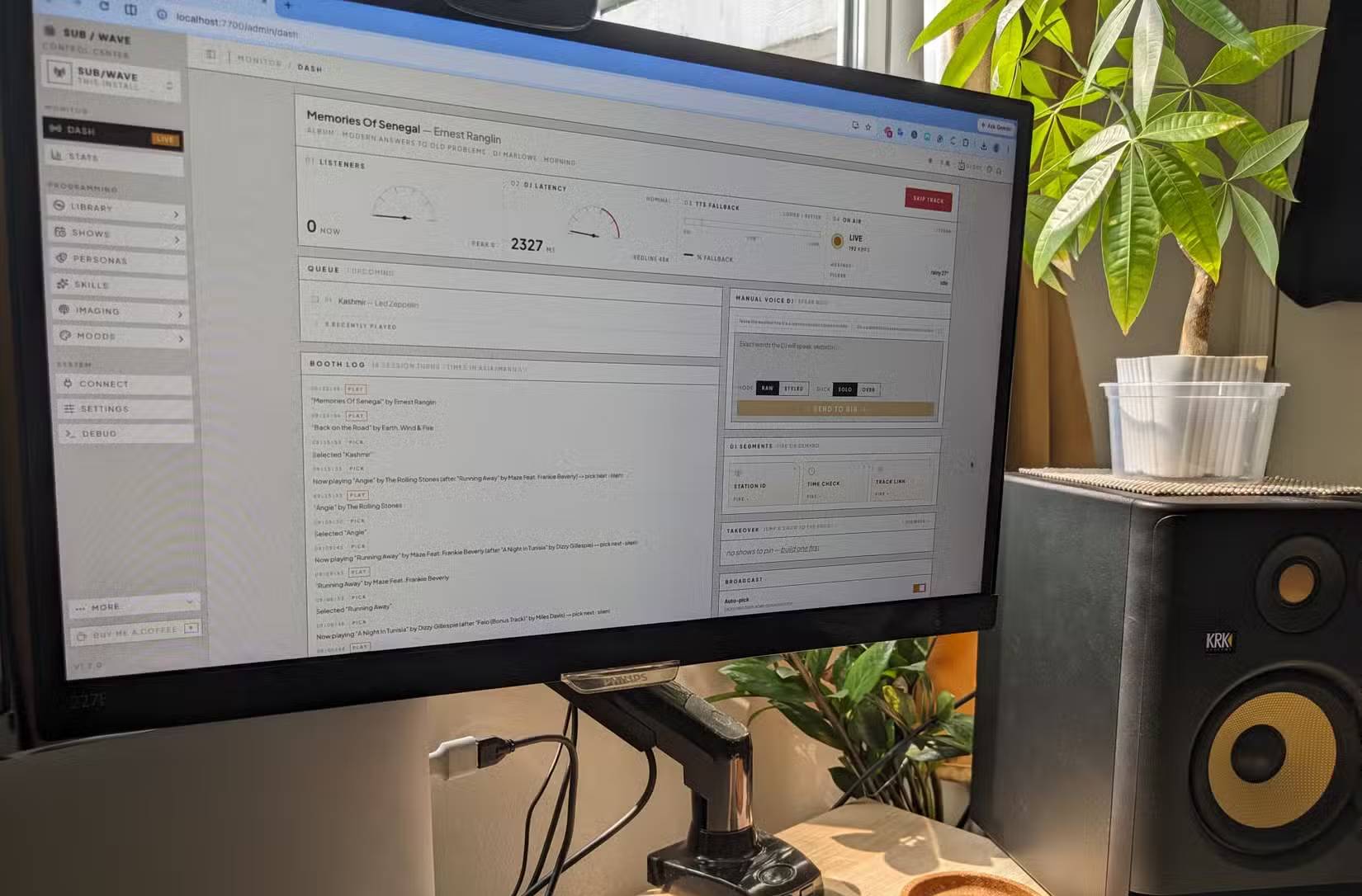
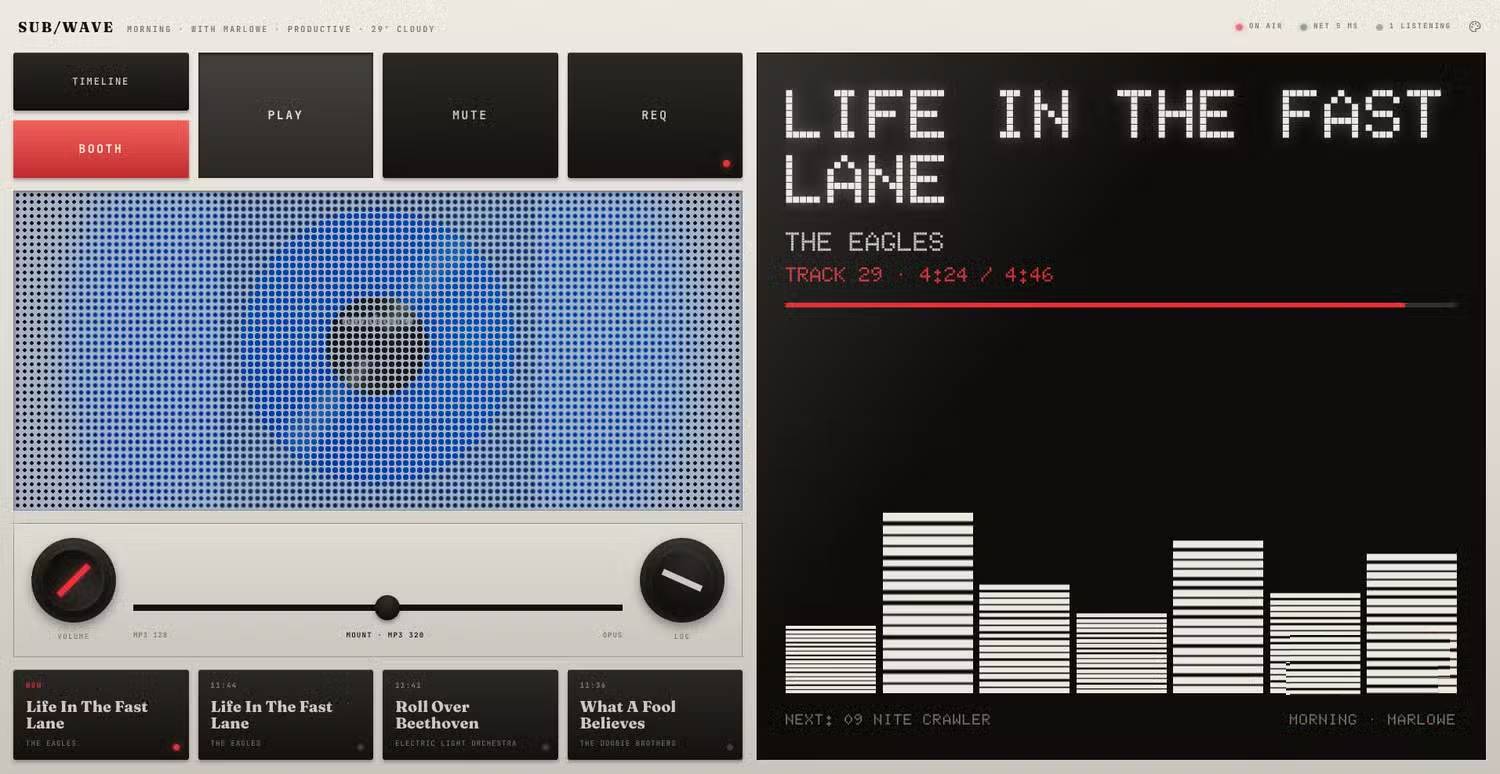
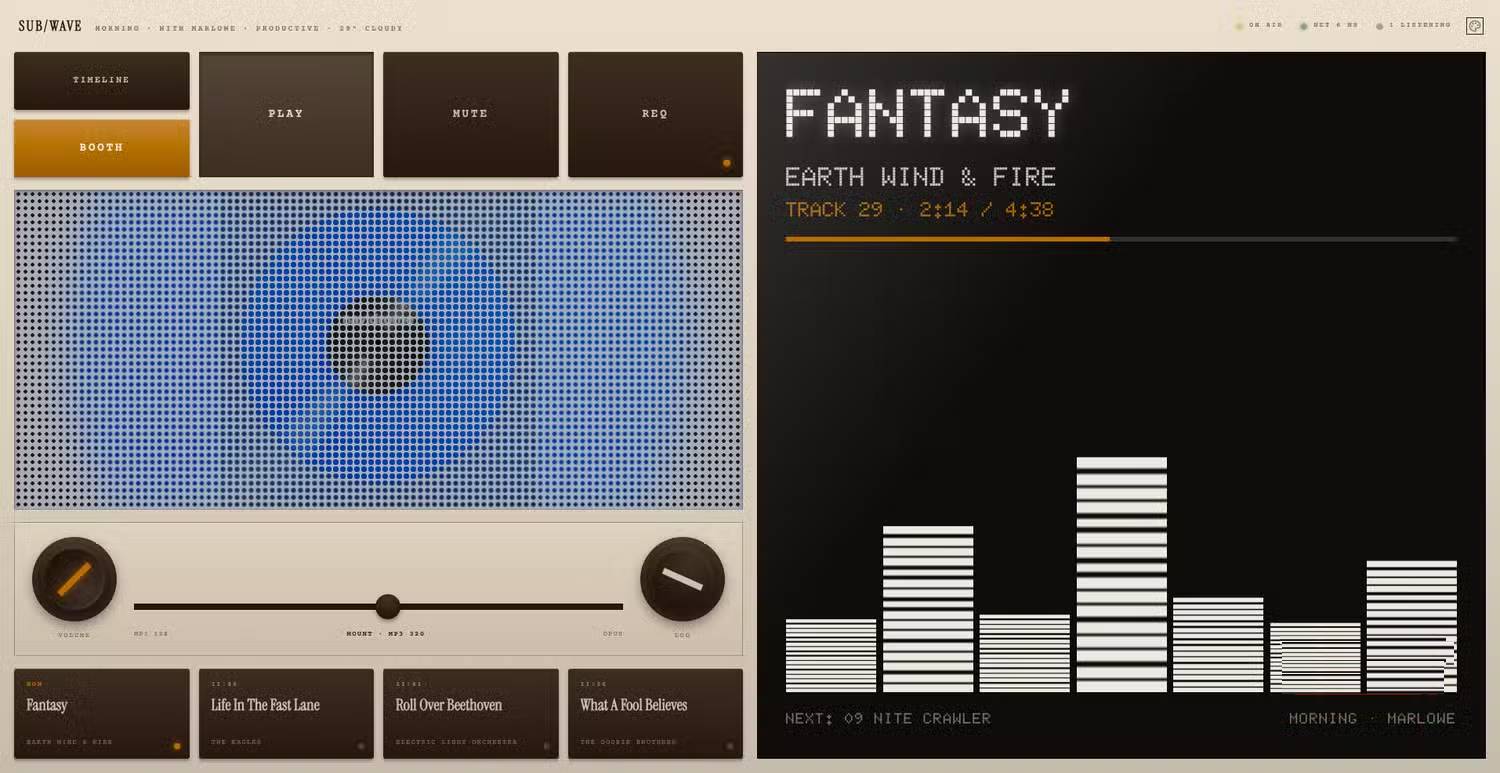
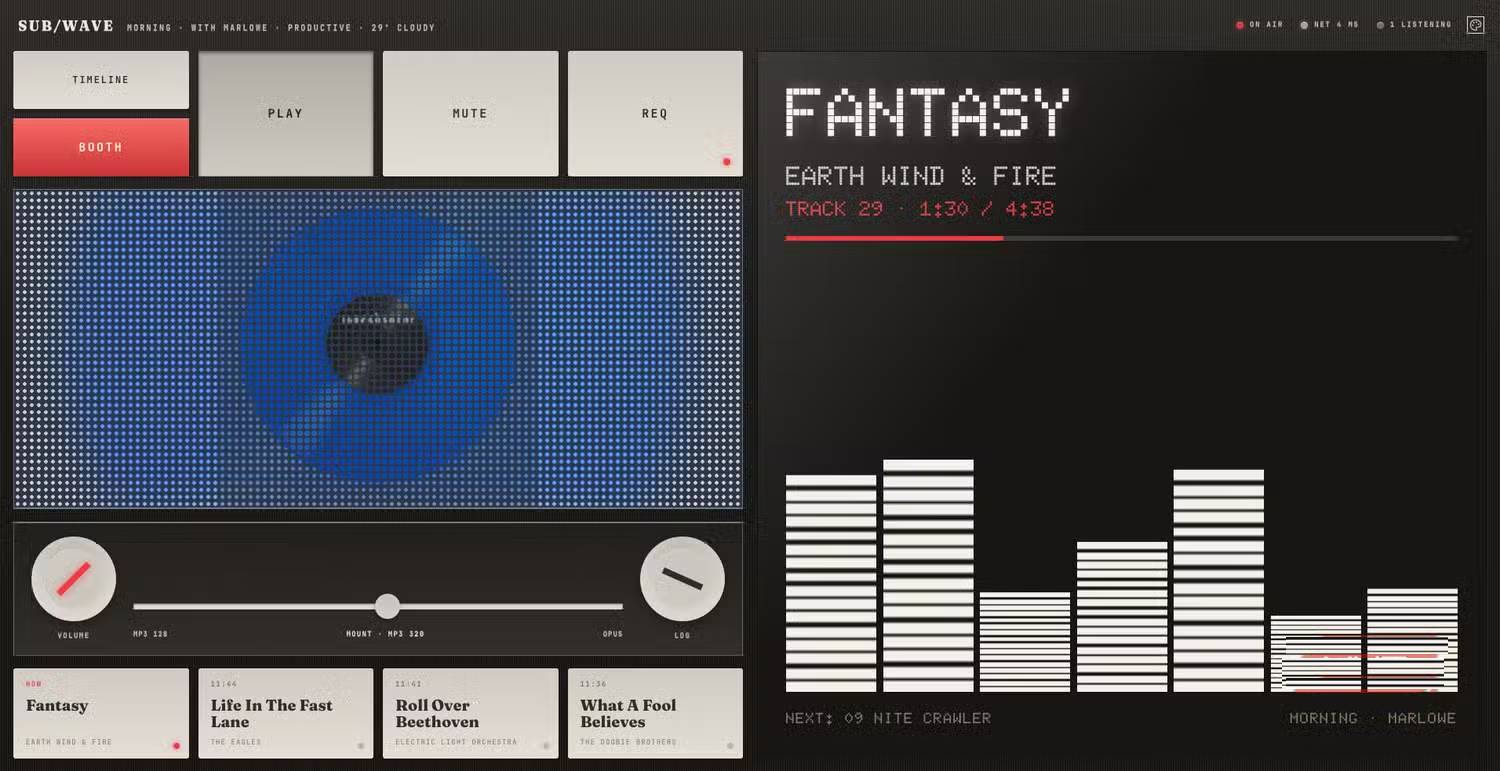
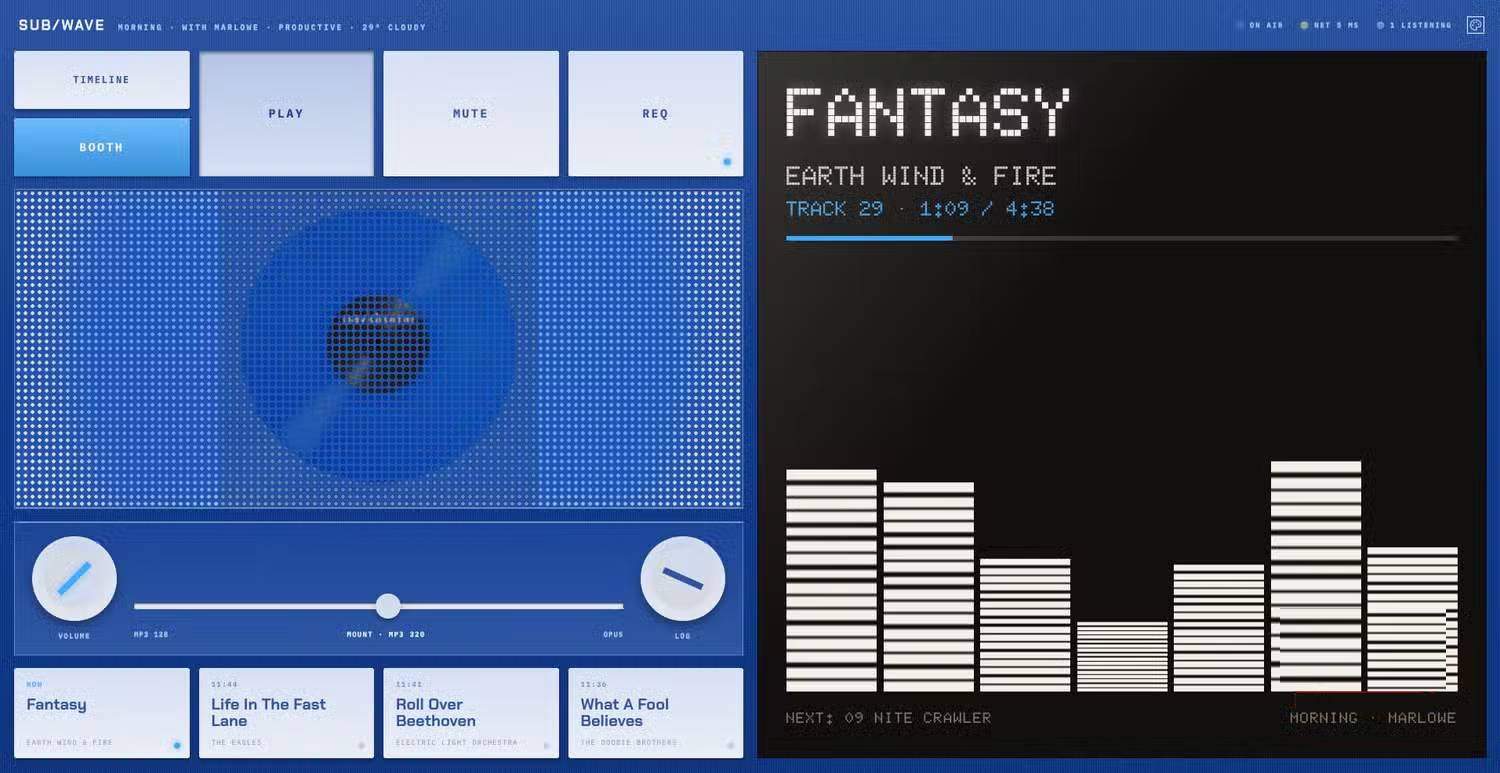
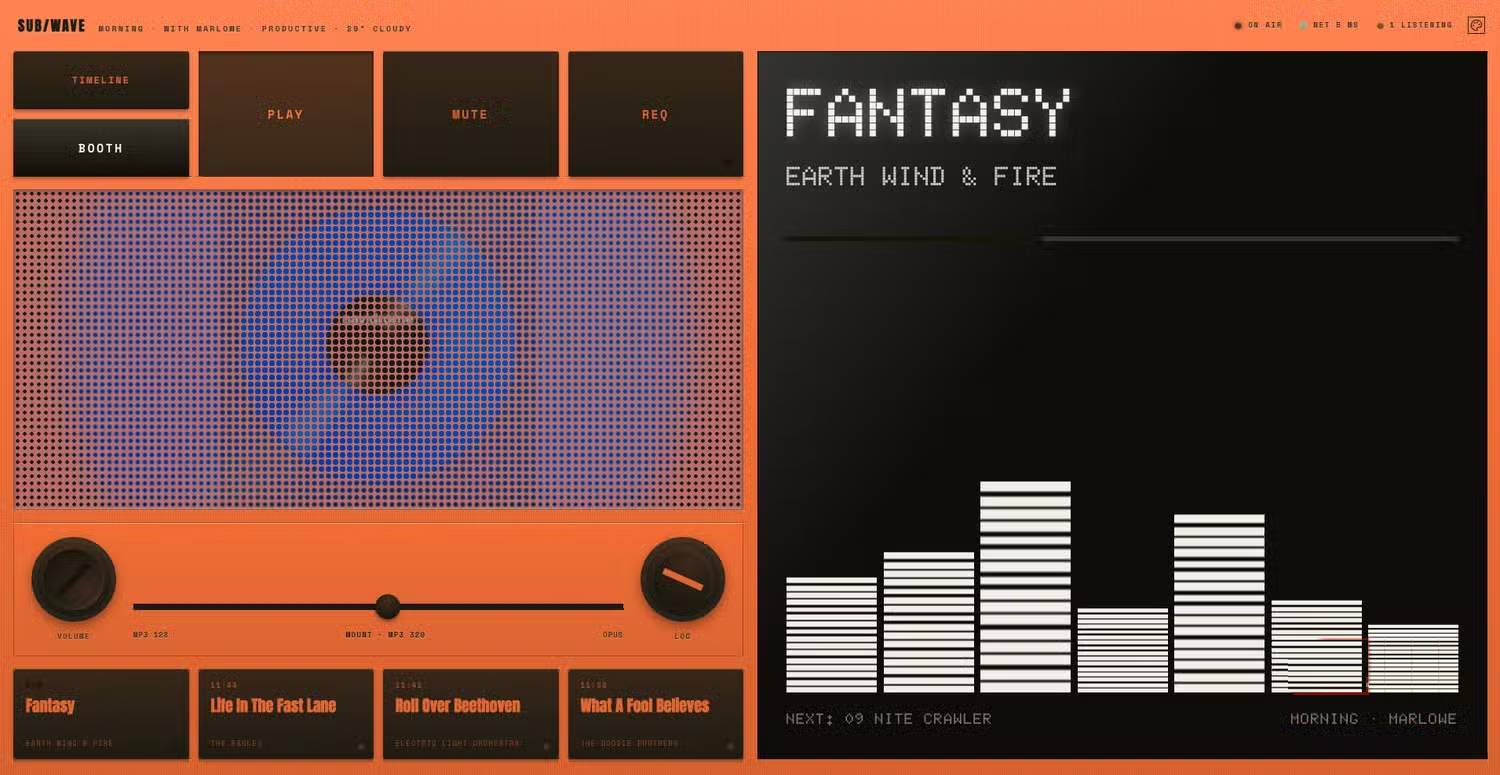
It sounds exhausting, but once you start building, the process becomes clearer. What's interesting here is the satisfaction you feel hearing your own music spinning from an AI DJ you built yourself. Everything runs locally, so you're no longer tethered to streaming services. The setup also broadcasts an actual internet radio stream, meaning you can listen through your browser or any compatible player on your home network.
Many people love having a personal radio station that only plays what they want to hear. They leave it running for hours on end, and those smooth track transitions make listening genuinely pleasant. Instead of queueing up favorite songs, you rediscover forgotten tracks and encounter ones you didn't even remember owning. It's like getting reacquainted with your own music collection.
The AI operates quietly in the background, maintaining steady momentum as different genres blend seamlessly—always feeling right, never jarring. The real concern here is that playlists generate continuously, so you never have to stop and think about what comes next, which keeps you more engaged. The whole experience echoes old FM radio, not today's on-demand streaming services.
But Setup Isn't Trivial
Not a Beginner-Friendly Project, But the Results Justify the Effort
Wiring multiple Docker containers together demands patience. Troubleshooting involves checking logs, testing API endpoints, verifying network connections, and eventually discovering your external drive disconnected. It's a hassle.
Still, stick with it. Once everything clicks into place, the system proves remarkably stable. The controller automatically generates playlists, broadcasts continuously, and your AI-powered radio station keeps running uninterrupted.
Without Docker experience, Linux command knowledge, or self-hosting background, this kind of debugging gets uncomfortable fast. However, after initial configuration, everyday operation is genuinely simple and worth the effort.
Is SUB/WAVE Better Than Spotify's AI DJ?
Let's be honest: for most people, Spotify's AI DJ is the easier, more convenient choice. It works immediately, demands zero technical knowledge, and surfaces new music with minimal fuss. SUB/WAVE demands more from you. It's not a ready-made solution—you need your own music library, a server, Docker, and enough patience to troubleshoot occasional configuration hiccups. This is a project built for music enthusiasts, not casual listeners.
But for people who've spent years curating their music collection? The payoff is genuinely rewarding. Having an AI-powered radio station built entirely around music you love is an achievement that, once configured, runs on its own without any further intervention or effort.
Description: SUB/WAVE lets you turn your music collection into an AI DJ radio station running entirely on your own hardware. Here's what you need to know.
Related Articles
- 5 Innovative Ways to Put Large Language Models to Work
- Why Gemma 4 Is Becoming the Top Free On-Device Chatbot for Your Phone
- Turn Long Documents Into Stunning Presentations: NotebookLM + Canva Guide
- Generate Images Directly in Google Sheets Using Gemini
- Master Content Writing and Editing with Dola AI

No Comment to " SUB/WAVE: Build Your Own AI-Powered Radio Station on Your Hardware "