How Gemini's Image Extraction Feature Makes Your Google Photos Library Actually Useful

Gemini is now fully integrated across Android devices, and it brings several features worth exploring to simplify your daily life. What's particularly interesting is how Gemini works with Google Photos — it's a genuine quality-of-life upgrade that transforms your photo library from a disorganized mess into something cohesive and genuinely accessible.
Picture this: you've accumulated thousands of photos over the past decade. Manually sorting through them to find one specific image? That's a nightmare. Fortunately, Gemini makes locating that exact photo surprisingly easy. Better yet, you won't even need to remember specific keywords to track it down.
Your Photo Library is Probably a Hot Mess
Years of Photos Make Finding That One Image Nearly Impossible
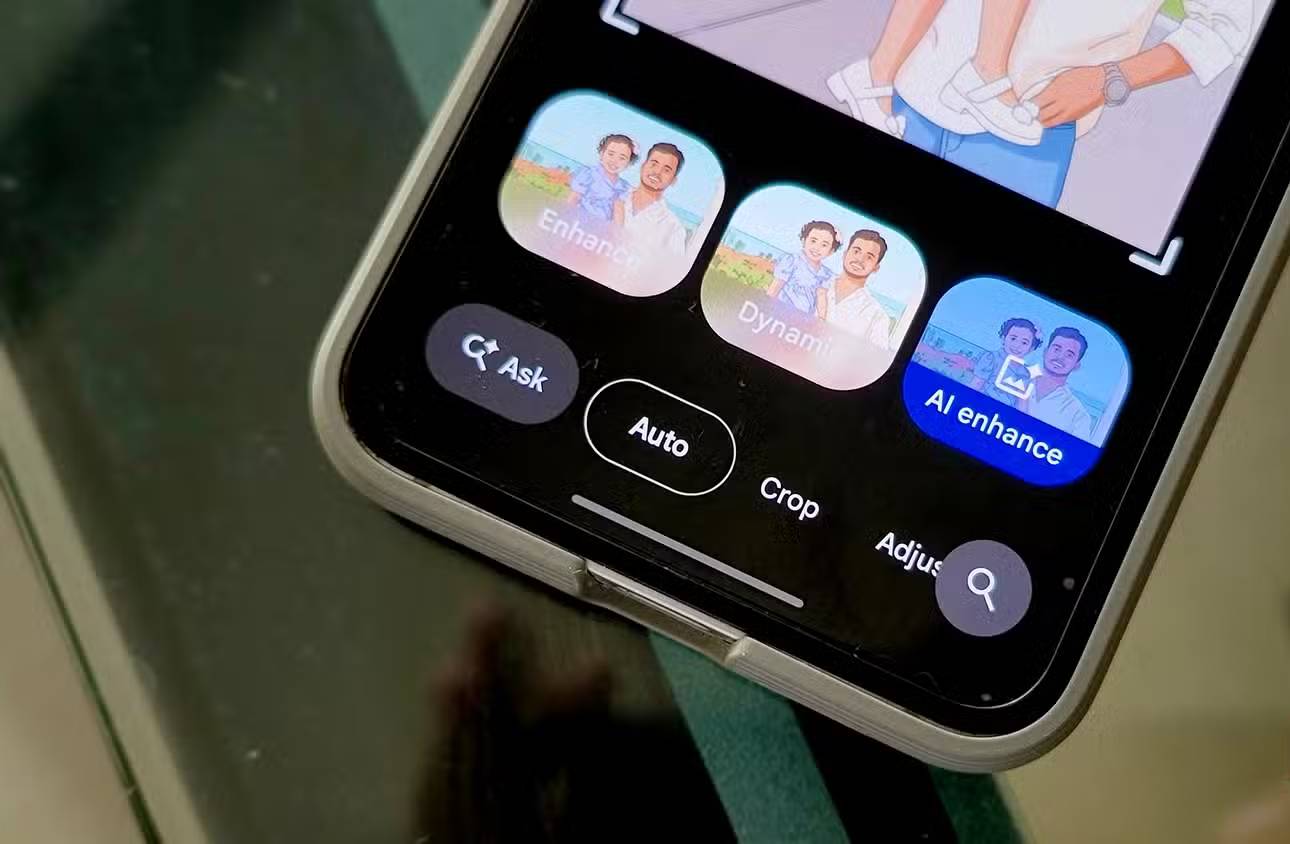
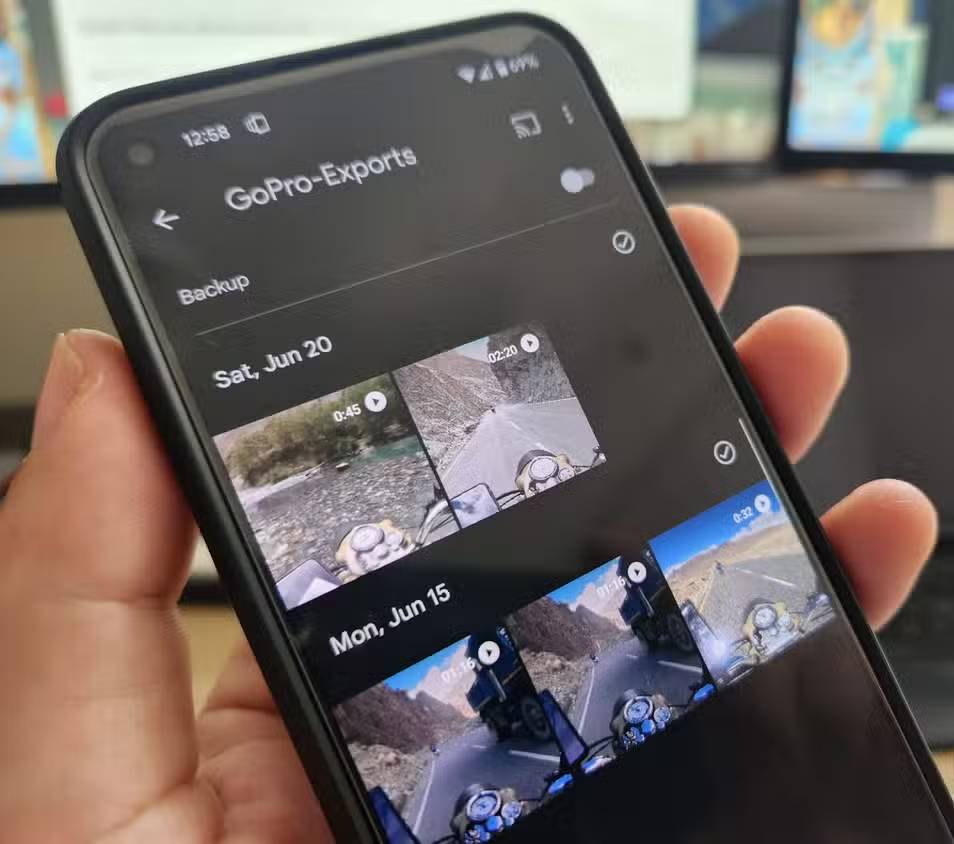
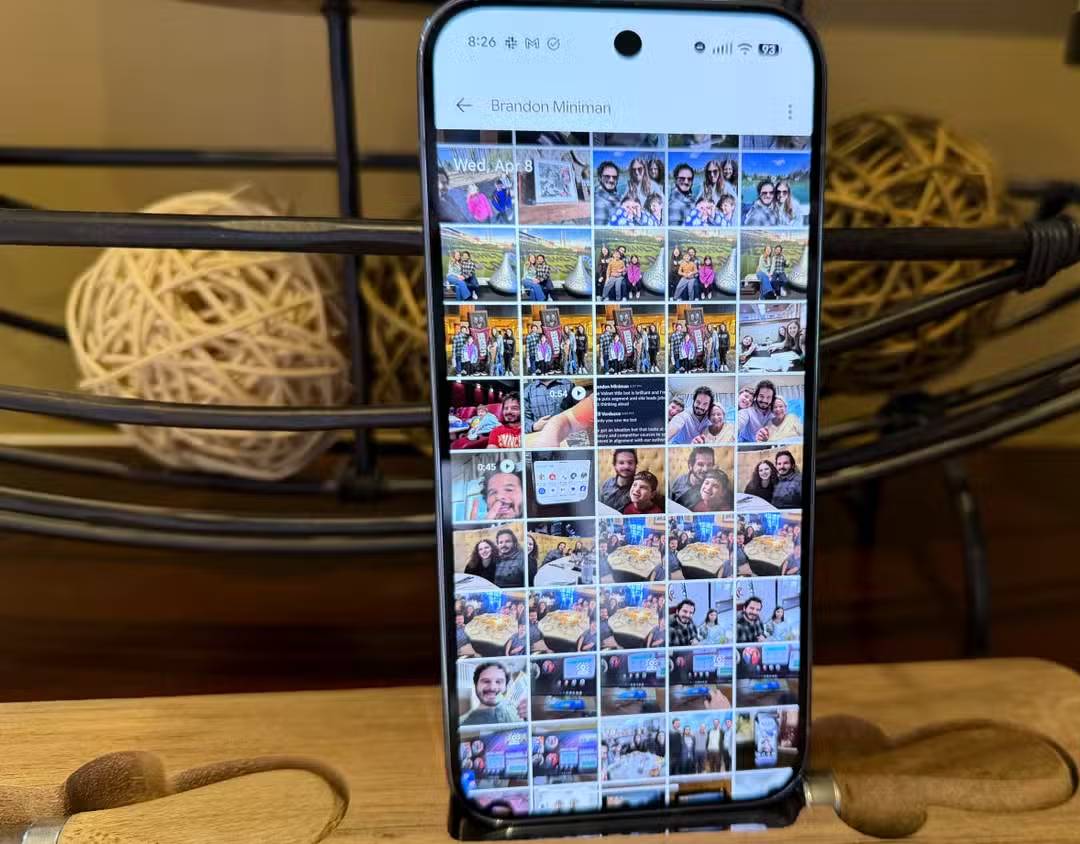

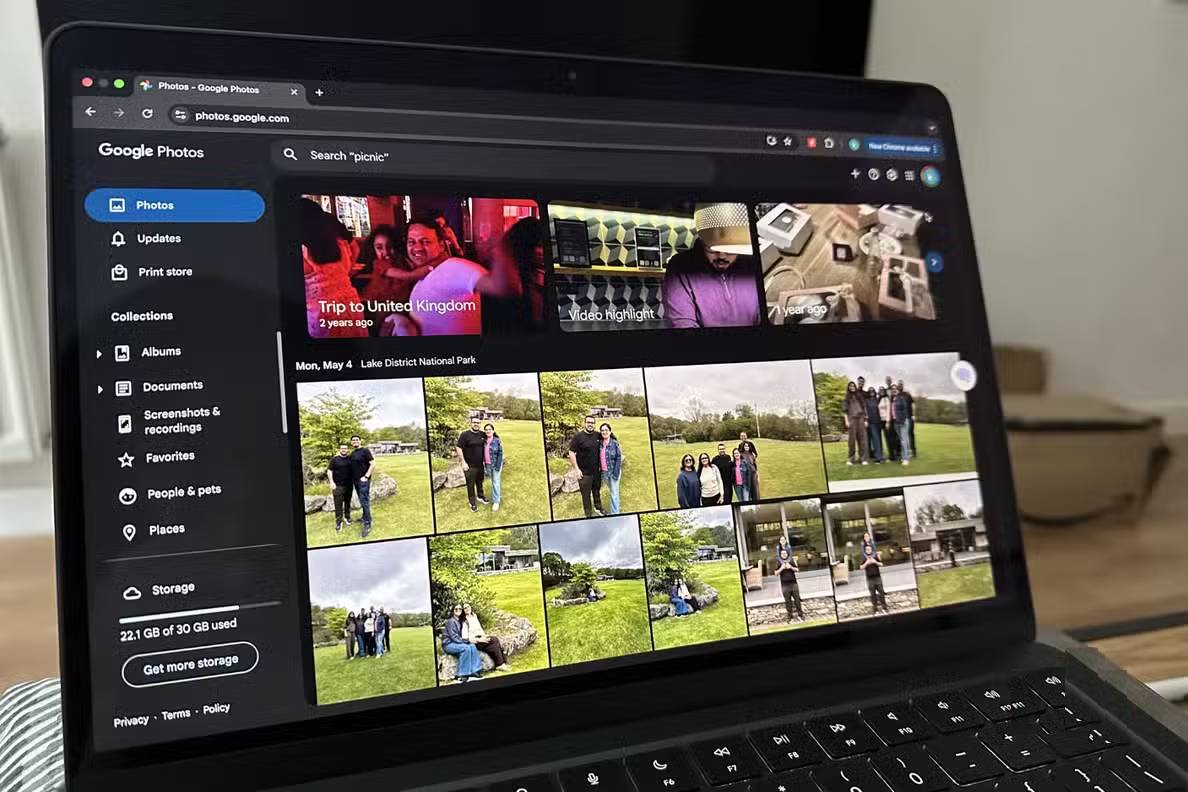
Google Photos stores essentially every memory you've captured over the past decade. Most people also snap photos of important documents — VIN numbers from their first car, IMEI codes for old phones, that sort of thing.
There's so much stuff buried in there that manual searching becomes unbearable. Google Photos relies on machine learning to recognize objects, locations, and faces, while OCR technology reads text within images. Here's the problem: these searches aren't perfect. They occasionally fail or return completely wrong results.
Ask Photos Turns Your Library Into a Search Engine
One Simple Command and Gemini Finds Exactly What You Need
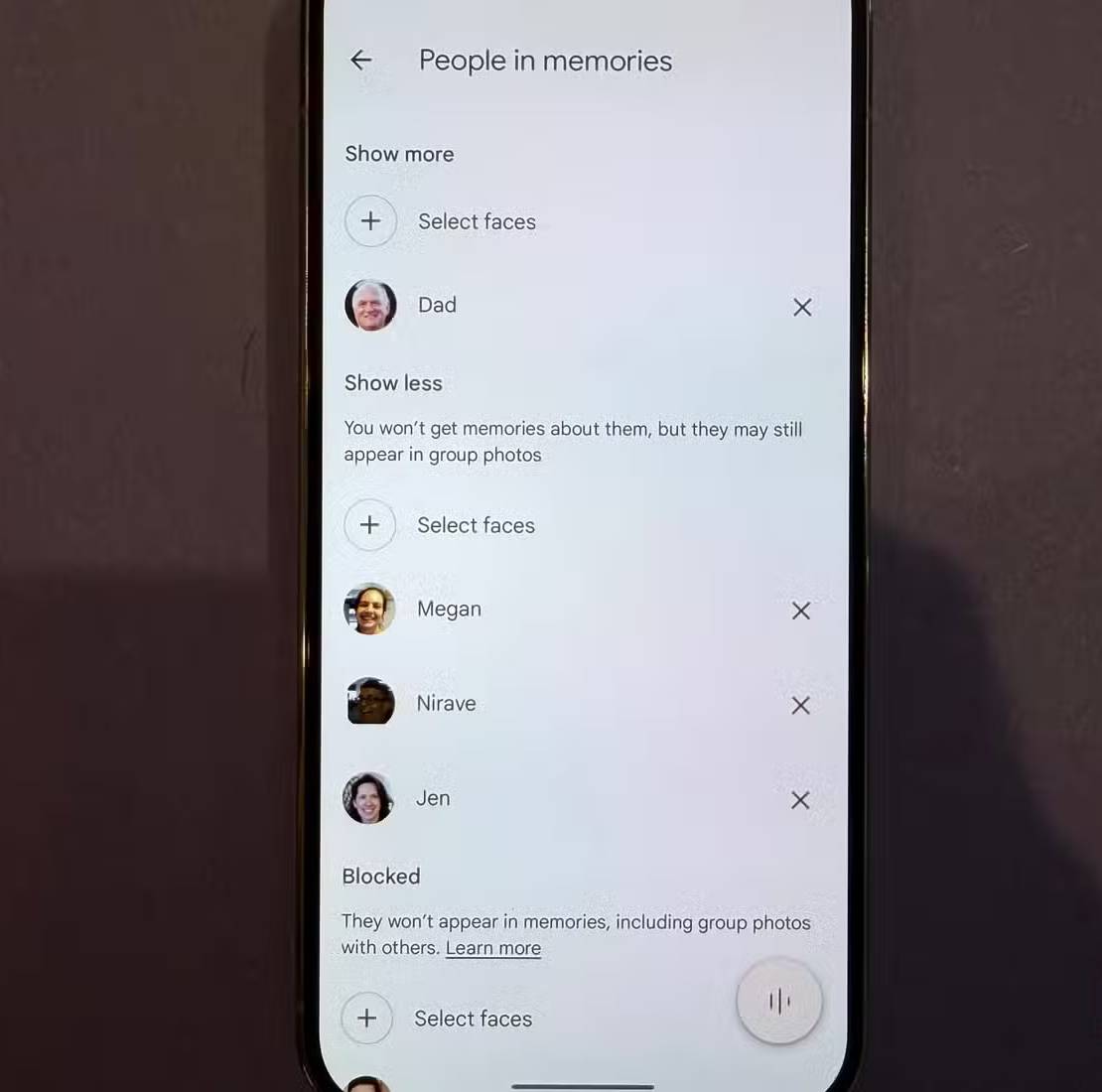
Once you enable Ask Photos in Google Photos, you can query the AI model using natural language to locate a specific photo, no matter how long ago you took it. If you've tagged people in your library, you can also search for photos from specific moments by describing details about the image.
You could ask Gemini to show your first gym photo, then request the most recent one to track your progress — suddenly you have a scientifically organized comparison instead of scrolling randomly through years of photos wondering how hard you've actually worked. It's genuinely useful.
To get better search results, tag specific people in your photo library. Google Photos automatically identifies faces and groups all photos with the same face together, which you can then name. After that, Ask Photos lets you pinpoint exact photos of that person from specific time periods. Or, if it's someone from your past (an ex, for example), you can block them from appearing in your library altogether.
You can also create separate collections of related images, making it super easy to revisit them later.
Important Note: If you just installed Photos, remember that Ask Photos only works with images that Google has backed up. Most Gemini-related features won't function offline.
Gemini Reads the Tiny Details So You Don't Have To
No More Zooming In and Squinting at Your Screen

Here's where things get genuinely clever. Using Ask Photos, Gemini processes your images, reads the content within them, and extracts specific text on your command. It then gives you the answer directly.
You don't have to manually copy text from images anymore. Forget about scrambling to find that password you wrote down in a photo a decade ago but can't quite read because, well, your handwriting was terrible. Gemini handles it.
To test this feature, one editor asked Gemini via Ask Photos to pull up the license plate from their first car — a seventh-generation Civic. They remembered snapping a photo outside their dad's office when selling it in 2023. Gemini successfully extracted the plate number from that exact moment.
Don't Expect Perfect Results Every Time
Ask Photos doesn't guarantee accuracy — it struggles with low-resolution photos or messy handwriting. Don't expect it to decipher homework assignments from a decade ago. The good news? You can refine your prompt if it fails on the first try.
For those worried about feeding private content to an AI: Google clarifies that backed-up photos are protected by "world-class security systems" and they don't sell your content to advertisers. They only use your data to train their Photos model, and here's the really good news — you can opt out of that too.
Description: Discover how Gemini's Ask Photos feature transforms your chaotic photo library into a searchable tool that finds exactly what you need.
Related Articles
- How to Restore a Windows System Using UEFI-Compatible .tib Ghost Files
- 8 Essential YouTube Channels to Stay Current With AI Breakthroughs
- What Is Loop Engineering? Why It Could Become the Most Critical Skill in AI Coding
- How to Enable Your Laptop Webcam on Windows 7, 8, 10, and 11
- Comparing 120+ Open-Source LLMs: The Best Models in 2026

No Comment to " How Gemini's Image Extraction Feature Makes Your Google Photos Library Actually Useful "