NoteGPT AI Detector: Spot Machine-Generated Content Instantly
Wondering if that article was actually written by a human or churned out by ChatGPT? NoteGPT AI Detector is a web-based tool designed to identify machine-generated content by analyzing and evaluating the likelihood that AI created it. You can paste text directly or upload supported file formats for scanning. The tool even extends beyond plain text—it can analyze images too, expanding its usefulness considerably.
So what exactly is NoteGPT AI Detector? What features does it offer, how do you use it, and most importantly, can you trust the results? This guide walks you through everything you need to know.
What Is NoteGPT AI Detector? And What Can It Do?
NoteGPT AI Detector is an online platform that checks whether content was generated by artificial intelligence. It's useful for students, educators, content creators, and anyone regularly working with AI tools. The detector covers multiple content types and brings several standout features to the table:
AI Content Detection
The tool examines text and provides a confidence score on whether it was produced by AI systems like ChatGPT, Gemini, Claude, and similar platforms.
Direct Text Input
Simply paste your content into the tool for instant analysis. NoteGPT currently accepts up to 20,000 characters per submission.
File Upload Support
You can upload PDF, PowerPoint, Word, and TXT files for analysis. The platform accepts files up to 40 MB in size.
Image Analysis
NoteGPT AI Detector supports image uploads in JPG, JPEG, PNG, and WEBP formats for detection purposes.
Multi-AI Detection
The tool claims it can identify content from various popular AI models, giving you multiple data points when evaluating whether something was machine-written.
How to Check AI-Generated Text With NoteGPT AI Detector
Step 1:
Visit the tool using the link below and create an account to get started.
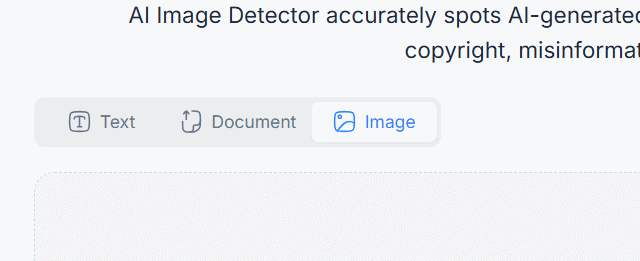
https://notegpt.io/ai-image-detectorYou'll see three upload options for the content you want to analyze: text input, image upload, or direct file upload.
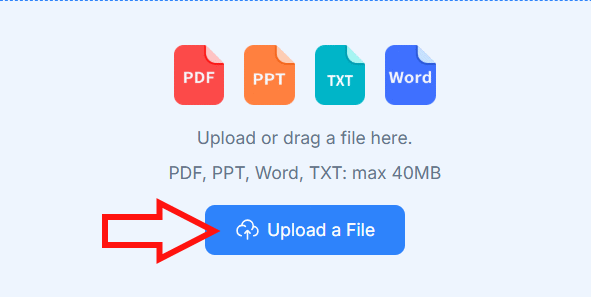
The file upload option supports files up to 40MB, including PDF, PowerPoint, DOCX, and TXT formats.
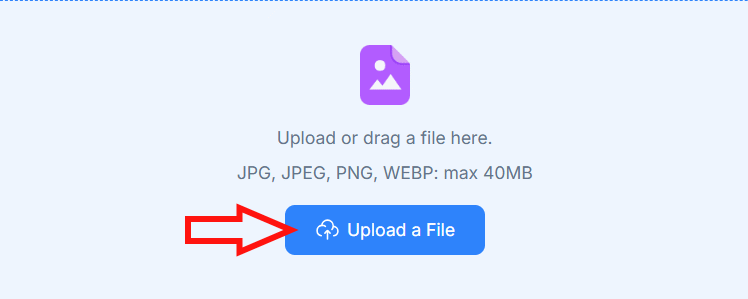
For image uploads, the maximum file size is also 40MB.
Step 2:
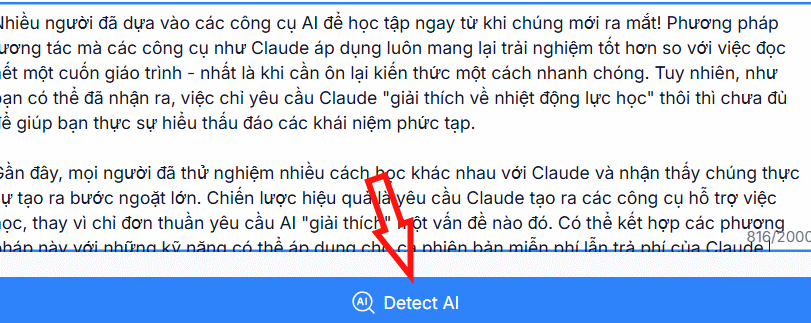
Select your preferred upload method, then click the Detect AI button below to start scanning whether the content was written by an AI system or a human.
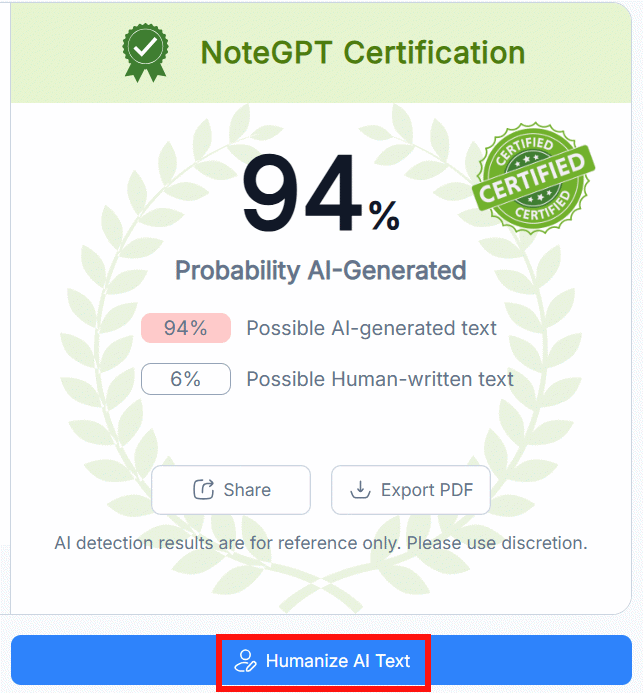
After a brief moment, you'll receive a result showing the percentage likelihood that AI wrote the content. What's interesting here is that NoteGPT bundles in a text rewriting tool—if you want your content to sound more naturally human-written, just hit Humanize AI Text to rewrite it.
Step 3:
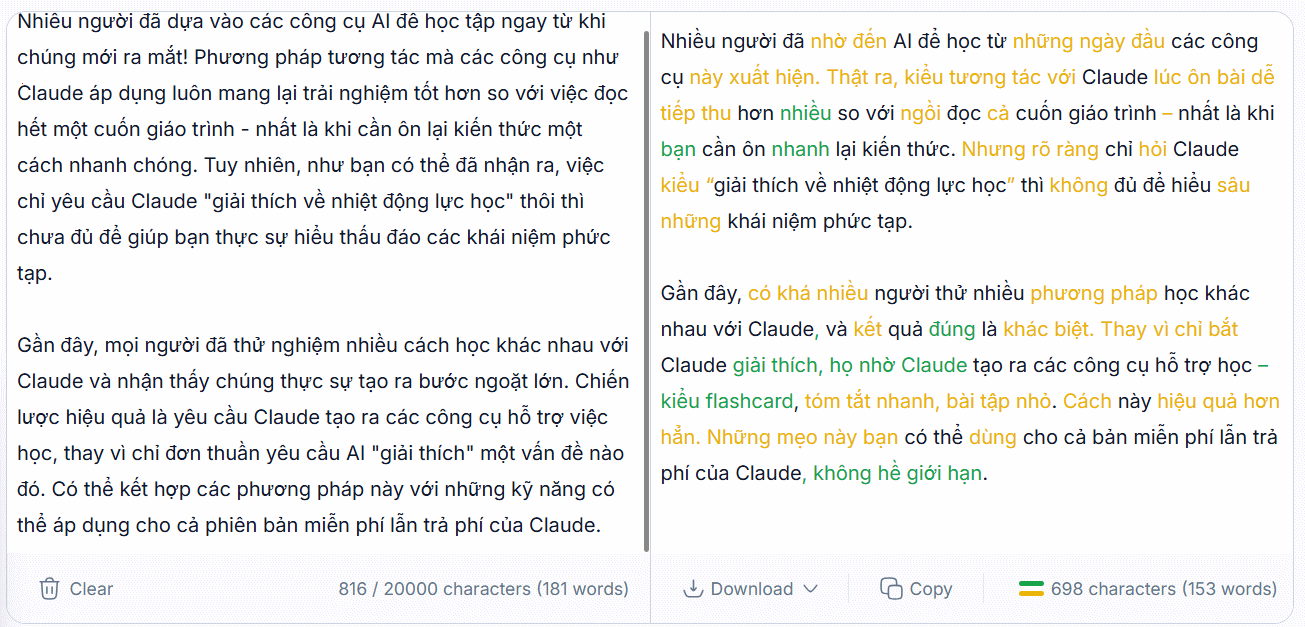
The next screen displays your original text on the left side and the rewritten version on the right. NoteGPT adds natural-sounding word choices and restructures sentences to be clearer and more concise—stripping away that verbose, robotic feel of machine-generated text.
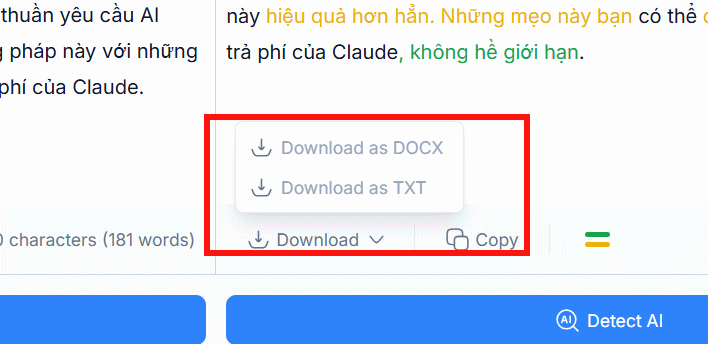
If you want to save the newly rewritten text, hit Download and select your preferred file format.
Important note: The detector results should only be treated as reference information, not as definitive proof that content was AI-generated. The real concern is that no detection tool is 100% reliable.
Strengths and Limitations of NoteGPT AI Detector
Strengths:
- Clean, intuitive interface.
- Works entirely online—no software installation needed.
- Accepts both text and file uploads.
- Includes image analysis capability.
- Straightforward operation with minimal learning curve.
Limitations
- Detection accuracy isn't guaranteed and can produce false positives or negatives.
- Performance varies depending on language and content type.
- Results shouldn't be your sole basis for accusing someone of using AI—consider them one data point among many.
Description: NoteGPT AI Detector identifies AI-written content by analyzing text, images, and documents. Learn how to use it and check its reliability.
Related Articles
- Windows 11 to Automatically Enable BitLocker Encryption on All PCs
- Bkav Unveils BkavGPT: A Vietnamese AI Assistant Tackling Problems OpenAI and Google Haven't Solved
- Getting Gemma 4 Running in VS Code: A Complete Setup Guide
- 7 Factors That Slow Down Your WiFi Speed
- Your Home Wi-Fi Just Became a Health Monitor — Here's How

No Comment to " NoteGPT AI Detector: Spot Machine-Generated Content Instantly "