How to Build Student Information Forms with Gemini and Google Forms

At the start of each school year, teachers need to compile student information into biographical records. Here's what's interesting: AI can now handle this tedious task automatically. With Gemini's help, educators can transform a standard biographical form template into a dynamic Google Form that parents and students can fill out online. The best part? All responses automatically populate into a Google Sheet for easy review and organization.
This workflow streamlines what used to be a manual, time-consuming process. Instead of manually organizing scattered forms and data, everything flows into one central spreadsheet. Let's walk through exactly how to set this up.
Creating a Student Biographical Form with Gemini
Step 1:
Start by preparing your student biographical form template as either a PDF or Word document. Once ready, upload it to Gemini and enter this prompt:
Based on the attached file, create a Google Forms template to collect all the information outlined in the document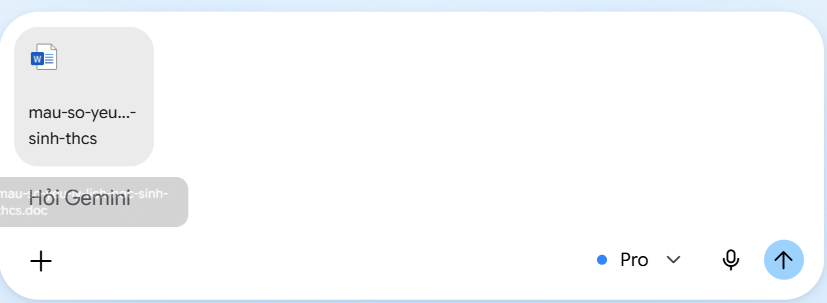
Gemini will extract all the required information fields from your uploaded template. Copy the entire output—you'll need it for the next step.
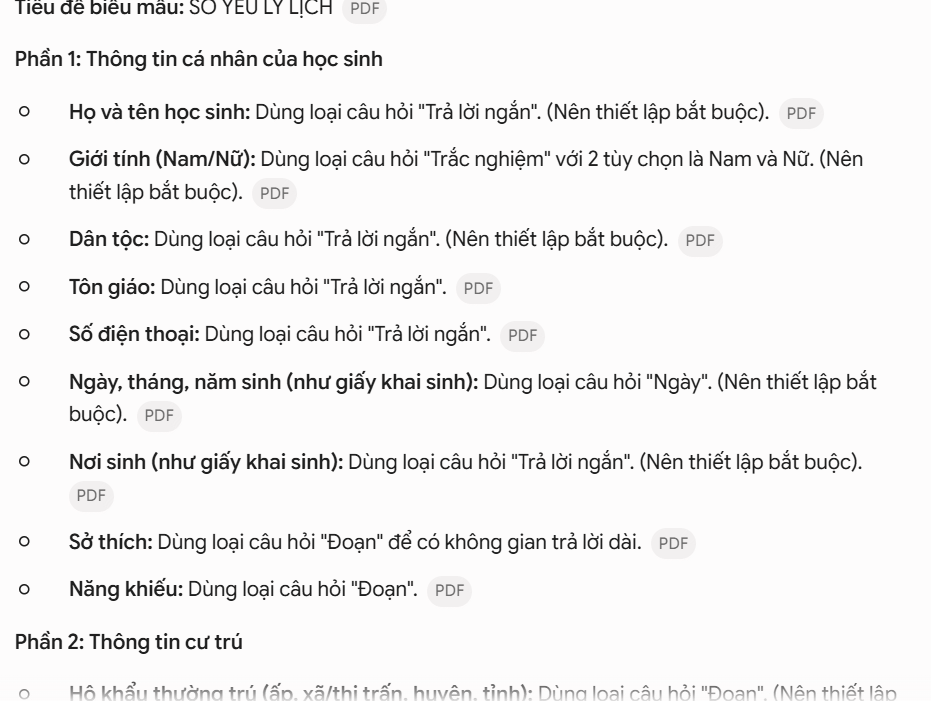
Step 2:
Head over to Google Forms and create a new blank form. In the Gemini prompt box at the top, paste all the content you just extracted. Then add an instruction requesting Vietnamese with proper diacritical marks. Finally, click Create to let Gemini generate the student information form.
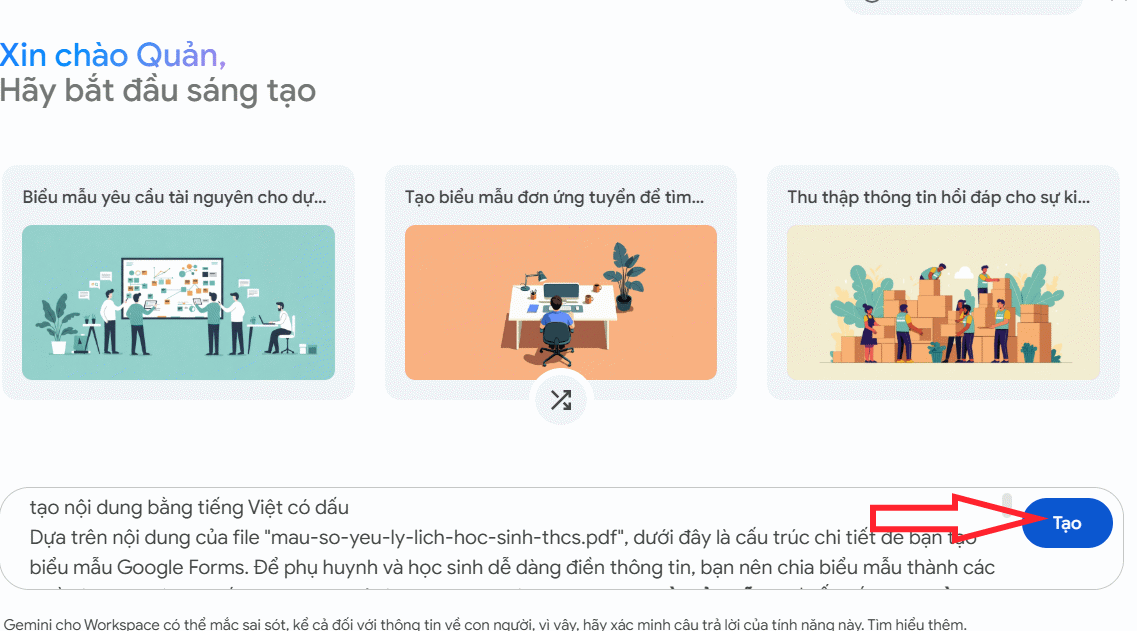
Step 3:
Gemini will display a preview of the biographical data collection form for your review. All fields are based on your original template. When you're satisfied with the layout, click Create Form to finalize it.
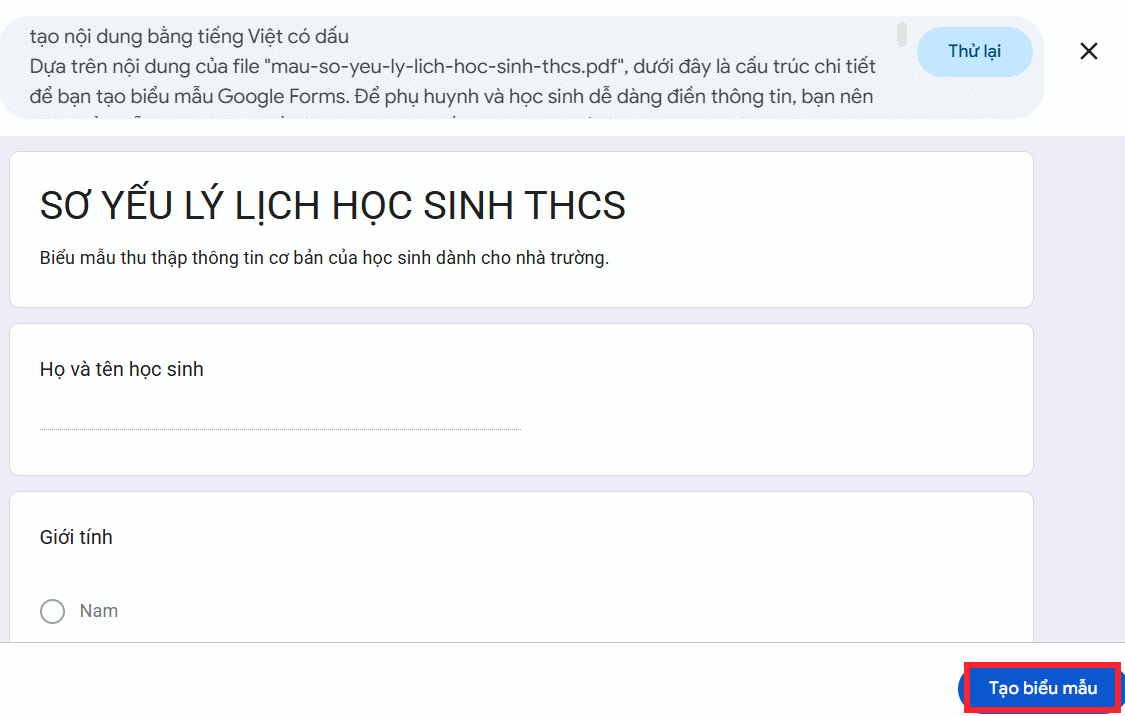
Step 4:
Your completed student biographical information form is now ready to use.
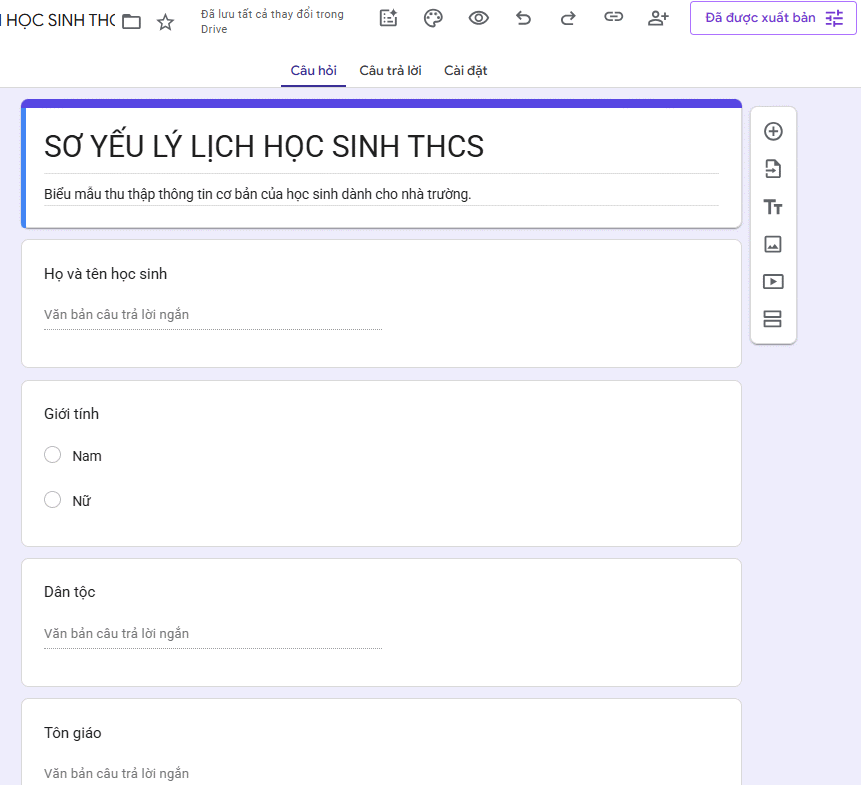
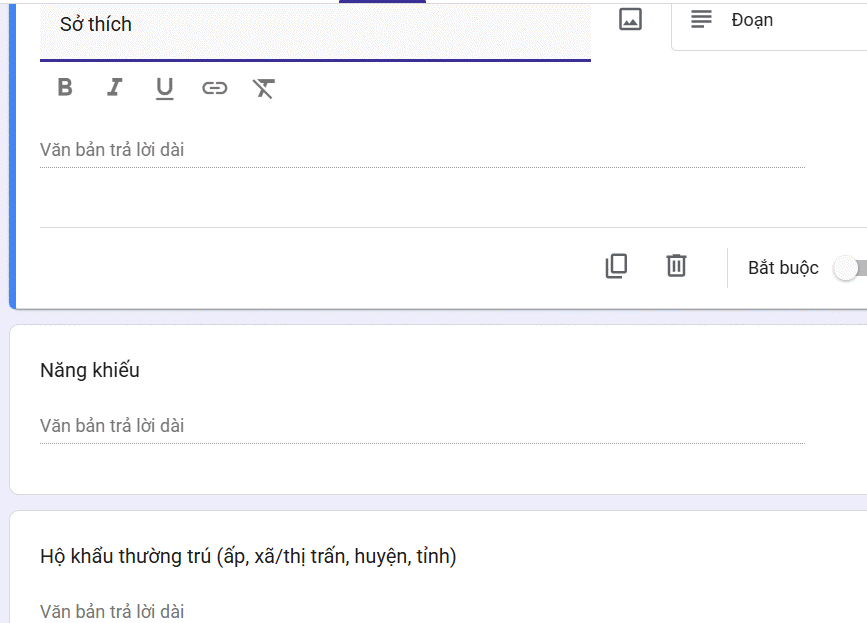
Feel free to customize the form as needed—change question types, delete unnecessary fields, or adjust wording. When you're done, copy the form link and distribute it to parents or students for completion.
Step 5:
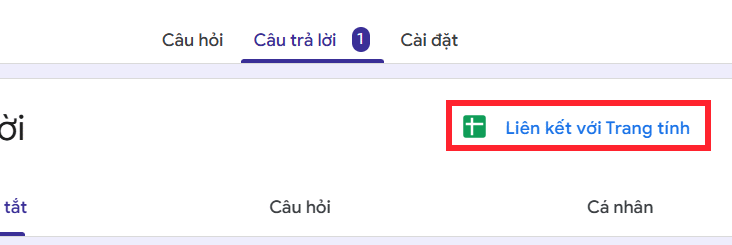
Once responses start coming in, the real value emerges. Simply click "Link to Sheets" to view all submitted data in a comprehensive spreadsheet format—no manual data entry required.
Description: Use Gemini AI to automatically generate Google Forms for collecting student biographical data. Perfect for teachers managing enrollment.
Related Articles
- How to Resize, Move, and Edit Objects in Google Photos Using AI
- 12 Essential Claude Code Settings You Should Enable Right Now
- Everything iPhone Users Need to Know About Apple's New AI-Powered Siri
- 7 Ways AI Can Streamline Your Linux System Administration
- 8 Effective Methods to Monitor Your Hard Drive Health and Catch Problems Early

No Comment to " How to Build Student Information Forms with Gemini and Google Forms "