Turn Long-Form Content Into Organized Notes With NoteGPT

NoteGPT AI Note Taker is an intelligent note-taking tool that transforms lengthy content from videos, audio files, PDFs, images, and text into concise, well-organized summaries. Instead of spending hours consuming content passively, you can leverage AI to automatically process information and extract key takeaways in minutes.
What's interesting here is that the tool goes beyond just saving time. It makes studying, working, and researching significantly easier since you can quickly retrieve important information from processed documents whenever you need it. Below, we'll walk through how to use NoteGPT AI Note Taker to transform your content.
How to Convert Content Into Organized Notes Using NoteGPT AI Note Taker
Step 1:
Visit the NoteGPT tool by clicking the link below, then create an account to get started.
https://notegpt.io/ai-note-takerYou'll see multiple options for uploading your source material to convert into structured notes and summaries.
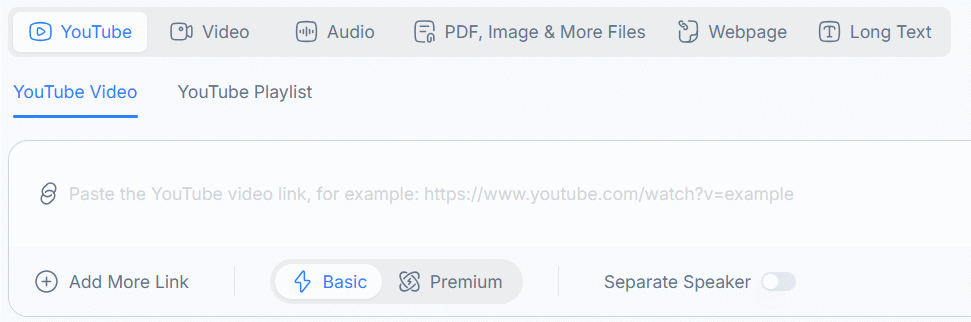
- YouTube Video: paste a YouTube video link.
- YouTube Playlist: paste a YouTube playlist link.
- Audio: upload audio files.
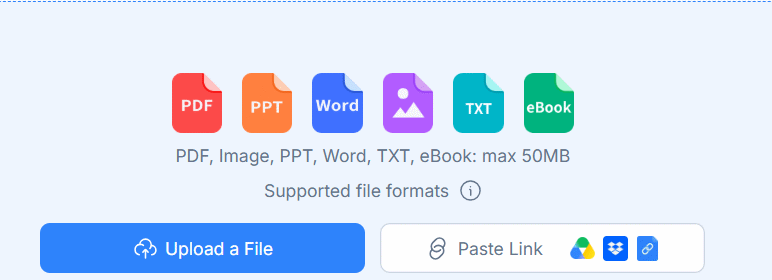
- PDF: upload PDF documents.
- Image & More Files: upload images and other supported file formats.
- Webpage / Long Text: extract content from web pages or paste long-form text.
For video uploads, NoteGPT supports files up to 5 GB and allows up to 20 processing tasks in the queue simultaneously.
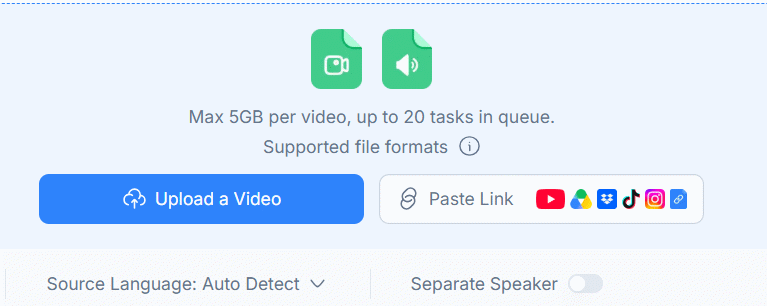
The upload interface adapts based on your chosen content type.
Step 2:
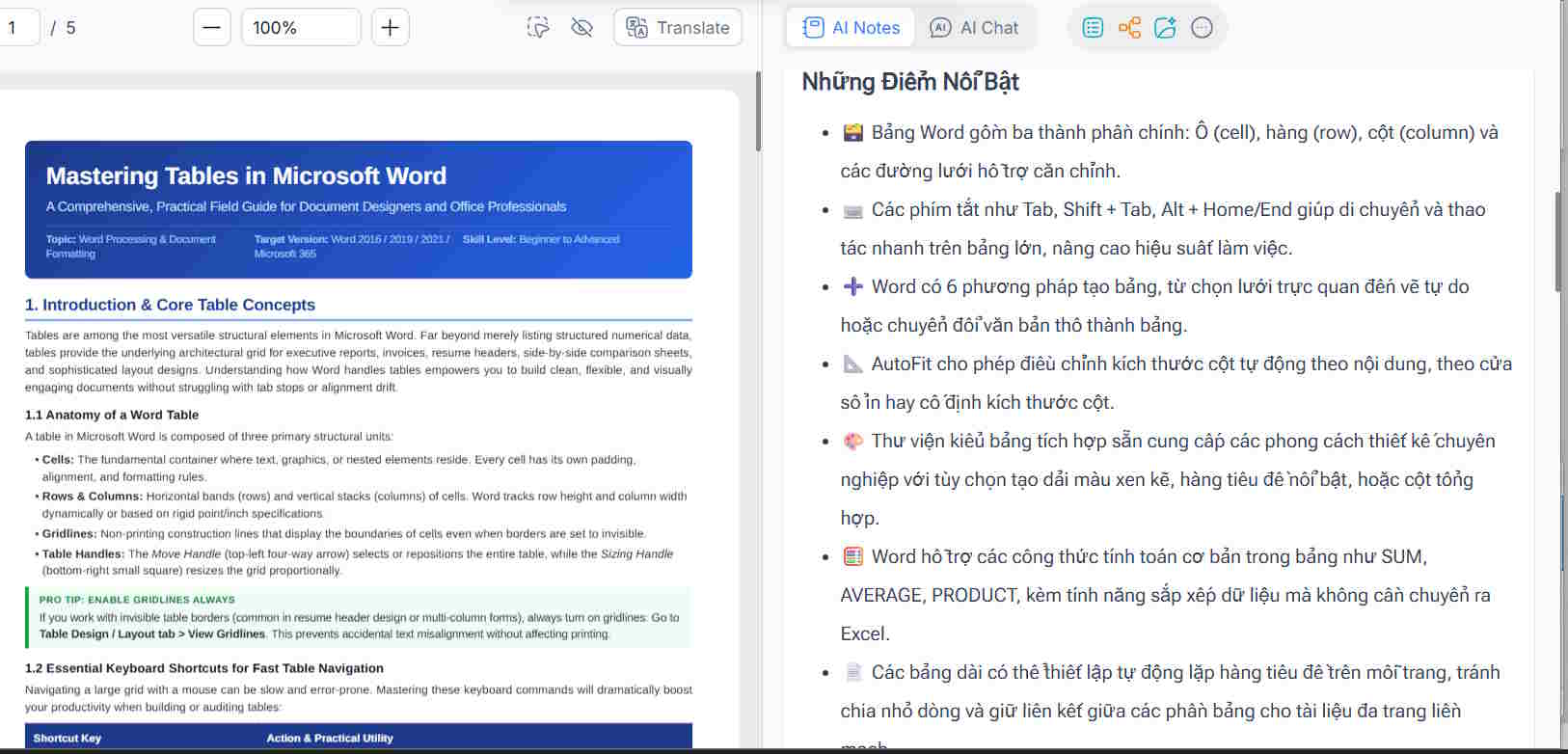
Once you upload your content to NoteGPT AI Note Taker, the tool instantly generates a summary from your original material.
For example, if you upload English-language content, NoteGPT automatically creates a Vietnamese summary so you can better understand the material.
Step 4:
To refine your summary, click the three-dot menu next to the Summarize button at the top of the panel.
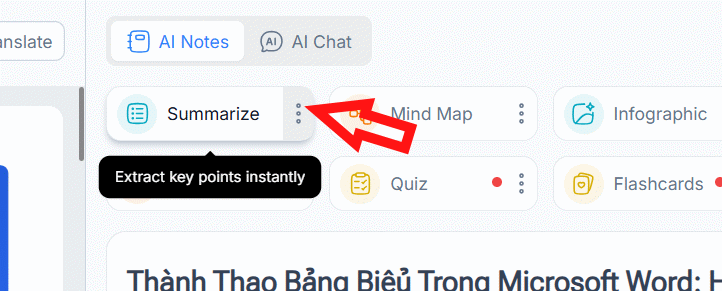
You'll access the summary adjustment panel where you can customize the summary style, language, and AI summarization tool to match your preferences.
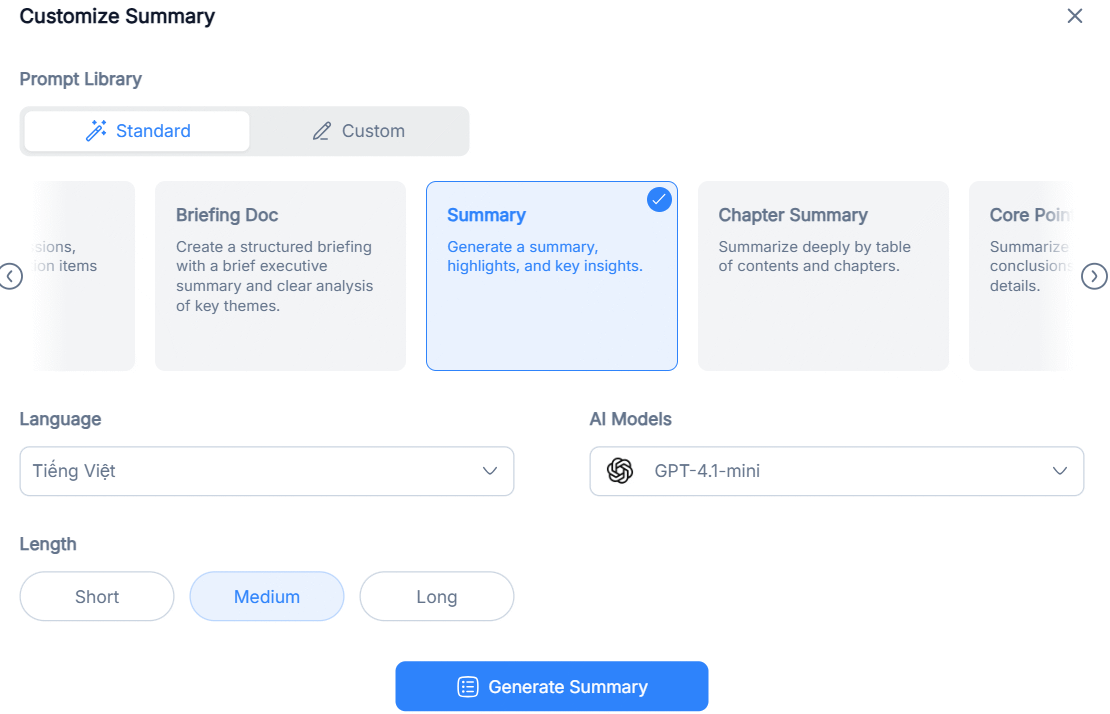
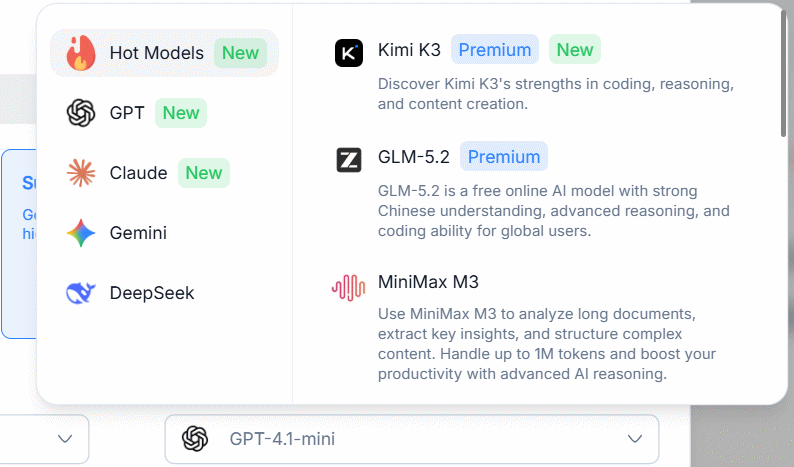
NoteGPT offers quite a few AI-powered summarization tools, and the available options depend on your document type.
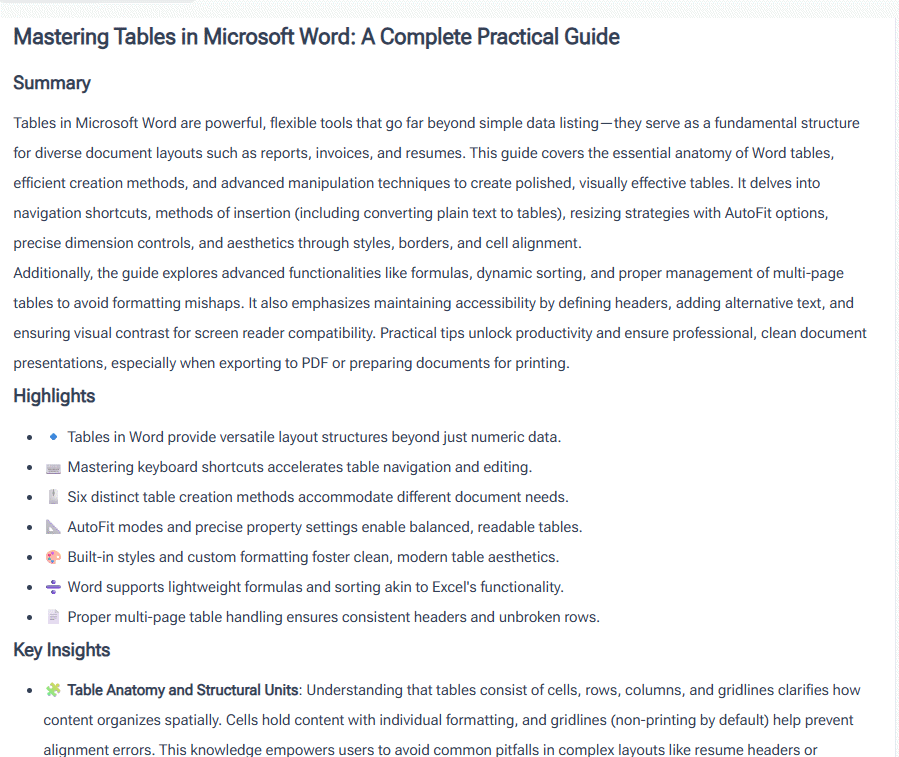
Let's say I generate a new summary in English. NoteGPT creates it at the top, while the Vietnamese version appears below for easy comparison.
Step 5:
Scroll down and click the save icon to download your summary. Alternatively, click the three-dot menu to convert the summary into different content formats.
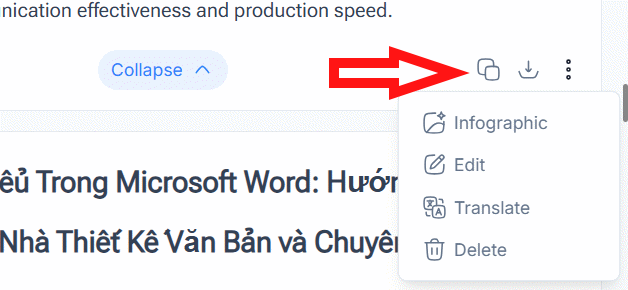
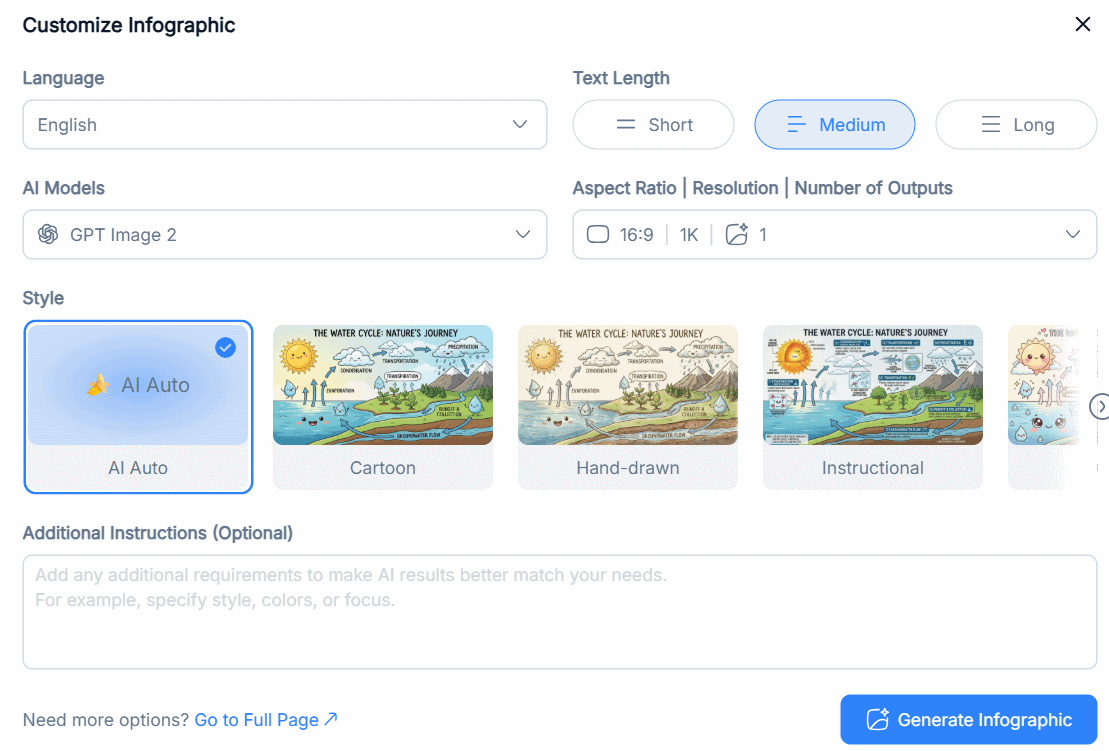
For instance, you can transform it into an infographic with these settings.
Description: Convert videos, audio, PDFs, and text into structured summaries using NoteGPT's AI note-taking tool. Here's how to get started.

No Comment to " Turn Long-Form Content Into Organized Notes With NoteGPT "