Generate Schedule Images with a Single AI Command
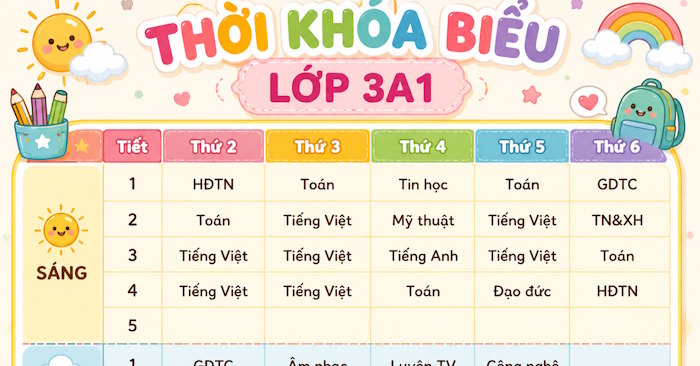
A well-designed schedule does more than just organize your time—it motivates you to build consistent study habits. The challenge? Creating one usually means firing up design software or spending hours with manual editing. Here's what's interesting: ChatGPT can now generate beautiful, ready-to-print schedule images with a single command. Simply describe your preferred style, color scheme, layout, and intended user, and the AI handles the rest. You get a polished, professional design in seconds that you can print immediately or tweak as needed.
This approach democratizes design. You don't need graphic design experience or expensive software. Anyone can now create stunning, professional-grade schedules customized exactly how they want them. Below, we'll walk through the process step by step.
Creating Schedule Images: The Simple Method
Step 1: Prepare Your Prompt
Start by uploading a reference schedule image to ChatGPT. Then enter the command below to generate a specialized prompt that will produce your customized schedule design.
You are an experienced prompt engineer. Write me a prompt that will convert the following schedule into a [style] schedule for [target audience]Step 2: Let ChatGPT Generate Your Prompt
Wait a moment while ChatGPT creates a detailed prompt tailored to your specific style and audience requirements.
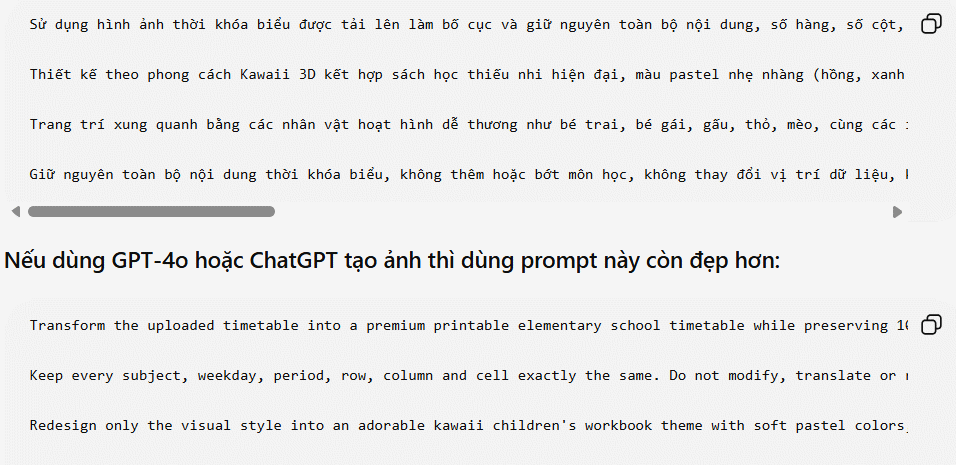
Step 3: Generate Your Schedule Image
Now take that generated prompt and use it to create your actual schedule image.
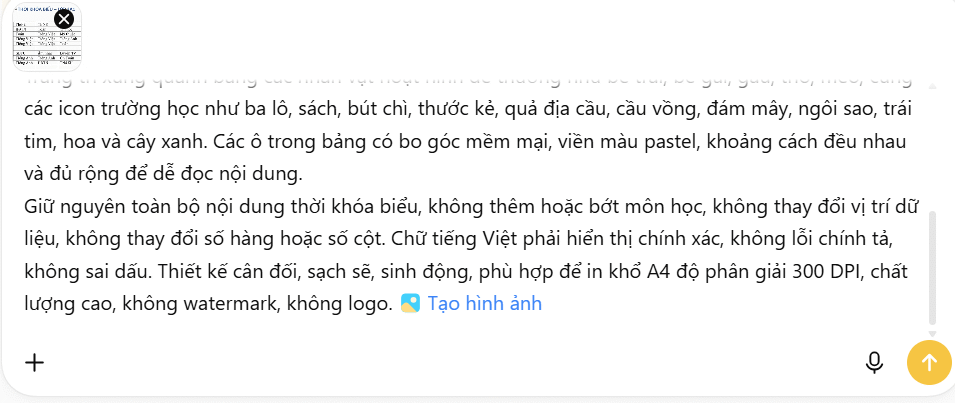
The result? A professionally designed schedule image that matches your exact specifications and style preferences.
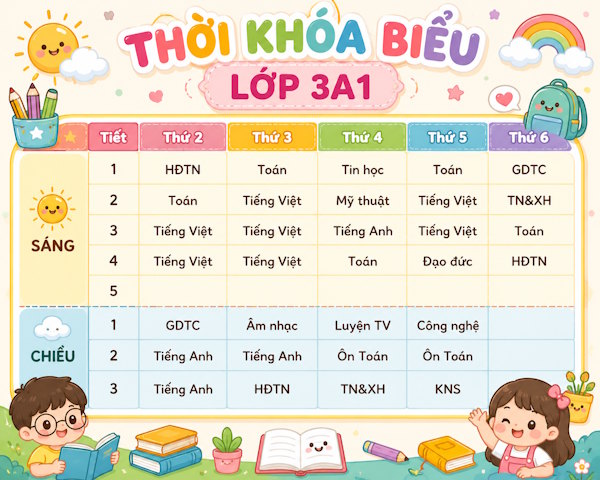
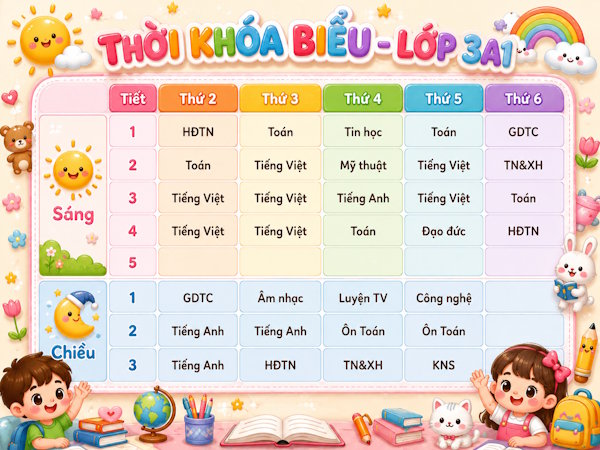
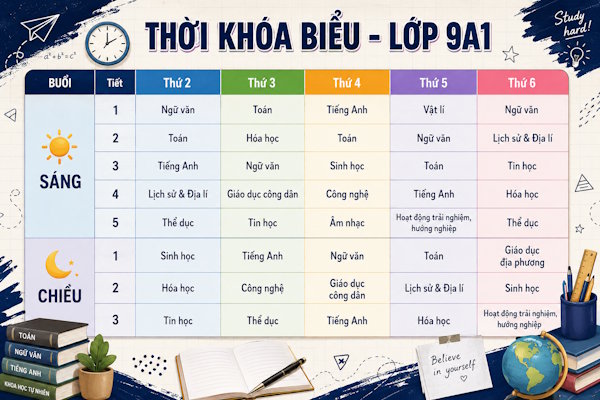
Description: Learn how to create professional-looking schedule images using ChatGPT with just one simple prompt. No design experience needed.
Related Articles
- Where Did the Copilot Button Go? Here's Why It Disappeared from Your Office Apps
- Master Claude Projects: Build Your Personal AI Assistant Space
- Microsoft Copilot vs ChatGPT: Which AI Assistant Should You Actually Use?
- The Best AI Programming Tools You Should Know About in 2024
- Why You Should Downgrade from Copilot and Switch to Claude for Office Work

No Comment to " Generate Schedule Images with a Single AI Command "