LightPDF AI PDF Generator: Create Professional PDFs Using Simple Text Commands
Converting documents to PDF is easy enough — text, images, you name it. But here's the catch: getting a truly professional-looking PDF requires you to first polish the original content, nail the formatting, and ensure everything reads clearly. That's where the tedious part begins. LightPDF AI PDF Generator changes this equation entirely. Simply describe what you want, and the AI generates a fully formatted, presentation-ready PDF in seconds. No design skills needed.
LightPDF AI PDF Generator is an AI-powered tool that creates complete PDF documents based on your text descriptions. Whether you need study guides, business reports, or other documents, you can generate them in PDF format quickly and effortlessly. Here's how to get started.
How to Generate PDFs with AI on LightPDF AI PDF Generator
Step 1: Access the Tool and Configure Settings
Head to the link below and sign up for an account if you don't already have one.
https://lightpdf.com/pdf-generatorOnce you're in, you'll see several configuration options for PDF creation. You can choose whether to include internet references, set document length, and select your language. Note that Vietnamese language support isn't available yet, so you'll need to work in English. These initial settings shape how the AI approaches your document.
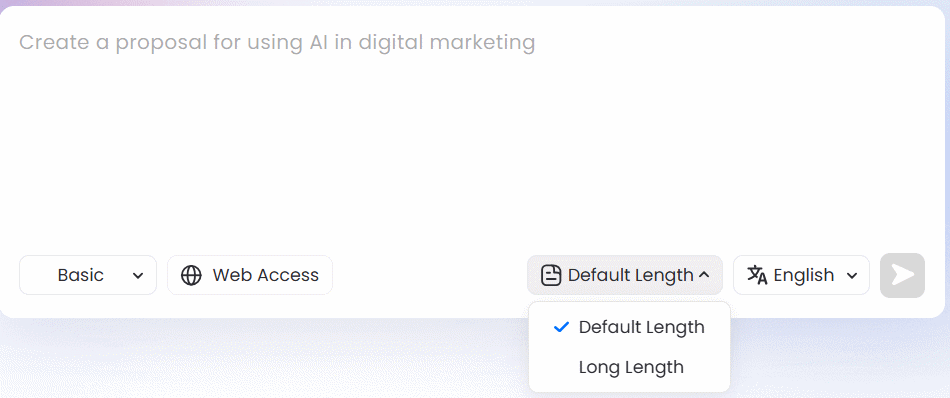
Next, enter your prompt — describe the content, topic, number of pages, and any specific requirements. Here's an example command you can adapt:
Create a 5–7 page PDF guide on how to use Google Flow for beginners. Include an introduction, key features, step-by-step instructions for creating AI videos, how to use image references, and tips for writing effective prompts. Use a modern, professional, and easy-to-read layout with clear headings, bullet points, and relevant visual elements.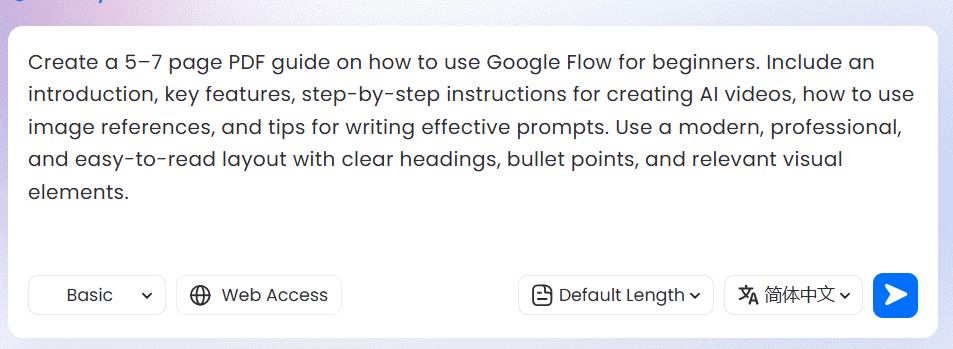
Step 2: Review Your Generated PDF
Within moments, you'll have a complete, professionally formatted PDF. The AI handles sections, color schemes, typography, and layout without any manual tweaking from you.
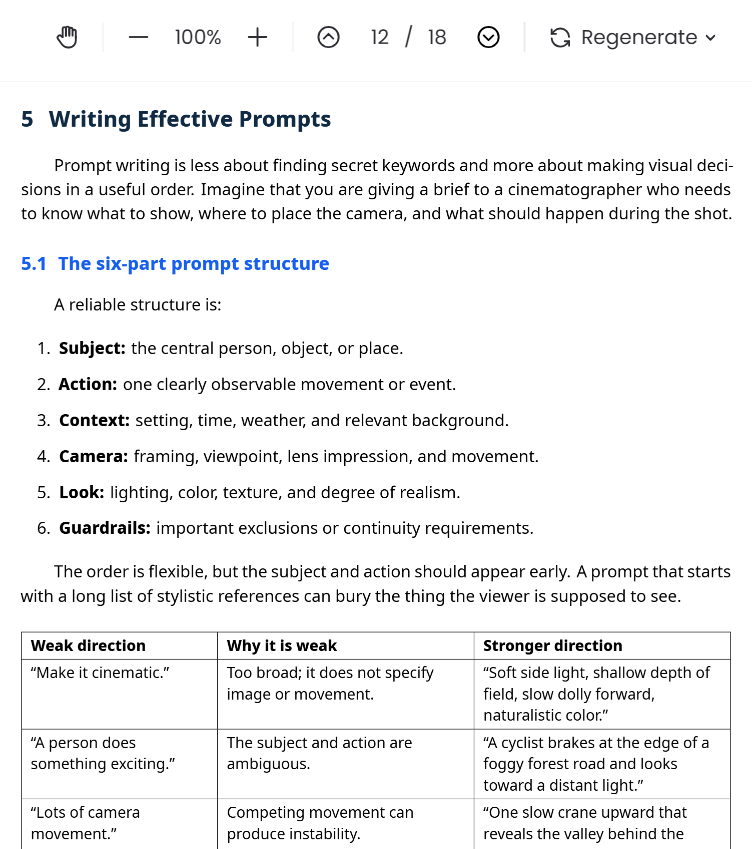
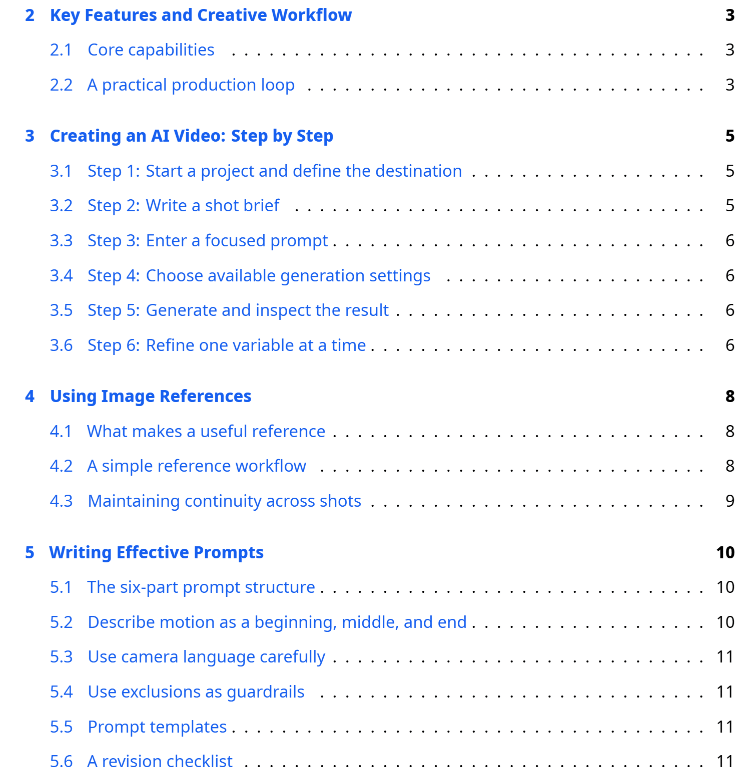
At the top of the document sits a detailed table of contents, organizing sections and page numbers automatically.
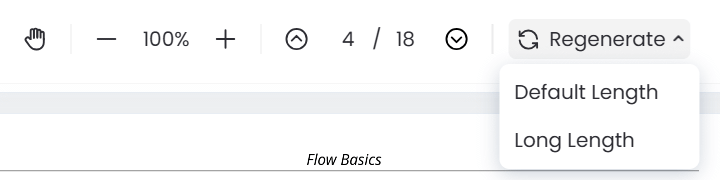
The toolbar at the top includes controls for navigating pages and making adjustments.
Step 3: Share or Download Your PDF
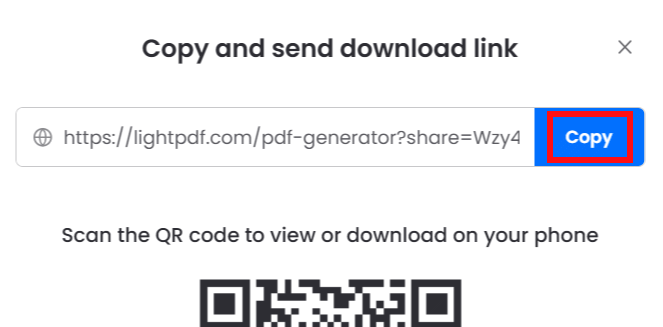
Ready to share? Click the share icon in the toolbar to generate a shareable link for your document.
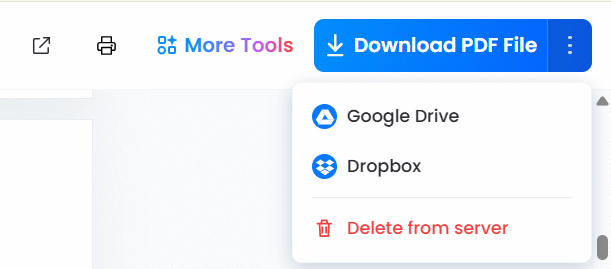
To download your PDF, simply click the Download button. You can also upload it directly to cloud storage services.
Common Questions About LightPDF AI PDF Generator
How does LightPDF AI PDF Generator actually work?
You describe what you need, and the AI takes it from there. It processes your description and automatically handles content organization, layout, and formatting to produce a polished PDF.
What types of documents can you create?
The possibilities are broad: business reports, study materials, CVs, portfolios, project proposals, meeting minutes, and countless other document types.
Is my content secure?
Yes. LightPDF encrypts your content during transmission and storage. The platform won't use your data to train its AI models without explicit permission.
Do I need to configure lots of settings?
Not at all. The tool is intentionally simple — you write your description and let the AI handle everything else. No complex menus or overwhelming options.
Description: Generate polished PDFs instantly with AI. Just describe what you need and LightPDF handles formatting, layout, and design automatically.
Related Articles
- What's That Line Under Your iPhone Battery Icon? Here's Why It Matters
- Your Home Wi-Fi Just Became a Health Monitor — Here's How
- ChromeLoader Malware Spreads Globally, Targeting Both Windows and Mac Users
- Microsoft Finally Delivers True Native Copilot App for Windows 11 With Practical New Features
- Experience the Dinosaur Game in Stunning 3D: Play Google's Classic Offline Game Reimagined

No Comment to " LightPDF AI PDF Generator: Create Professional PDFs Using Simple Text Commands "