How to Create Adam AI Voice for Your Videos for Free
Scroll through TikTok, Facebook, or YouTube for more than a few minutes and you'll inevitably hear the same smooth, distinctive voice narrating videos. That's the Adam AI voice — and it's become ubiquitous across social media platforms. What's interesting here is that this synthetic voice has become so prevalent that audiences now expect to hear it in certain types of content, from educational explainers to trending compilations.
The Adam voice works so well because it sounds natural, adapts to virtually any content type, and lends an instant air of professionalism to your videos. Beyond that, it genuinely captures viewer attention. Thankfully, several free text-to-speech tools let you generate Adam voiceovers in minutes without spending a dime. Below, we'll walk you through the entire process of creating Adam voice narration completely free.
Creating Adam Voiceovers for Free Using vclip
Step 1:
Head to the link below and create your personal account:
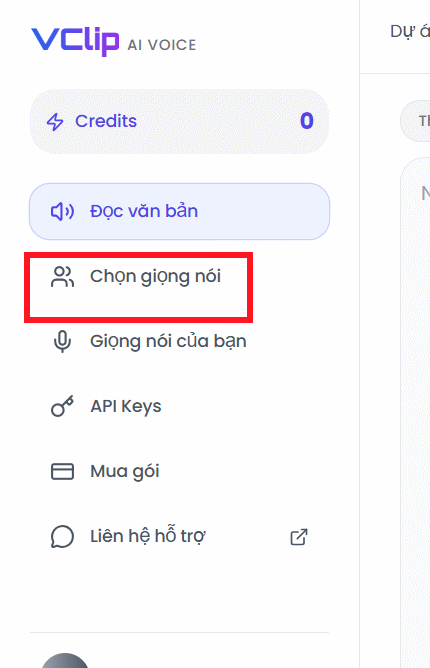
https://tts.vclip.io/loginOnce logged in, you'll see the main interface. Look for the Voice Selection option in the left-hand menu.
Step 2:
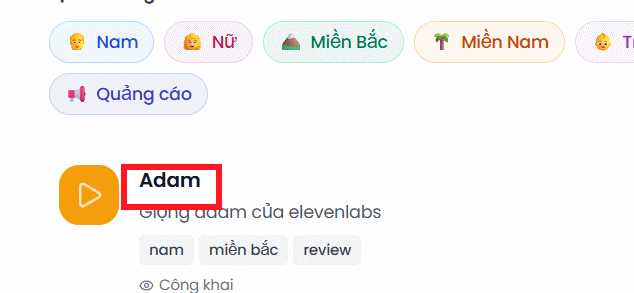
Shift your attention to the right side of the screen. You'll find a list of available voices. Click on the Adam voice option.
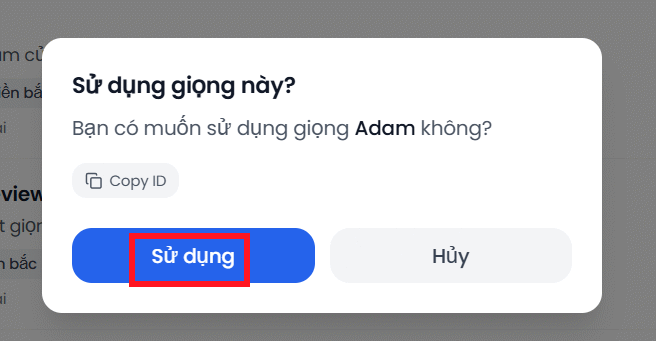
A confirmation dialog will appear asking if you want to use this voice. Click Apply to confirm your selection.
Step 3:
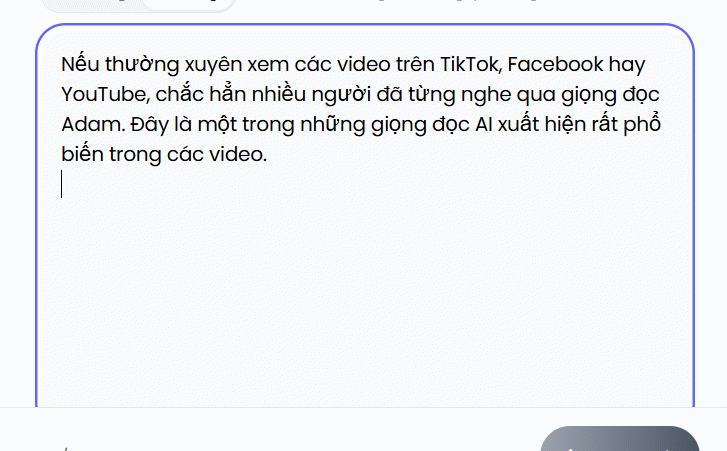
A text input field will appear. Paste your script or text content here as you normally would.
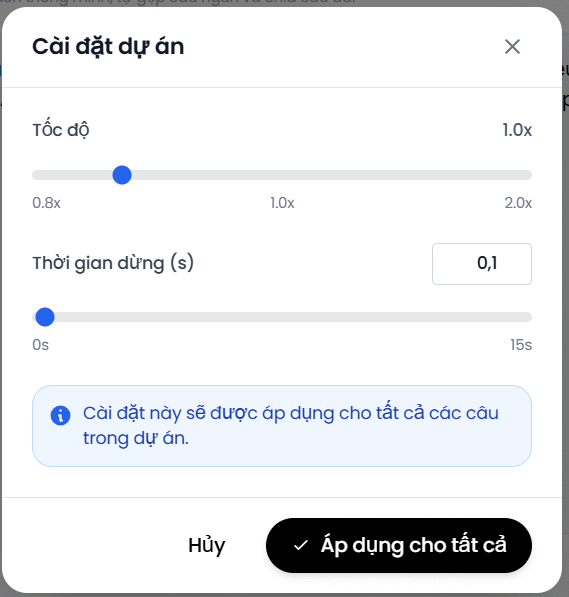
To the side, you'll see additional controls for fine-tuning your voiceover. Here you can adjust speech speed and add pauses between sections if needed.
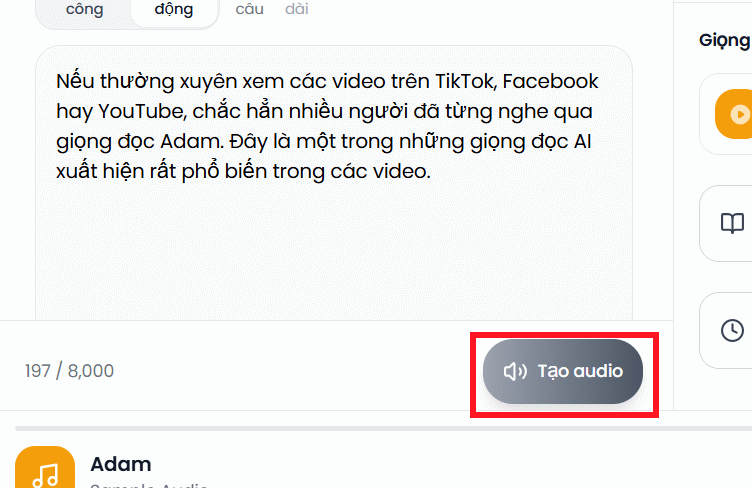
When you're satisfied, click the Generate Audio button to process your voiceover.
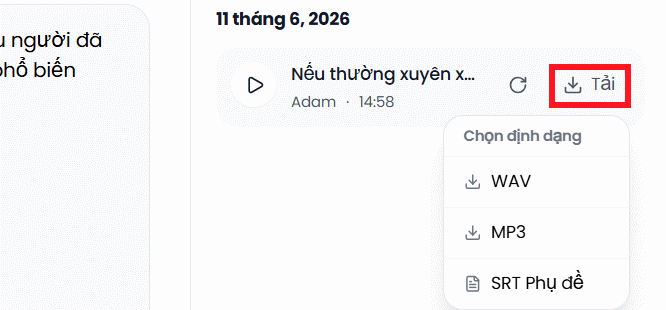
Within seconds, your Adam voiceover will be ready. Click Download, then select your preferred audio format from the dropdown menu to save the file to your computer.
Here's a sample of the Adam voice generated via vclip.io — exactly what you'll hear in countless videos across the internet today.
Description: Learn how to generate professional Adam AI voiceovers for your TikTok, YouTube, and Facebook videos using vclip.io's free text-to-speech tool.

No Comment to " How to Create Adam AI Voice for Your Videos for Free "