What Is Google Opal? The No-Code AI App Builder Changing the Game
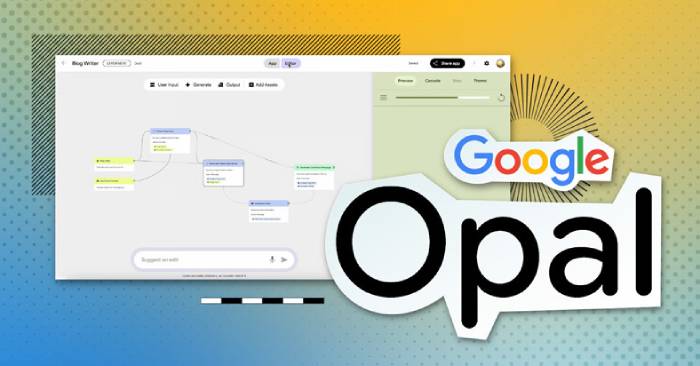
Google Labs has quietly been cooking up some of the most interesting AI experiments out there. The thing is, most of them fly under the radar. Once you strip away the pressure to replace existing products or engineer the next "revolutionary" service, something interesting happens: smaller projects become way more practical because they actually solve real user problems. NotebookLM is the perfect example of this—it stayed under the radar for ages before exploding in popularity. After spending time with Google Opal, many are convinced it'll follow the same trajectory.
Consider the landscape of AI coding assistants like Cursor and Claude Code. They've been around for a while now. But Google Opal appears to tackle something genuinely different—specifically for people who never wanted to become programmers in the first place. Most AI coding tools assume users already understand file systems, dependencies, APIs, and debugging workflows. Opal flips the script entirely. It invites users to build and deploy applications "without looking at a single line of code."
What Exactly Is Google Opal?
Opal is an image and prompt-based AI prototyping tool. Think of it as a no-code, drag-and-drop way to transform ideas into real, shareable applications powered by AI. It works by letting you combine AI model calls, prompts, and tools into functional workflows.
Whether you're trying to:
- Prototype a new AI-driven product
- Build an internal productivity app
- Demo a working proof of concept
- Or just experiment with generative AI
Opal makes it fast and straightforward.
The Core Features of Opal
Google Labs has rolled out a powerful new experimental platform designed to simplify AI app creation. The platform removes the typical barriers to entry, allowing anyone—from seasoned developers to complete beginners—to describe, build, and share small AI applications using natural language and visual workflows.
This approach opens doors for:
- Designers who can prototype ideas visually
- Product managers who can demonstrate concepts without waiting for engineering resources
- Educators who want to teach AI workflows
- Creators who can bring AI tools to life overnight
Describe, No Code Required
With Opal, you describe your app logic in plain English. The tool converts those instructions into a visual, editable workflow. Zero programming expertise needed.
Build Workflows Visually
Workflows define how your app works, step by step. Opal lets you connect prompts, models, and tools together visually. Create multi-step flows that mirror real application logic just by describing what you want.
Edit with Ease
Need to tweak a prompt? Add a feature? Connect to another tool? Use Opal's visual editor or simple natural language commands to update your app seamlessly. You maintain full control over the logic without hitting technical complexity walls.
Share Instantly
Once your app is ready, share it immediately with others, who can then use it with their own Google accounts. This is how you distribute AI-powered tools for feedback, testing, or real-world use without any friction.
How Google Opal Actually Works
Opal makes turning ideas into small, AI-backed applications accessible to everyone—no programming required. To get you started, Opal includes a library of demo templates. These pre-built AI apps can be used as-is or completely customized to fit your specific needs. Whether you're a creator, innovator, or problem-solver, Opal helps you build interactive tools just by describing what you want. With natural language and visual editing, you can transform basic prompts into full-featured applications in minutes.
1. Explore the Demo Library
Browse Opal's demo library to discover starter templates designed for different tasks and workflows.
2. Pick a Template
Select any pre-built AI app to use immediately or customize however you like.
3. Edit and Customize
Modify inputs, prompts, and steps using natural language or the visual editor to match your specific use case—no programming required.
4. Describe Your Workflow
Simply explain what you want your app to do. Opal converts your description into a working visual workflow.
5. Share and Iterate
Once ready, share your app with others through your Google account and keep improving based on feedback.
What Opal Does That Cursor and Claude Code Can't: App Building Without Writing Code
Opal Removes the Biggest Barrier to App Development
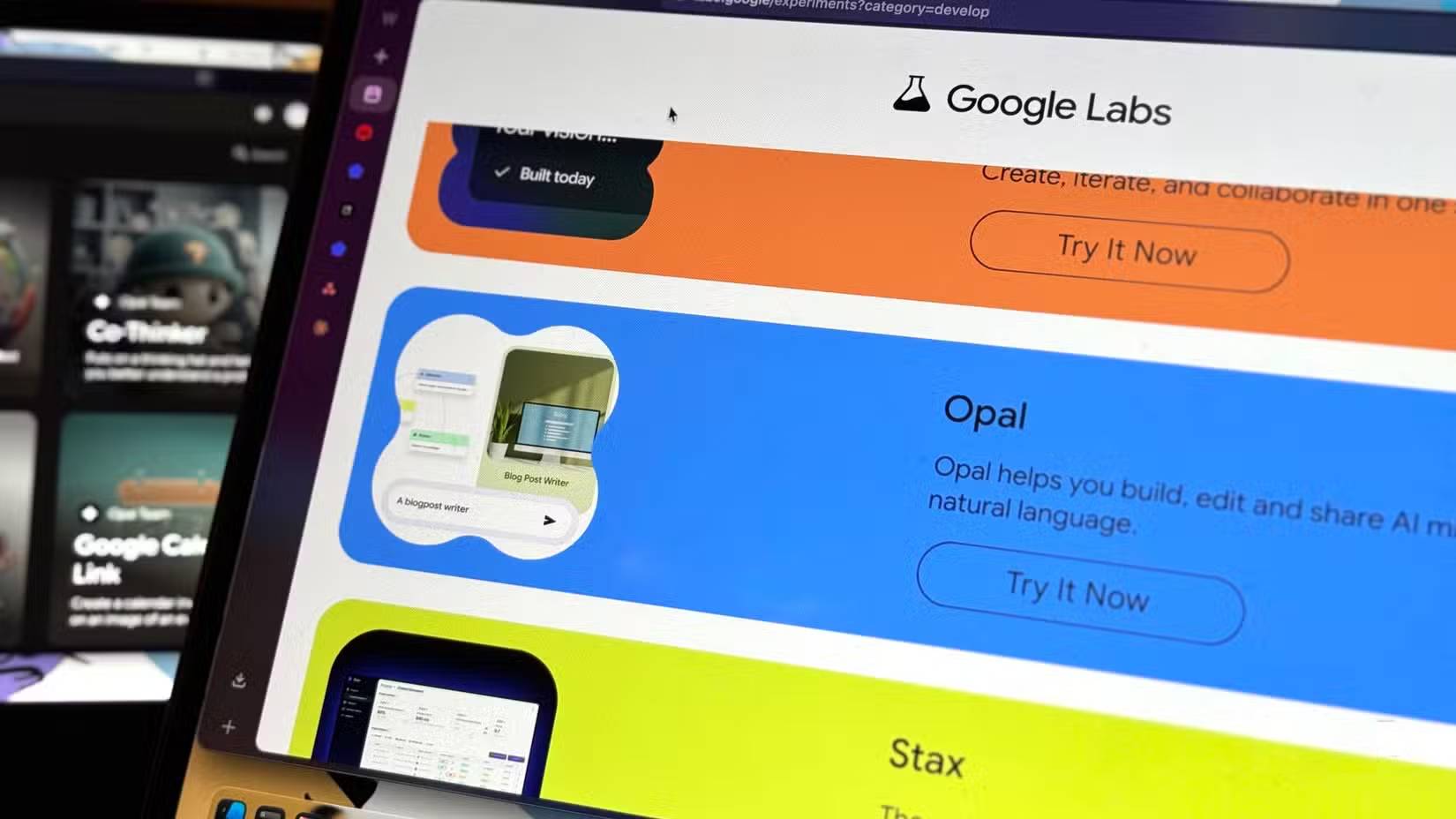
AI-powered coding tools have made serious progress over the past two years. The rise of "vibe-coding" is proof. Cursor and Claude Code—two of the biggest names in this space—have dramatically lowered the barrier to entry for software development by helping users write code, debug, and ship ideas faster than ever before. Add in the emergence of local-running and open-source models, and you've got serious momentum behind this movement.
Here's the catch: tools like Cursor and Claude Code assume you already have a baseline level of technical knowledge. They tend to augment experienced developers' workflows rather than completely replace the need for expertise. Even after code is written, users still have to manage dependencies, understand project structure, configure APIs, troubleshoot issues, and figure out where to deploy the whole thing.
That's where Google Opal saw an opening. Instead of assuming users understand software programming languages, Opal delivers a completely reimagined app-building experience rooted in natural language—stripping away most of the complexity in the process. This is the kind of tool you'd actually feel comfortable introducing to people who don't work in tech. Think educators building classroom utilities, doctors optimizing clinical workflows, researchers organizing information or sampling data, or students wanting to prototype an idea they've been mulling over.
Opal Could Empower Non-Programmers in Meaningful Ways
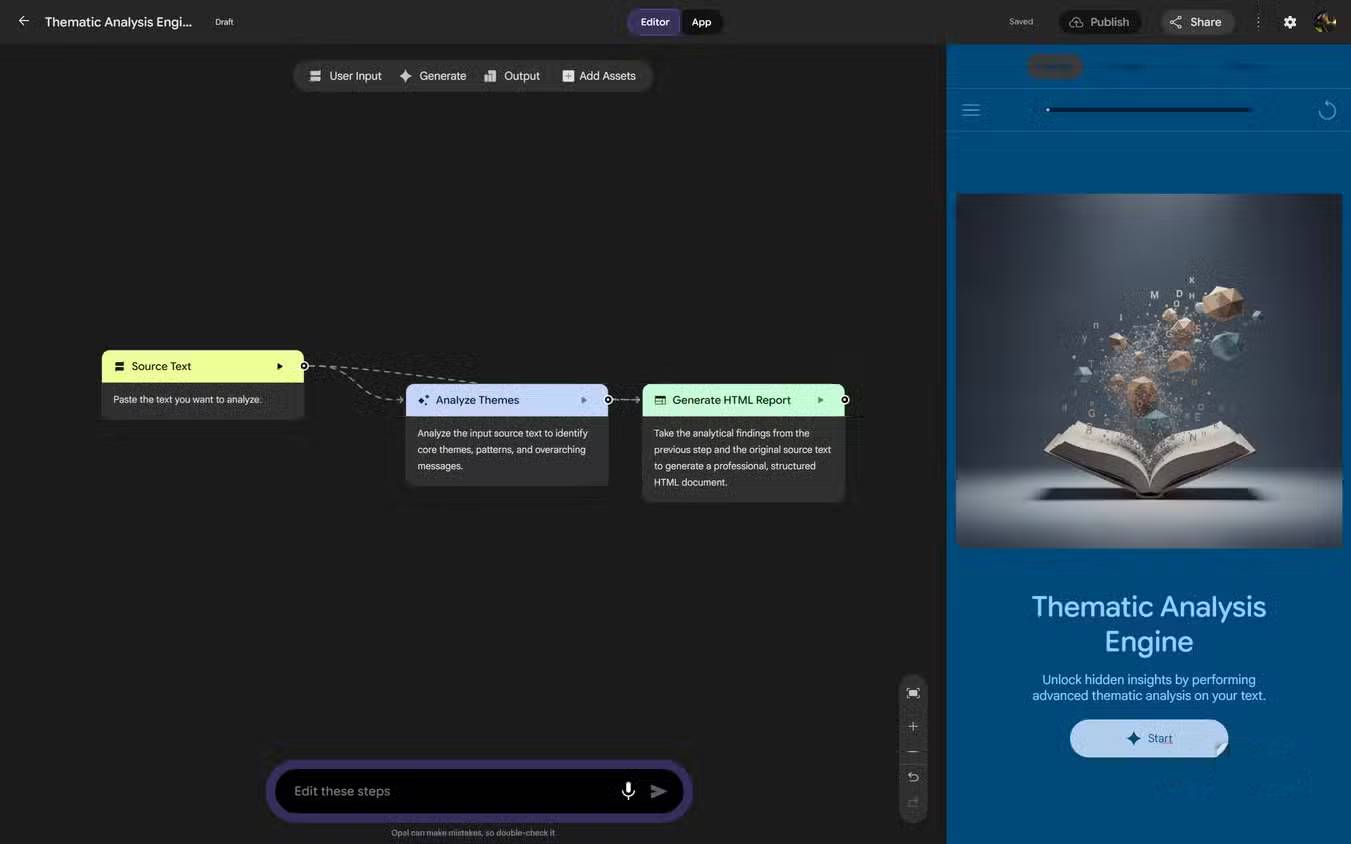
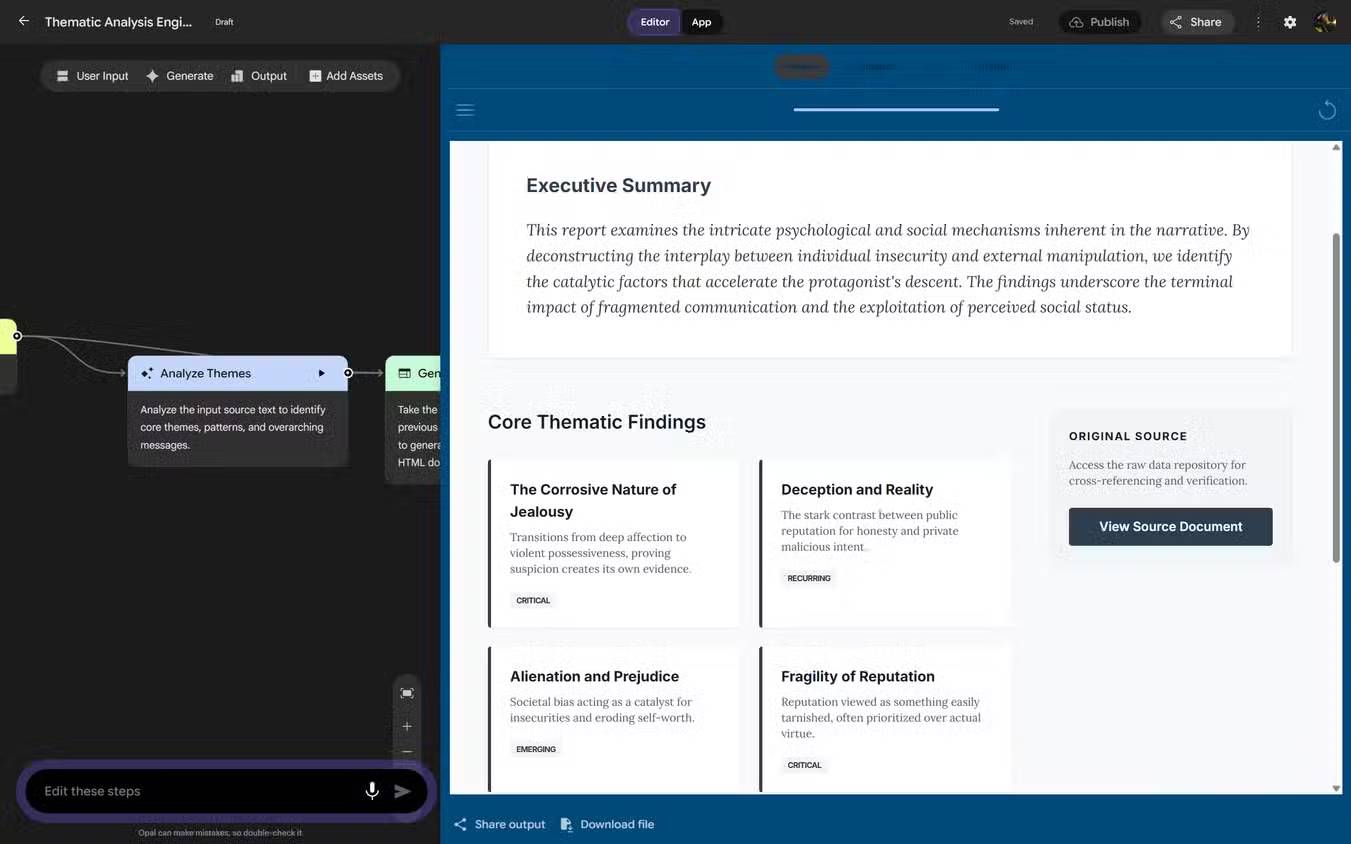
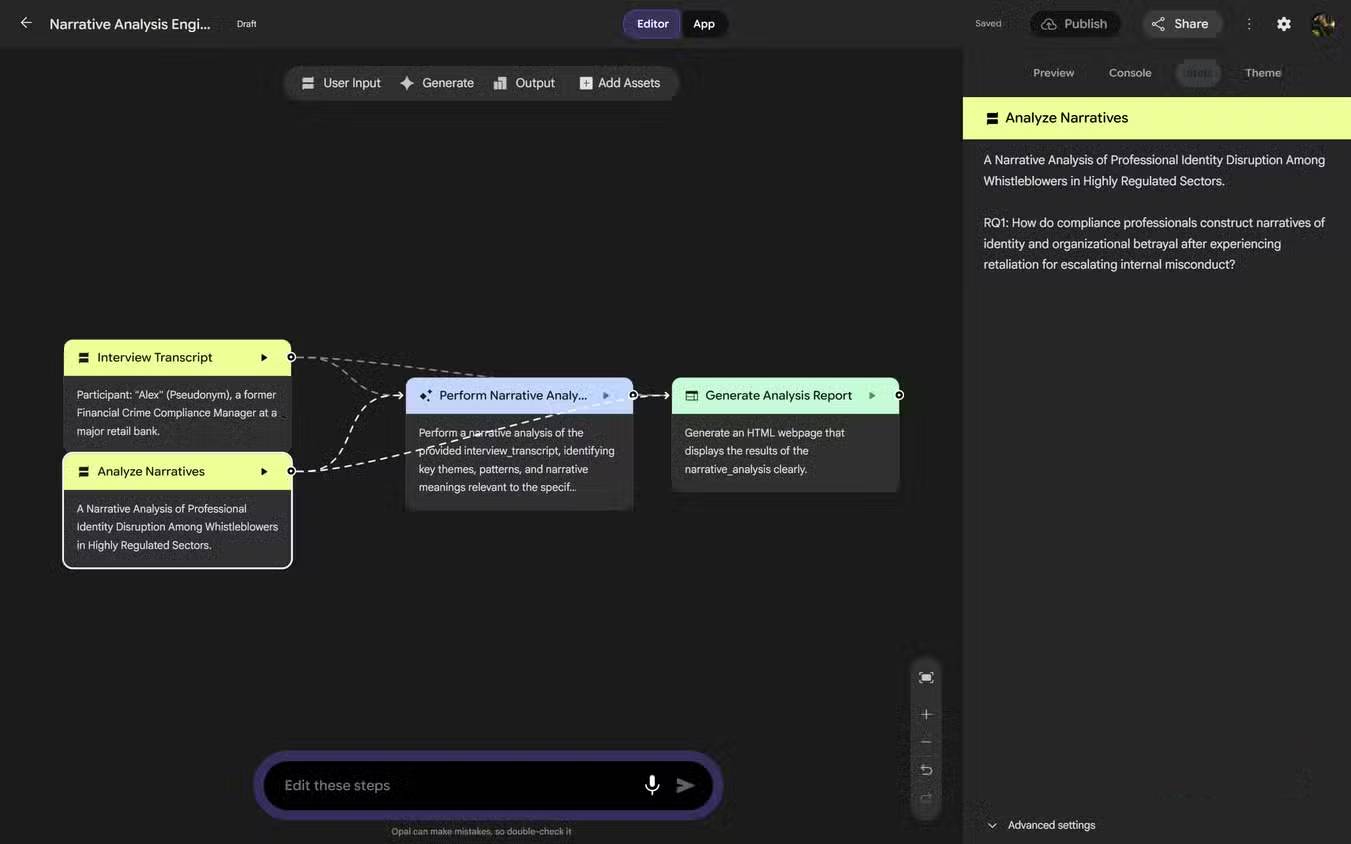
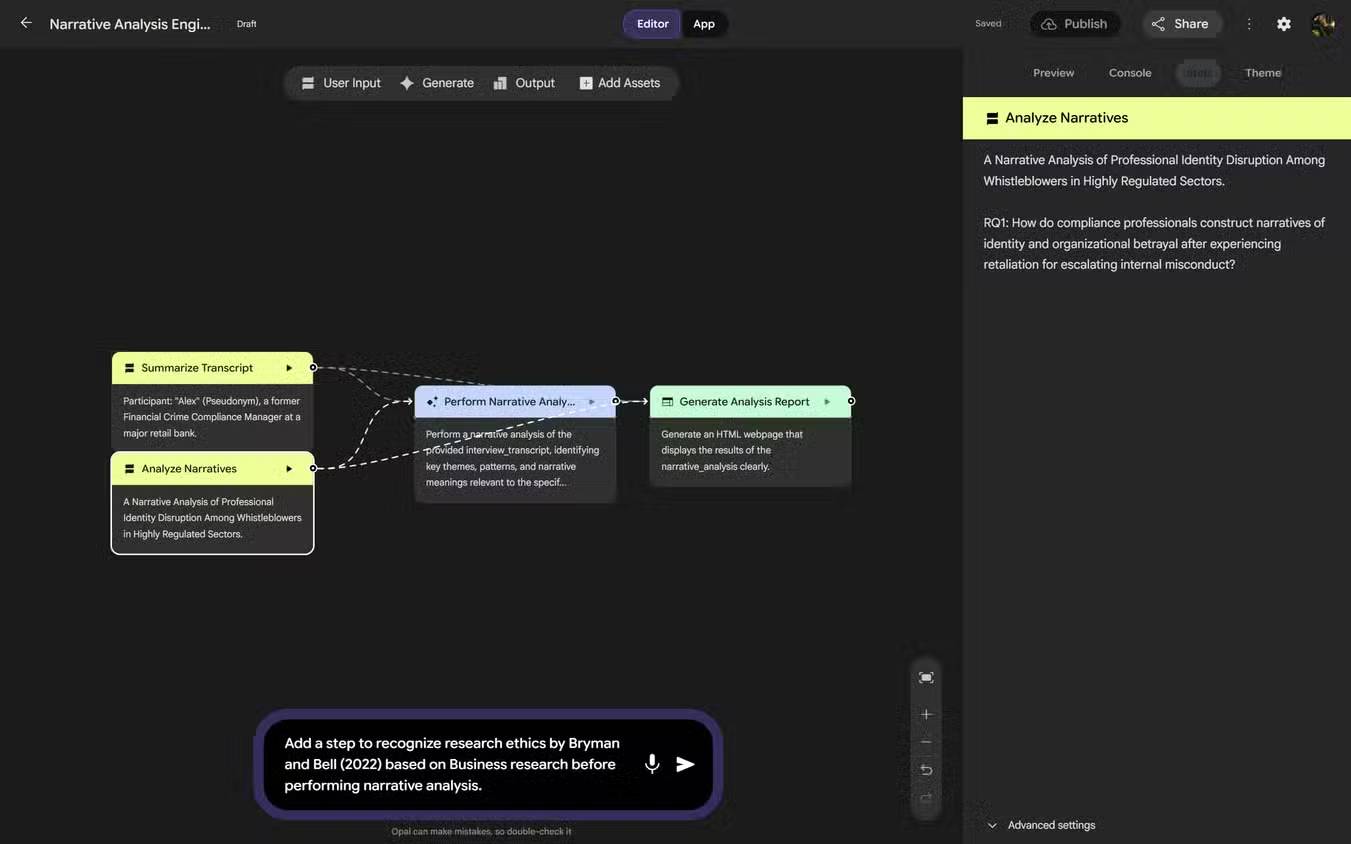
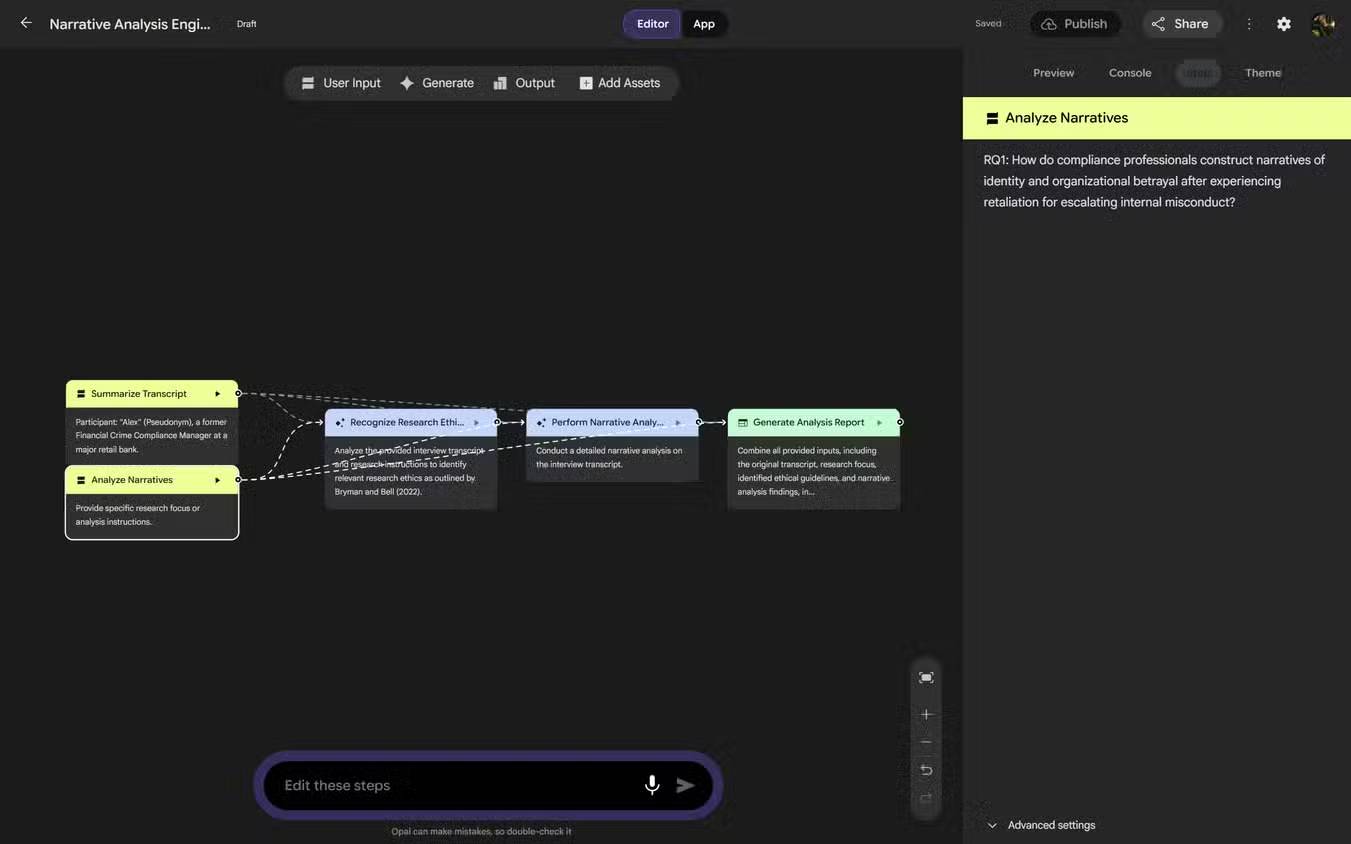
Every time a no-code tool launches, people immediately expect a flood of messy "AI vibe-code" flooding the internet. To be fair, those concerns aren't entirely unfounded. But lumping genuine cross-disciplinary collaboration with that noise is pretty shortsighted. Recent experiments with Google Opal prove this point.
Two test cases were explored out of curiosity. The first was a narrative analysis tool designed to help researchers work with large datasets—extracting topics and generating reports from semi-structured interview transcripts. What's interesting here is that the underlying model, Gemini, already understood research methodology. The only additional layer required was a prompt instructing it to recognize the ethical principles outlined by Alan Bryman and Emma Bell in "Business Research Methods" before performing the analysis. The second experiment focused on thematic analysis—a method for converting raw text into structured findings based on recurring themes.
Both tools worked exactly as intended. Actually, the detail and quality of analysis were good enough that you could easily see these reports supplementing researchers' workflows. Otherwise, these researchers would spend countless hours manually analyzing data. What's remarkable: neither project required anything beyond natural language prompts. Since Google handles hosting and sharing, these utilities could be distributed to research teams without anyone worrying about infrastructure or deployment.
Google's AI Toolkit Is Evolving—and So Is Everything Around Opal
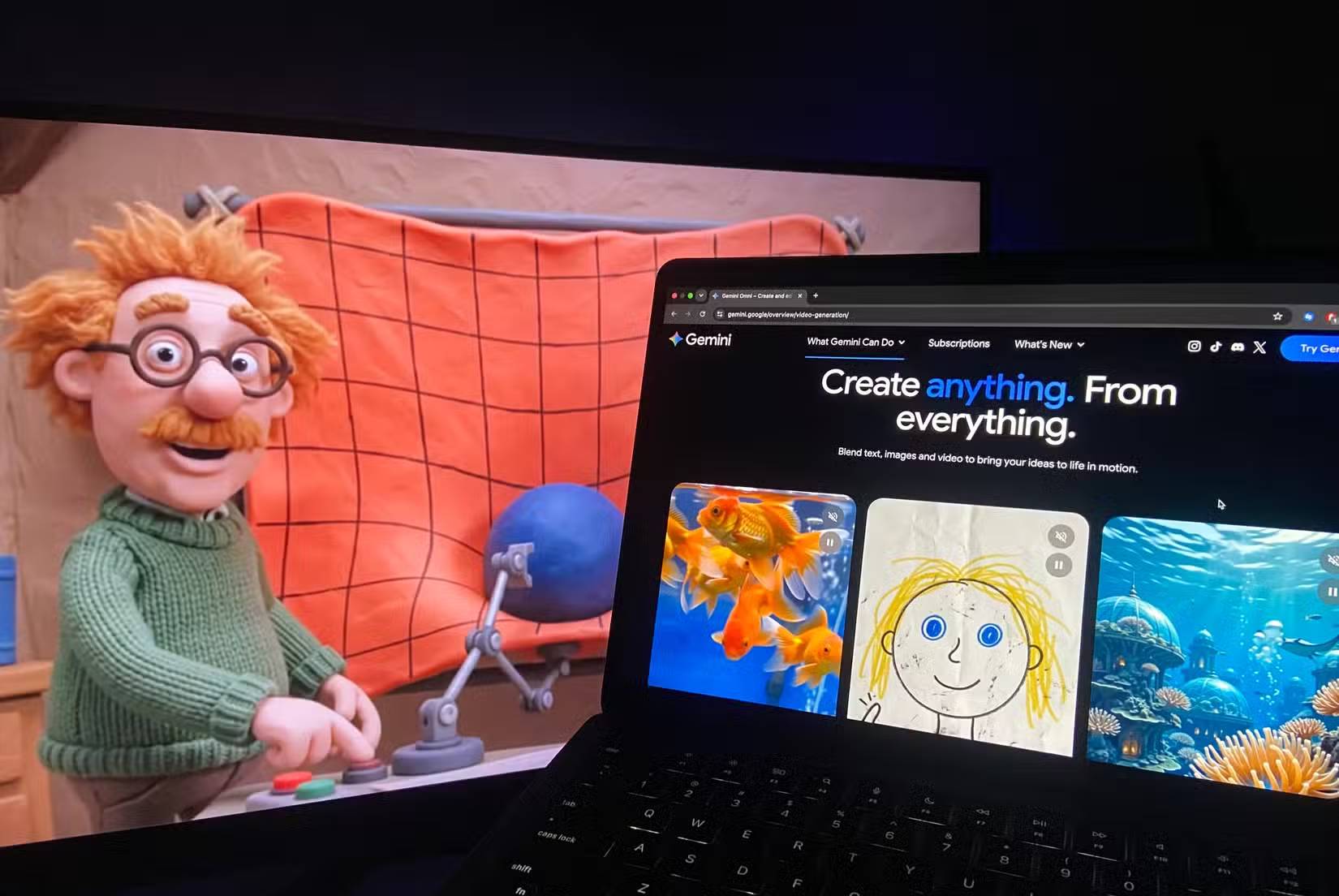
If you've tried Opal and been impressed, there's even more good news coming. One of the most exciting things about Opal is that it's not evolving alone. Since its launch in July 2025, the platform has developed in parallel with Google's rapidly growing, well-funded AI ecosystem. That means every new capability introduced to Google's AI toolkit appears to expand what Opal can eventually become. One recent development: Agentic Mode, which rolled out earlier this year. Opal applications can now plan and execute multi-step tasks, automatically selecting tools and requesting missing inputs when necessary.
As Google's AI ecosystem advances, Opal gets stronger too—they amplify each other. When Google adds new foundation models to the ecosystem—including the recently announced Gemini Omni line with video and audio generation capabilities—Opal becomes more flexible, more capable, and suitable for even more use cases. From research and product development to education, the possibilities keep expanding.
Google Opal gives off the same feeling that NotebookLM did before it blew up: the sense that a genuinely useful tool solving real problems for non-programmer communities is quietly taking shape. If this latest experimental project from Google succeeds, it won't be because it "replaces" programmers. It'll be because it empowers entirely new communities to build their own tools, test unique problem-solving approaches, and collaborate in ways we haven't seen before.
Description: Google Opal is a visual AI prototyping tool that lets anyone build functional apps without writing code. Here's how it works and why it matters.
Related Articles
- Beyond Ollama and llama.cpp: Alternative Runtimes for Local LLM Deployment
- Automating Complex Workflows with Claude Code's /goal Command
- How to Edit Videos in Google Flow: A Complete Guide
- Generate AI Music for Your Canva Videos: A Complete Guide
- 10 Strategies to Future-Proof Your Career in the AI Era

No Comment to " What Is Google Opal? The No-Code AI App Builder Changing the Game "