Beyond Ollama and llama.cpp: Alternative Runtimes for Local LLM Deployment
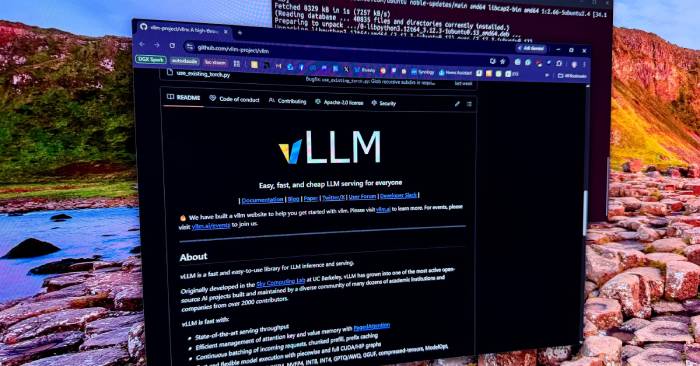
When someone asks how to run a large language model locally, Ollama has become the default answer—and rightfully so. It's user-friendly, works across platforms, and abstracts away enough complexity that you can have a working model up and running in minutes. llama.cpp powers countless local AI applications too, especially for GGUF-format models, so neither tool is going anywhere.
But here's the catch: "easy to use" stops mattering once local models become part of your actual workflow. Suddenly you care about API serving, batch processing, structured outputs, cache behavior, Mac-specific optimizations, mobile deployment, or whether you're quietly wasting performance. While most people still think Ollama is the path of least resistance to get started, it's rarely where they want to stay when building something serious.
The alternatives are more complex, sure. But they hand you back control over the parts Ollama tries to hide. If you're running agents, routing multiple applications through the same model, working on a Mac, or trying to make a consumer GPU actually function like a real inference box, then the runtime becomes just as critical as the model itself.
In this article
vLLM and SGLang: Turning local models into infrastructure
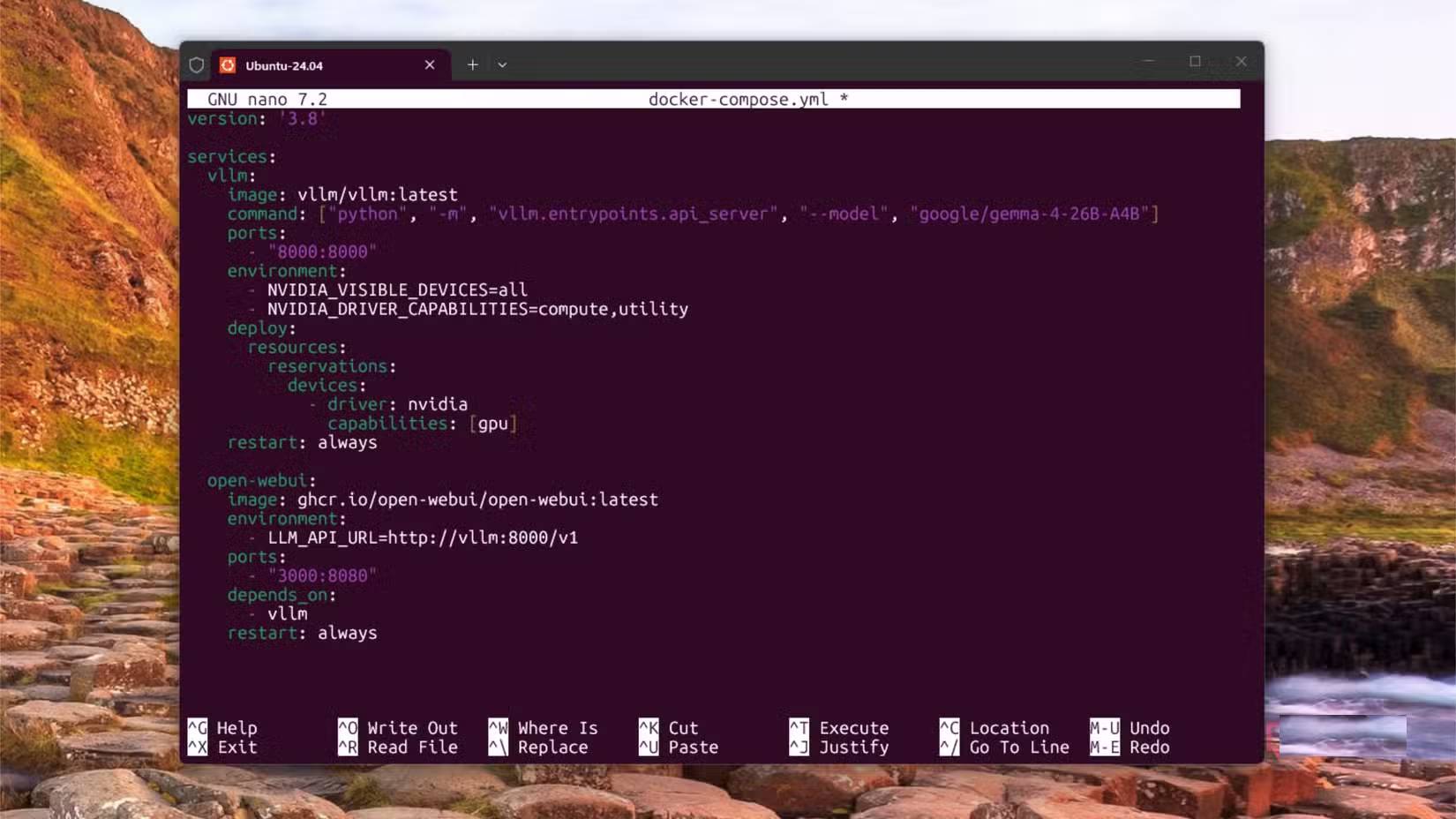
vLLM should be your first stop when you want a local model behaving less like a desktop app and more like an inference service. It offers OpenAI-compatible APIs, high-throughput inference, continuous batching, prefix caching, block-wise prefilling, structured outputs, tool-calling parsers, and support for multiple quantization formats.
These features matter hugely when your model gets called by code, agents, RAG experiments, or multiple applications simultaneously. A single prompt in the terminal doesn't need much scheduling logic. But a local endpoint hit repeatedly? That absolutely does. Especially when those requests share context, run for extended periods, or risk wasting VRAM on cache management.
vLLM's headline feature is PagedAttention—it manages the model's key-value cache far more efficiently. The goal is preventing GPU memory from becoming the bottleneck when you've got many concurrent requests running or when context gets large. This doesn't speed up every local setup, but it's exactly why vLLM shows up everywhere online, particularly in higher-throughput deployments.
SGLang sits in the same category but with a different bent. Its strength lies in structured generation, templated prompts, and agent-like workloads. Features include RadixAttention for prefix caching, decode-prefill separation, speculative decoding, continuous batching, paged attention, block-wise prefilling, tensor and expert parallelism, and multi-LoRA batching.
Free-form text works fine in a chat box. It becomes a problem when your program expects JSON, a schema, or a tool call in a specific format. SGLang exists for repeatable prompts, constrained outputs, and cache reuse—all much easier to manage when the model is controlling tools rather than just answering questions.
You won't install either of these before getting comfortable with simpler tools. They demand setup work and assume users have some baseline knowledge. But they become invaluable when other software requires infrastructure-grade endpoint configuration. Once a local LLM becomes the backend infrastructure for your home lab, vLLM and SGLang fit the bill much better.
vMLX: The native Mac answer for serious local inference
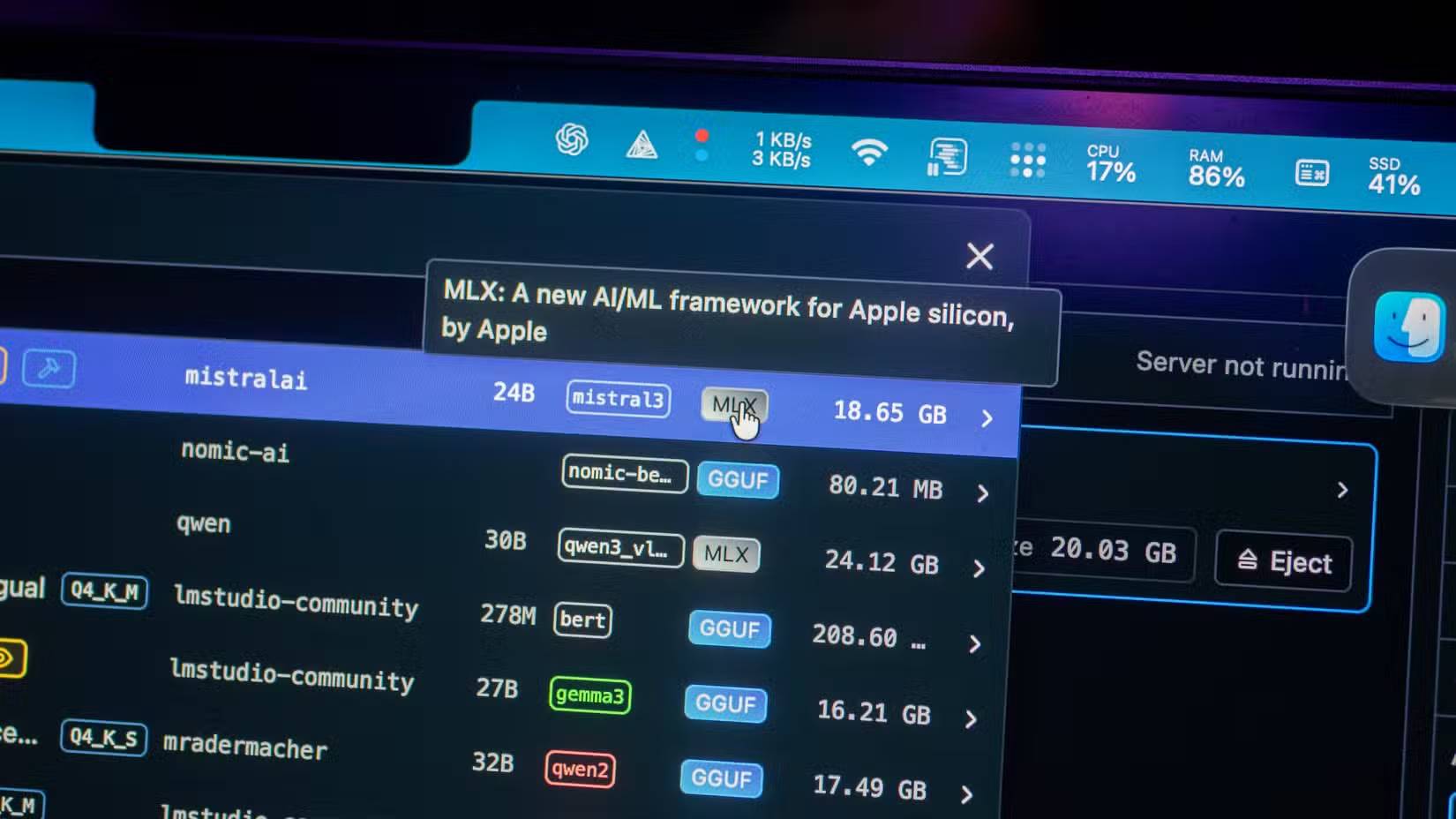
Mac users have always had a different story when it comes to local LLMs. Apple Silicon's unified memory makes large models surprisingly practical on laptops, but the software stack isn't the same as Linux machines with Nvidia GPUs. You can run llama.cpp with Metal and it works fine. But there are solid reasons to want tools built on Apple's stack from the ground up.
vMLX is interesting because it aims for an experience closer to what users want from Ollama or LM Studio, while borrowing ideas from more professional data-processing platforms. It mentions prefix caching, paged KV cache, continuous batching, and MCP tools. That's a fundamentally different approach from "download a model and chat with it," which is why it deserves more attention than just being another Mac wrapper.
MLX is Apple's array-processing framework for Apple Silicon, featuring lazy computation, dynamic graphs, CPU/GPU execution, and unified memory—where arrays live in shared memory. MLX-LM adds text generation, Hugging Face integration, quantization, and fine-tuning, while MLX-VLM includes vision-language models on the same foundation. vMLX is the application-level tool, while MLX-LM and MLX-VLM are lower-level options when you want closer model access. To be honest, none of this is a perfect replacement for vLLM or SGLang, but it's excellent if you're a Mac user.
Think of vMLX as the native Mac path through the local LLM world, not some awkwardly ported CUDA tool running on Apple Silicon. The memory model, GPU stack, and app expectations are different enough that native tools like this genuinely deliver benefits.
MLC-LLM and ExLlamaV3: Hardware-specific solutions

MLC-LLM is built on machine learning compilation and deployment across diverse platforms. It supports web browsers via WebGPU and WASM, iOS and iPadOS through Metal on Apple's A-series GPU, and Android through OpenCL on Adreno and Mali GPUs.
What's interesting here is that MLC plays a different role than typical server-based runtimes, though it can still serve OpenAI-compatible APIs. It's built for more specialized use cases. WebLLM runs inference directly in the browser with WebGPU acceleration—no server required. It also supports streaming, JSON mode, and structured JSON generation.
MLC isn't the right fit for one large model serving a home lab with multiple applications. Its appeal is deployment to places that don't look like typical LLM hosts: browsers, phones, tablets, and embedded apps. It targets a completely different flavor of local AI project than vLLM and SGLang.
ExLlamaV3 goes the opposite direction. It's the current iteration of the ExLlama line after ExLlamaV2 was archived, and it's basically an inference library purpose-built for running LLMs on modern consumer GPUs. The priorities are fitting the model, keeping context usable, avoiding VRAM waste, and hitting acceptable speeds without enterprise hardware.
EXL3 quantization format, tensor and expert parallelism for consumer hardware, continuous dynamic batching, speculative decoding, cache quantization, multimodal support, and LoRA backing all exist toward that goal. TabbyAPI also gives it an OpenAI-compatible server, so it can still slot into applications expecting a standard local endpoint.
Beyond the usual suspects: Other runtimes worth knowing
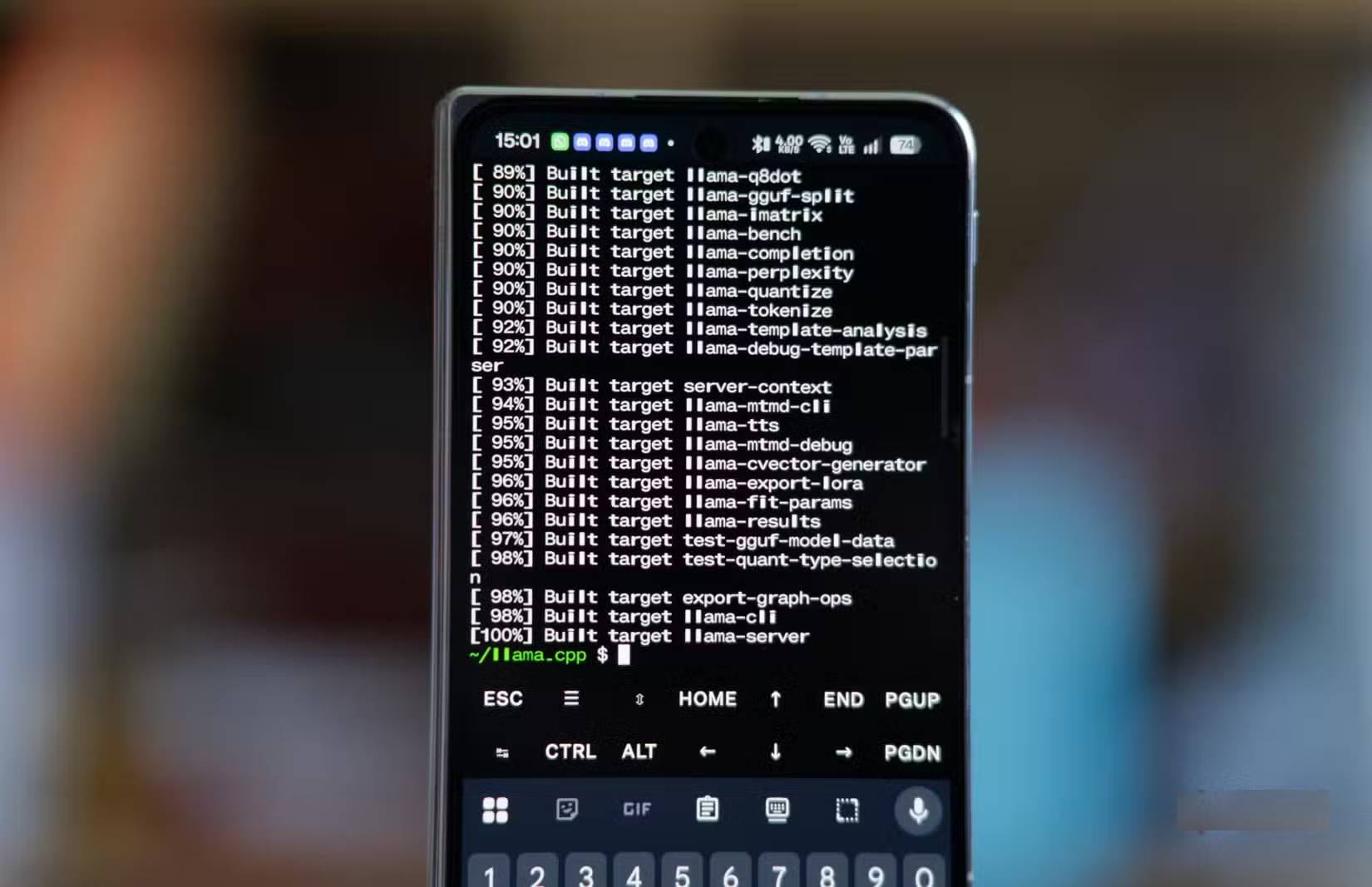
If you're just deploying local language models, Ollama and llama.cpp are solid choices to start with and stick with. But if you want more, there's an entire ecosystem to explore—tools that might fit your specific needs better. MLC and ExLlamaV3 address different problems, but both are more specialized than Ollama. MLC handles deployment to unusual platforms or devices (difficult to target conventionally). ExLlamaV3 helps squeeze maximum performance from commodity GPUs (for individual users). These aren't first recommendations for beginners, but they become essential when hardware or deployment environment starts dictating what your runtime can do.
There's also llama-swap—part of llama.cpp's model serving toolkit—useful if you're operating multiple local servers compatible with OpenAI or Anthropic and need a routing layer between them. Then you've got TensorRT-LLM, Nvidia's optimization solution for Nvidia cards; LMDeploy, a genuine model deployment and serving toolkit; Lemonade, a model serving platform optimized for AMD hardware; KTransformers, handling inference on hybrid CPU/GPU systems; and LocalAI, supporting diverse data types and hardware platforms.
Ollama remains the tool to recommend for newcomers. llama.cpp remains foundational—it deserves more respect than just being a simple tool, since it can accomplish substantial tasks on its own. But the real concern is this: when local models become part of your actual workflow, the runtime stops being a mere middleman. Suddenly the server, caching, batching mechanism, quantization strategy, and backend platform decide what you can actually build.
Description: Explore specialized LLM runtimes like vLLM, SGLang, vMLX, and ExLlamaV3 that go beyond Ollama's simplicity for production workloads.
Related Articles
- What Makes Google Flow Agent Special? Complete Guide to AI Video Creation
- Moving Your Memory and Chat History to Google Gemini
- The Best AI Programming Tools You Should Know About in 2024
- The Upload Button Paradox: How AI Tools Became Your Company's Biggest Security Risk
- 7 Surprising Tasks AI Assistants Can Actually Handle for You Right Now

No Comment to " Beyond Ollama and llama.cpp: Alternative Runtimes for Local LLM Deployment "