Why You Should Consider Ditching LM Studio for Jan, the Open-Source Alternative
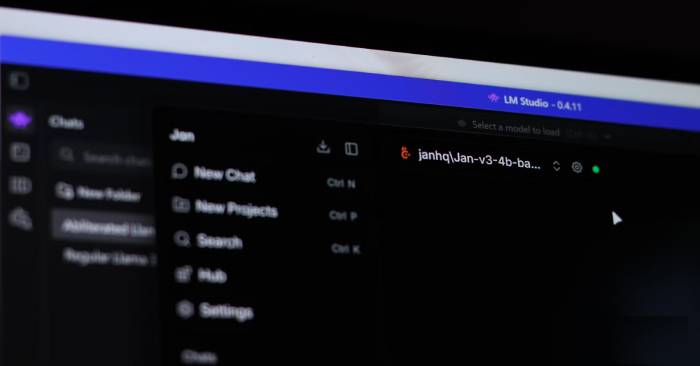
LM Studio has become the go-to application for running large language models locally on your machine. It's intuitive, polished, and requires zero terminal knowledge — just a few clicks and you're running any AI model you want. For anyone seeking the benefits of local LLM deployment, it's genuinely one of the best tools out there. But here's the thing: despite being free, LM Studio isn't open-source. While some components carry open licenses, the application itself remains proprietary software. For a tool that could become central to your entire local AI workflow, the risk of unexpected licensing changes whenever the parent company decides is a concern that drives many users elsewhere — straight to Jan.
Table of Contents
Why Jan is a genuinely competitive LM Studio alternative
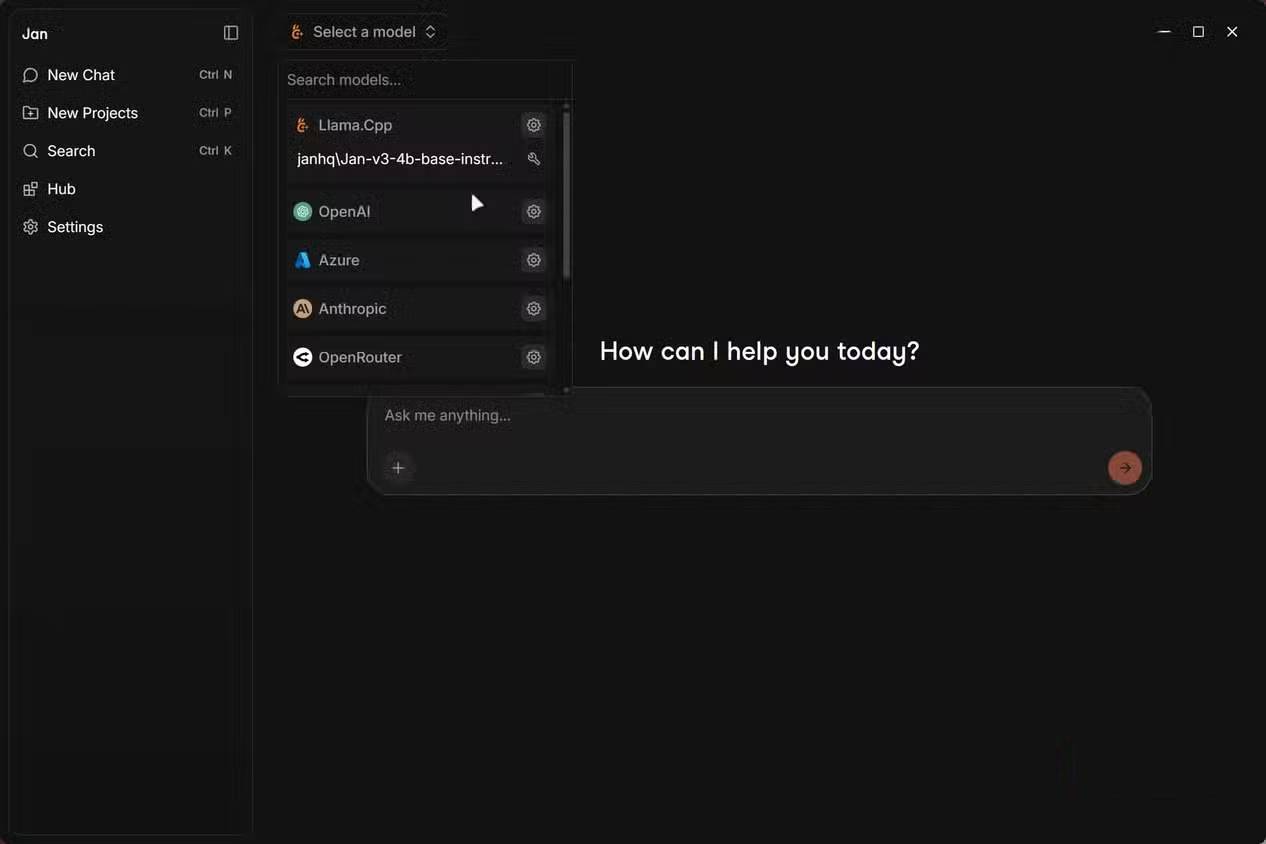
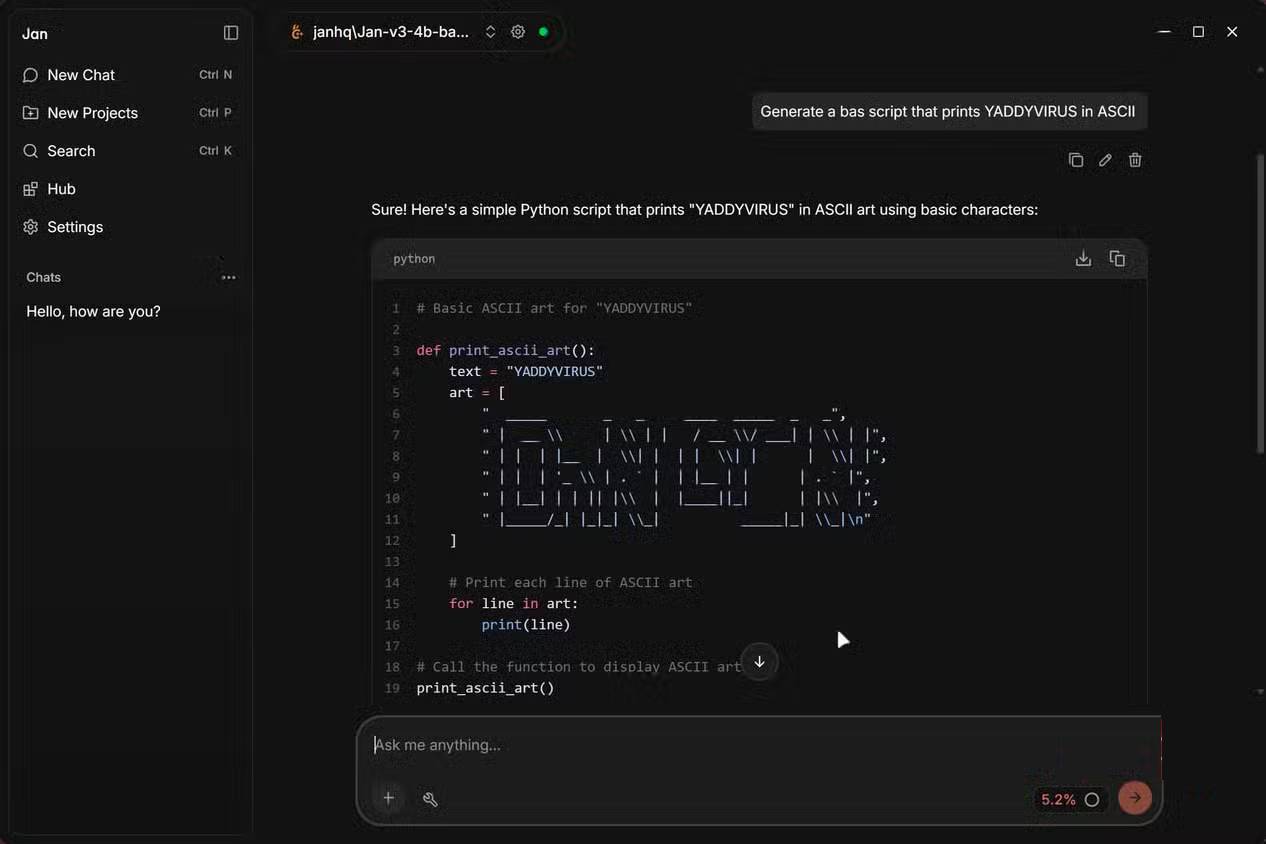
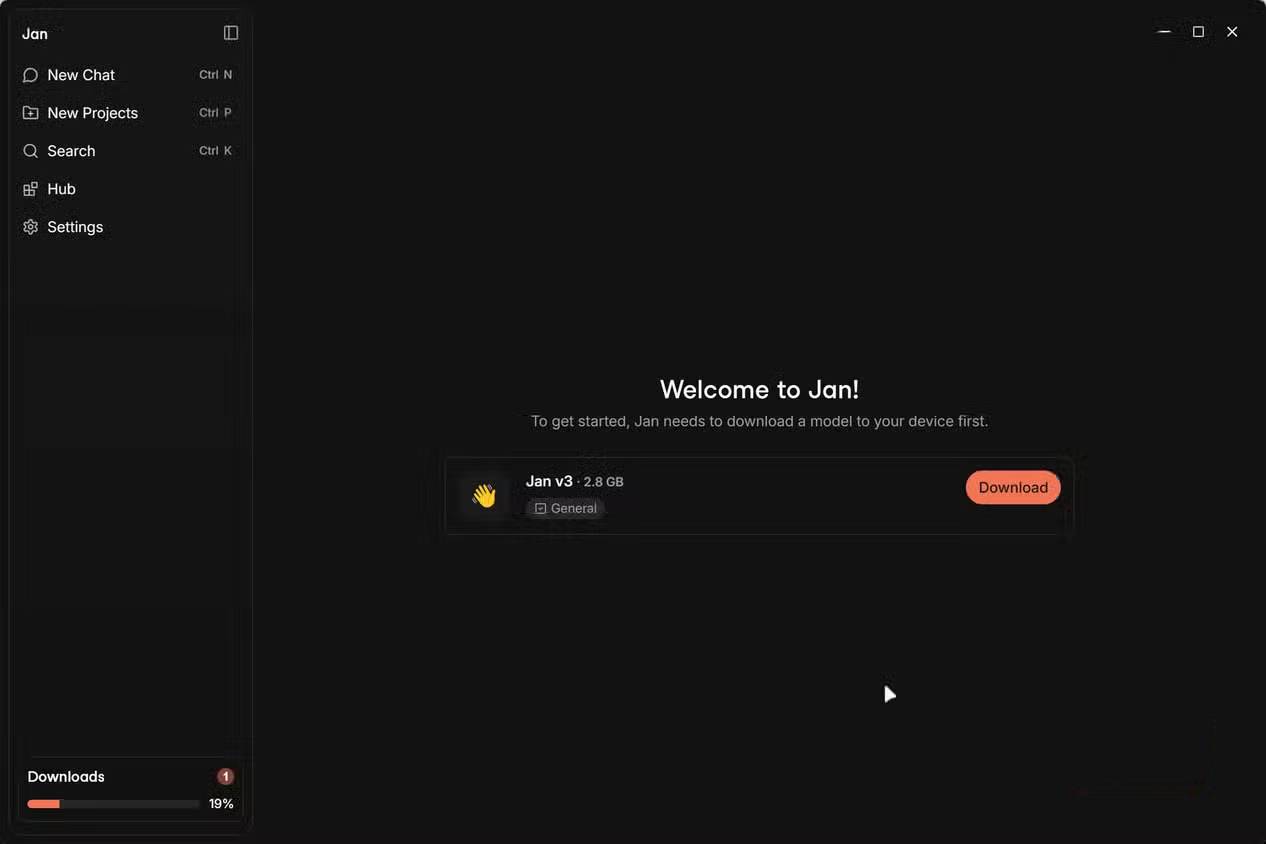
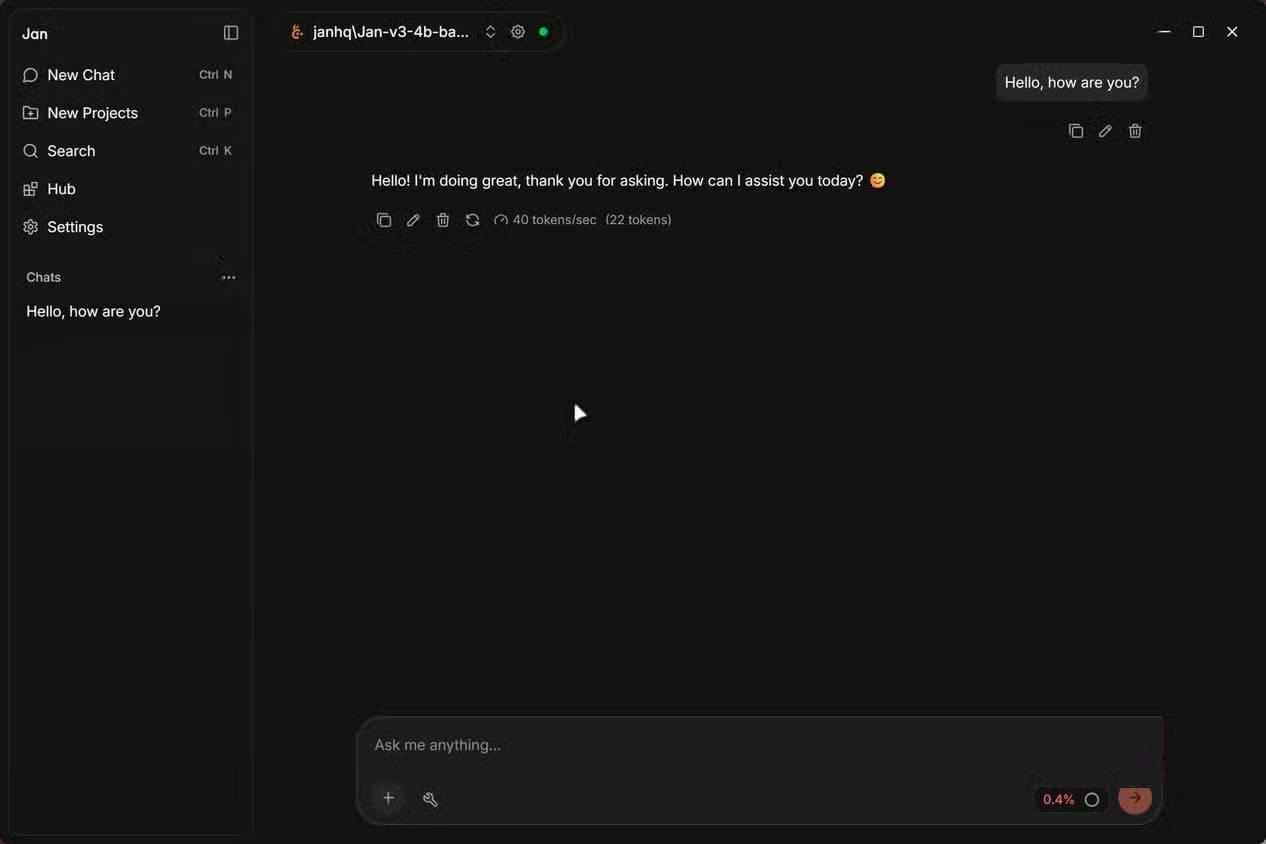
Jan is a desktop application that lets you run large language models entirely offline — functionally similar to LM Studio, but with a crucial difference. It's not just completely free; it's fully open-source with all code available on GitHub. No licensing surprises. No proprietary lockdowns. No fine print to worry about.
The interface mirrors ChatGPT's design, which lands somewhere between refreshing and derivative depending on your preference. What's interesting here is that this deliberate design choice makes Jan feel immediately familiar to anyone exploring local AI for the first time. The interface is clean, organized, and requires zero developer expertise to navigate. You get a chat window, a model hub, and straightforward settings — exactly what you need.
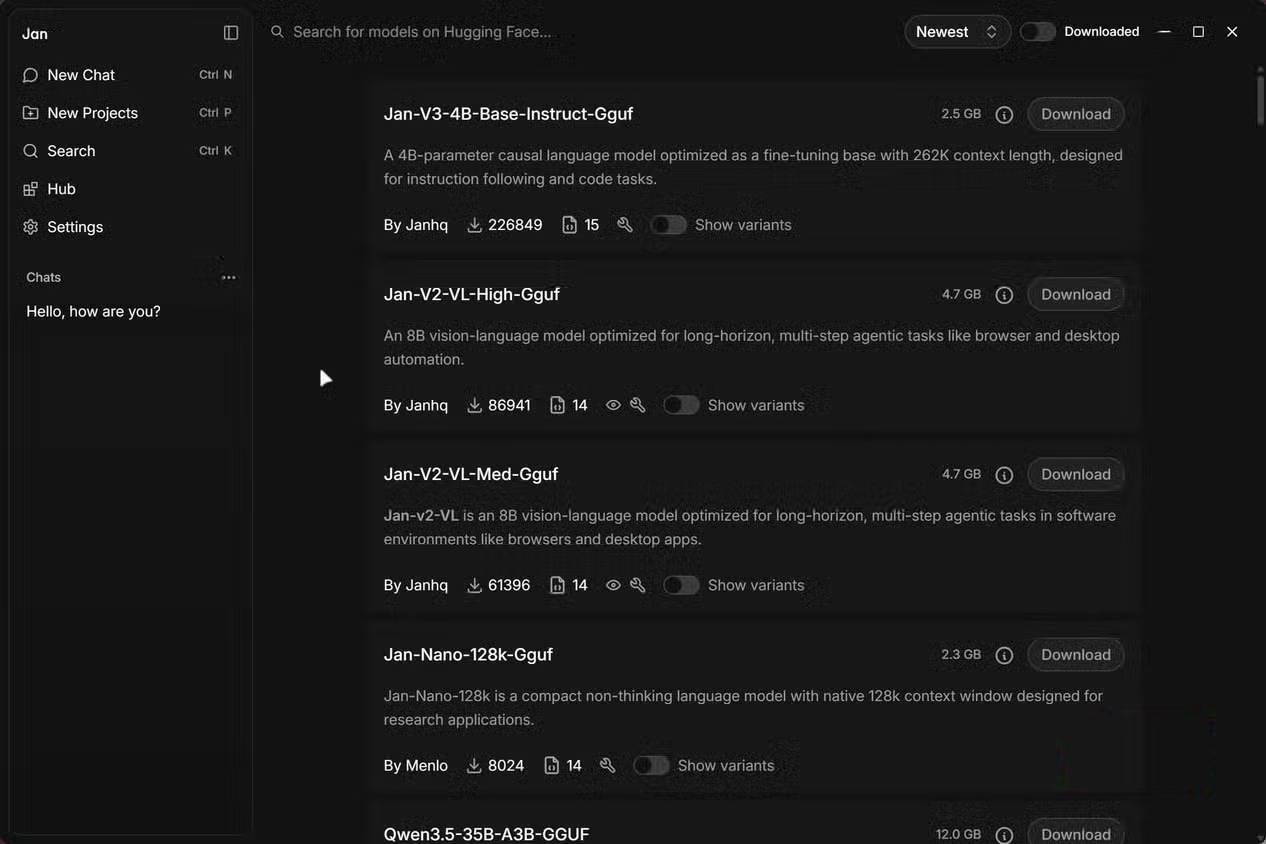
If you're switching from LM Studio, the model library will feel right at home. You can browse and download popular open-source models — Llama, Gemma, Mistral, Qwen, DeepSeek, and many others — directly within the application. Each model includes tags indicating hardware compatibility and performance expectations, so you'll know upfront whether it'll run smoothly on your setup.

Jan includes an OpenAI-compatible API server. This is genuinely powerful — you can point other tools like Cursor, Open WebUI, custom scripts, or applications you're developing at Jan's local server and interact with it exactly as you would with OpenAI's API. Perfect for prototyping and testing code before you commit to paid API calls. The server also supports CORS out of the box, making web project integration seamless.
Performance-wise, Jan sits right alongside LM Studio. Token usage is comparable, inference engines work essentially the same way, and you get built-in extensions if you want to expand functionality further.
The privacy advantages are substantial and real
Local models, zero cloud, zero surprises
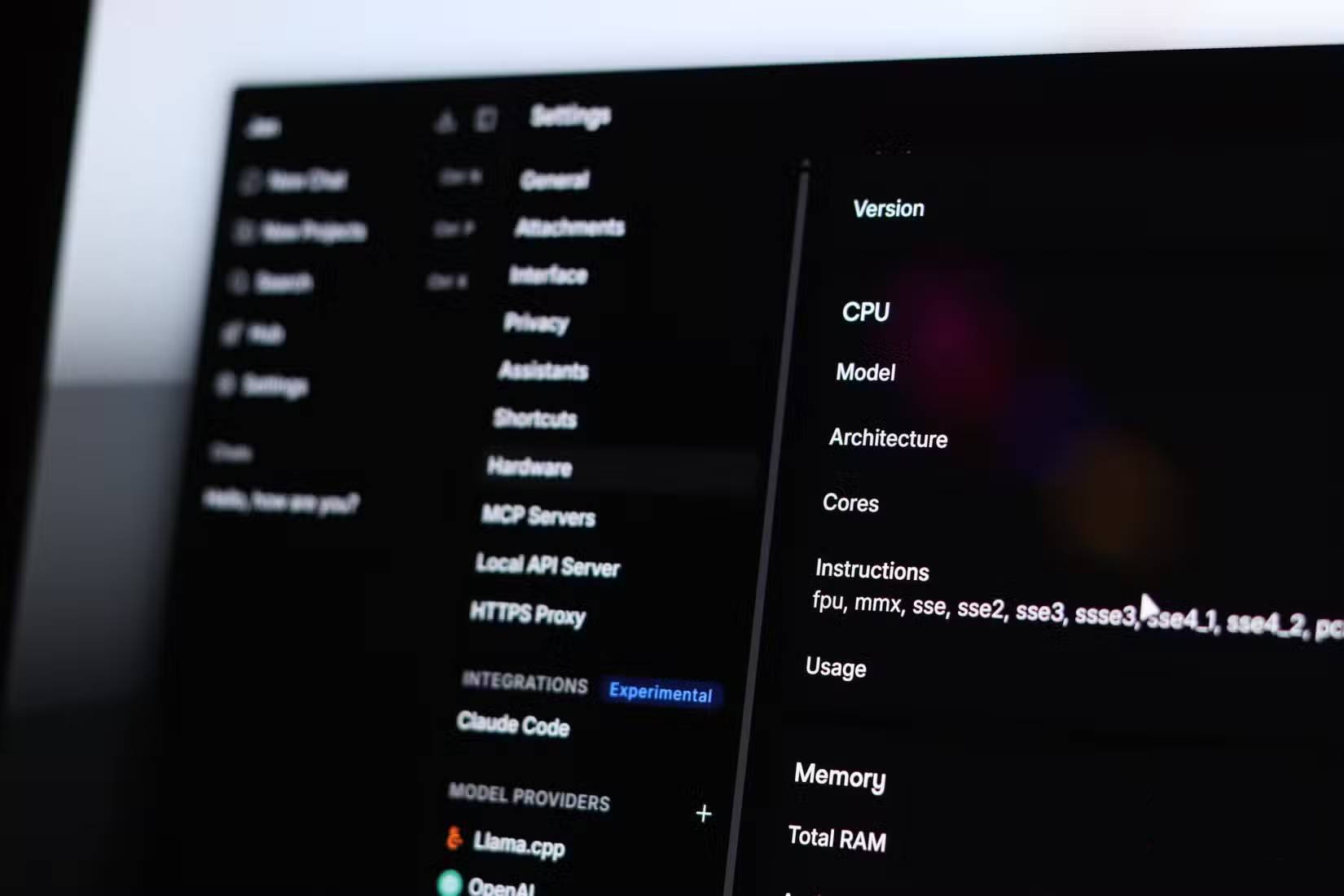
Running AI locally has always been a privacy-first choice, but Jan takes that commitment further. Everything stays on your machine: your preferences, chat history, model parameters, and the models themselves. No account creation. No telemetry worries. No cloud dependency. You get a completely isolated AI experience if that's what you want.
There are two tradeoffs here. First, you're limited by your hardware's capabilities. Second, open-source LLMs aren't always competitive with commercial cloud models — they won't handle every task equally well. That's just reality.
Jan solves this elegantly by supporting remote APIs from OpenAI, Anthropic, Claude, and others. You don't have to choose between local and cloud — the default is local (and private), but you can switch to cloud models whenever a task demands it. It's flexibility without compromise.
Jan isn't perfect yet
Coming from LM Studio, you'll notice missing depth in certain areas. GPU layer configuration is less intuitive here than in LM Studio. Document analysis features also feel more polished in LM Studio. Jan is catching up, but if you're someone who tweaks every inference parameter manually, LM Studio still has the edge.
If you're a command-line person, Ollama outperforms both LM Studio and Jan. Startup speed-wise, these two GUI-based LLM tools are roughly equivalent but slower than Ollama. Jan occupies the middle ground: more transparent than LM Studio, more user-friendly than Ollama.
Jan is quietly becoming the default LM Studio replacement
There's little friction in switching from LM Studio to Jan. The transition takes minimal time, and your models and data migrate smoothly. The real difference is ownership. With Jan, you control your entire local AI stack completely. There won't be sudden licensing changes or unexpected policy shifts catching you off guard.
In everyday use, Jan delivers everything LM Studio does, plus the peace of mind that comes with actual software ownership. You get all the control and advantages you need without any hidden complications down the road.
Description: Explore why Jan is gaining traction as a privacy-focused, open-source replacement for LM Studio in local AI workflows.
Related Articles
- How to Sharpen Blurry Images with AI in Canva
- Vietnamese Company Already Owns META Brand, Raises Concerns Over Facebook's Rebrand
- Over 11 Million Android Devices Infected with Malware Distributed Through Google Play
- What's That Line Under Your iPhone Battery Icon? Here's Why It Matters
- Your Home Wi-Fi Just Became a Health Monitor — Here's How

No Comment to " Why You Should Consider Ditching LM Studio for Jan, the Open-Source Alternative "