10 Free Generative AI Tools You Can Use Every Day

When ChatGPT first launched in late 2022, it dominated the conversation. Today? The AI landscape has exploded. Thousands of generative AI tools now exist—built on both proprietary models and open-source frameworks—making it easier than ever to harness AI's power without spending a dime.
The best part: many of these tools can genuinely simplify your life. Whether you're tackling personal projects or professional work, free AI applications are ready to help. Here's how to put artificial intelligence to work in your daily routine.
Quick Navigation
1. Reimagine Your Living Space
Let's be honest—not everyone has a natural eye for interior design. You might know generally what direction you want to take your home, yet struggle to visualize realistic designs you could actually pull off. Rather than forcing yourself to learn interior design from scratch, why not let generative AI turn your abstract ideas into concrete visuals?
Enter Remodel AI.
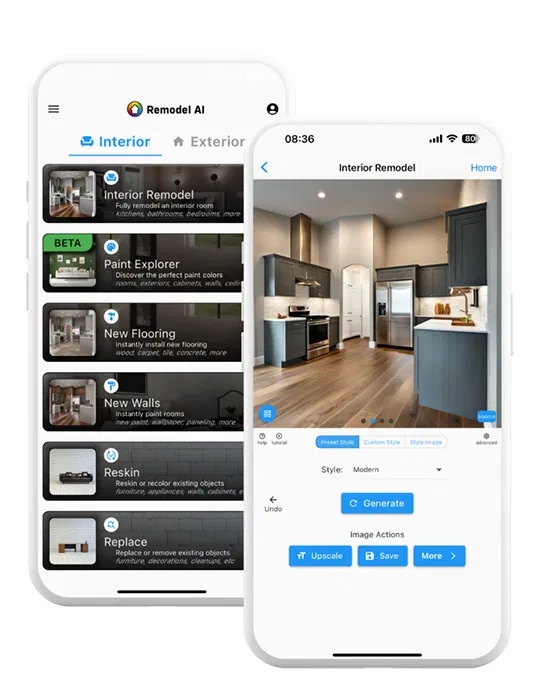
Remodel AI is a free tool with optional premium features that generates photorealistic renderings of your space. It lets you experiment with color palettes, design themes, furniture choices, and room layouts with just a few taps. What's interesting here is how quickly you can iterate—something that might take a professional designer hours happens in minutes.
2. Condense Long Articles
People love reading, but not everyone has the bandwidth for lengthy articles. Sometimes you just need the headline takeaway from an opinion piece, or the key facts from a news story, without wading through everything.
Chatbots like ChatGPT, Copilot, and Bard excel at summarizing lengthy pieces on demand. Paste the full article and ask for a summary. Or try a prompt like "Summarize this article:" followed by the URL.
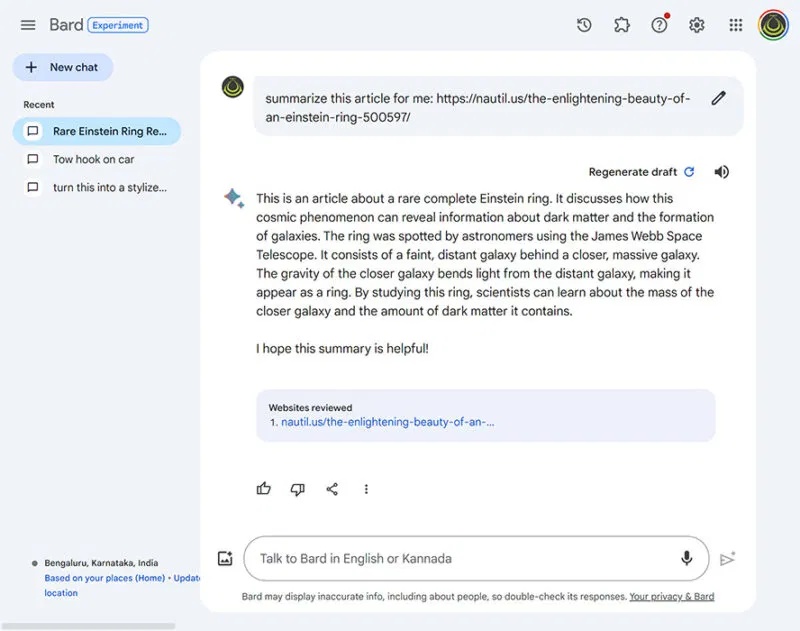
You can customize your prompts for specific requests—finding particular sections, highlighting key points as bullet lists, whatever you need. These same chatbots can even summarize entire books.
People often prefer Bard and Copilot for this because they search the internet in real-time while generating summaries, pulling in current information and context. ChatGPT's free tier (GPT-3.5) works fine too, but it has a knowledge cutoff at January 2022, so it can't handle newer books accurately.
3. Design Effective Workout Plans
After a few months at the gym, many people hit a plateau. They know they need to increase volume and intensity, but the jump feels intimidating. Where do you even start with progressive overload?
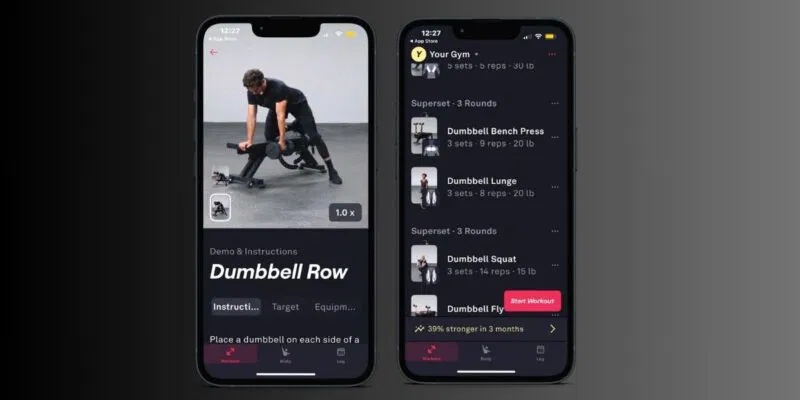
Instead of grabbing random exercises from the internet, use AI to build a structured, evidence-based program. Fitbod is a popular choice. It uses machine learning to track your workouts, analyze your results, and suggest safe progressions that actually make sense for your body.
4. Get Mental Health Support
Anxiety loves small details. Therapists teach coping strategies for managing worry, but people often forget them when panic sets in. Thankfully, AI-powered apps now help you stay grounded during difficult moments.
When you feel overwhelmed, try Wysa. It's a free mental health app built around an AI chatbot that talks with you and guides you through cognitive behavioral therapy (CBT) exercises.
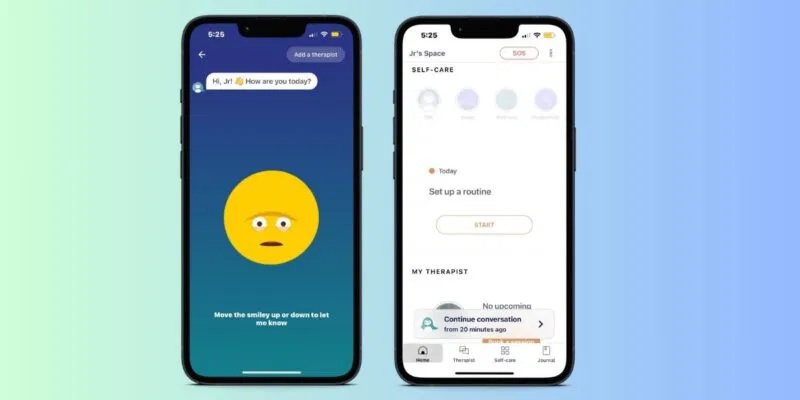
The real concern is that Wysa's language processing still feels basic compared to newer models. Some people prefer chatting with ChatGPT, Bard, or Bing if they want longer, more detailed responses about their experience. These models tend to give thoughtful, evidence-based answers and provide a space to process what you're feeling.
5. Organize Your Thoughts
Writers often struggle organizing their ideas. They can spend hours staring at a blank document if they don't know where to begin. Even brilliant ideas stay imaginary until they become tangible, written work—sometimes far too late.
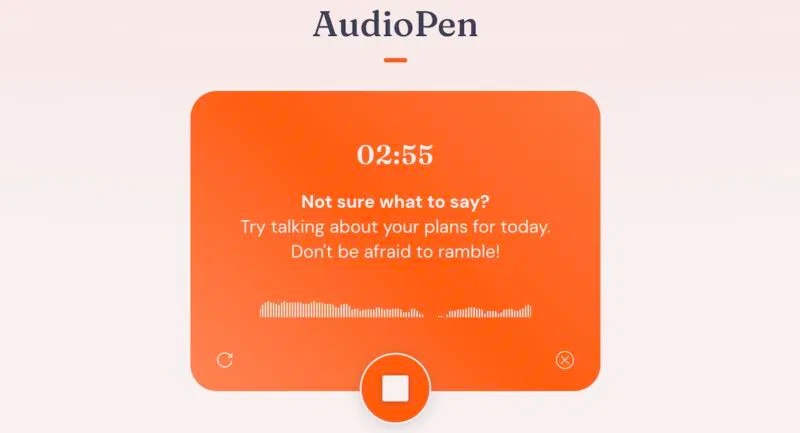
Work more efficiently by organizing your thoughts through AudioPen, an AI speech-to-text tool. Basically, ramble for a few minutes while AudioPen records and summarizes. Once you've collected your thoughts, organize them with free mind-mapping tools like Taskade. Mind maps give you clearer perspective on your ideas and make writing flow better.
6. Translate Foreign Languages
Modern translation tools use sophisticated AI models to produce more accurate results. DeepL, for example, uses advanced natural language processing to analyze context and tone in your input, then searches its database for appropriate translations. The results convey meaning far better than literal word-for-word translations.
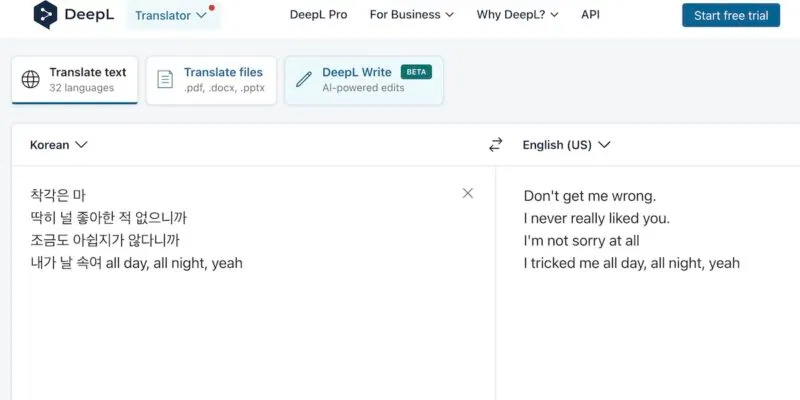
When dealing with dialects from specific regions, use AI chatbots with real-time web access. DeepL excels at major languages but gets limited with regional variations. Bard and Copilot can handle almost any dialect if you provide enough context and reference information in detailed prompts.
7. Generate Artwork
Text-to-image generators have come a long way since their early days of producing confusing, abstract outputs. Modern AI models like DiffusionBee (Stable Diffusion), DALL-E, and Midjourney now create vivid, detailed images while mimicking various artistic styles. Whether you're visualizing a fantasy world for concept art or generating surreal portraits to support an article, these models can bring your vision to life.
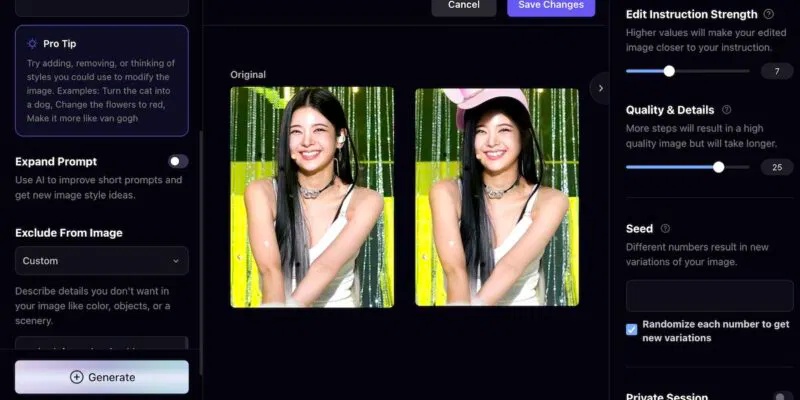
The downside? Most image generators charge monthly subscription fees. A solid freemium alternative is Playground, which generates original images and also lets you edit existing ones based on text prompts.
One important note: AI image tools sometimes pull data from third-party sources, so make sure images are properly licensed before using them in commercial projects.
8. Transcribe Meetings and Recordings
Before AI transcription tools became available, people had to manually record meetings. Now you could type notes and replay recordings later to transcribe—a tedious, time-consuming process. Even experienced writers lose hours transcribing a single meeting or interview.
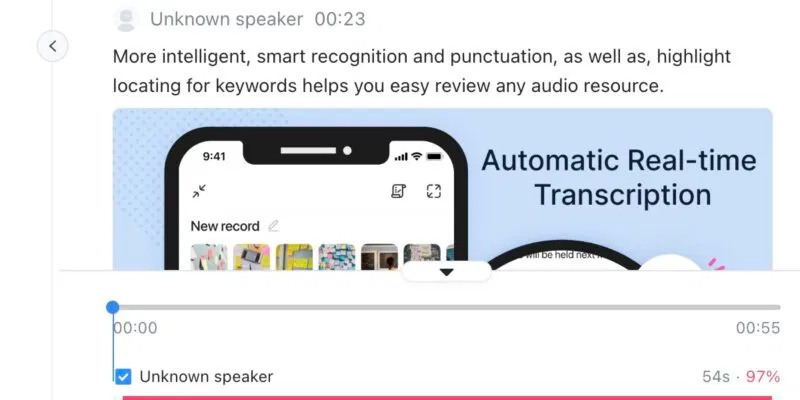
AI-powered speech-to-text tools have been a game-changer. They convert audio to text in real-time, letting users actually participate in meetings instead of frantically taking notes.
Notta is one of the most reliable options people use. Link it to your Zoom or Google Meet account and you automatically get transcripts after every call. You can also upload existing audio files and videos for transcription.
9. Build Your Resume
Hiring managers review dozens of resumes daily searching for ideal candidates. Unless you stand out from other applicants, you might not even clear the initial screening. That's why creating a unique, AI-powered resume beats recycling generic templates.
Try OpenResume or Teal. Many online resume builders charge high fees for basic, repetitive designs. These two offer solid free versions with real functionality. Both feature intuitive interfaces—just fill in your information and choose your preferred layout.
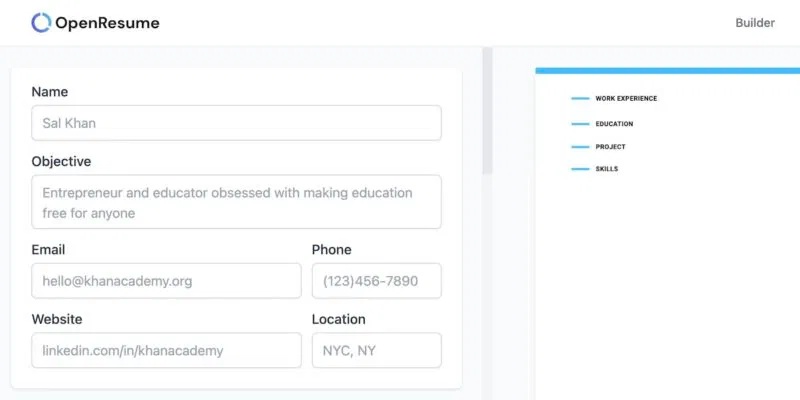
Pro Tip: Strip out generic buzzwords like "professional" or "goal-oriented" from your application materials. Impress hiring managers by specifying years of experience, describing concrete responsibilities from previous roles, and quantifying achievements with real numbers—like revenue generated by your efforts or the number of leads you successfully converted.
10. Draft Professional Emails
Many people find email stressful. To speed things up, use artificial intelligence to generate email suggestions.
Tell ChatGPT, Bard, or Google Gemini your main message, and they'll rephrase it more clearly. Then adjust the output to match your tone. It's faster and less anxiety-inducing than second-guessing yourself while clearing your inbox.
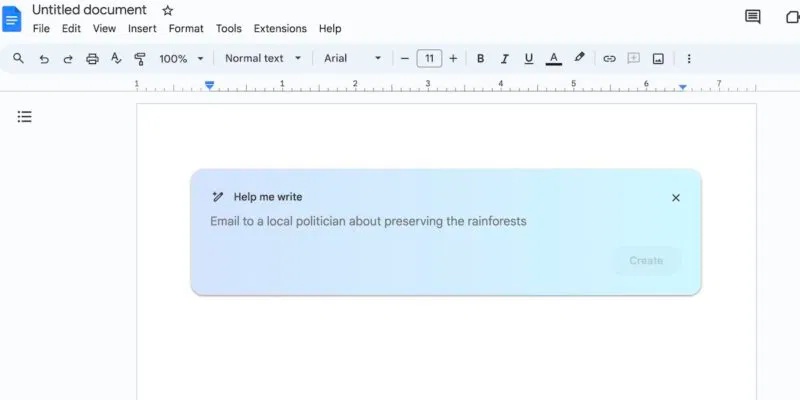
You can also run your email through Grammarly for a final check. It catches spelling errors, grammar mistakes, typos, and awkward phrasing you might have missed. Don't skip this step—these errors make emails look unprofessional.
These are just ten examples of AI in everyday life. Countless other applications exist. Whether you need synthetic voices, blog content for your website, or something else entirely, you'll find tools that fit. Keep exploring different AI models. And if you're planning to learn new tech skills this year, AI-related fields are almost guaranteed to be in high demand.
Description: Discover practical ways to leverage free AI tools for home design, writing, fitness, mental health, and more.
Related Articles
- Open Design: The Free, Open-Source Alternative to Claude Design That Actually Works
- Bases: Obsidian's New Plugin Finally Closes the Gap Notion Left Behind
- Windsurf vs Cursor: Which AI IDE Should You Choose?
- Four Missing Features That Would Make NotebookLM Even Better
- Meet Muse Glimmer: Meta's Open-Source Agent AI That Runs Entirely on Your Device

No Comment to " 10 Free Generative AI Tools You Can Use Every Day "