Bases: Obsidian's New Plugin Finally Closes the Gap Notion Left Behind
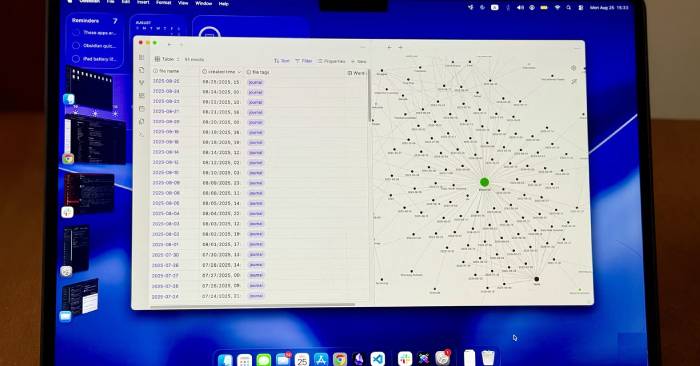
There's plenty of compelling reasons to make the jump from Notion to Obsidian, but one thing keeps people coming back: Notion's effortless table creation and editing. Hit the New button, and a fresh row appears instantly—ready to edit and flexible enough to switch between multiple view styles on the fly.
Enter Bases, Obsidian's new core plugin that finally fills this void. It transforms your notes into editable, filterable, and sortable tables—pulling directly from the data you've already structured in your vault. For Notion loyalists hanging on solely for the database feature, Bases removes one of the last real obstacles keeping them from switching.
How Does Obsidian Bases Actually Work?
A built-in database engine that reads your existing notes
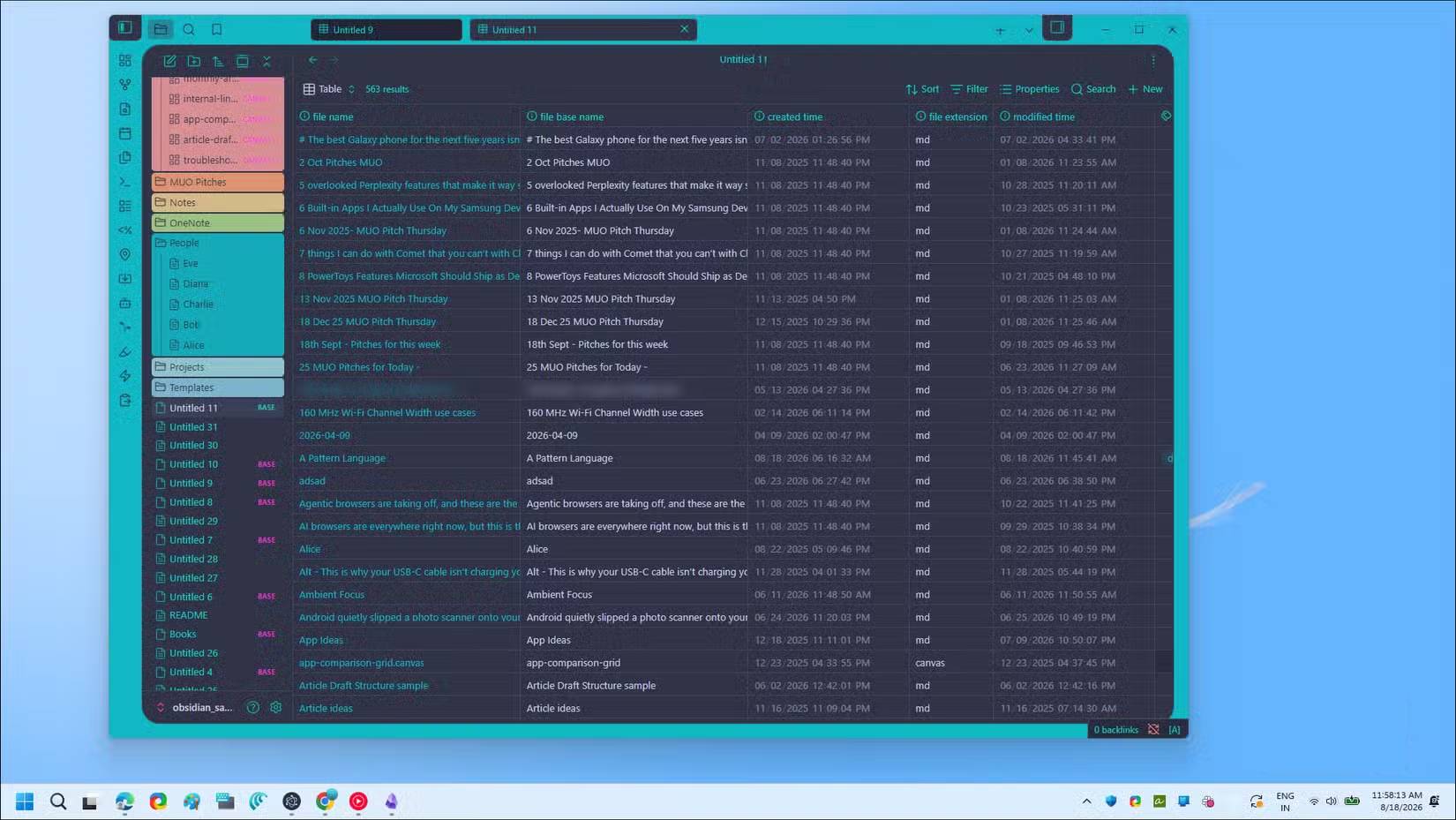
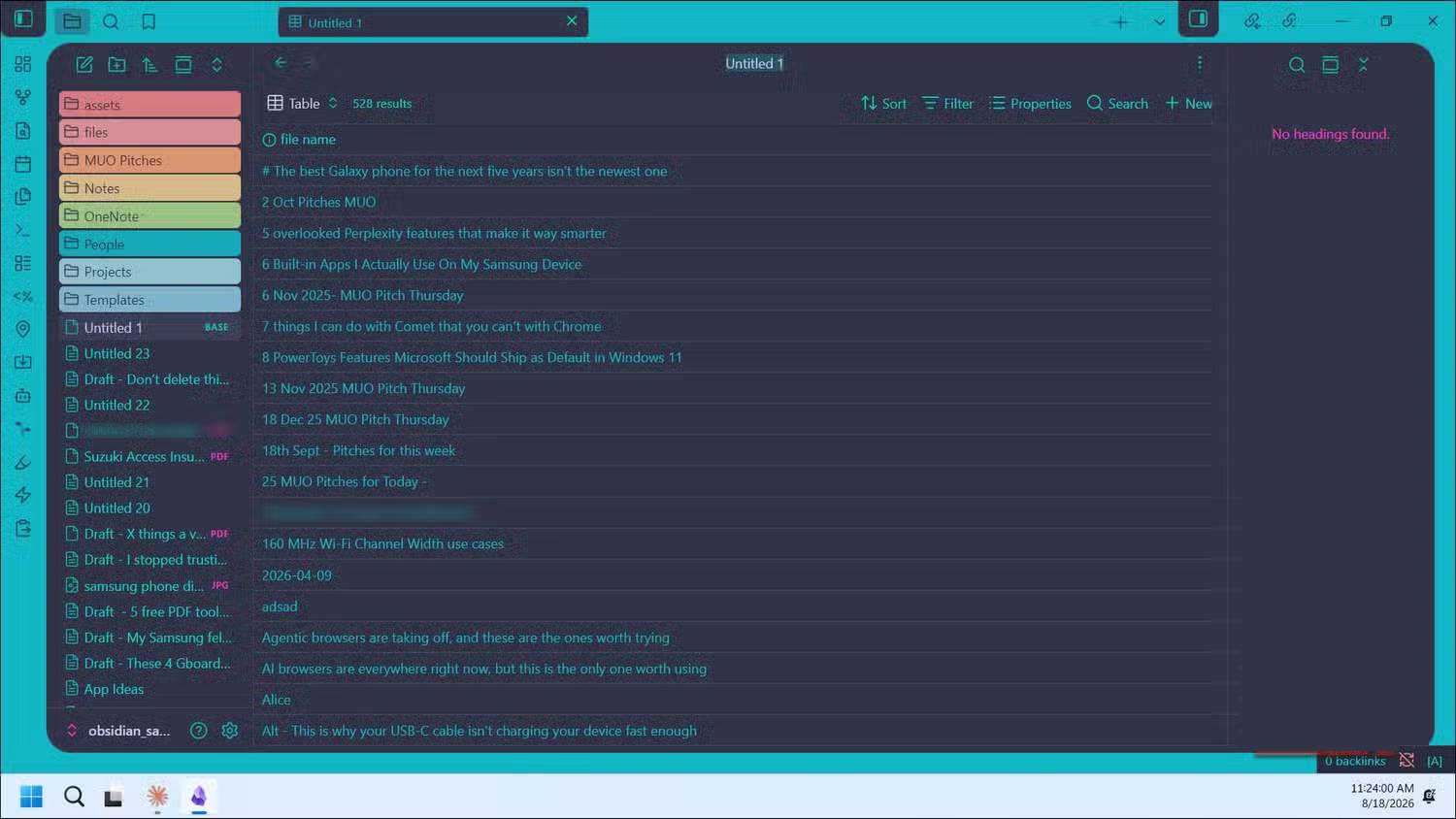
Bases is a core plugin built straight into Obsidian 1.9. It scans the YAML frontmatter already embedded in your notes—tags, dates, custom fields—and converts them into an editable table on the fly.
You pick which properties appear as columns, drag them around to reorder, and apply filters to narrow down your results. Want to see only notes tagged with #draft? Bases scans your entire vault instantly and surfaces just those files. Need to update a tag or change a property? Click the cell, edit it, and the change syncs back to the note in the background. No need to open individual files. What's interesting here is the speed—Bases can render tables from thousands of notes almost instantly. Dataview, by contrast, slows down or stutters noticeably when handling that volume of data.
Bases vs. Dataview: Do You Actually Need Both?
When to use which tool—and whether to retire the old workhorse
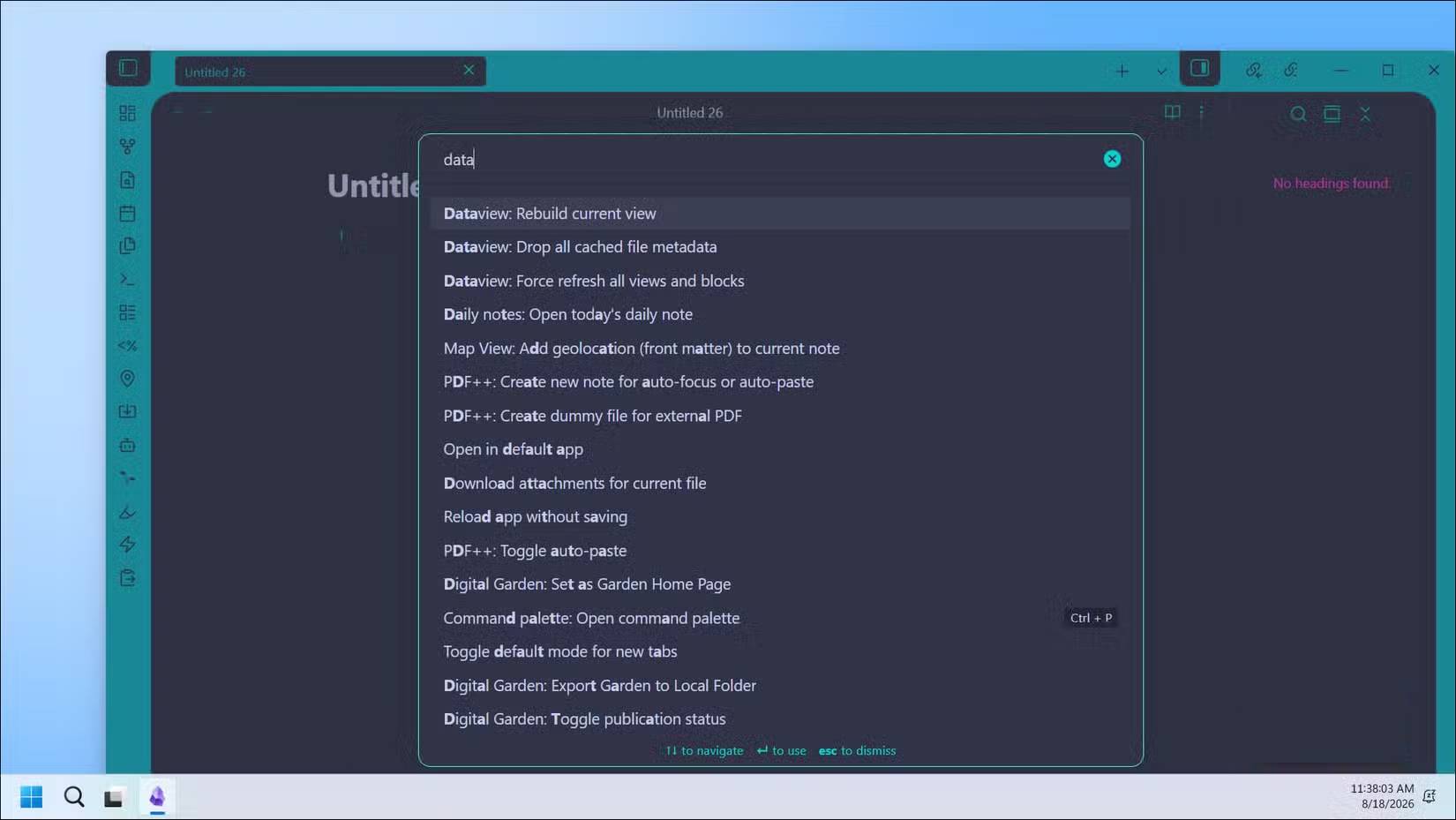
If you've been using Dataview for years, the real question is: can Bases replace it? Short answer: mostly yes.
Bases handles roughly 80% of what people actually do with Dataview. Book lists, reading progress trackers, project management tables, maps of contents (MOCs), dashboards organizing your entire vault—all work beautifully in Bases without writing a single line of code. That remaining 20%? That's where Dataview still dominates. It supports JavaScript queries for complex custom logic and advanced filtering that Bases simply can't touch yet.
Here's a practical test to see if Bases covers your use cases: take an existing Dataview table and recreate it as a Base. If it works without errors, you probably don't need Dataview for that anymore. Keep Dataview around for edge cases, but you don't have to prioritize it from day one.
That said, Bases does have real limitations compared to Notion. Right now it supports table, card, and list views—plus grouping, added in Obsidian 1.10. But it's missing that buttery smooth "add row" button that makes Notion's databases feel so effortless. More fundamentally, Notion lets you create separate, independent databases, while Obsidian treats your entire vault as one big dataset with filtered views. The real concern is that this shows Bases doesn't aim to completely replace Notion's database system. Instead, it brings structured filtering to a tool built for thinking and connecting ideas rather than managing tasks. That's actually the right design choice.
Setting Up Your First Base
Enable the plugin and create your first table
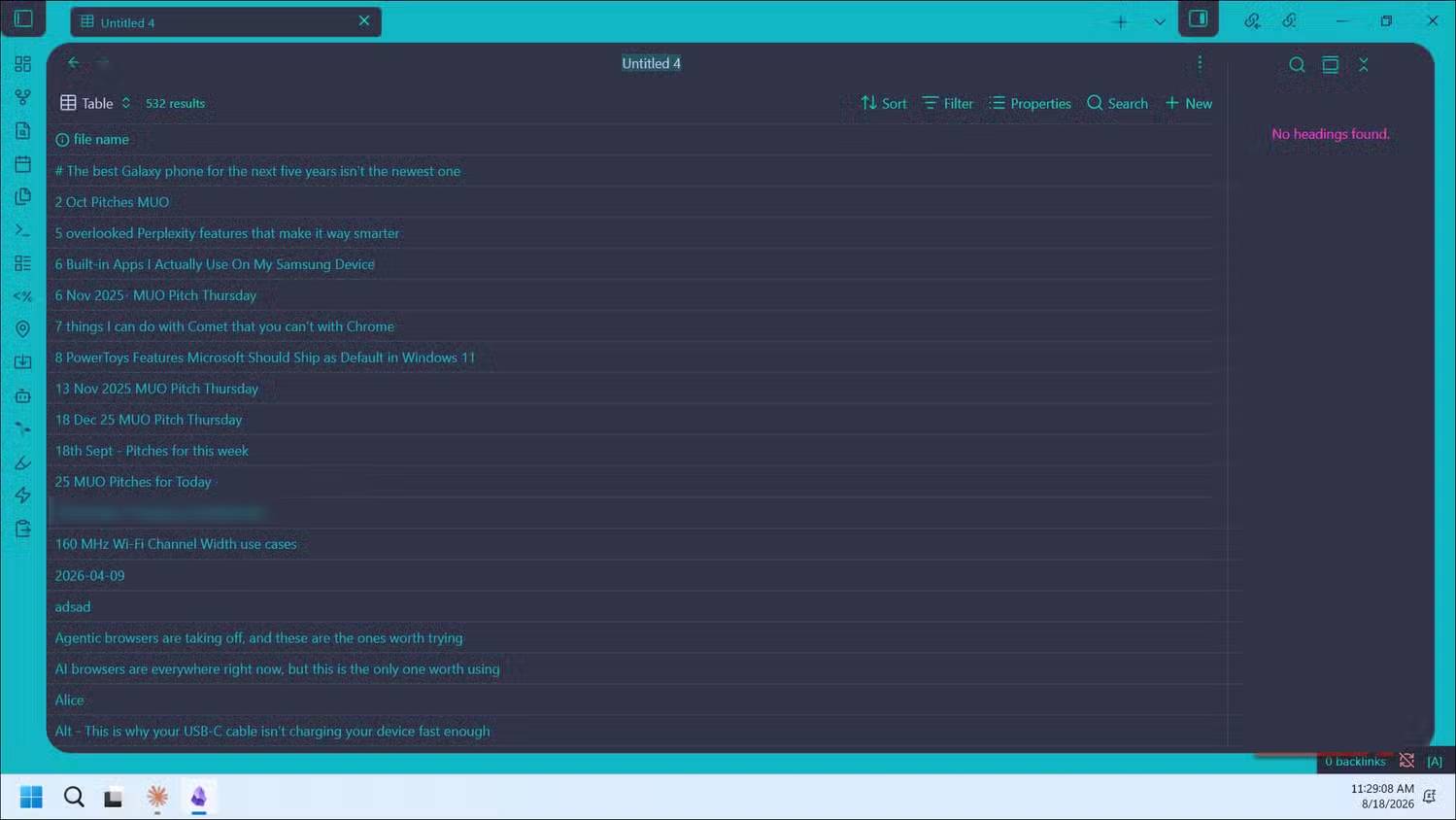
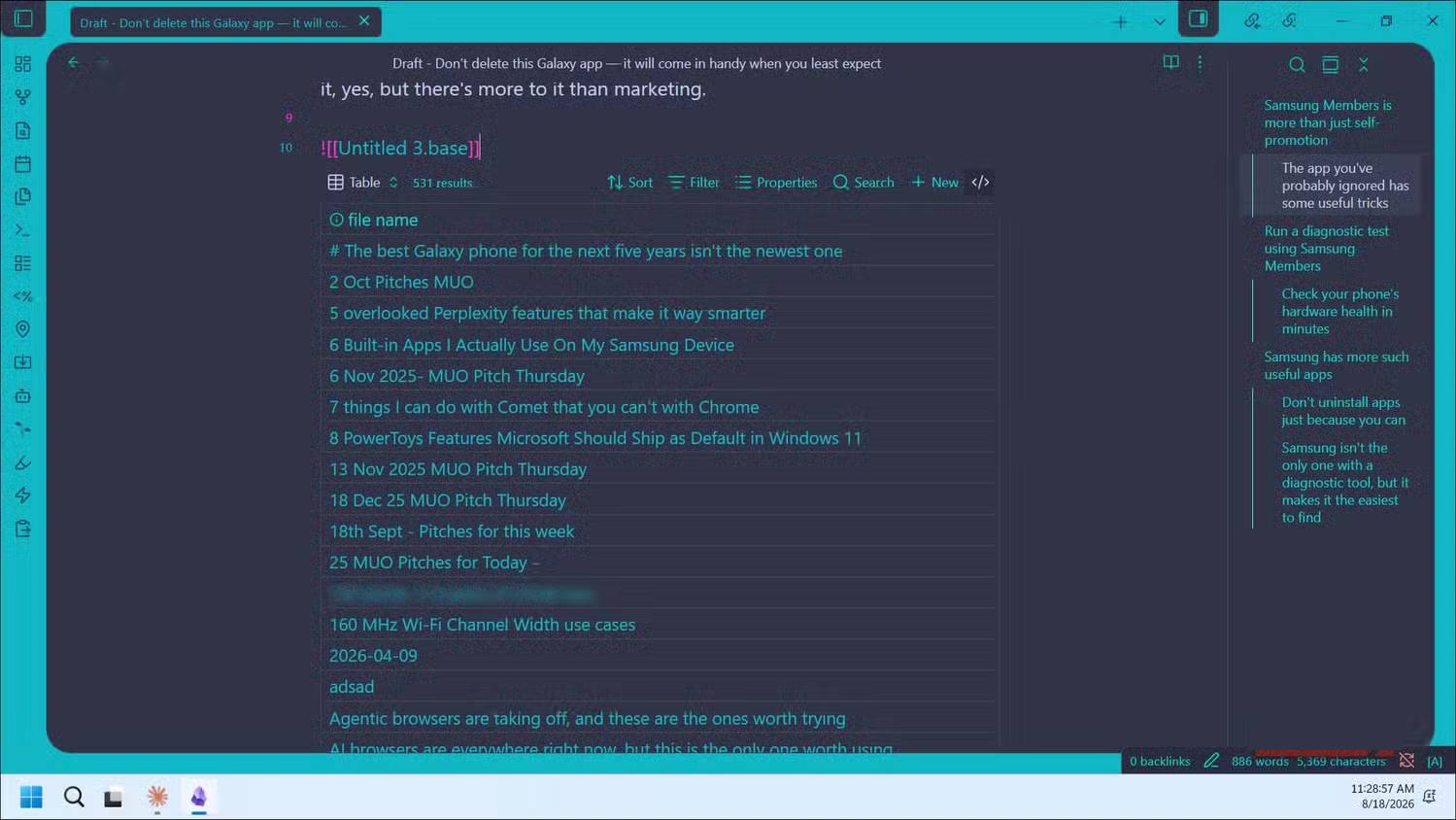
Getting started takes just a few minutes:
- Head to Settings > Core plugins, search for Bases, and toggle it on.
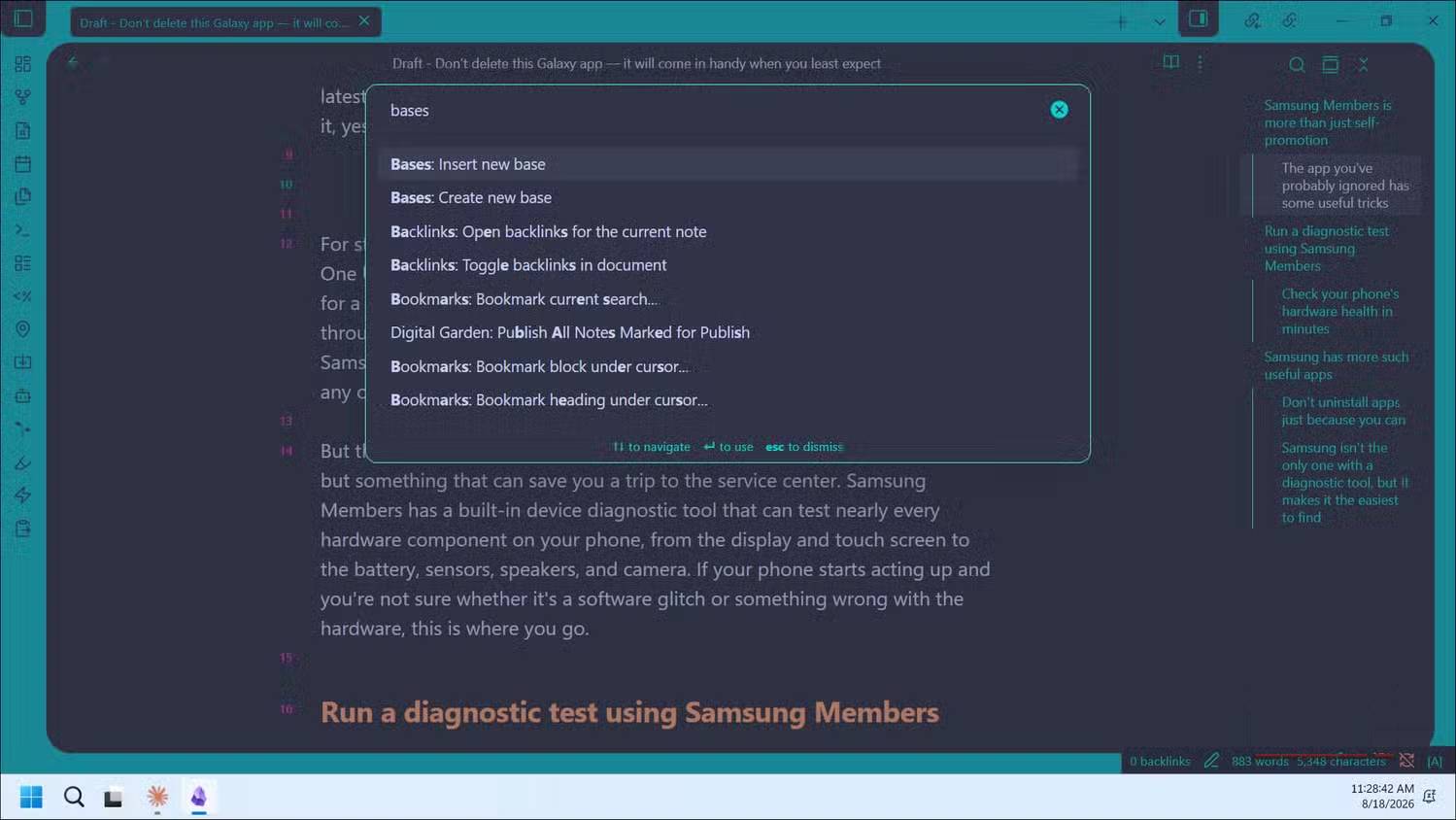
- Press Ctrl/Cmd + P to open the Command Palette. Search "bases" and choose Create new base to make a standalone database file, or Insert new base to embed one in an existing note.
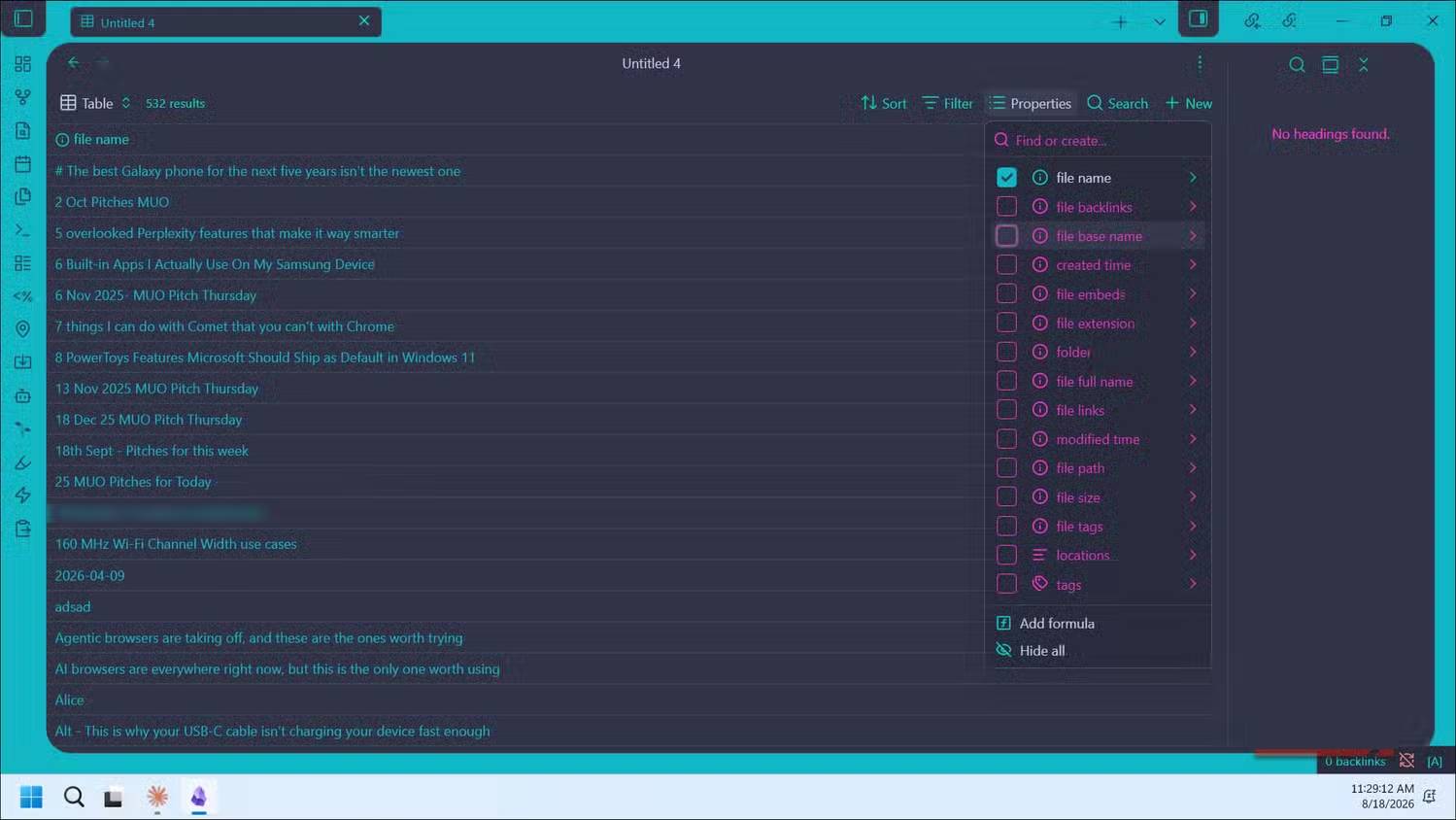
- Your base starts by gathering every note in your vault. Click Properties in the side panel and select which fields you want as columns—tags, author, genre, whatever you need.
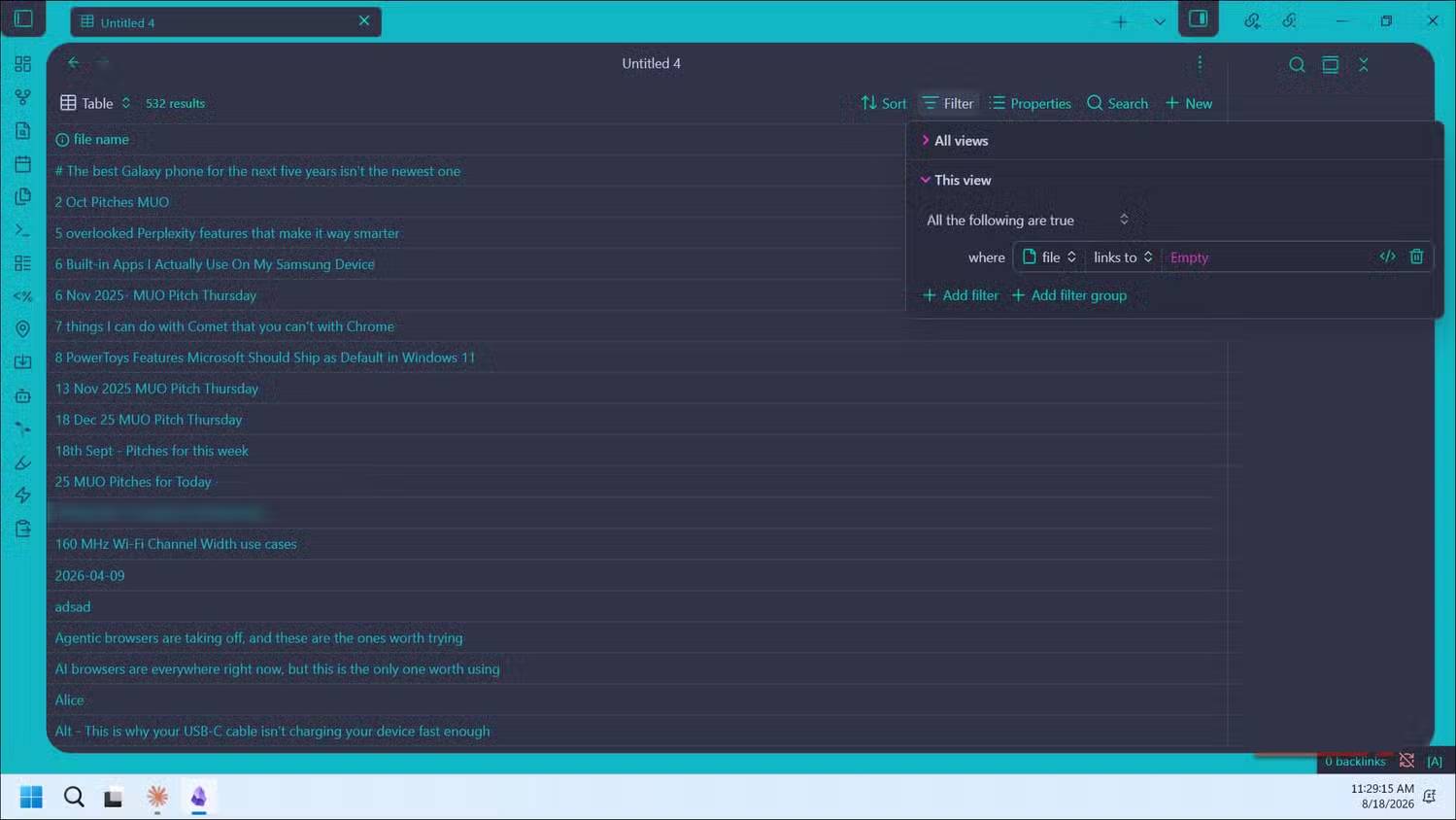
- Click Filter and set a rule like "where tag contains #drafts" to show only specific notes.
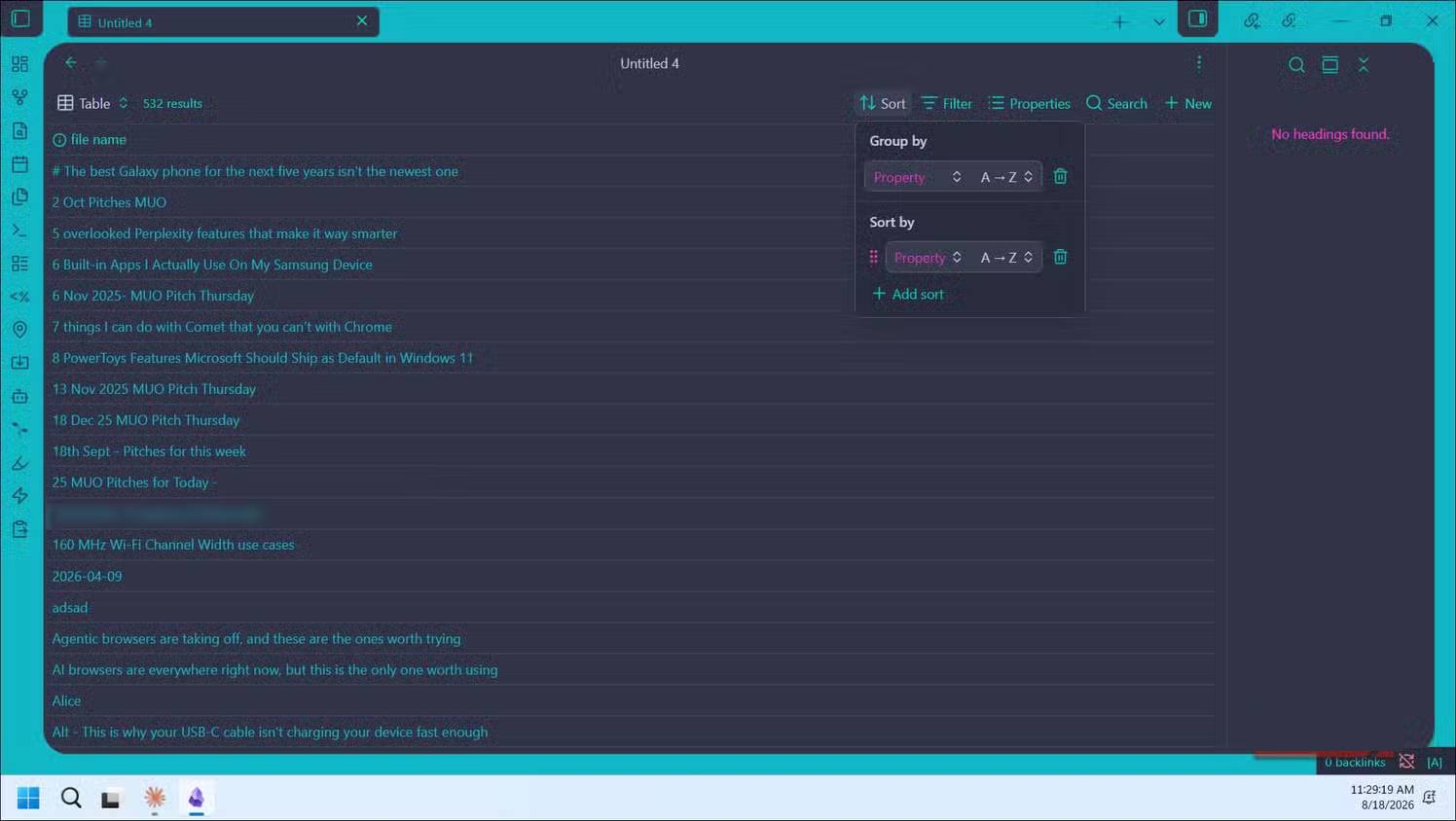
- Click Add view to create alternate versions of the same base. You could set up one view for fiction books and another for non-fiction using the same database—each with its own filters—and switch between them without redoing the work.
From there, edit properties right on the table, drag columns to reorder them, and even embed a base directly into another note using Insert base. This is perfect for project dashboards or a "digital garden" homepage that updates itself.
Bases Makes the Obsidian Switch Actually Realistic
Bases doesn't try to turn Obsidian into Notion, and that's exactly right. Notion's databases exist to manage work: tasks, pipelines, project boards. Obsidian's real strength has always been connecting ideas and thinking through plain text. Bases adds a third lens for exploring your vault—alongside the graph view to see connections and canvas for free thinking—this time through structured filtering. You can surface every note marked as low-priority, or every book missing a genre tag, spotting patterns you'd miss scrolling manually.
It's still a feature under development, with new plugins being built on top of it and more view types in the roadmap. Even now, though, Bases fills the single gap that made Notion hard to leave. That alone transforms switching from a reluctant compromise into an active choice.
Description: Obsidian's Bases plugin brings structured database views to your notes. Here's how it compares to Notion and whether it replaces Dataview.

No Comment to " Bases: Obsidian's New Plugin Finally Closes the Gap Notion Left Behind "