How to Connect Exa to ChatGPT for Advanced Search and Research

ChatGPT has become the go-to tool for countless tasks—content creation, data analysis, market research, and beyond. But here's the limitation: if you need to dig into specialized information, discover relevant websites, or pull data from multiple sources, ChatGPT alone falls short. This is where Exa comes in.
Exa is a ChatGPT plugin that supercharges your research and search capabilities. By pairing Exa with ChatGPT, you get a powerful tool that enhances source discovery, enables deeper investigation, and provides access to specialized information you won't find through standard ChatGPT queries. Let's walk through how to set up and use Exa on ChatGPT to expand your research potential.
Setting Up Exa on ChatGPT: Complete Installation Guide
Step 1: Install the Exa Plugin
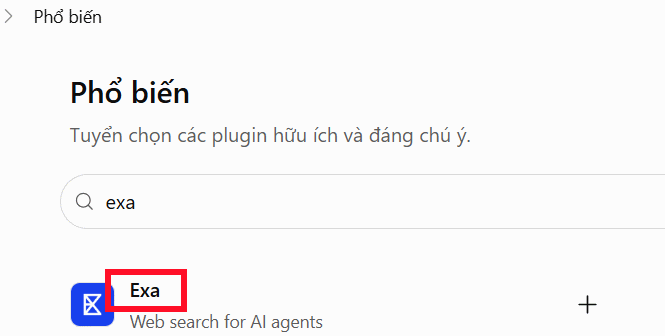
Open ChatGPT and click on the Plugins section. Then search for "Exa" using the search bar. Once you find the Exa result, select it.
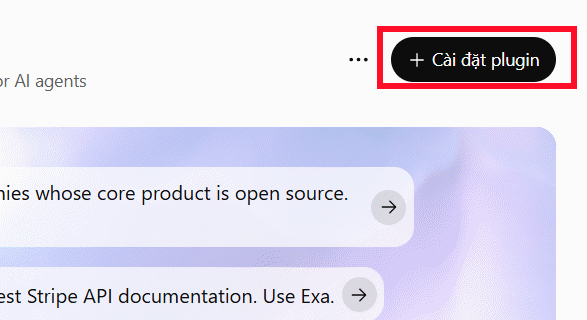
Now click "Install plugin" to add Exa to your ChatGPT account.
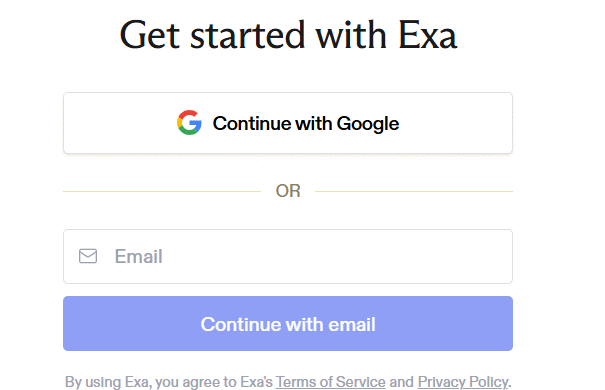
Next, you'll need to create an Exa account as shown in the prompt.
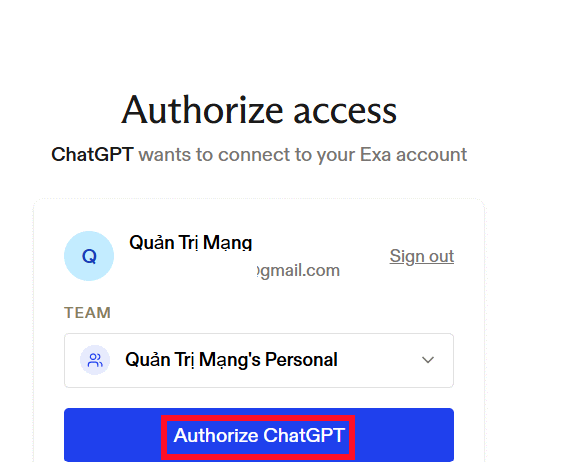
Once your Exa account is ready, authorize ChatGPT to access it. Click the "Authorize ChatGPT" button to complete the connection.
Step 2: Start Using Exa in Your Searches
Return to the ChatGPT chat interface and type @Exa in the message box, then select the Exa app from the dropdown that appears.
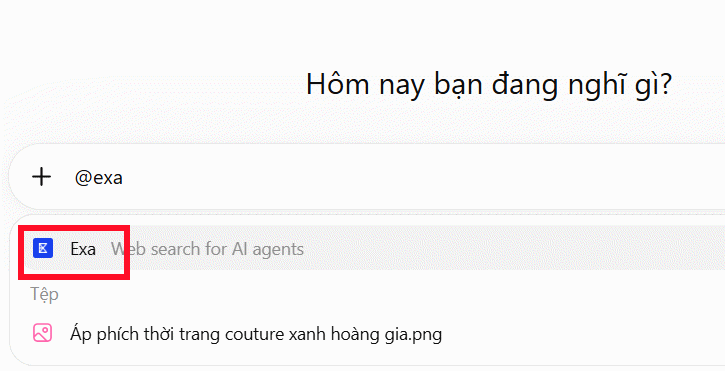
Now you can enter your search request or research query. To get the best results, follow this proven formula:
Search Topic + Geographic/Subject Scope + Source Type + Desired Output Format
Find the latest reports on e-commerce trends in Vietnam for 2026. Prioritize research studies, industry reports, and data with cited sources.Give Exa a moment to process—you'll receive detailed, specialized information tailored to your request.
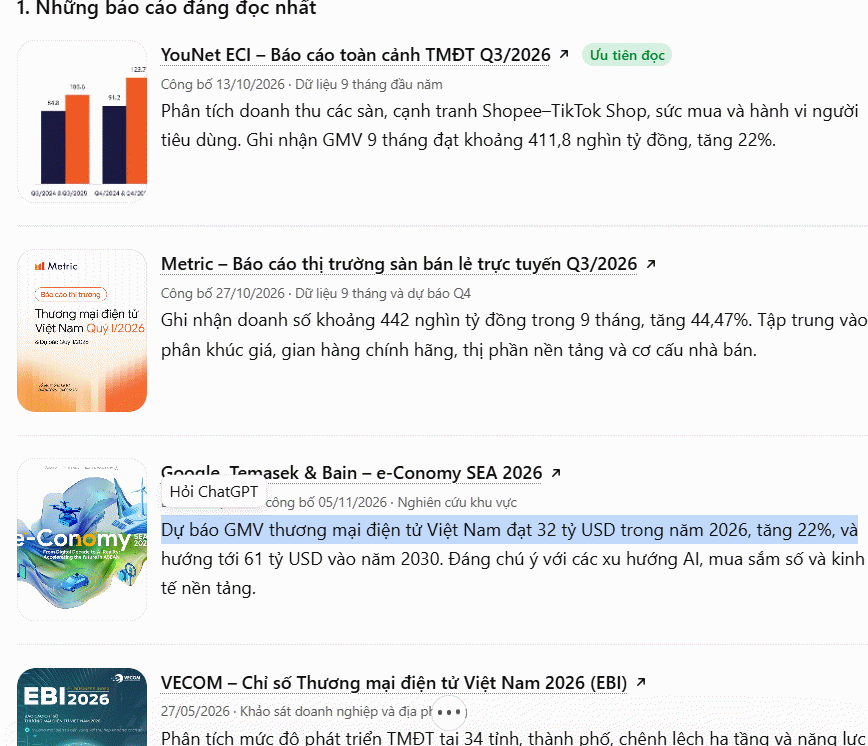
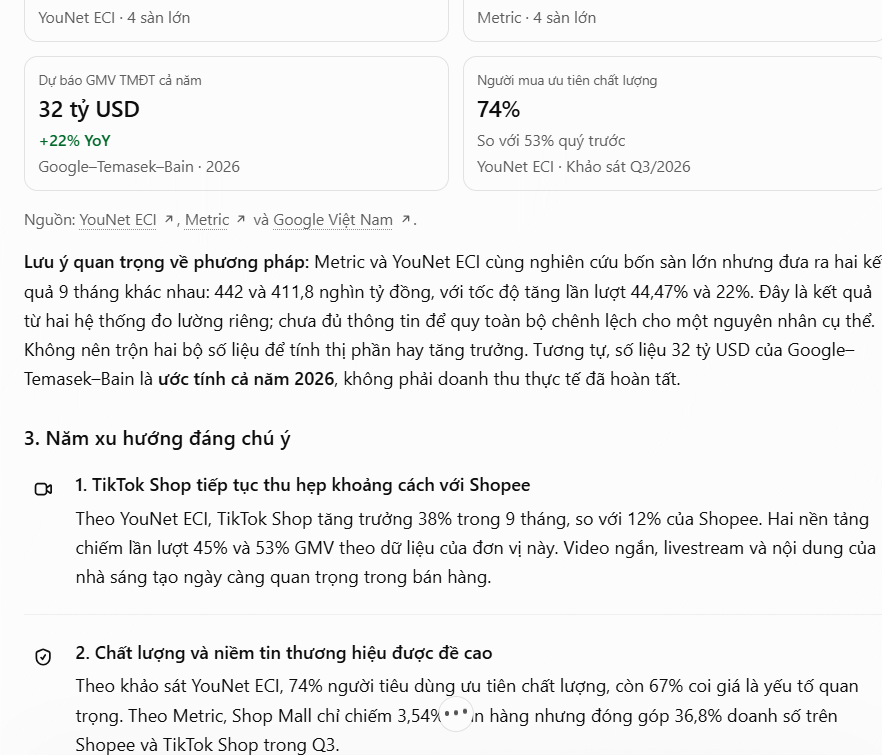
Here are some example prompts to get you started.
Finding In-Depth Research and Specialized Materials
Search for research studies and reports on artificial intelligence applications in business for 2025–2026.

Prioritize:

- Reports from established organizations.

- Research with concrete data and statistics.

- In-depth analytical pieces.

- Sources with clear publication dates.

Compile the top 10 relevant sources with titles, URLs, and key takeaways for each.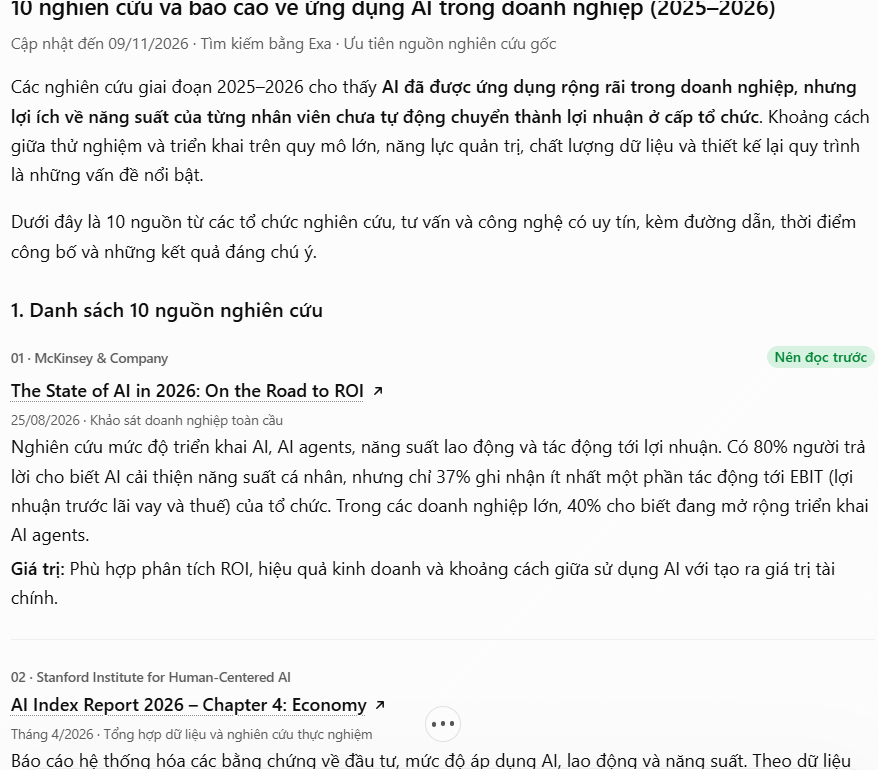
Investigating Market Trends and Business Opportunities
Research the Vietnam cosmetics market in 2026. Look for:

- Emerging consumer trends.

- High-growth product segments.

- Online shopping behavior patterns.

- Brands making an impact.

- Market reports with quantified data.

Focus on credible sources and verifiable information. Organize findings into a structured report by category.
Description: Connect Exa to ChatGPT to unlock deeper research capabilities. Follow our step-by-step guide to find quality sources and conduct thorough investigatio
Related Articles
- 5 Real-World Tasks Where Google's Gemma 4 Outperforms Paid AI Models
- Generate and Edit Images with AI Using Dola
- The Upload Button Paradox: How AI Tools Became Your Company's Biggest Security Risk
- The Best AI Programming Tools You Should Know About in 2024
- Create 3D Infographic Posters That Summarize Content Using Gemini

No Comment to " How to Connect Exa to ChatGPT for Advanced Search and Research "