Essential Tips for Getting Started with Obsidian
There's a concept in Ivan Illich's classic book "Tools for Conviviality" that perfectly captures what makes certain tools special: a convivial tool is one that empowers users to maintain autonomy, independence, and creativity. Think of a simple hammer or screwdriver. You can use them countless ways, they don't require specialized knowledge to operate or repair, and they don't lock you into buying complementary products. A hammer doesn't create artificial demand for a specific type of nail.
In the world of note-taking apps, Obsidian might just be the closest thing to a truly convivial tool. Once you grasp the fundamentals, you'll discover the ways to use it feel almost limitless. Many people start by tracking their reading, but what really hooks them is that Obsidian refuses to dictate how you should work. It doesn't push you toward one "correct" workflow—it actually encourages experimentation.
Obsidian Won't Tell You How to Use It
And it won't force you into a rigid system either
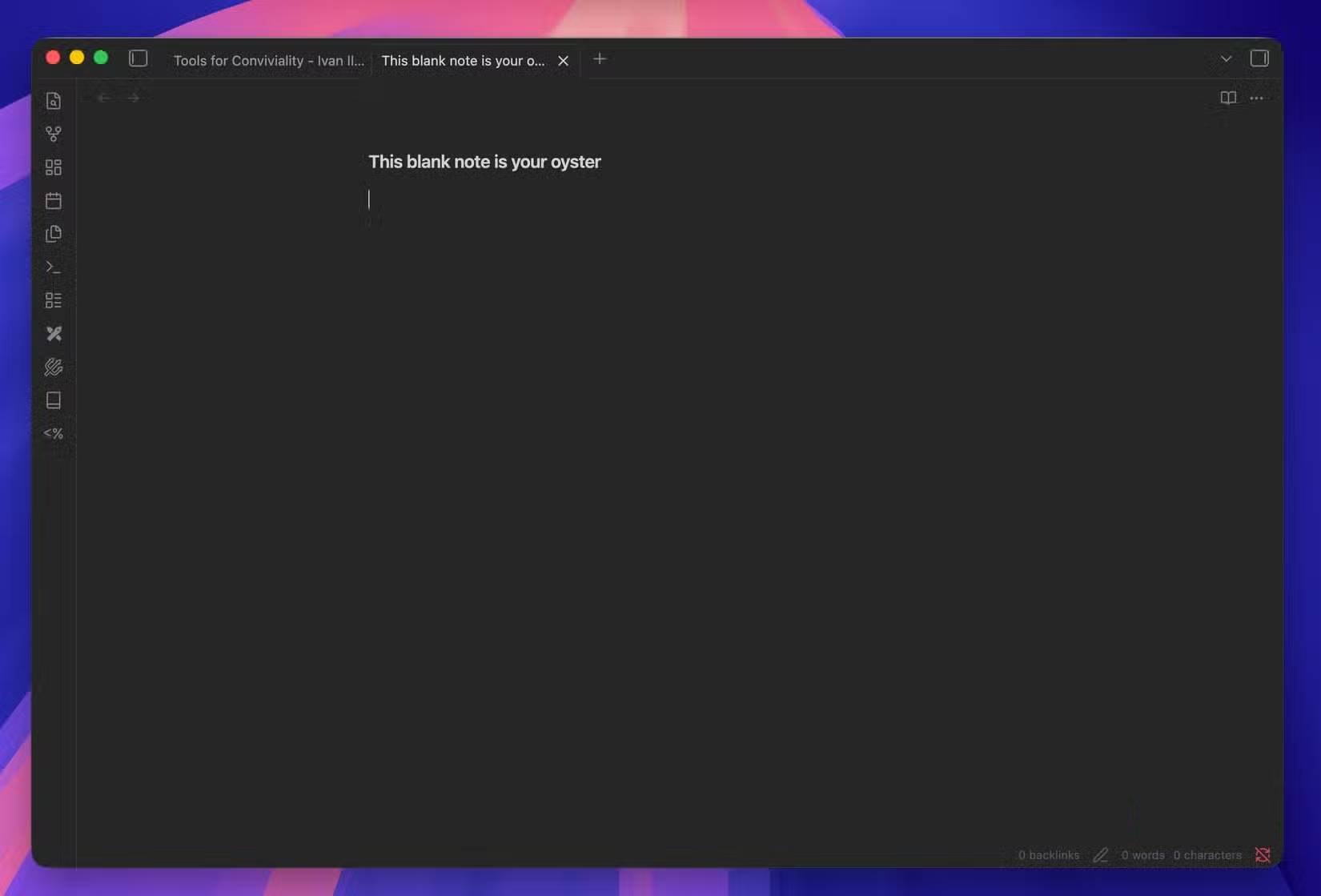
Most other note-taking apps steer you in a specific direction. Notion wants you building databases. Evernote pushes web-clipping. Apple Notes encourages quick jottings of random observations. Obsidian? You get a blank Markdown file and the freedom to shape it however you need. That's precisely why people love it. Markdown is plain text—you're not locked into any app's proprietary format. You get just enough structure to stay organized without the bloat.
Obsidian's basic hierarchy is straightforward: Vault (storage container) > Folder > Note. You might create one vault for book tracking and another for article ideas. But here's the thing—folders aren't mandatory. You can link notes in countless other ways. Got a note that fits multiple thought streams? Link it to each instead of forcing it into a single folder. The system adapts to how you think, not the other way around.
Technically, an Obsidian Vault is just a folder on your computer containing .md files. You could open them in Notepad if you wanted. Need your notes on multiple devices? You can pay for Obsidian Sync, or simply store your vault in a cloud-synced folder. That's fundamentally different from Notion or Evernote, which use proprietary formats that often lead to data loss when you switch apps.
Obsidian Rewards Exploration
Both of the app itself and the connections between your notes
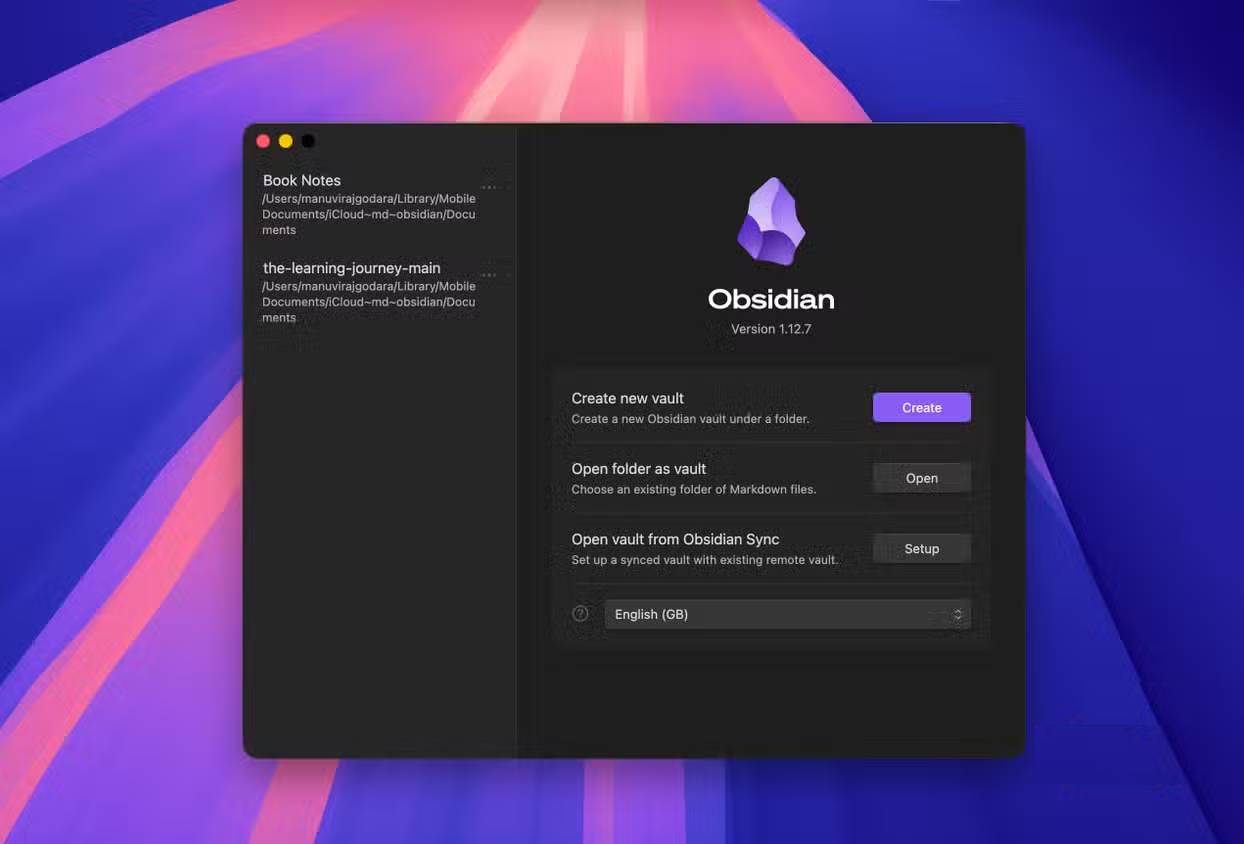
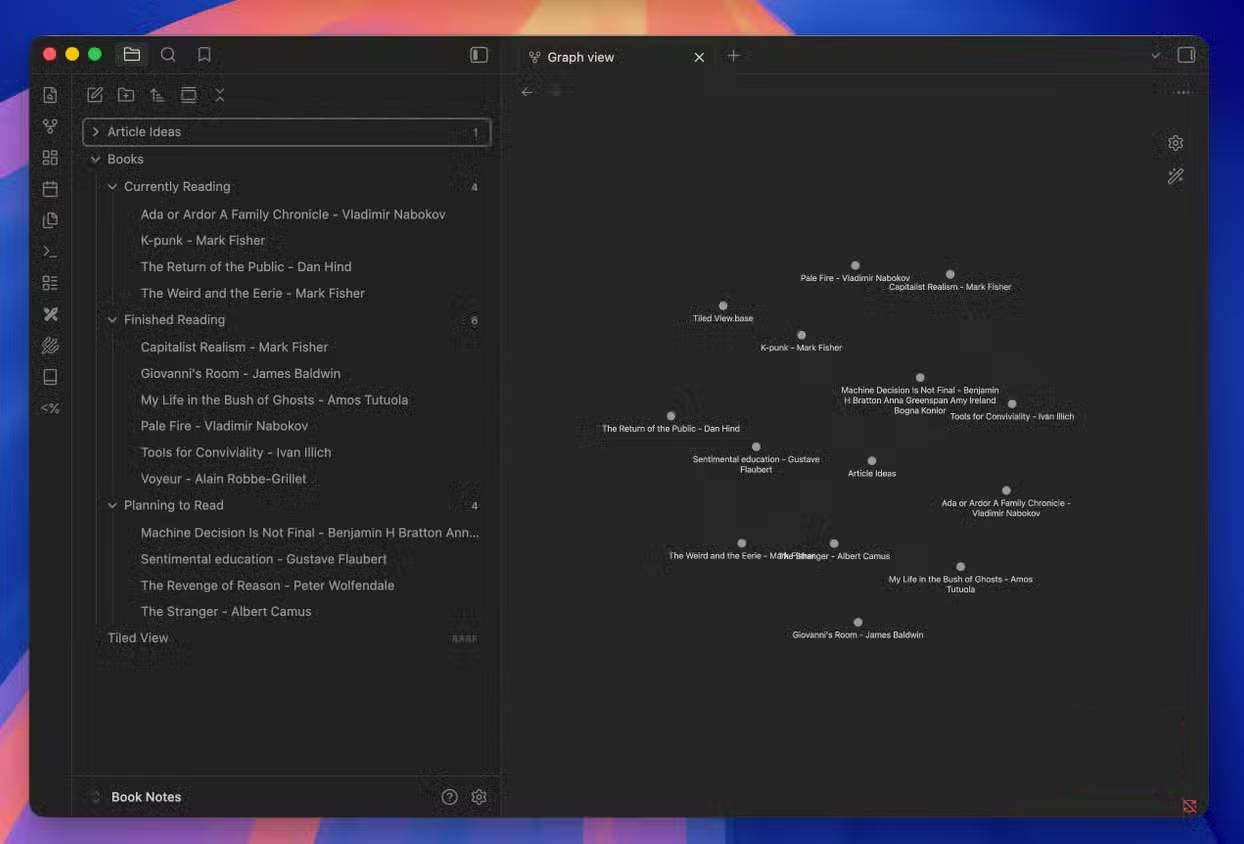
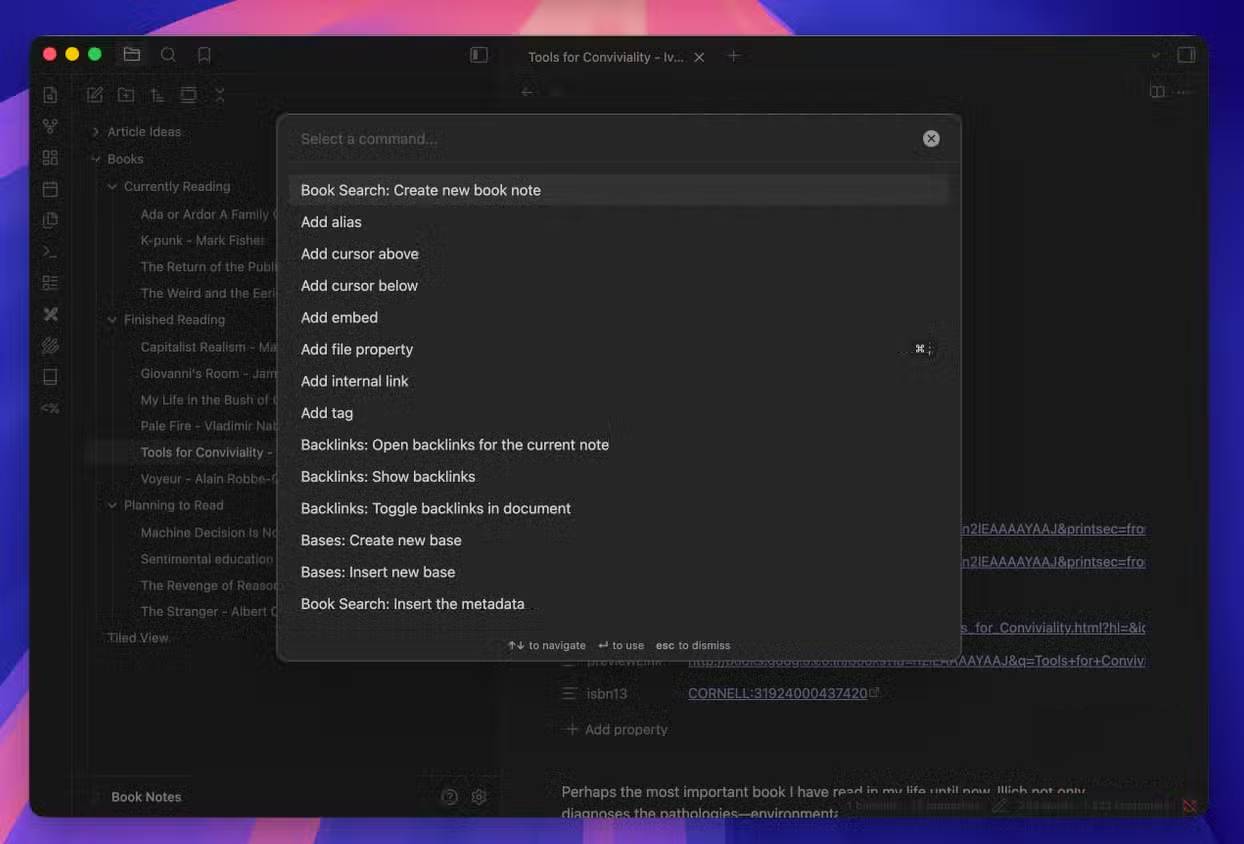
Obsidian gradually reveals its depth as you use it. Someone might start tracking books, then realize they want to capture article ideas too—especially since inspiration often strikes while reading. Obsidian makes linking these thoughts effortless. You create a new note in your book vault, jot down the idea, and create a backlink to relevant book notes. To link notes? Just type the note name inside double brackets: [[ ]]. That's it. Switch to Graph View and you'll see a visual map of how your notes interconnect.
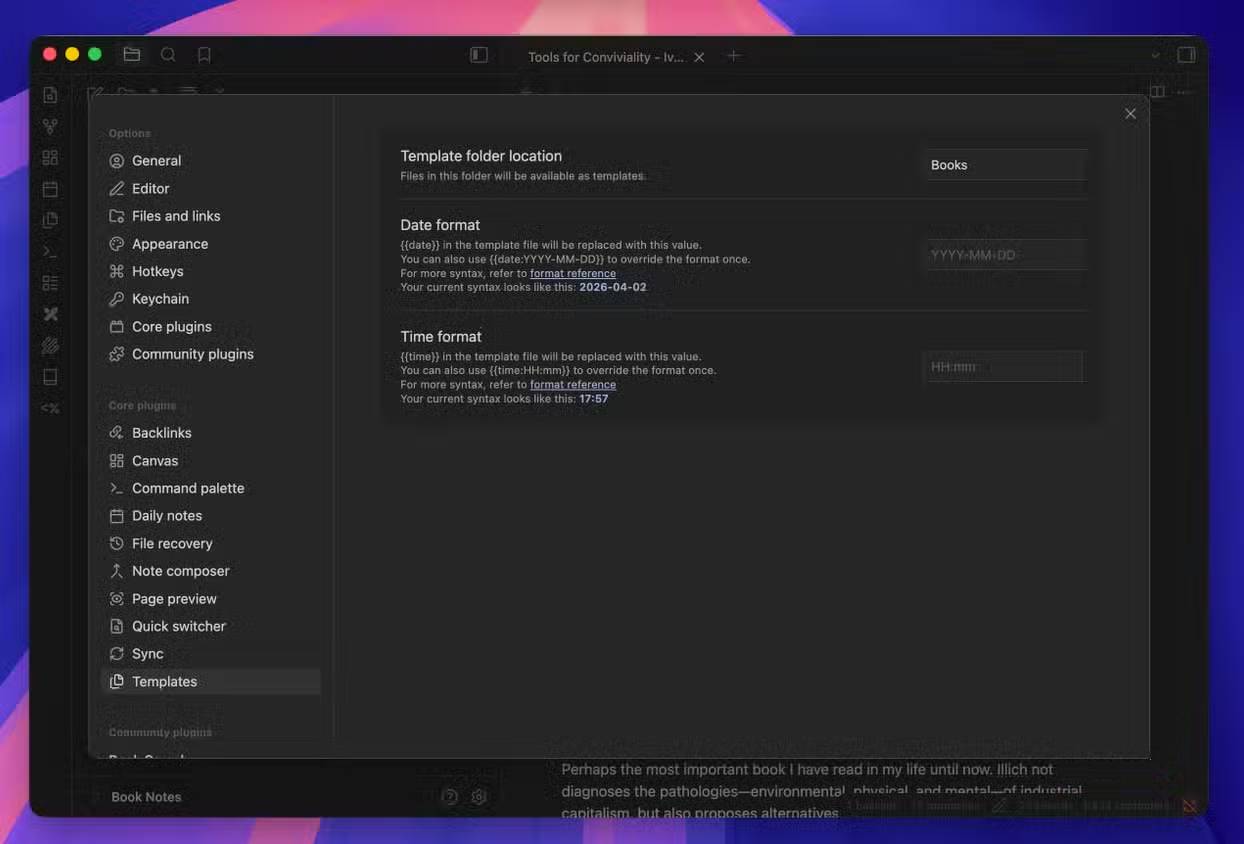
The Templates feature eliminates repetitive work. Say you're creating notes for article ideas. Each one has the same structure: title, key concepts, outline, sources. Instead of retyping this framework every time, set it up as a template once. Now you're like someone coloring in a pre-drawn picture—the structure's already there, you just fill in the details.
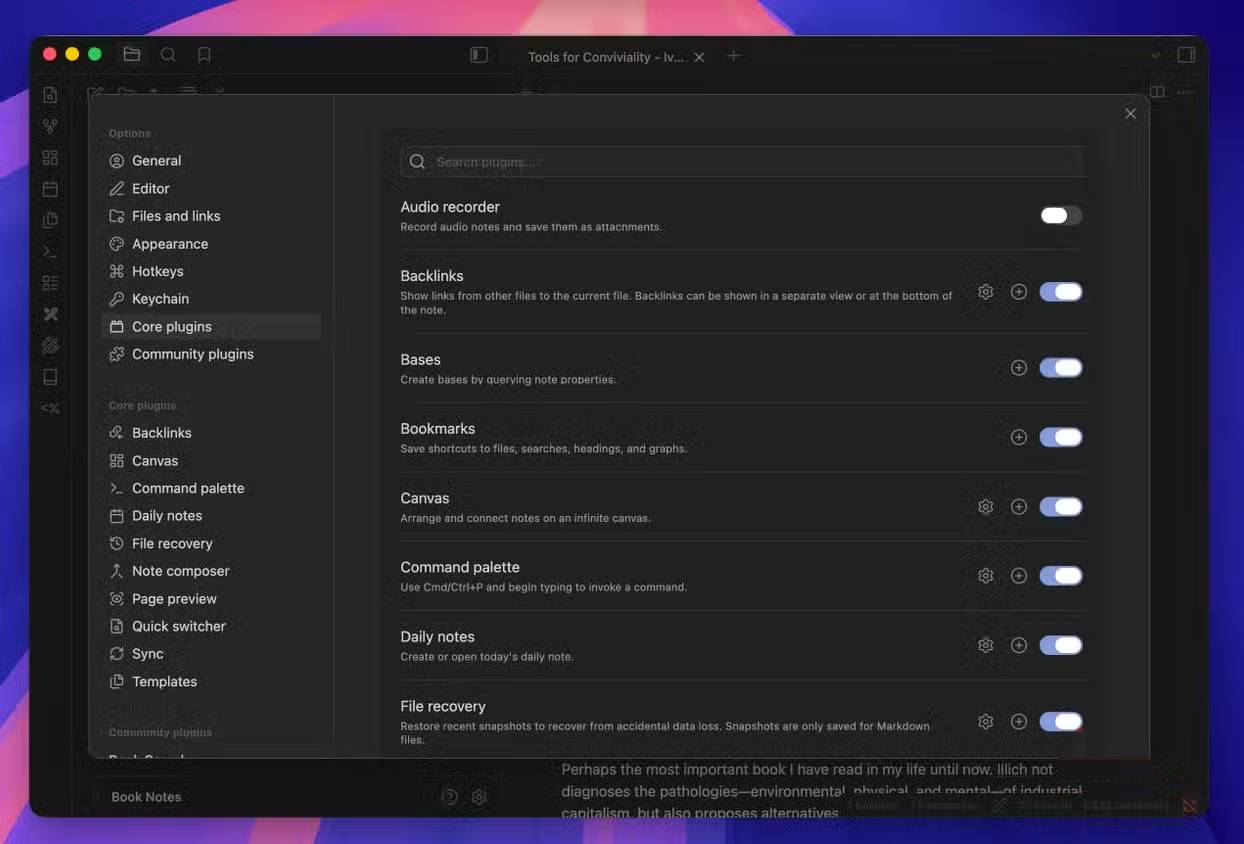
What if you want to do something the base app doesn't support? Community Plugins have you covered. Want to draw, create diagrams, visualize notes differently, or connect external services? There's a plugin for it. And when you open that vault on a new computer, Obsidian automatically downloads and installs the plugins you've already set up.
Don't Get Overwhelmed by What Others Are Doing
Obsidian has a learning curve, but it's gentler than you might think
Online discussions about Obsidian often feature elaborate note-taking systems with dozens of community plugins doing complex tasks. Reading that stuff can feel intimidating—you might think you need to build a complete "second brain" on day one. Here's the reality: you don't. The learning curve is shorter than you expect. Those complex systems are just combinations of simple ones stacked together. Start with the simple foundations first. Master those, then build up. What's interesting here is that the simplicity is the feature, not a limitation you'll quickly outgrow.
Description: Learn what makes Obsidian different from other note-taking apps and how to use it effectively as a beginner.
Related Articles
- Getting Started with Artflo AI: Create Images and Videos in One Unified Workspace
- How to Share Gemini Conversations and Manage Public Links
- NoteGPT AI Detector: Spot Machine-Generated Content Instantly
- How to Generate and Edit Images in Google Flow
- 10 ChatGPT Shortcuts That Unlock Hidden Productivity

No Comment to " Essential Tips for Getting Started with Obsidian "