Testing Google AI Studio's Real-Time Translation Feature
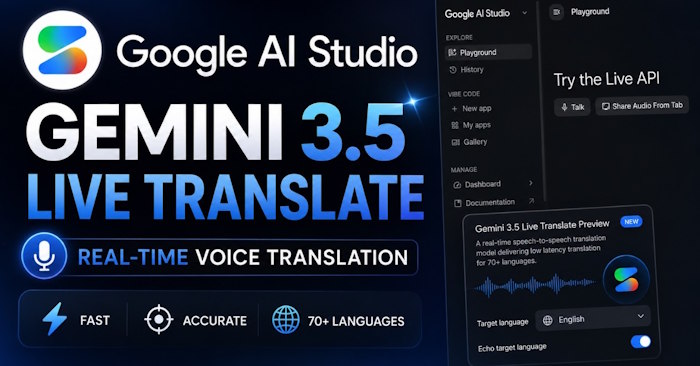
Google AI Studio has just rolled out a real-time speech translation feature powered by the Gemini Live API and Gemini 3.5 Live Translate model. The tool translates spoken audio instantly across more than 70 languages, converting input speech into translated audio with minimal latency. What's interesting here is that this goes beyond simple subtitle translation—you get actual audio output in your target language.
By configuring the Live API with translation mode enabled, you can stream audio in one language and receive translated audio output in another, creating seamless speech-to-speech translation in real time. This means you can follow along with video content in any language you choose, without relying on YouTube's built-in captions. Let's walk through how to set it up.
How to Use Real-Time Translation in Google AI Studio
Step 1:
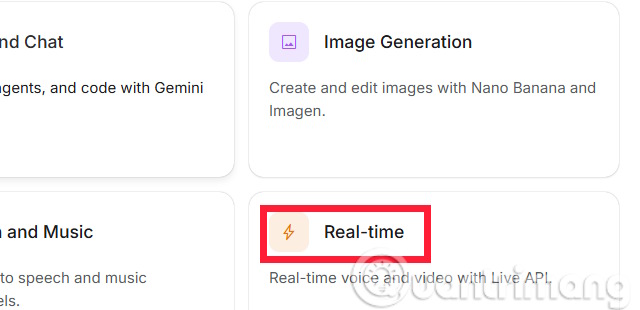
Open Google AI Studio and look for the Real-time section.
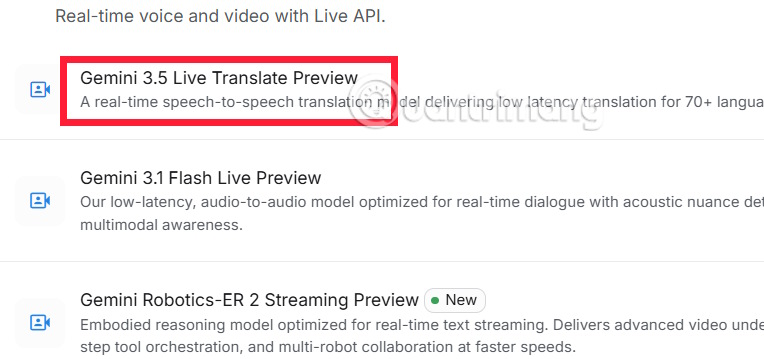
Once you're in the new interface, select Gemini 3.5 Live Translate Preview to get started.
Step 2:
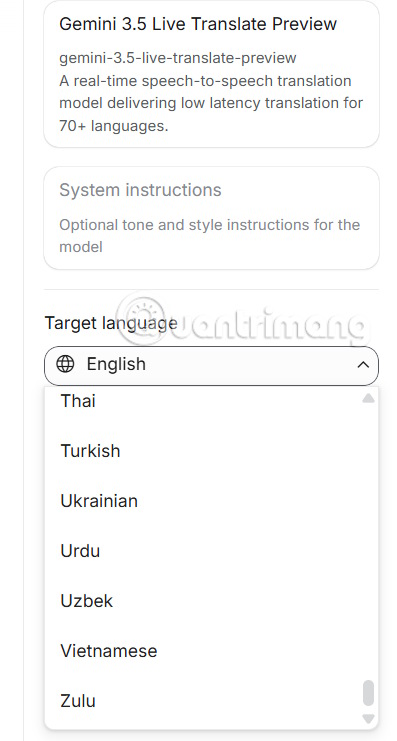
In the translation setup interface, start by choosing your target language from the sidebar options.
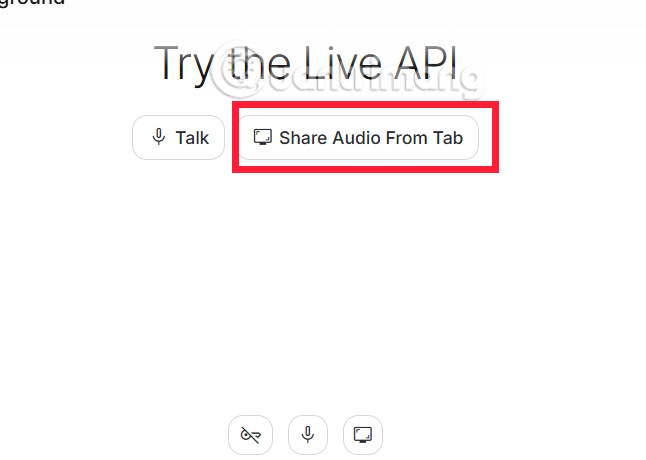
Next, tap Share Audio From Tab to capture audio from your current browser tab while playing video. Alternatively, you can hit the Talk button to translate your own speech in real time.
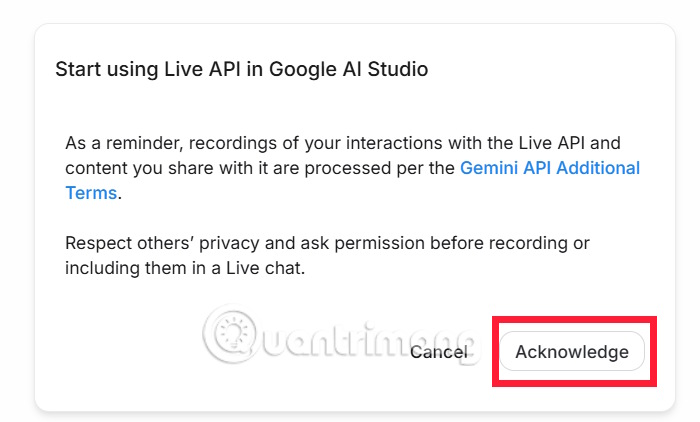
Click to confirm and activate the translation tool.
Step 3:
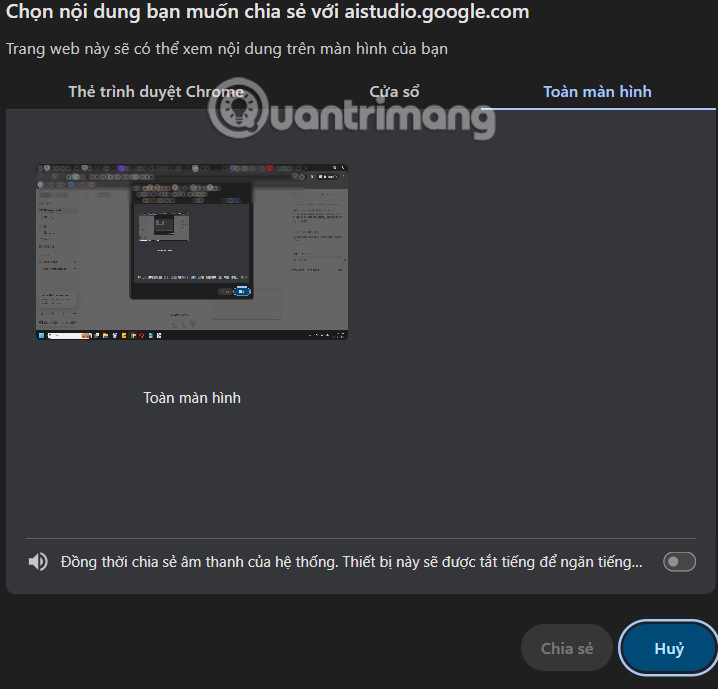
You'll need to select which screen or window you want to share with Google AI Studio.
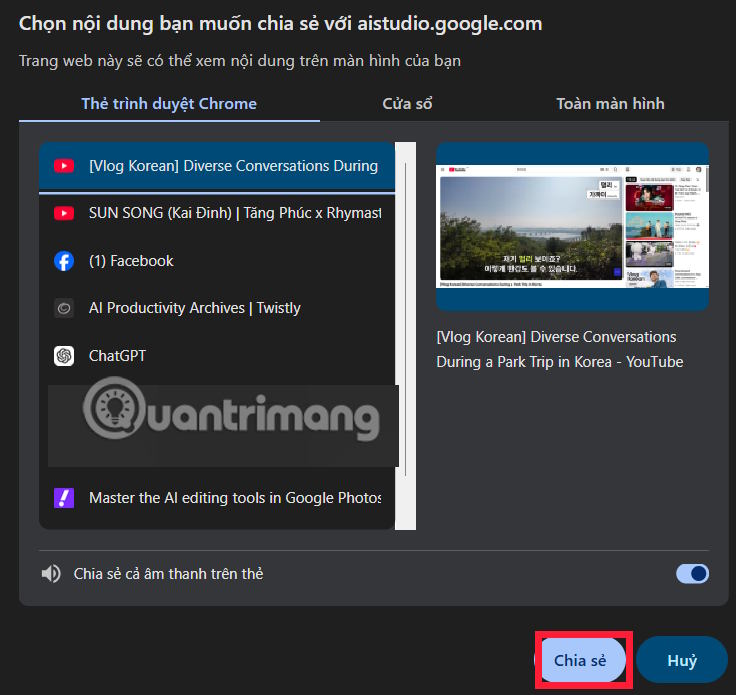
After selecting your screen, hit the Share button below to proceed.
Step 4:
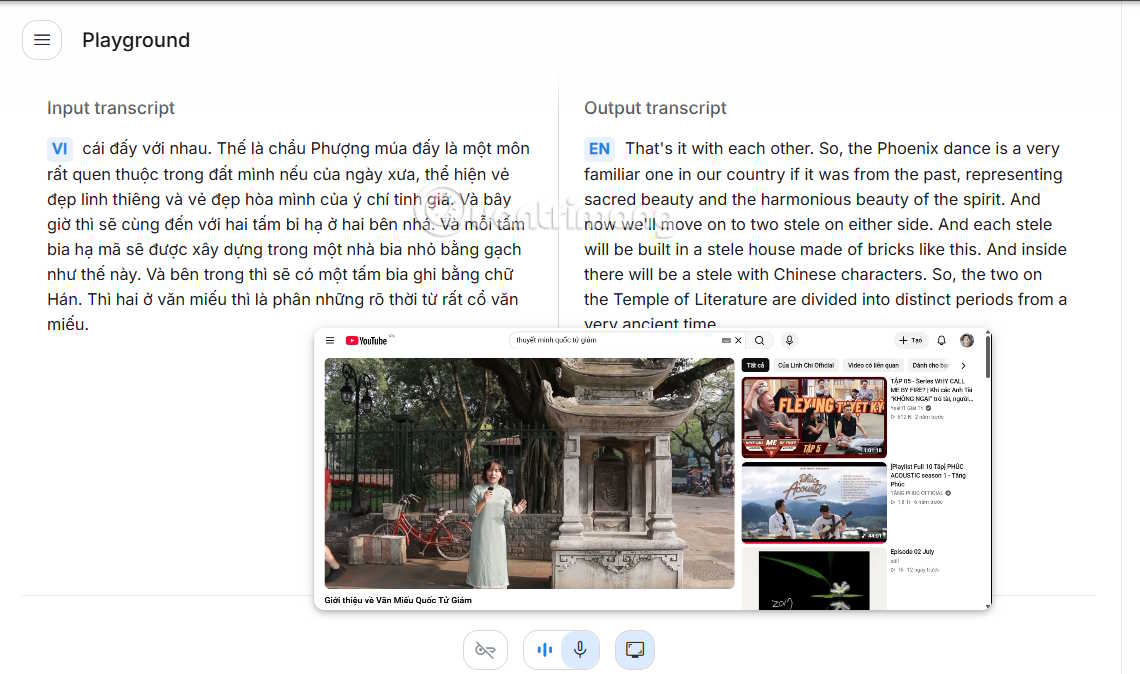
You'll immediately see the translated text appearing on screen, complete with audio output in your chosen language. Keep in mind there will be some delay between the original audio and the translated version—that's normal.
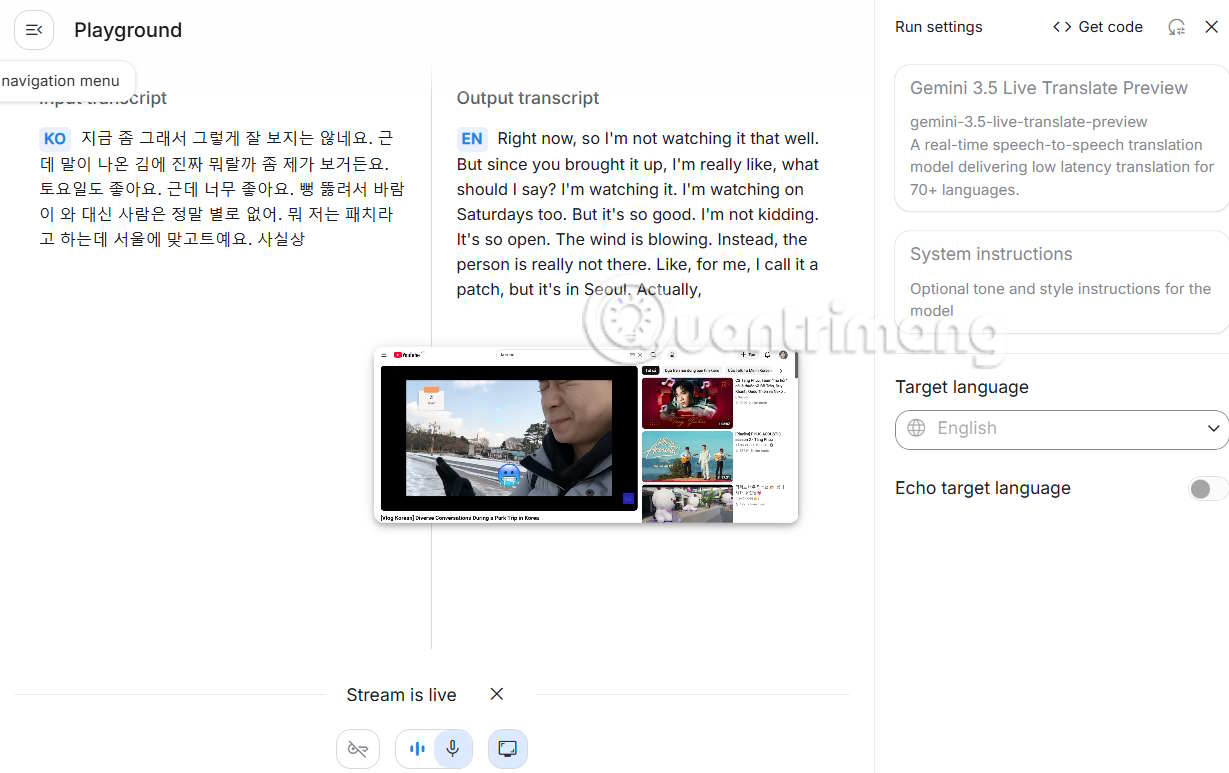
In practice, Google AI Studio's translations are quite accurate. The system automatically selects a male or female voice to match the speaker in the original video, which feels natural.
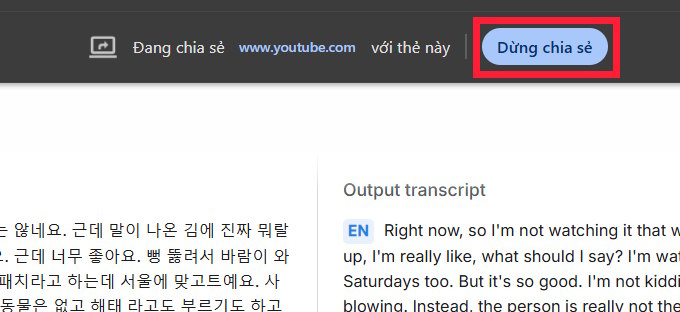
To stop the translation, simply click the Stop Sharing icon.
Pros and Cons of Google AI Studio's Real-Time Translation
Advantages:
- Speech translation happens nearly instantly.
- Supports over 70 languages.
- Outputs actual spoken audio, not just text.
- Perfect for watching videos or following conversations in foreign languages.
- The synthesized voice sounds natural and human-like.
Limitations:
- There's still noticeable delay between the source audio and translation.
- Translation quality depends heavily on input audio clarity.
- This tool is focused purely on translation, lacking the broader conversational features of Gemini Live.
Description: Google AI Studio now offers instant speech translation across 70+ languages using Gemini 3.5 Live Translate. Here's how to use it.
Related Articles
- The 5 Best AI Tools for Data Analysis in 2026
- How to Disable and Hide Meta AI Across Facebook, Instagram, Messenger, and WhatsApp
- How to Generate Multiple-Choice Questions on Diemdanh
- Master AI-Powered Writing with Rytr: A Complete Getting Started Guide
- Ornith-1.0 Explained: An Open-Source AI Coding Model That Builds Its Own Workflows

No Comment to " Testing Google AI Studio's Real-Time Translation Feature "