Five Hidden Perks of Google AI Pro You're Probably Missing
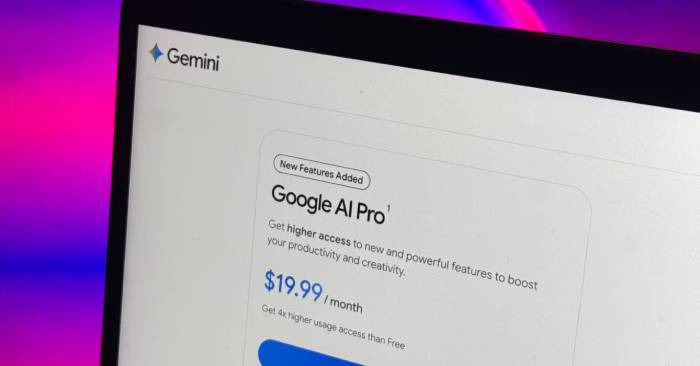
Google AI Pro stands out as one of the best-value AI subscriptions available right now. Unlike other AI platforms that simply hand you access to a better chatbot and call it a day, Google has packed this subscription with perks scattered across its entire product ecosystem. And here's the kicker: if you're a student, you might not pay anything at all. Google handed out year-long AI Pro subscriptions free to university students across dozens of countries during the recent back-to-school season.
Most students signed up for Gemini and NotebookLM, sure—but that's honestly just scratching the surface. The real value lies in all the other stuff bundled in. Google AI Pro comes loaded with benefits that reach far beyond its AI tools, and some of the best features are surprisingly easy to overlook.
Table of Contents
YouTube Premium Lite
Ad-free YouTube viewing comes with your AI plan
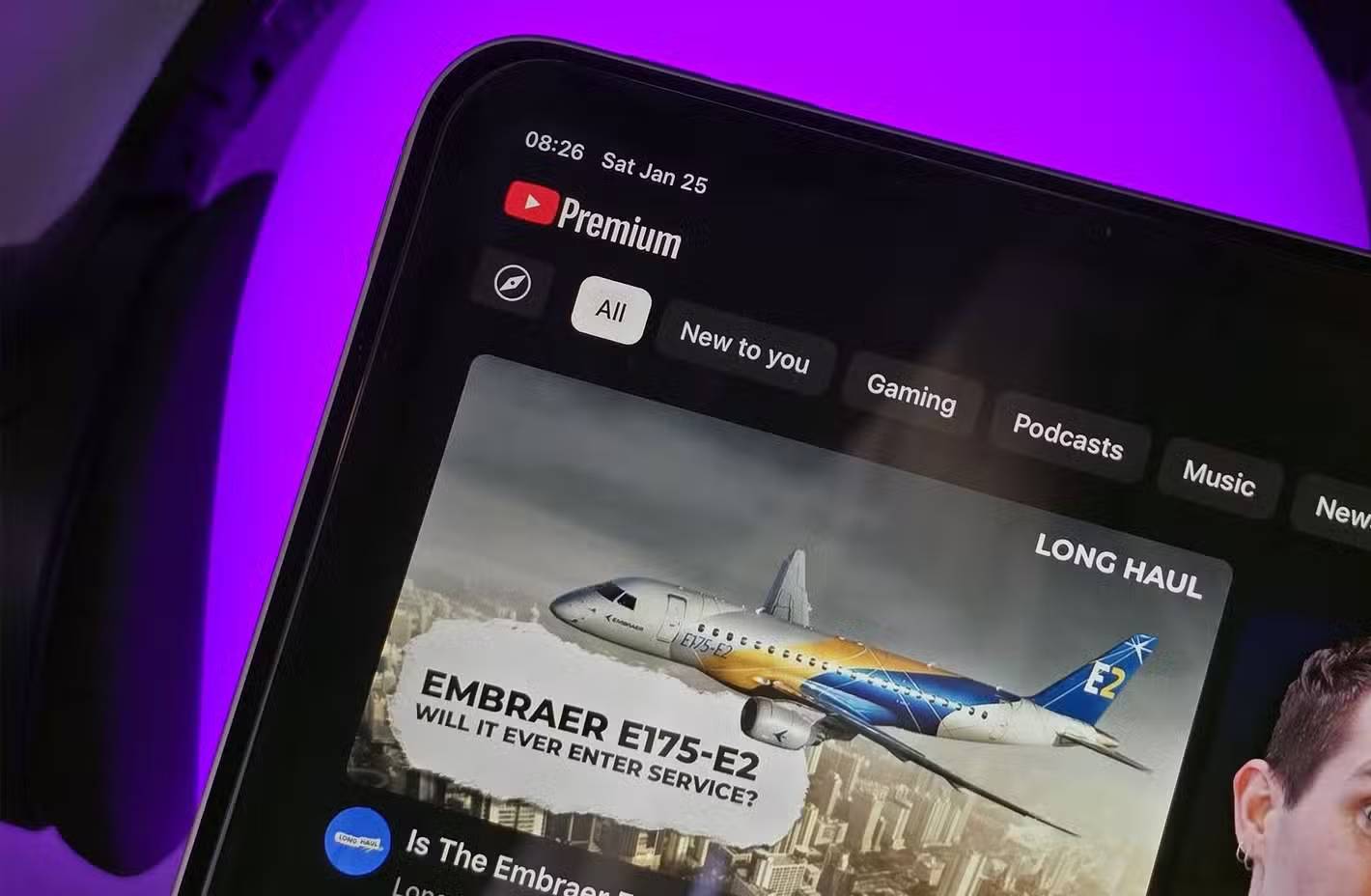
Google only recently added YouTube Premium Lite to its paid AI Pro tier at the May 2026 Google I/O event—and it adds roughly $8.99 per month in value without charging extra.
Premium Lite isn't quite the full YouTube Premium experience, but it covers most of what regular users actually care about. You get ad-free viewing on standard YouTube videos and YouTube Kids, the ability to download videos for offline playback, and background play when you switch apps. That said, there are limits. Ads still show up on Shorts, music content, search results, and while browsing. And unlike full YouTube Premium (which includes YouTube Music Premium), Premium Lite won't give you ad-free music listening or offline music downloads in the YouTube Music app.
The best part? No activation required. If you have a valid paid Google AI Pro subscription, Premium Lite automatically enables on your account.
Family Sharing
One subscription, up to five users—incredibly generous
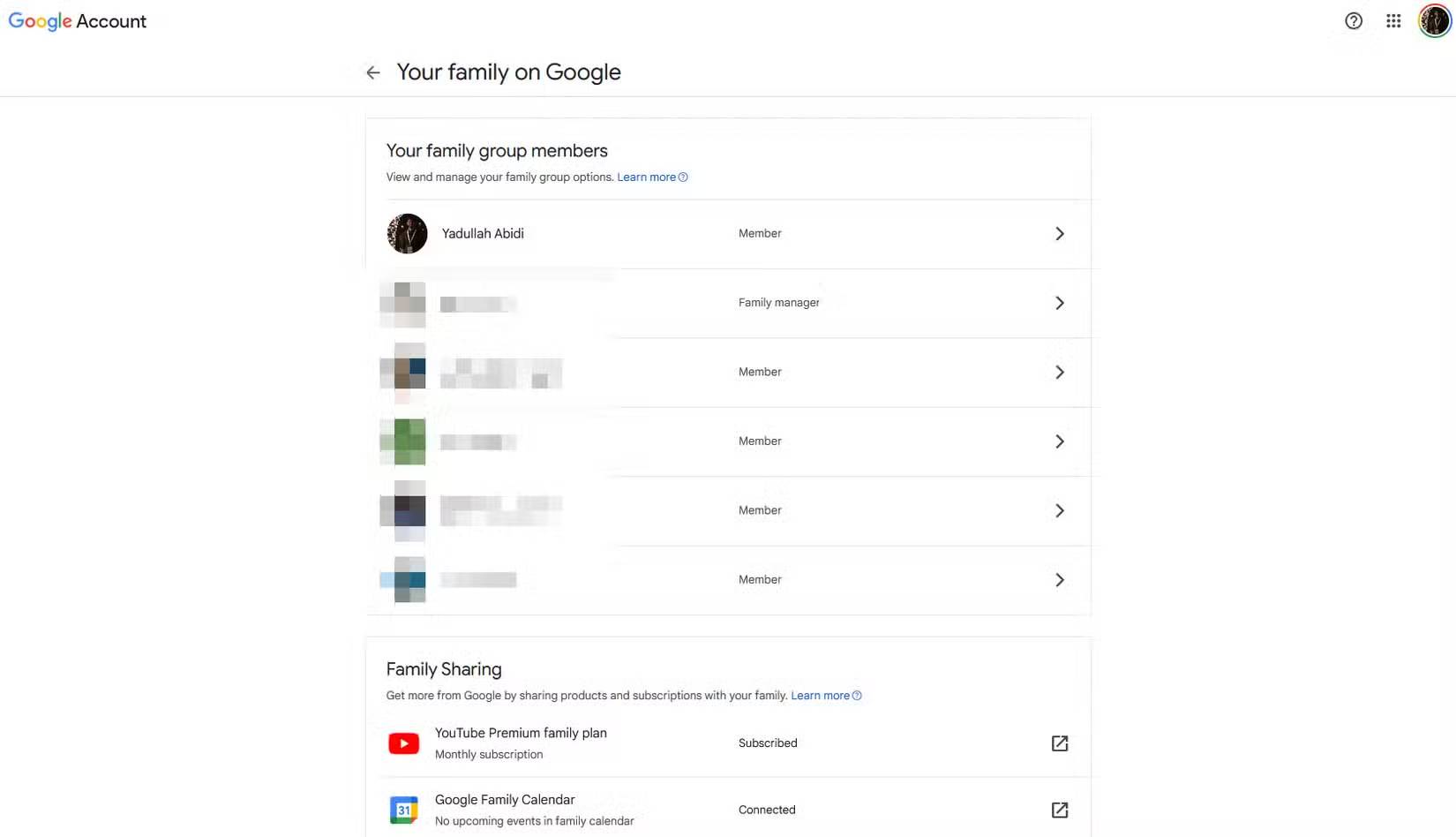
Family Sharing is probably the most underrated benefit of Google AI Pro. Your subscription can be shared with up to five people through a Google family group, meaning they get access to your AI Pro features and shared storage without buying their own subscription. Google even lets family members share AI credit pools—though only the plan manager can purchase additional credits or change subscription details.
Storage is the real winner here. Depending on which plan you pick, Google AI Pro gives you either 5TB or 10TB of storage that works across Drive, Gmail, and Photos. You can share this entire pool with up to five family members through a Google family group, and everyone's files, photos, and emails stay private. What's interesting here is that Google actually lets you split a massive shared storage pool while maintaining individual privacy boundaries—something you won't find with every subscription service.
Google Health Premium
Your smartwatch gets premium features too

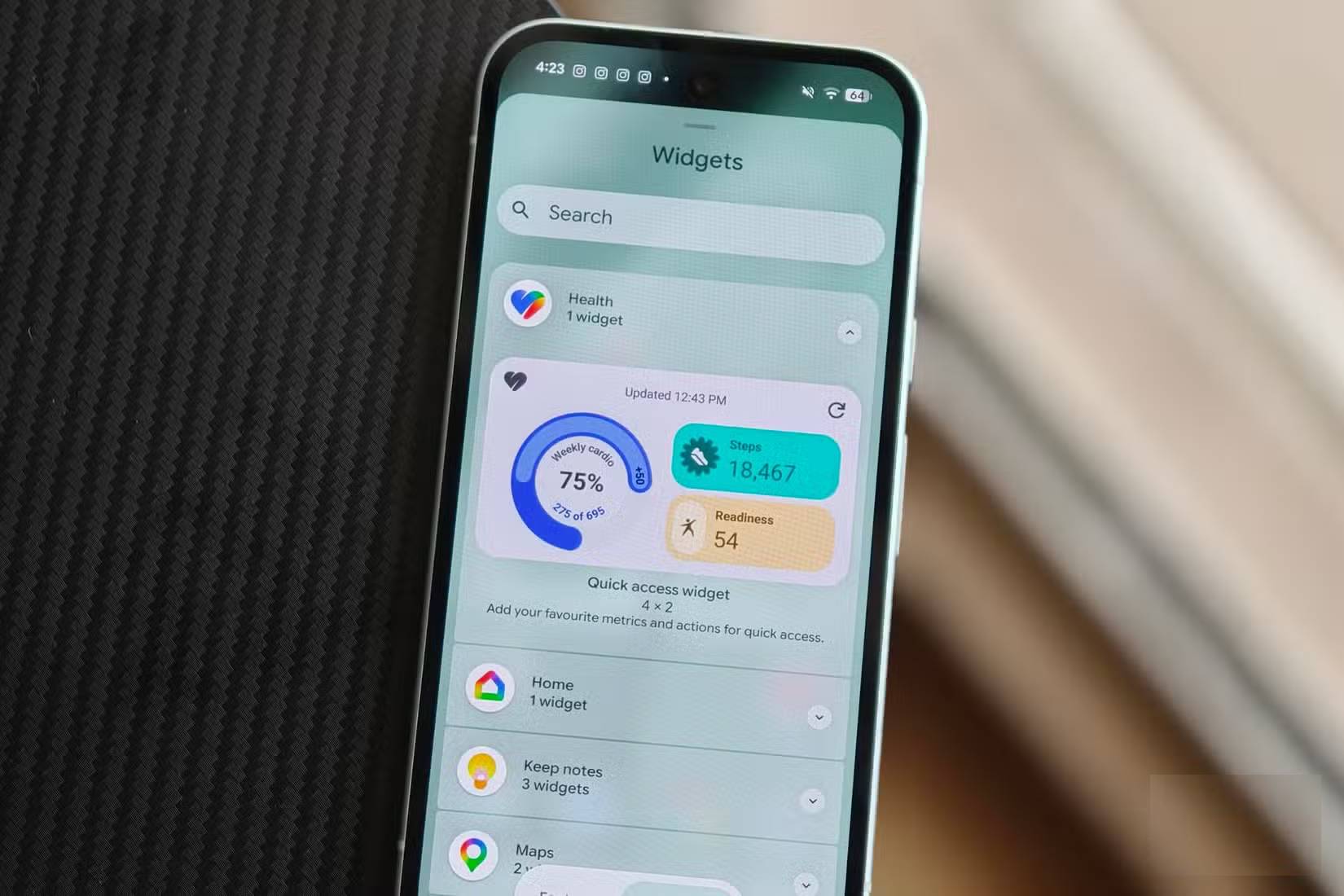
Own a Pixel Watch or Fitbit? Google AI Pro includes Google Health Premium at no extra cost. It's a relatively new perk—Fitbit Premium transitioned to Google Health Premium in May 2026, rolling out alongside Google's redesigned Health app and fresh Gemini-powered coaching features.
The standout feature is Google Health Coach. This tool taps into data from your wearable to deliver personalized guidance on fitness, sleep, and overall wellness. It builds weekly workout plans with custom exercises, sends morning summaries based on your sleep and body readiness score, provides detailed performance breakdowns after workouts, and even gives you an evening recap of how your body responded throughout the day. You can chat directly with the coach about trends in your health and fitness data too.
Beyond Gemini: More AI Tools Included
Gemini is just the opening act
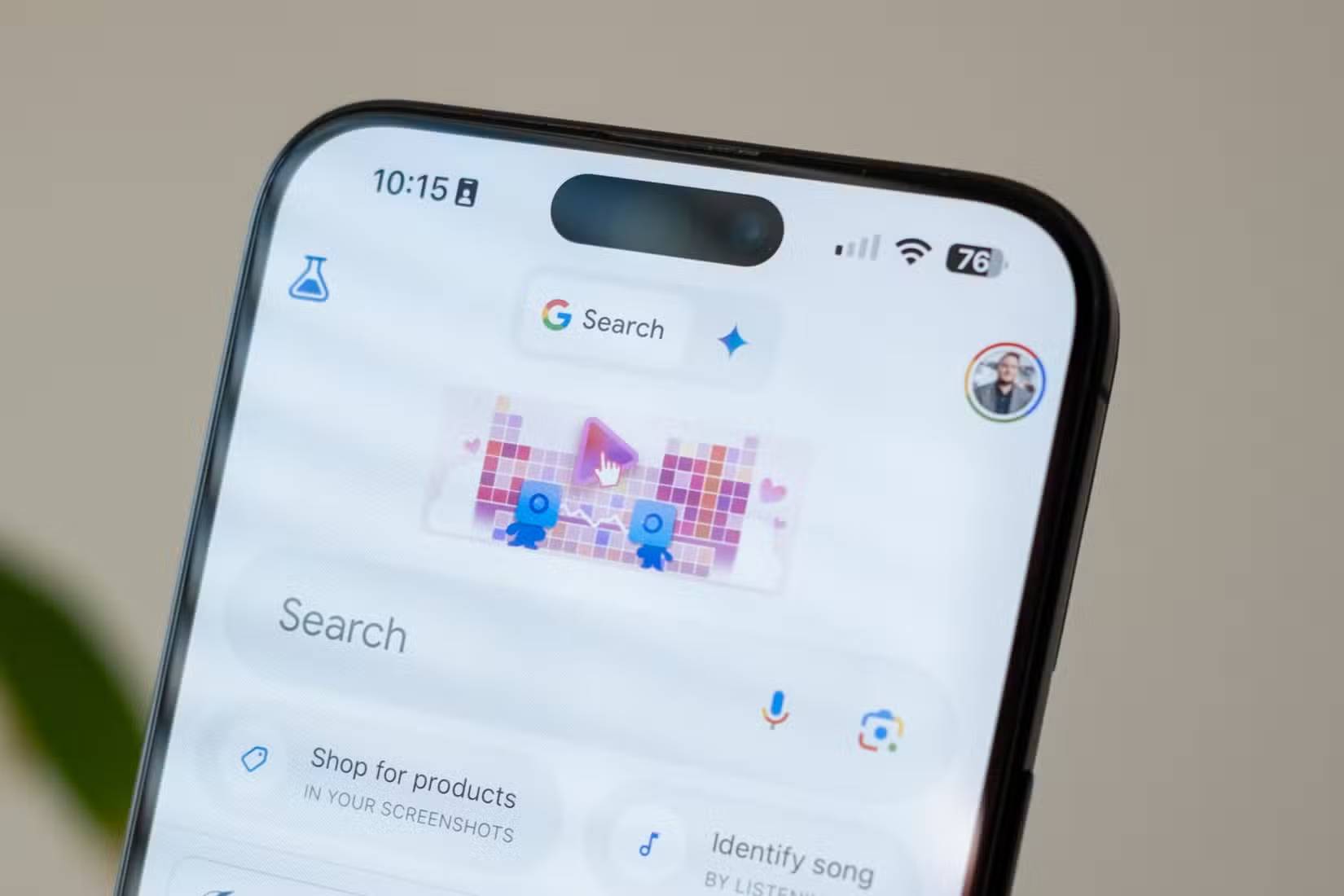
It's natural to think of Google AI Pro as purely a Gemini subscription, but you're paying for way more than that. The plan opens up access to Gemini Notebook—Google's research workspace—plus Flow for AI filmmaking and Flow Music for AI song creation. Flow Music alone comes with a separate 10,000-credit monthly allowance.
If you're building or developing products, the subscription gets even more interesting. AI Pro grants expanded access to Google AI Studio, higher limits in Google's Antigravity agentic development environment, and increased task and concurrency limits for Jules—Google's coding assistant. You also get Google Developer Program Premium membership, which means higher limits on Gemini Code Assist, 30 Firebase Studio workspaces, and $10 monthly Google Cloud credits. That's not all. AI Pro integrates Gemini directly into Gmail, Docs, Sheets, and Vids, so you can use these tools without constantly switching to a separate Gemini app. Google Search itself gets upgraded with expanded access to Gemini 3 Pro in AI Mode and new features like Deep Search.
Google Home Premium
Your smart home gets the upgrade treatment too
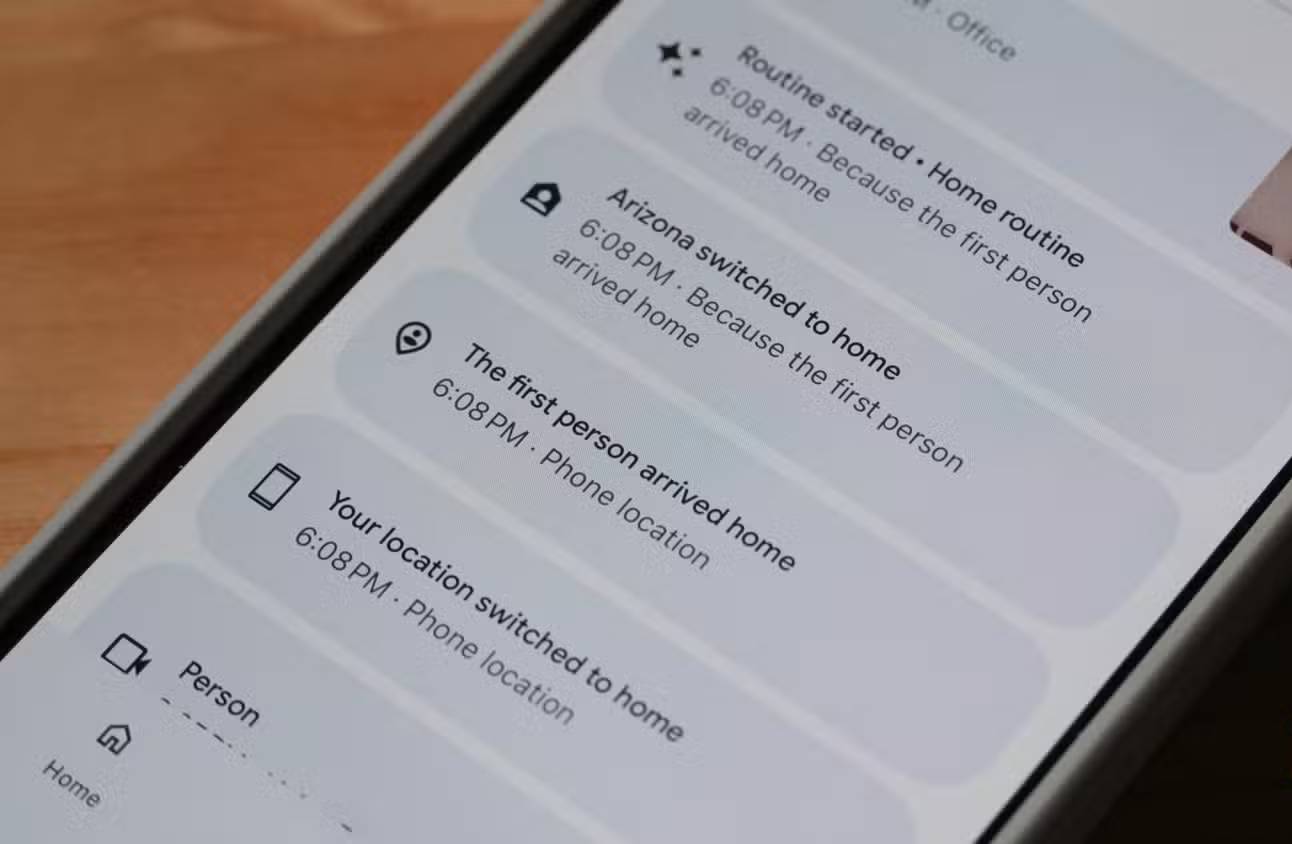
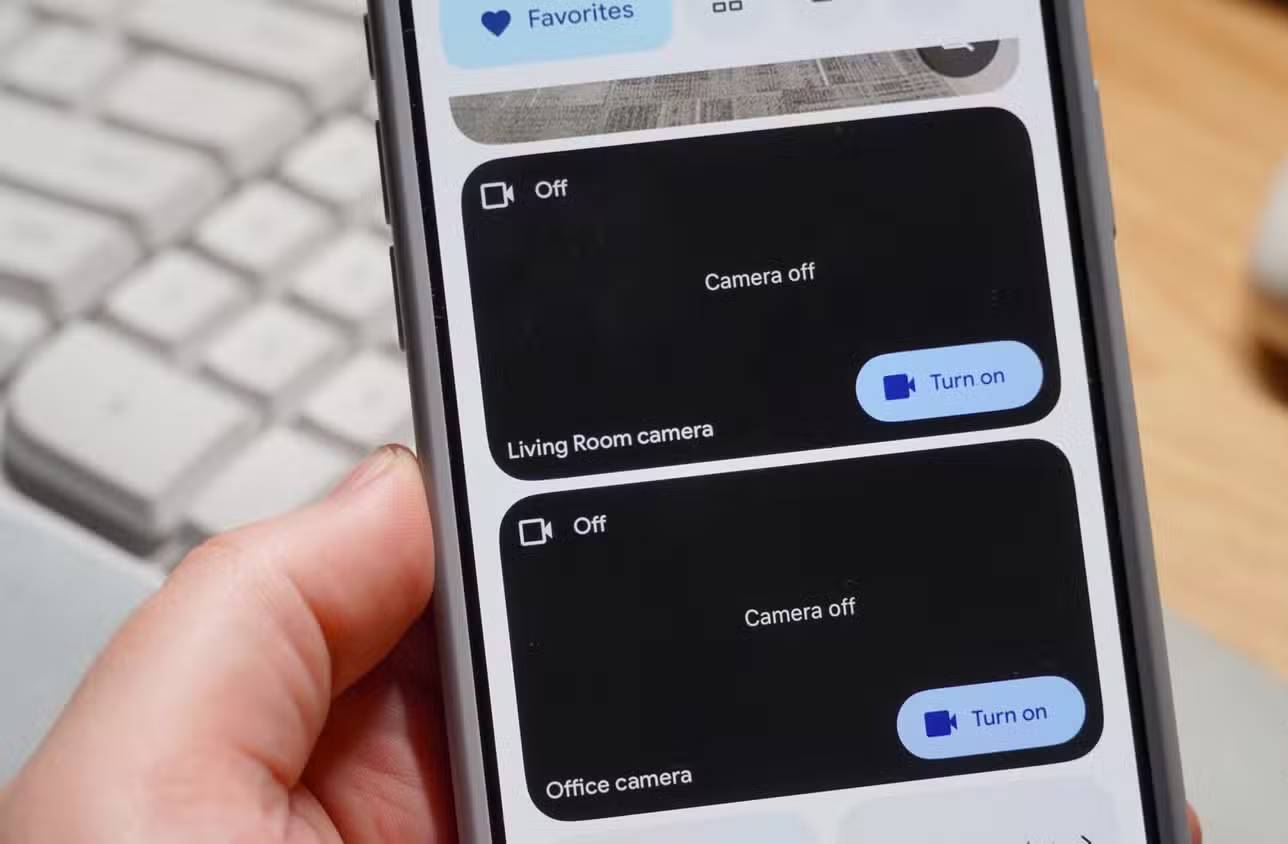
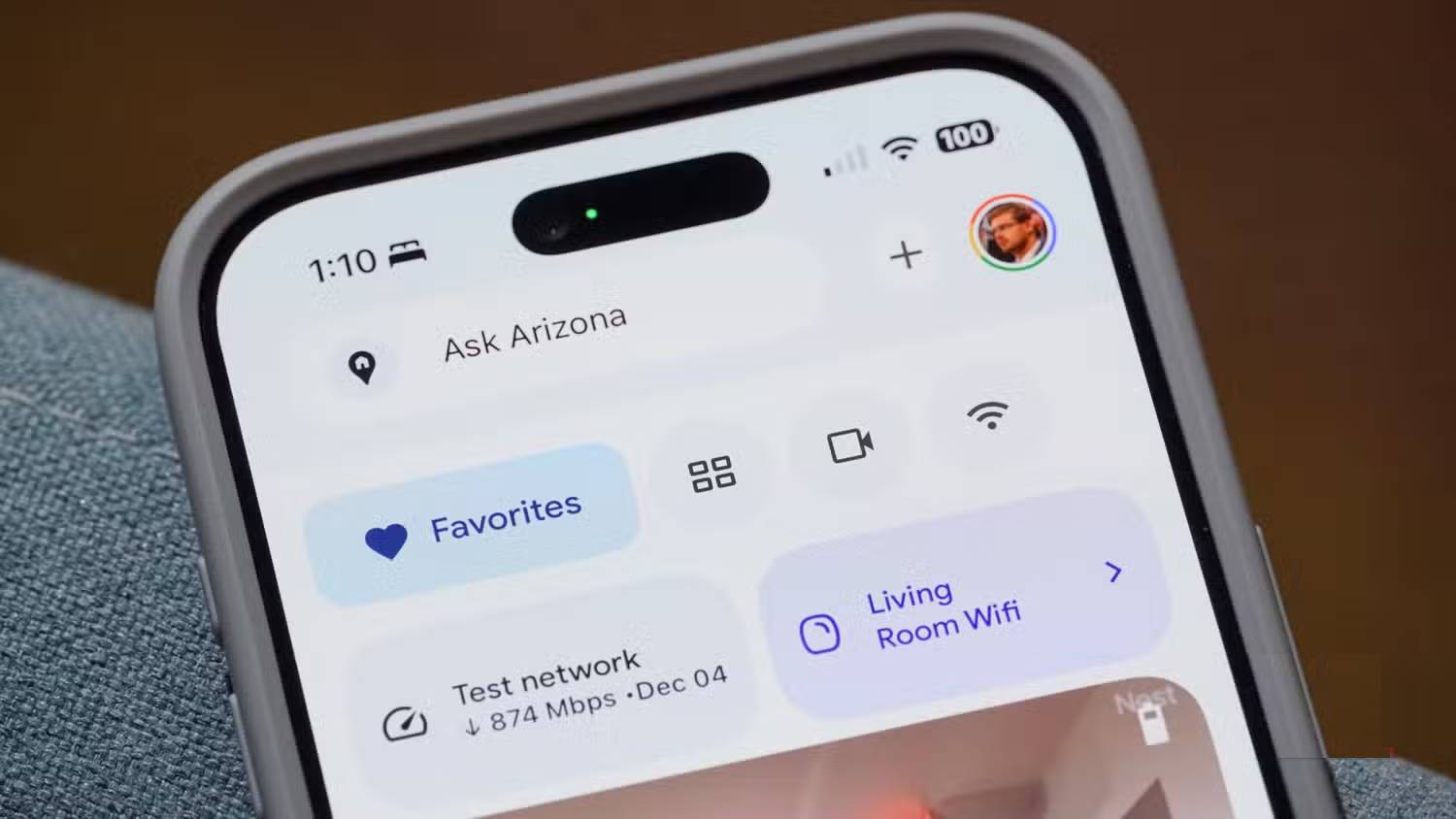
Last but not least, Google AI Pro bundles in the Standard tier of Google Home Premium. If you've already invested in compatible devices like Nest cameras, video doorbells, or other Google Home gear, this is a solid bonus.
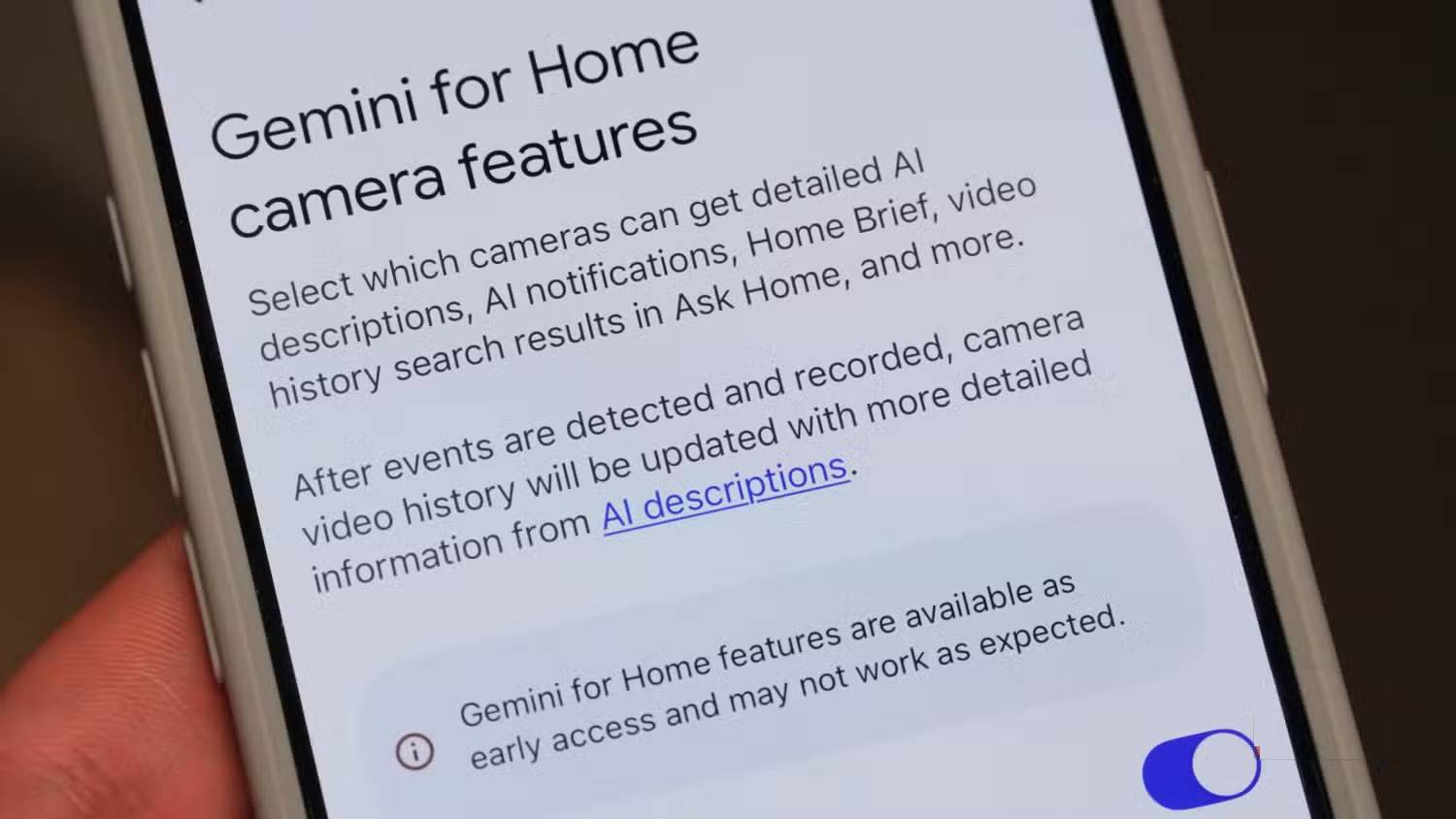
The biggest upgrade is extended video history storage. Google Home Premium Standard keeps 30 days of event video history—meaning you can rewatch footage your cameras recorded over the entire month instead of being stuck with a much shorter window. You also get smarter alerts and detection features, including person recognition, package detection, animal detection, and familiar face recognition on supported devices. Additional camera automation features come along for the ride.
Gemini-powered features also make an appearance here, letting you quickly understand what happened around your home without manually scrubbing through footage. Keep in mind, though, that your specific perks depend on your device and location—some Home Premium features remain geographically restricted.
Description: Google AI Pro offers far more than just Gemini. Discover five overlooked benefits that span Google's entire ecosystem.
Related Articles
- Why You Should Downgrade from Copilot and Switch to Claude for Office Work
- Where Did the Copilot Button Go? Here's Why It Disappeared from Your Office Apps
- Windsurf vs Cursor: Which AI IDE Should You Choose?
- How to Enable or Disable AI Watermarks in Windows Photos
- Four Missing Features That Would Make NotebookLM Even Better

No Comment to " Five Hidden Perks of Google AI Pro You're Probably Missing "