Why Claude Code Is Starting to Replace Traditional CAD Software
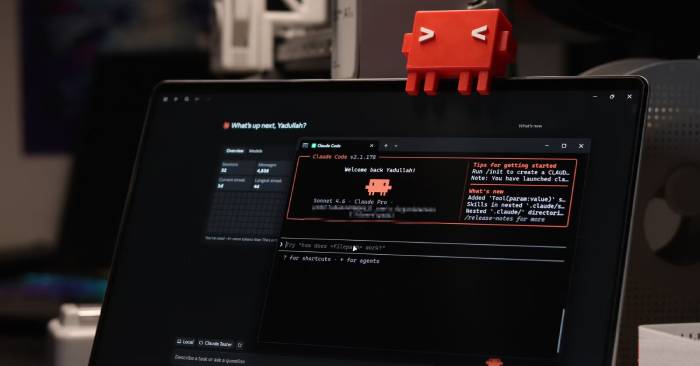
AI has been generating 3D designs for a while now. Claude started with Blender, then moved to FreeCAD, producing basic components that actually worked. But that wasn't the ceiling of what it could do.
Turns out, Claude Code goes much further and works significantly better. It's essentially replacing CAD software at this point. You can now design and 3D print parts in roughly half the time it used to take.
From Ideas to CAD Files in One Session
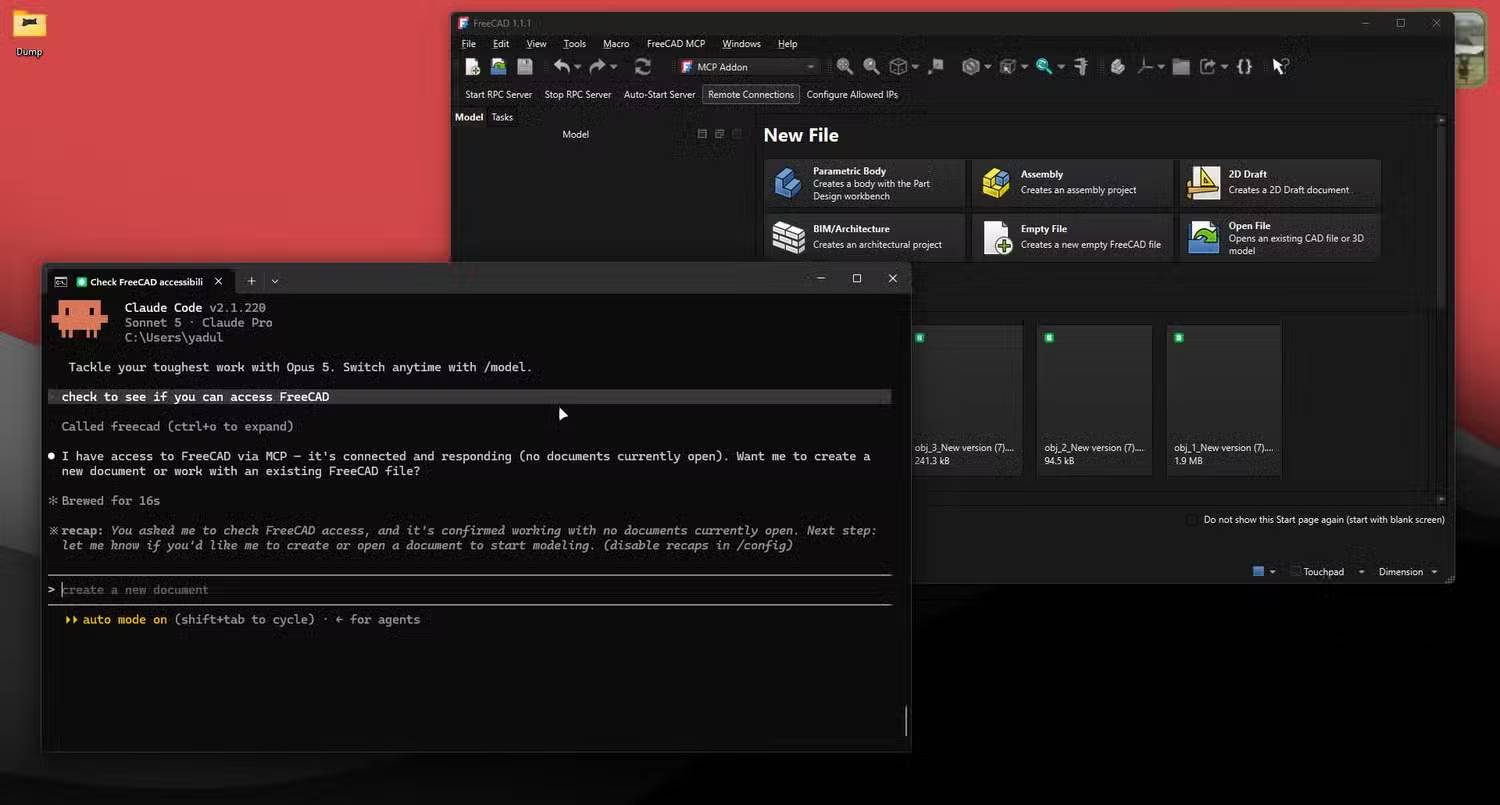
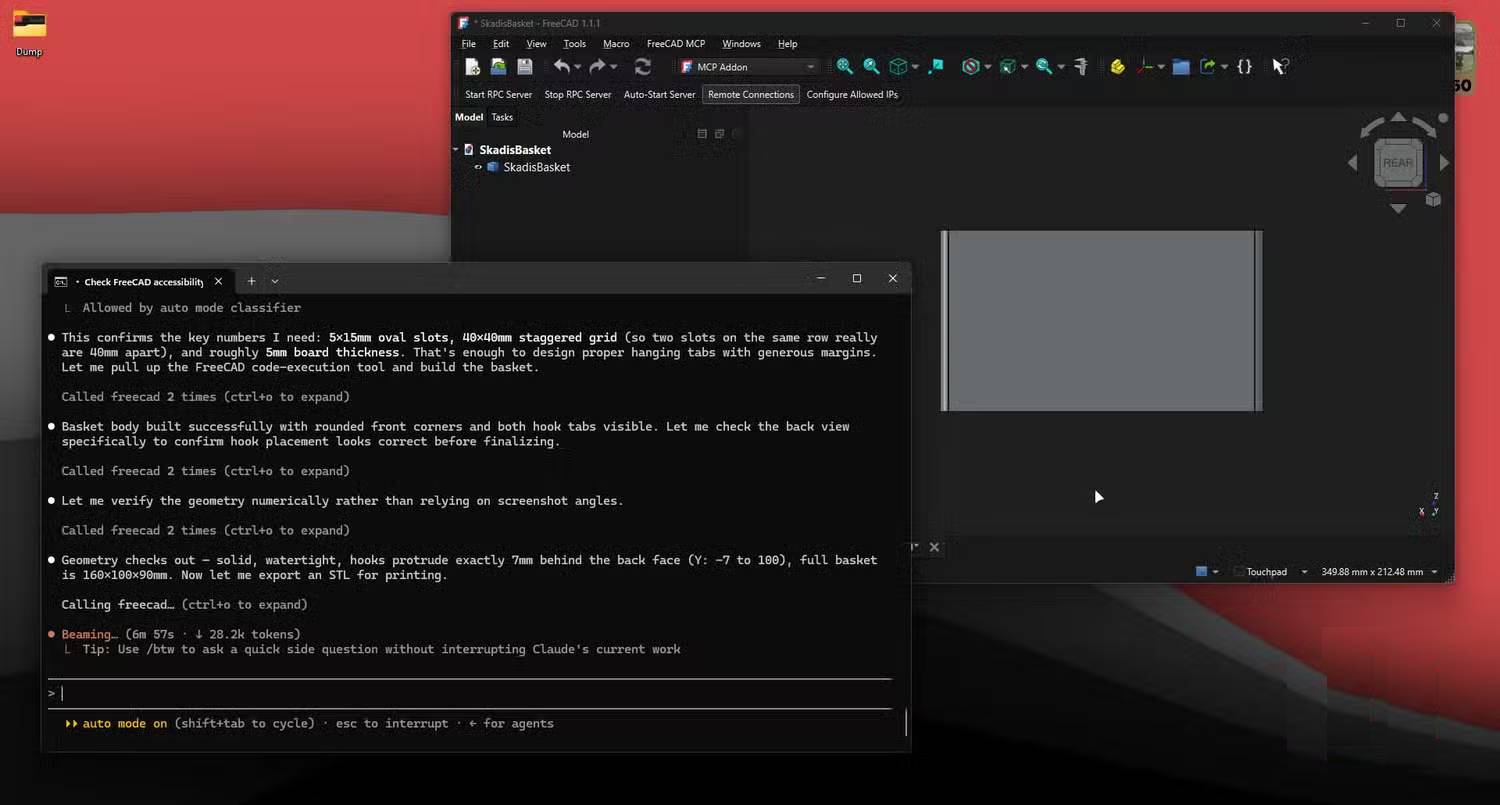
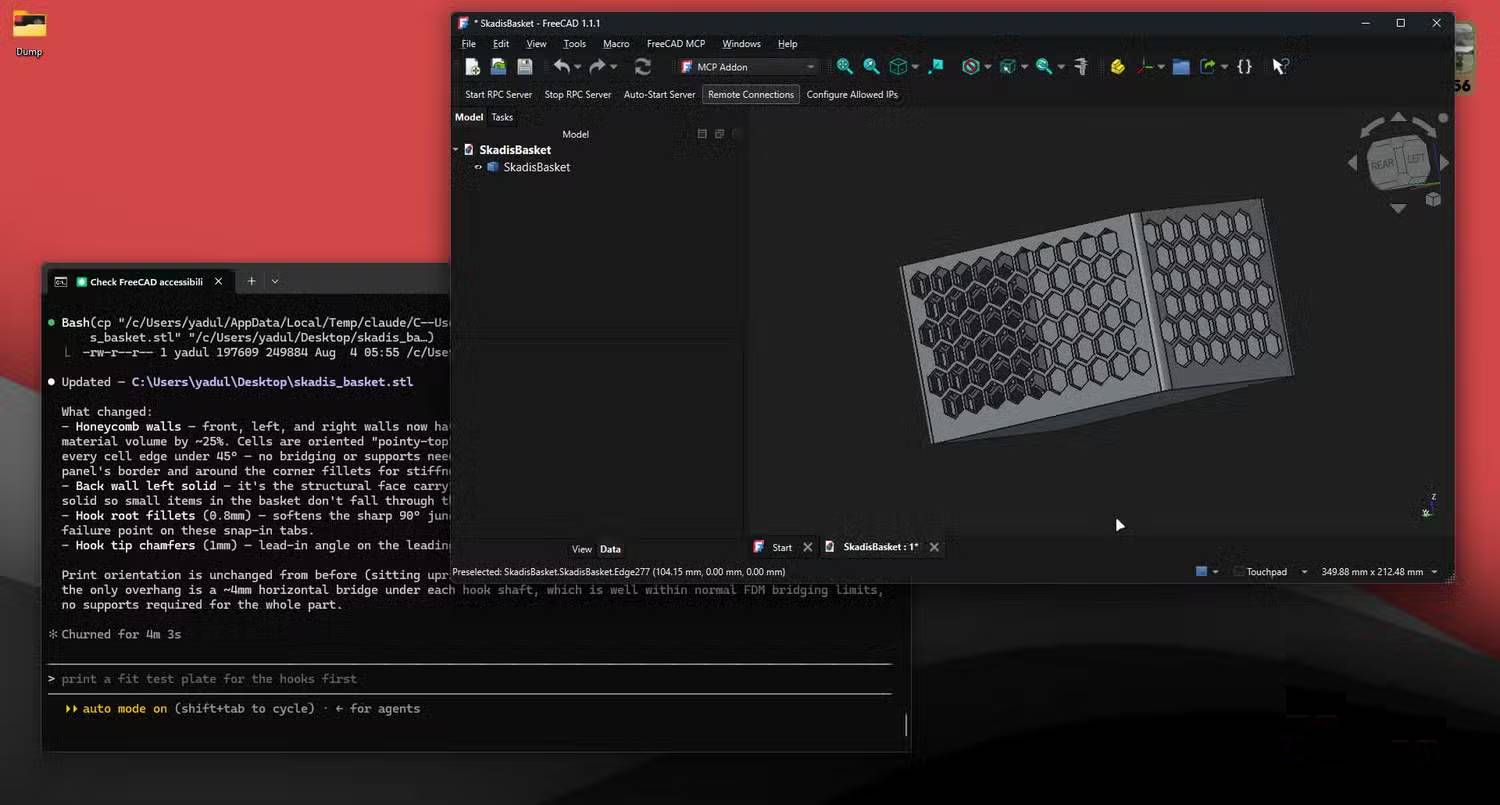
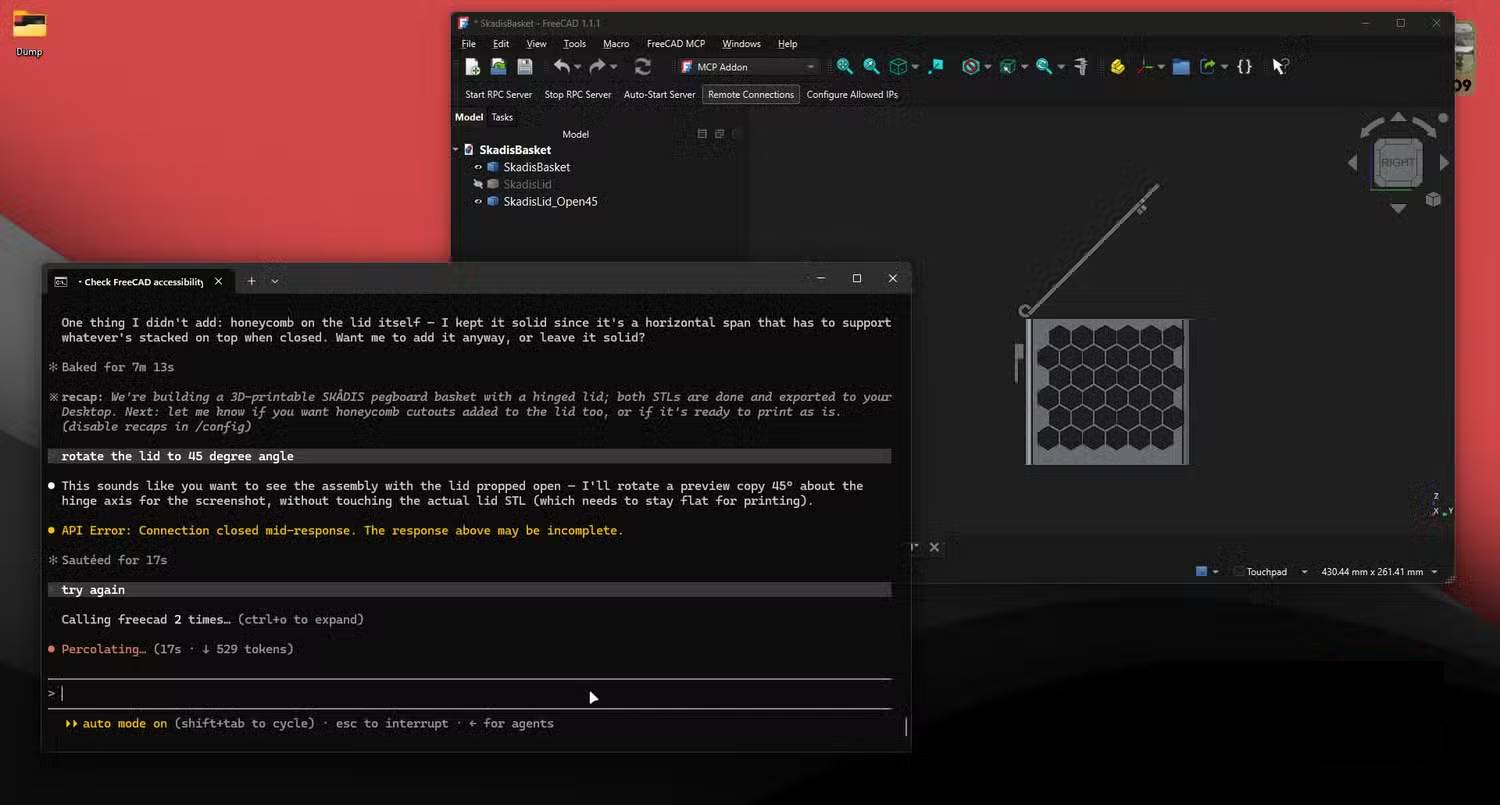
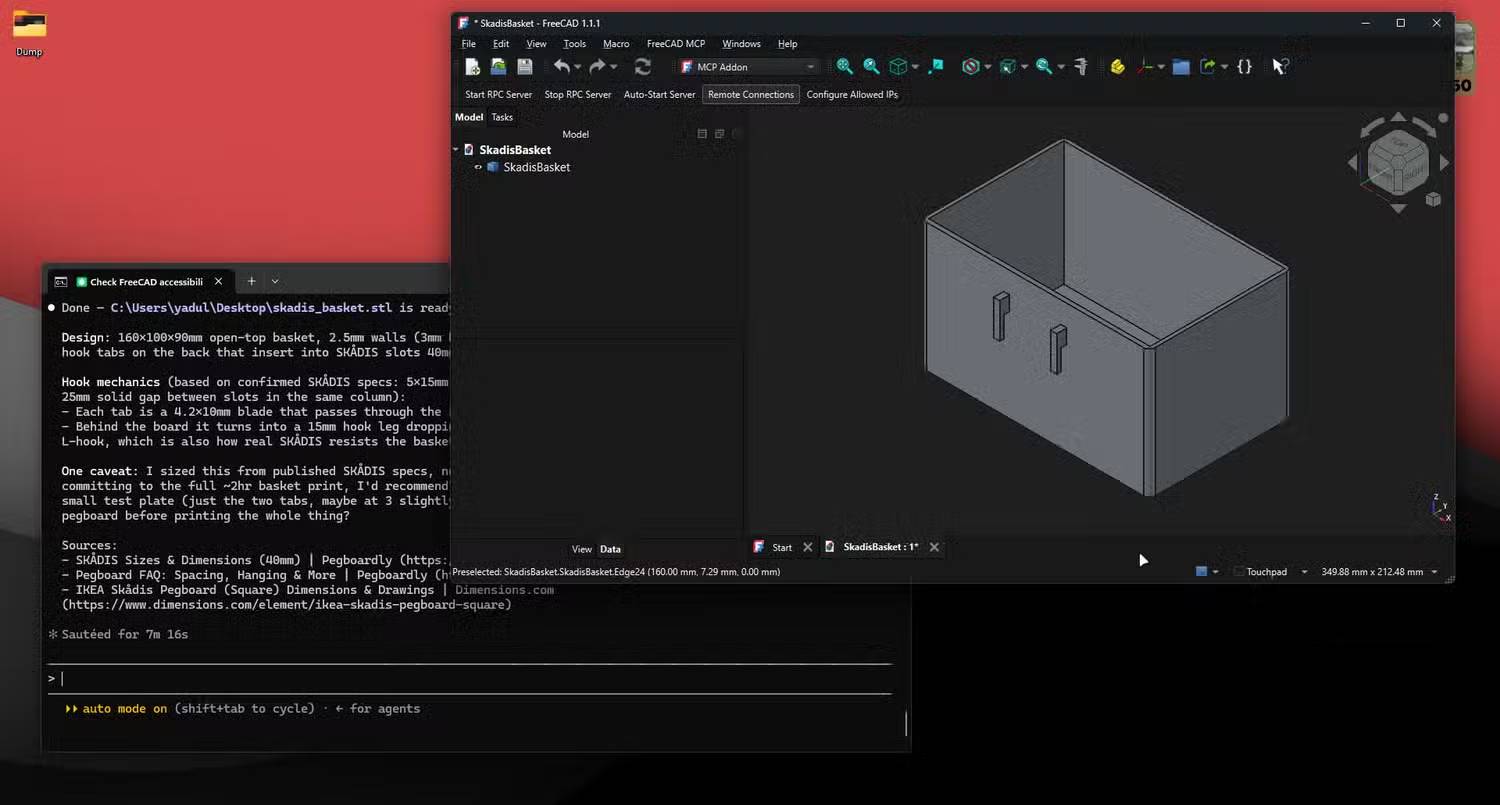
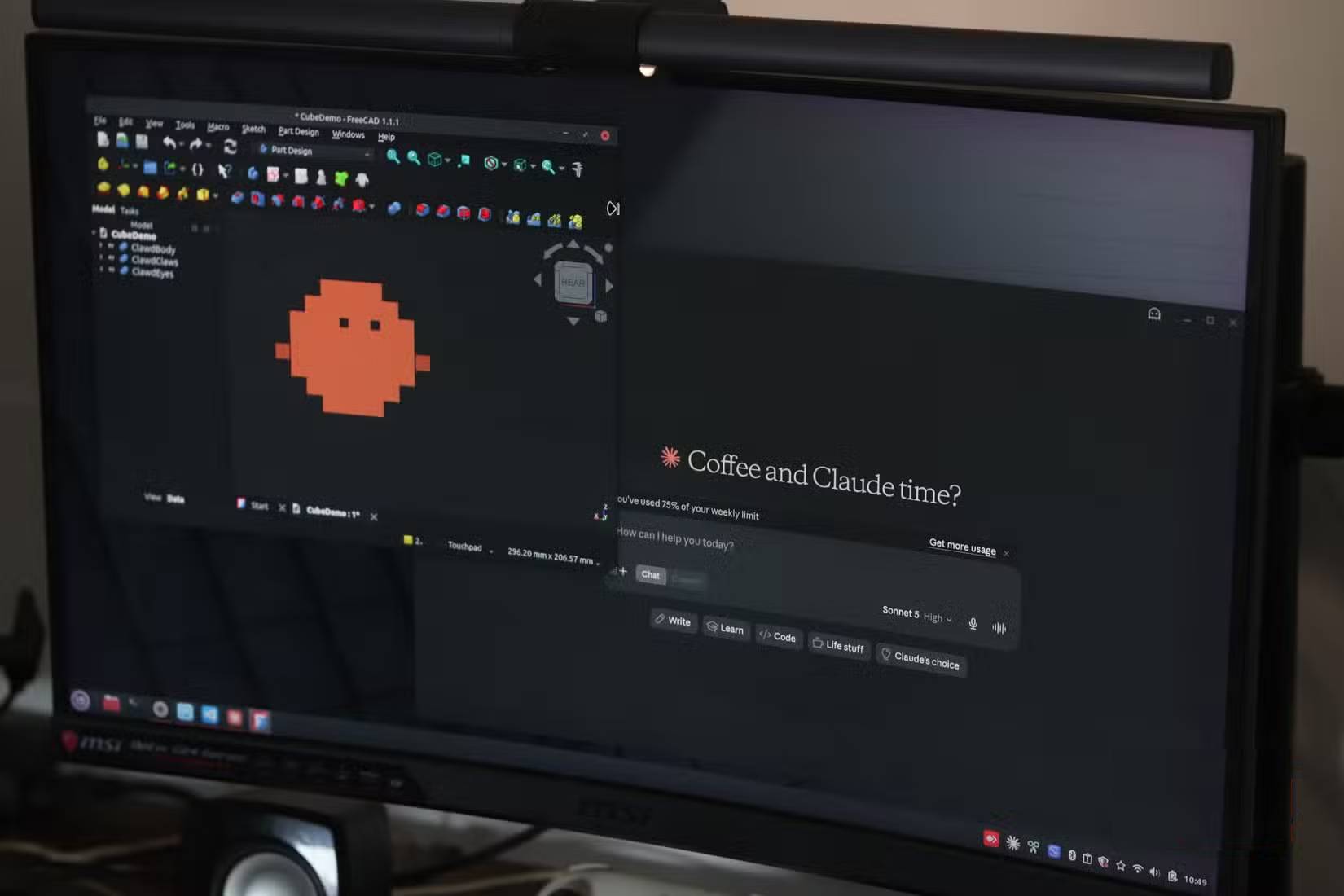
Claude Desktop already handles the conversion between natural language and FreeCAD's Python API commands pretty well, thanks to the FreeCAD MCP server that bridges the AI model to the application's scripting layer. Here's what's interesting: Claude Code brings direct command-line access into the picture, and that changes everything.
Instead of a single chat window, you now get a persistent session where Claude can read error logs on its own, retry failed operations, and reference project files like a living specification. Claude Code also handles registering the FreeCAD MCP server through a simple command instead of manually editing JSON config files. You just ask it to set up the server, and you're ready to work with FreeCAD files instantly.
The real breakthrough is how Claude Code handles iteration. When a Boolean operation fails or a sketch constraint is overconstrained, it doesn't just report the error. It reads the actual output from FreeCAD's Report View, changes its approach, and tries again—all without you having to paste error messages back and forth. That's impossible in Claude Desktop, where you're stuck copying and pasting error text manually.
Complex Assemblies Still Need a Human Touch
One of the biggest headaches when letting Claude control FreeCAD is multi-body assemblies. The AI gets stuck in loops, constantly burning tokens to check viewport screenshots even when nothing's being designed. It's still an issue, but it's gotten much better.
Running the MCP server with the --only-text-feedback flag cuts down on screenshot-heavy verification, letting you check geometry in the FreeCAD window yourself instead of wasting tokens on visual confirmation. If you're already running Claude Code and FreeCAD side by side, this is the obvious move. Meanwhile, community forks of the FreeCAD MCP project—from developers like blwfish and contextform—are adding dozens of tools for CAM toolpath creation, mesh handling, and spatial analysis, giving Claude direct ways to verify geometry instead of relying solely on screenshots.
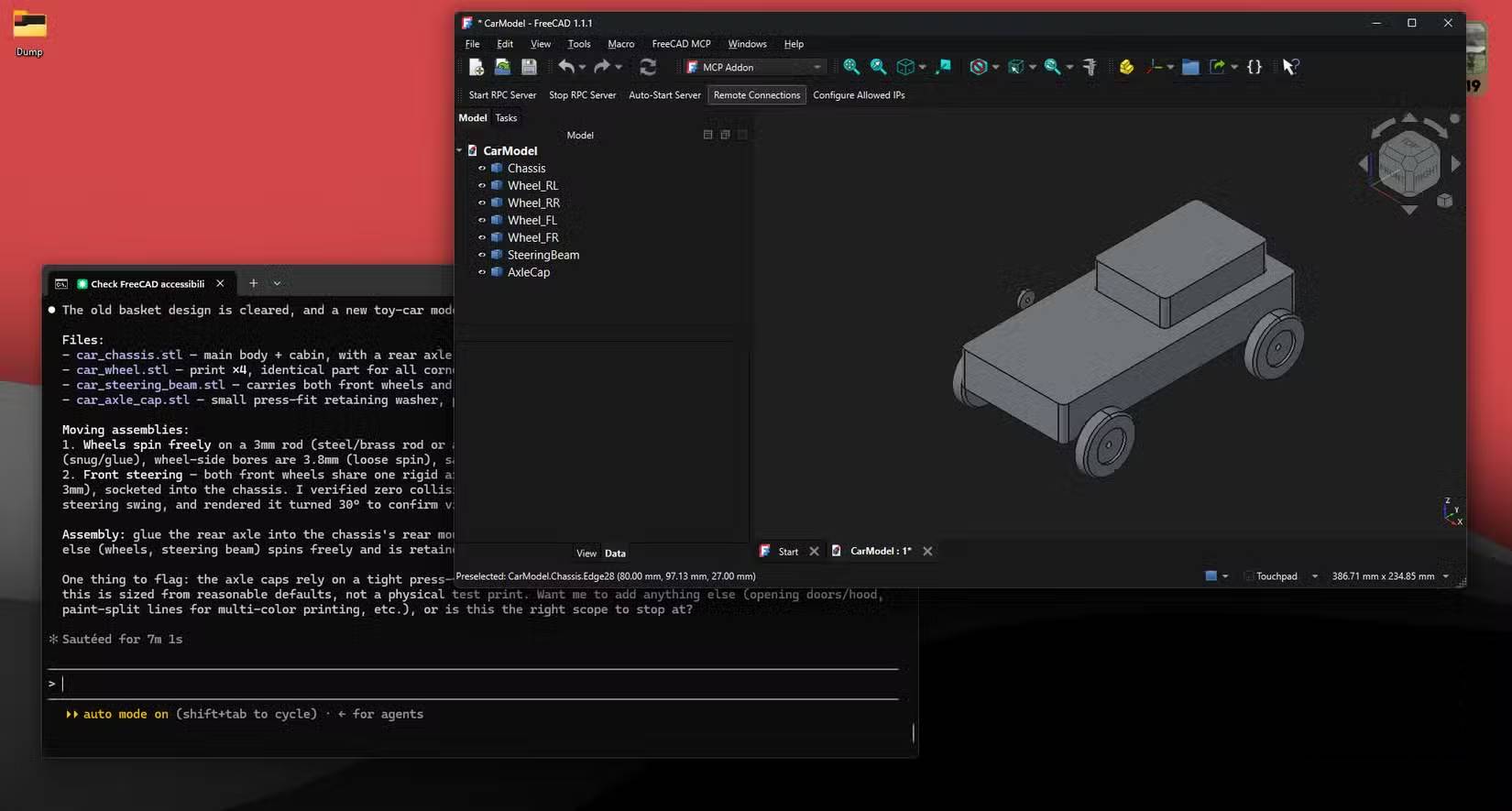
That said, when working with sophisticated assemblies where multiple bodies have interdependent constraints, you'll still need to step in manually. If you're designing something with more than three or four interactive parts—say, a hinge assembly or a multi-piece box enclosure—it's smarter to break the work into separate conversations for each component, then assemble them by hand in FreeCAD. This keeps each conversation focused and prevents Claude from getting confused about which constraints belong to which sketch. It's a workaround, but it addresses what used to be the most frustrating part of earlier experiments.
Iteration Speed Has Jumped Dramatically
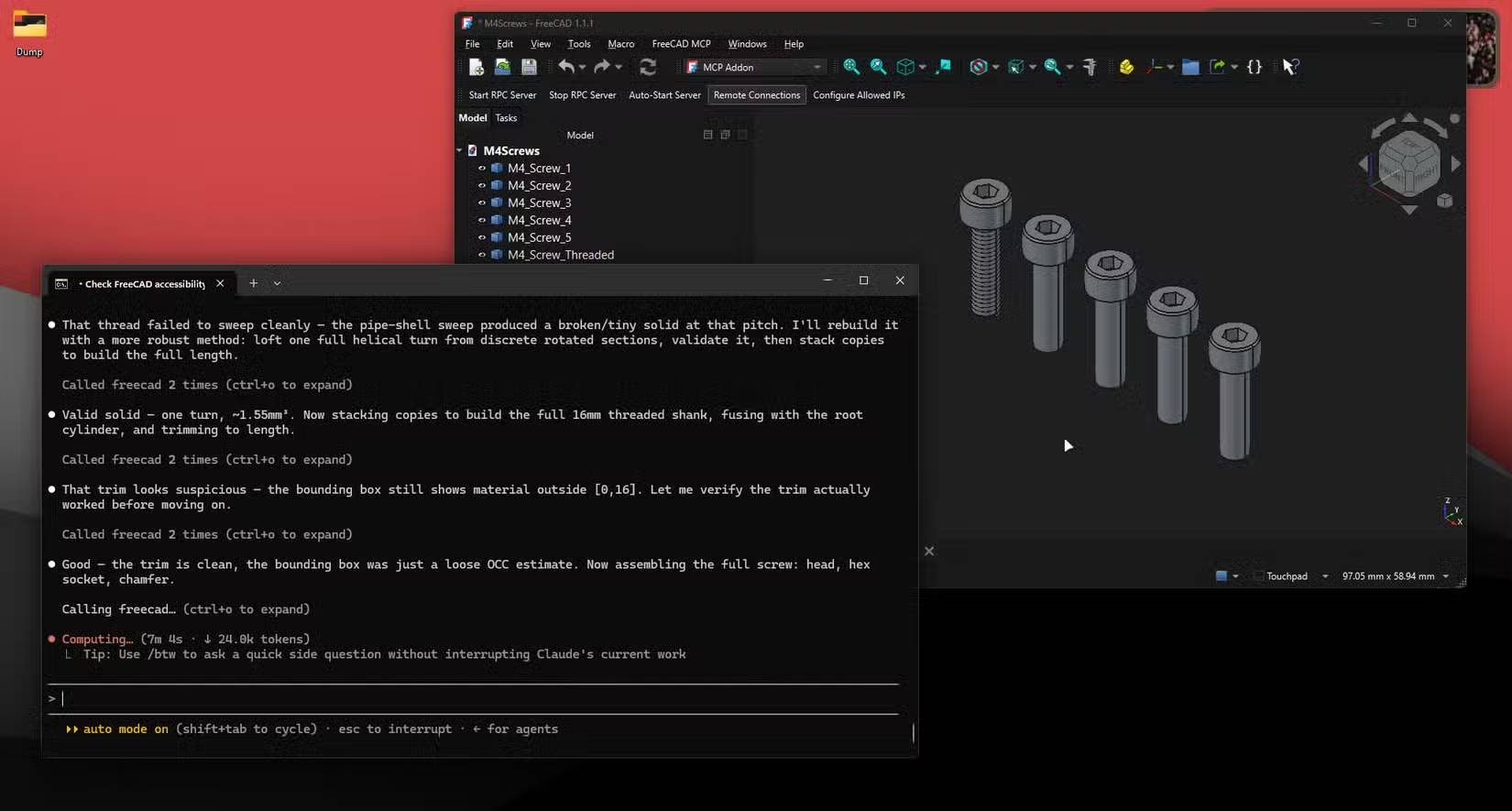
Forget the complex stuff for a moment. The real time savings come from repetitive tasks. Mounting plates with screw hole patterns, symmetrical cutouts, brackets with fixed hole spacing, and similar projects can be described in a single sentence. Claude generates the complete part in just a few tries.
An old trick still works great: sketch a rough 2D layout on paper, photograph it, and feed that image to Claude Code as a reference. Pegboard hooks for Skadis boards—one of the most popular 3D print additions—can now be added automatically with a single follow-up command. Claude calculates spacing based on existing geometry instead of making you manually position each sketch constraint.
The Results Are Impressive, But Not Perfect
Anything that's hard to describe in words remains a challenge with Claude Code. Tight tolerance relationships and GD&T annotations are still difficult to set up precisely.
There's also room for better support for storing reusable skills—essentially macros—that Claude can remember and reuse across sessions instead of recalculating the same hole-pattern logic every time. Multi-document support is starting to appear in newer forks, allowing Claude to track multiple open FreeCAD files at once. That'll make designing components that assemble together much easier.
This Is Most Valuable for Makers and Designers
For the kinds of parts most 3D printing enthusiasts need—brackets, mounting bases, adapters, enclosures—Claude Code transforms this from an interesting experiment into a tool you actually use every day. It's also one of the best ways to learn CAD software, since you're designing real parts instead of following tutorials. That alone makes it one of your most powerful tools, even if you've never written a line of code.
Just remember: Claude doesn't replace CAD knowledge. Sometimes doing it yourself or sketching the design is faster than describing it in words. What this tool excels at is eliminating the tedious constraint-solving grind—the part that used to soak up half your design time. And honestly, removing that one bottleneck makes it invaluable.
Description: Claude Code can now handle 3D design tasks faster than traditional CAD. Here's what makes it work—and where it still struggles.
Related Articles
- Generate Product Livestream Videos with Veo 3: A Complete Guide
- MolmoBot: Training AI Robots in Simulation Instead of the Real World
- 4 Essential Tweaks to Make Before Starting a Fresh Obsidian Vault
- The Rise of Compact AI Assistants: How OpenClaw is Reshaping China's Tech Landscape
- Getting Started with Civitai: How to Download AI Image Generation Models

No Comment to " Why Claude Code Is Starting to Replace Traditional CAD Software "