Claude Code vs Cursor: Which AI Coding Assistant Should You Choose in 2025?
The AI programming assistant space has exploded in popularity—and competition. Yet two tools consistently dominate the "best of" lists: Claude Code and Cursor. Both start at similar price points and promise to help you write code faster. They share common ground but differ in meaningful ways.
This guide breaks down what each tool does, where they shine, and which one aligns with your actual workflow.
Quick Answer: Cursor or Claude Code?
Both Claude Code and Cursor are top-tier AI coding assistants—but they're built for different developer workflows:
| Feature | Claude Code | Cursor |
|---|---|---|
| Best for | Terminal-savvy users and deep agentic automation workflows | Developers who want a polished, AI-powered integrated development environment |
| Interface | Command-line interface (CLI) native | VS Code fork with graphical UI |
| Model choice | Tied to Anthropic (Claude 3.5/4.6) | Multiple models (Claude, GPT-4o, Gemini) |
| Standout feature | Remote control and first-class MCP support | Cloud-hosted agents with video verification |
Pick Claude Code if: You live in the terminal, need agents that handle entire workflows (Jira to PR), and want seamless integration with the Anthropic ecosystem.
Pick Cursor if: You want a "familiar VS Code" experience with better autocomplete, the flexibility to switch between OpenAI and Google models, and an easier onboarding process.
What Is Claude Code?
Launched in February 2025, Claude Code is Anthropic's autonomous programming agent. You run it in your terminal, letting you plan, write, test, and push code to GitHub—all from the command line.
Claude Code operates in your terminal, browser, code editor (via the Claude Code extension), and now even on mobile through remote control. It runs on Claude Opus 4.6, Anthropic's most advanced reasoning model. You can also opt for the more efficient Claude Sonnet 4.6.
Core Features and Capabilities
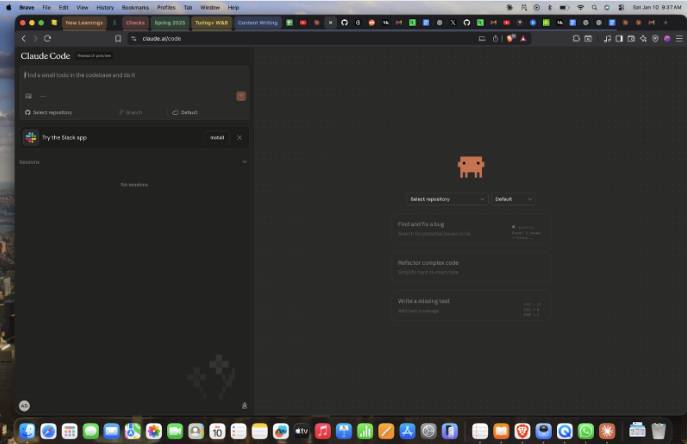
When you ask it to make changes, Claude Code automatically identifies which files need editing, writes the code, and ensures it runs without errors. It does this without exceeding the model's context window—thanks to smart context compression.
This feature compresses conversation history when token usage hits a threshold, allowing tasks to continue uninterrupted.
Claude Code lives in your terminal. It can run tests, execute shell commands, and manage your Git workflow directly. You can orchestrate your entire pipeline from one place:
- Spin up multiple Claude Code agents
- Debug issues and build new features
- Create commits and pull requests
- Customize instructions, skills, and hooks
With extended thinking capabilities, Claude Code can pause code generation to plan solutions for complex problems. It verifies plans against existing code, reducing mistakes. This makes Claude Code both quick and accurate.
Strengths and Weaknesses
A major draw is that Claude Code works out of the box with minimal setup. You can deploy it with almost no configuration—a big reason why it's gained traction so fast.
It integrates seamlessly into your existing terminal and IDE environment.
Enterprise-grade security is another standout feature, especially for large organizations. Claude Code complies with SOC2 data security standards, ensuring your code stays protected in Anthropic's infrastructure.
Using Claude Opus 4.6 means Claude Code drastically reduces AI hallucinations. The model is also more resistant to prompt injection attacks, making it one of the safest models available today.
Claude Code's rich MCP (Model Context Protocol) integration is powerful. You can fetch Jira tickets, read relevant Slack threads, and push code—all without tab-switching.
On the downside, Claude Code's terminal-first approach intimidates users unfamiliar with the command line. There's a learning curve. It's not free, and heavy users can burn through usage limits quickly on the basic tier.
You're also locked into Claude models. If you want to experiment with other providers, you'll need to explore alternatives like OpenCode.
What Is Cursor?
Cursor is an AI-first code editor built by Anysphere. They forked VS Code and rebuilt it with AI as the centerpiece. That decision makes all the difference.
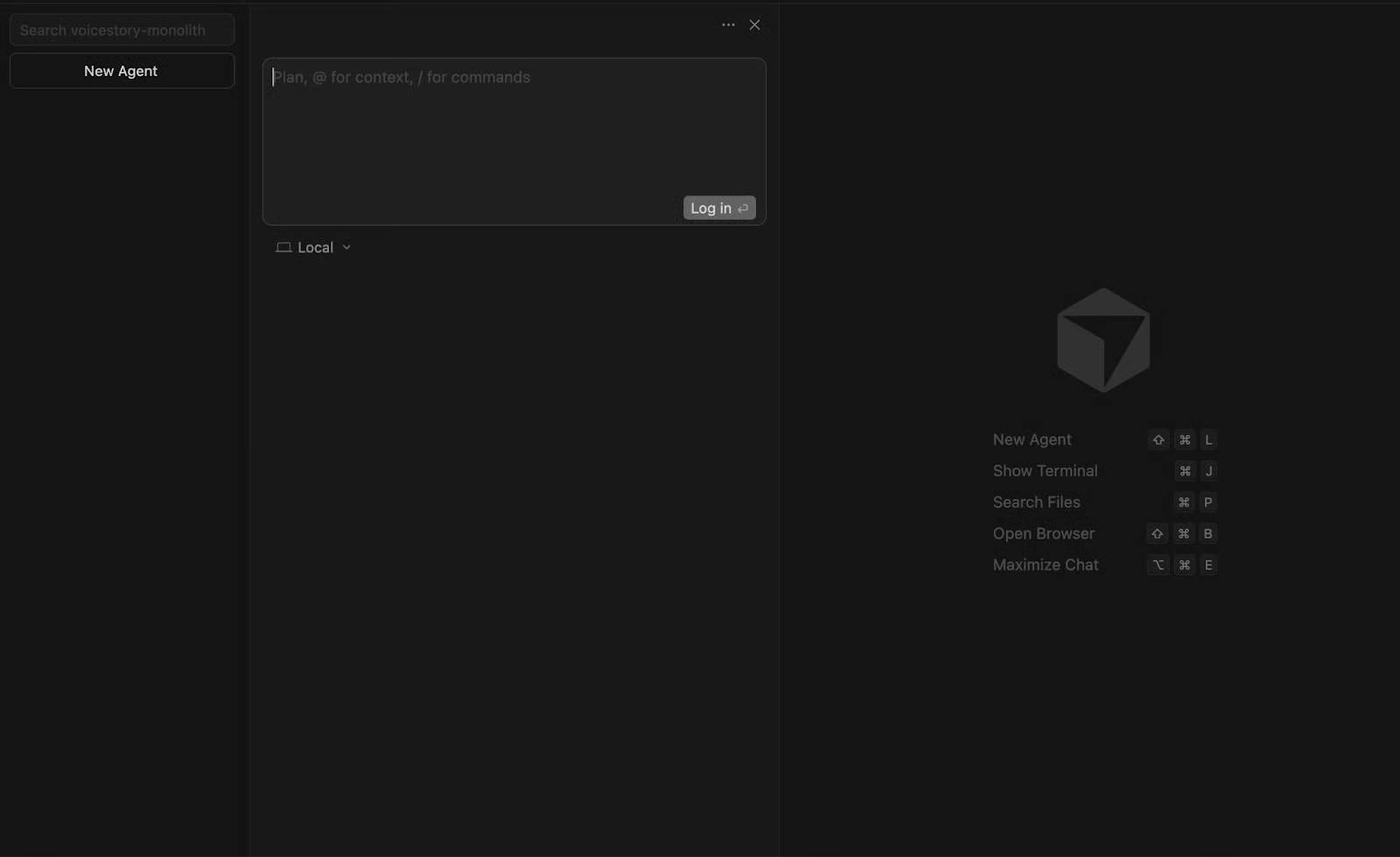
Cursor users don't need to learn a new editor. You keep your extensions, keyboard shortcuts, and themes. The only change is the integrated AI editing experience and agentic framework.
Key Features
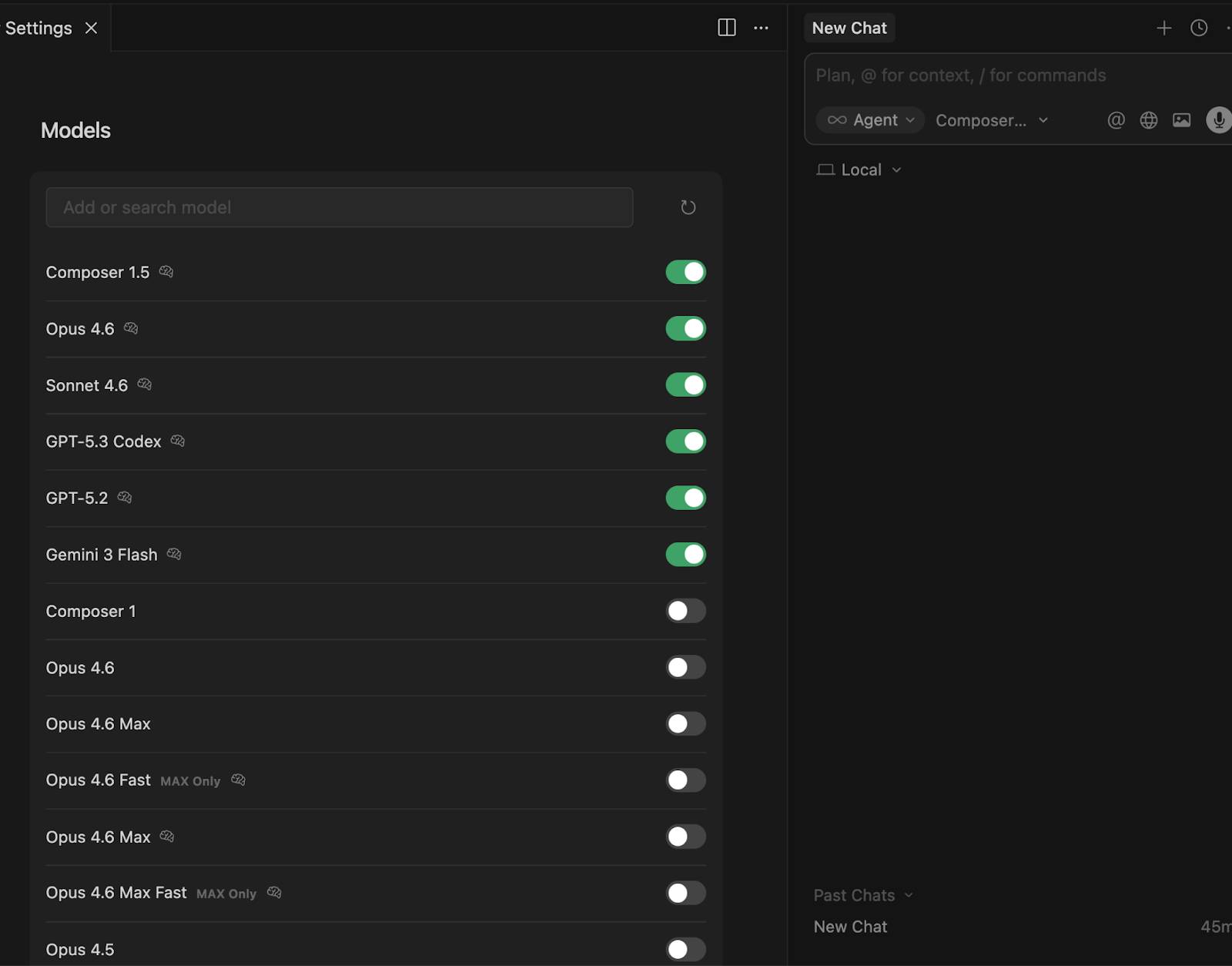
Unlike Claude Code, Cursor supports multiple model providers—OpenAI, Google, and Anthropic. You can bring your own API key to pay-as-you-go pricing.
Cursor's Tab completion doesn't just suggest single lines—it predicts multi-line edits and completes entire functions. But the real standout is Agent mode. Describe what you want to build in plain English, and the AI agent plans and writes the entire codebase.
The @-mention system is incredibly useful. Tag files and folders with the @ symbol to include them in context without copy-pasting massive files. It's far more efficient than dumping large code blocks into the chat.
Even with massive codebases, Cursor maintains better context than most competitors. Recent updates let you run AI agents on the cloud. Multiple agents can run in parallel without tying up your local machine's resources. They use virtual machines to build, test, and interact with your software.
Strengths and Weaknesses
Cursor's biggest strength is how easy it is to jump in. Because it's built on VS Code, if you already use VS Code, there's almost no friction. Cursor doesn't ask you to abandon your workflow—it simply layers AI and agentic features on top of what you already know.
Model flexibility is a major advantage. Different models excel at different tasks, and being able to swap between them gives you far more control than Claude Code's locked Anthropic ecosystem.
Cursor offers privacy mode. When enabled, your code never gets stored by model providers or used to train AI.
The catch: even Cursor's premium tier has usage limits. If you're a heavy user, you can hit the monthly ceiling before month's end.
Head-to-Head Comparison
Let's stack them up directly to help you decide.
Interface and User Experience
Cursor is a full-featured code editor. As a VS Code derivative, it feels familiar if you've used VS Code. Claude Code runs in your terminal (CLI). Even with a VS Code extension and desktop app, Claude Code is built with the terminal as its north star.
AI Model Quality and Flexibility
Claude Code only runs on Anthropic models. Claude Opus 4.6 is still among the best models available and pairs well with Claude Code. But you can't use anything outside their ecosystem.
Cursor can run agents in auto mode, so it picks the best model for the job. You can also manually select from a dropdown. Unlike Claude Code, you're not vendor-locked.
Agentic Capabilities
Early 2026 brought major shifts in how both tools handle agent work. For most of the previous year, Claude Code had the edge with sub-agents, background tasks, and checkpoint systems.
Cursor 2.0 rolled out multi-agent UI for parallel execution. Recently, Cursor announced cloud agents running in dedicated virtual machines.
Agents interact with the software they're building and record video so you can quickly verify it's working right.
What's interesting here is this is a real breakthrough—agents now run remotely without consuming your local machine's power.
Feature Comparison Table
| Criteria | Claude Code | Cursor |
| Type | Terminal/CLI agent + VS Code extension | Full AI-first IDE (VS Code fork) |
| Starting price | $20/month (Pro) | $20/month (Pro) |
| Pro user pricing | $100–$200/month (Max) | $200/month (Ultra) |
| Primary AI model | Claude Sonnet & Opus (Anthropic) | Multiple: Claude, GPT-4, Gemini |
| Interface | Terminal, VS Code ext, web, desktop app | Code editor GUI |
| Multi-file editing | Yes (autonomous agent) | Yes (Agent mode) |
| Git integration | Built-in (commits, PRs, branches) | Via standard VS Code Git tools |
| Codebase context | Full codebase in CLAUDE.md | Full codebase via @folders |
| MCP support | Yes, first-class integration | Limited MCP support |
| Model flexibility | Claude models only | Multiple providers |
| Privacy mode | Available | Available |
| Autonomous agents | Yes | Yes |
| Checkpoints/Undo | Yes, built-in system | Yes |
| Remote control | Yes | No |
| Learning curve | Steeper (terminal-focused) | Gentler (IDE familiarity) |
| Best for | Power users, agent workflows, CLI enthusiasts | Developers wanting GUI + AI blend |
Which One Should You Pick?
Time to answer the question that brought you here.
Choose Claude Code if…
- You want an agent that handles entire features end-to-end with minimal intervention
- You work primarily in the terminal and are comfortable with CLI workflows
- You want your coding tool connected to Jira, Slack, Google Drive, and other apps via MCP
- You want to monitor and control agent sessions running on your phone without leaving your desk
- You're already paying for Claude Pro or Max and want to squeeze every dollar from your subscription
Choose Cursor if…
- You want to keep using VS Code without changing your workflow
- You value the freedom to swap between model providers
- You use Tab-based AI autocomplete every single day
- You want agents running in isolated cloud VMs that generate screenshots and videos to verify their work
What's Next?
Both Cursor and Claude Code are shipping features at breakneck speed. Each is racing to outdo the other and impress developers with cutting-edge capabilities.
Cursor's latest cloud agents that run in VMs and produce video evidence of their work is a significant leap forward. Claude Code's mobile remote control for agents is equally compelling.
Cursor has essentially set the standard for how autonomous agents should behave. It wouldn't be surprising to see Claude Code adopt similar patterns.
Cursor might eventually borrow Claude Code's remote control feature to let you manage agents from any device.
The real concern is that as these tools compete, they'll probably converge—becoming more similar than different. But Cursor's ability to use multiple models could be a game-changer if a new model outpaces Claude Opus 4.6. The recently launched GPT-5.4 might be exactly that.
Final Thoughts
Both Cursor and Claude Code are powerful tools that make any developer faster and more productive. They both belong in the top tier of AI coding assistants.
Your choice comes down to which interface you prefer and a few key differentiators—like remote control and cloud agent execution.
What matters most is understanding core software engineering concepts so you can use either tool correctly. Learn how to prompt each one effectively so you get results faster and don't burn through your usage limits chasing dead ends.
Description: Compare Claude Code and Cursor side-by-side. Discover which AI coding tool fits your workflow, pricing, features, and development style.
Related Articles
- How to Send WhatsApp Messages Directly from Google Gemini
- Best AI Image Upscaling Tools to Boost Your Photo Resolution in 2026
- Resolving the Gemini Error 1076: A Complete Troubleshooting Guide
- Windsurf vs Cursor: Which AI IDE Should You Choose?
- How to Customize Gemini's Responses in Google Docs, Gmail, and Slides

No Comment to " Claude Code vs Cursor: Which AI Coding Assistant Should You Choose in 2025? "