The Best AI Hairstyle Changer Apps: Which Ones Actually Work?
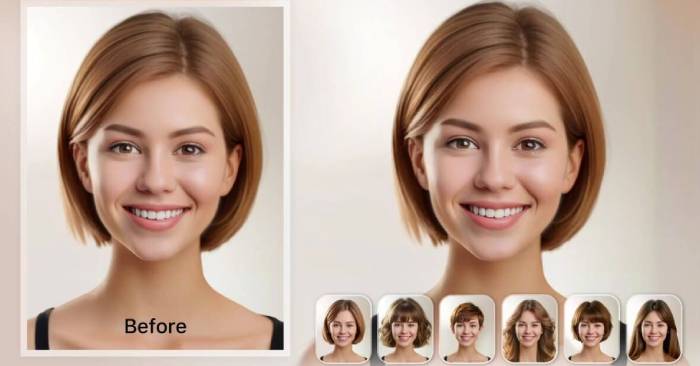
Ever stood in front of the mirror wondering if you'd actually look good with bangs, a bob cut, or something completely different? Here's everything you need to know about using AI-powered hairstyle tools—which ones genuinely deliver, which ones waste your time, and how to get the most realistic results possible.
The Best Free AI Hairstyle Changers (2026)
I tested these five popular AI hairstyle tools using the exact same selfie: natural lighting, loose hair, neutral background. The transformation task was identical across all platforms—converting long straight hair into a layered short bob. Here's what actually worked.
1. Tryonr – The Most Realistic AI Hairstyle Tool (Free Trial Available)
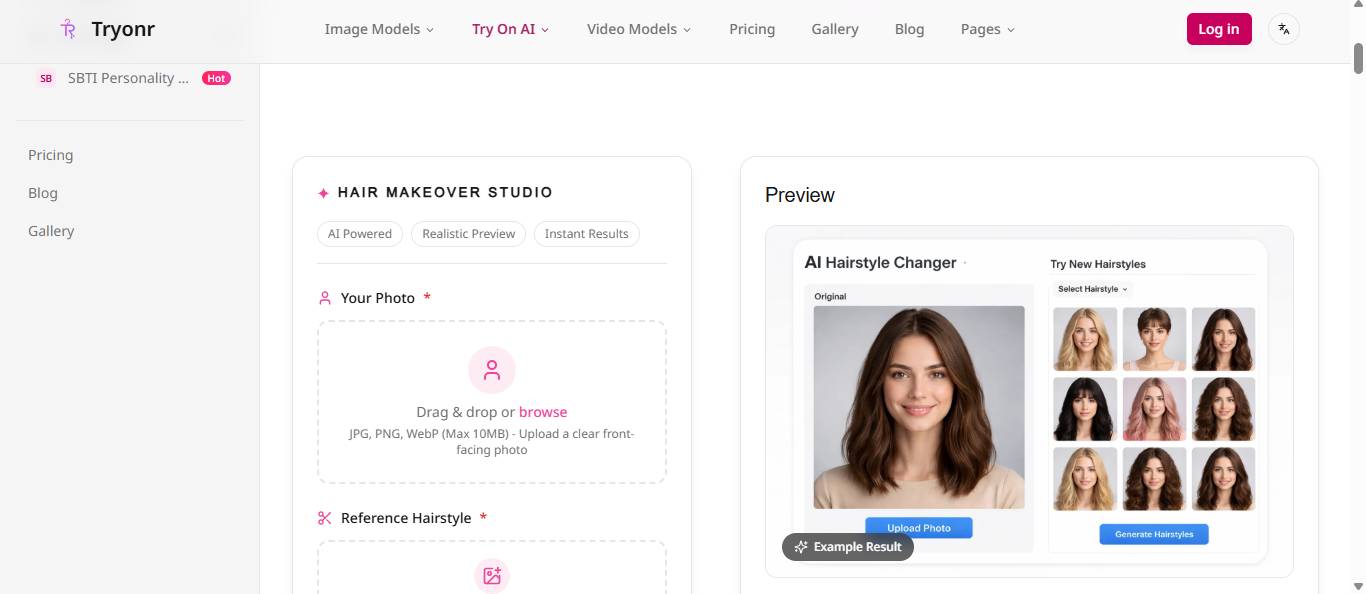
Tryonr's AI hairstyle feature genuinely surprised me. It handles both style AND color transformation in a single generation—something most competitors can't pull off simultaneously.
Strengths
- Handles hairline edges more naturally and cleanly than any other tool tested.
- No color bleeding or artificial-looking hair boundaries.
- Changes both cut and color at once—shift from long brown hair to a short copper bob in one click.
- Results look photorealistic, not filtered or artificial. Genuinely resembles a professional salon outcome.
- Works smoothly on both desktop browsers and mobile. No app installation required.
Weaknesses
- Uses a credit system instead of unlimited free generations (though free credits cover 3-5 test runs).
- Unconventional colors like neon blue still look somewhat unnatural—though this is a universal limitation across all AI hairstyle tools.
After testing a dozen different cuts on myself, I stopped wanting to just imagine how a new style might look. This is the hairstyle tool people actually use repeatedly. Seeing yourself with a bob or fade cut instantly eliminates all the second-guessing.
2. YouCam AI Hairstyle Changer – Best for Real-Time AR Preview
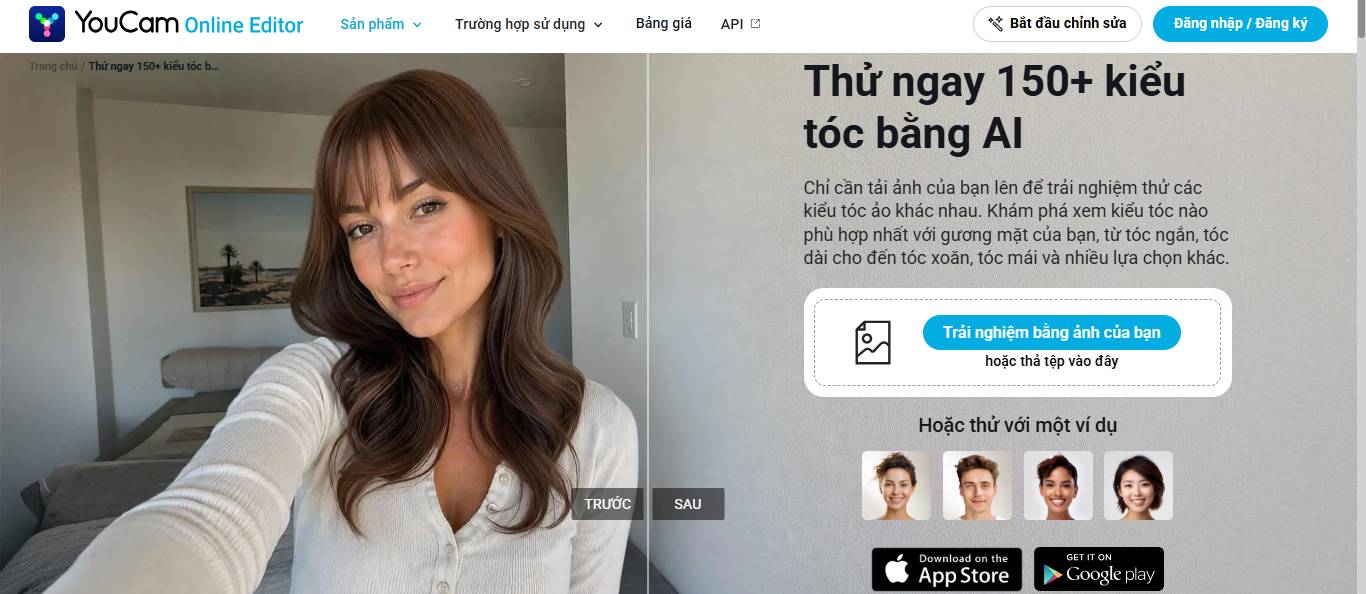
YouCam is primarily a virtual makeup app with hairstyle AI built in. What sets it apart? Live AR preview through your phone's camera—you see the style change in real-time as you move your head.
Strengths
- Live AR mode lets you watch the transformation instantly while moving your head.
- Useful for seeing how a new cut pairs with makeup for a complete look.
- Fast processing—results in under two seconds.
Weaknesses
- The AI hairstyle feature feels more like an add-on than the main event. Fewer style options than dedicated hairstyle tools.
- AR preview looks impressive but isn't as accurate as static image processing from other platforms.
- Constantly pushes paid subscription tiers.
Best suited for beauty content creators who want to preview a complete look including makeup and hair together. Less useful if you're only focused on hairstyle accuracy.
3. Fotor AI Hairstyle Changer – Fastest for Quick Edits
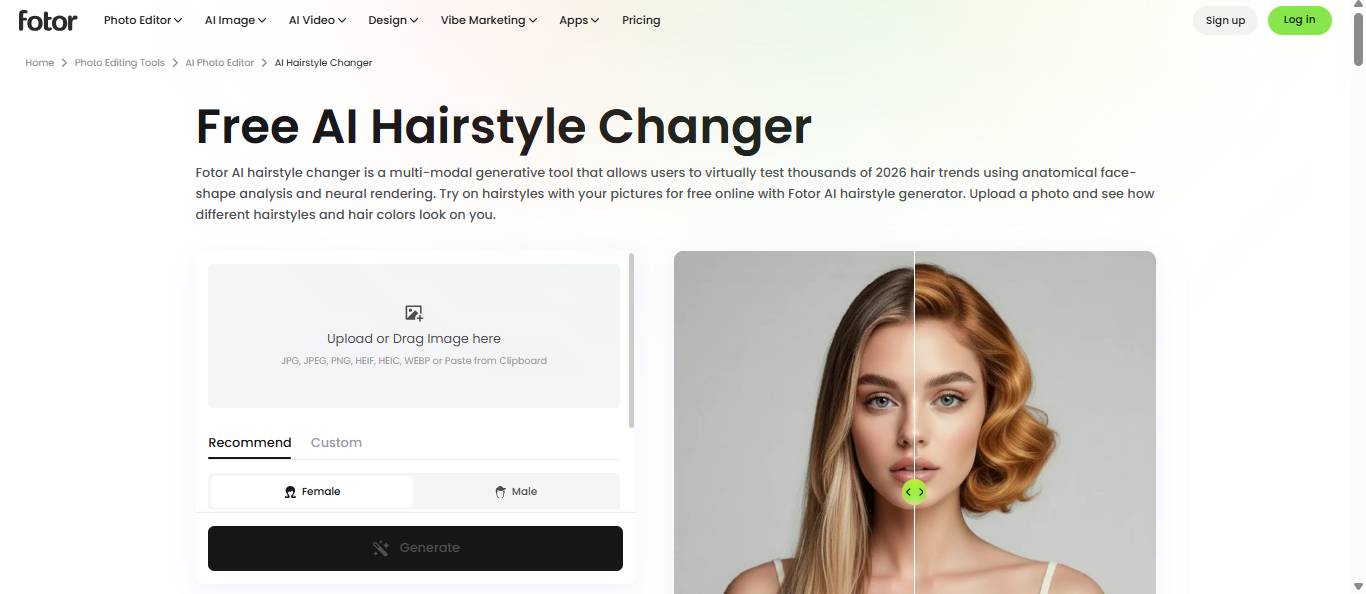
Fotor is a full-featured photo editing platform that added AI hairstyle transformation. It's quick and straightforward for previewing basic cuts.
Strengths
- Simple interface—upload, pick a style, done.
- Minimal learning curve.
- Solid range of cuts available for both men and women.
- Free tier available (with limited AI generations).
Weaknesses
- Hairline handling is rougher than specialized tools. You can clearly see the edited boundary across the forehead.
- Limited color options—you're stuck choosing from presets, no fine-tuning available.
- Results lean toward "filtered photo" rather than "realistic haircut" quality.
Good enough for a quick general preview. But if you're seriously considering a salon visit, accuracy matters more than speed.
4. Krea AI Hairstyle Changer – Best for Creative Styles
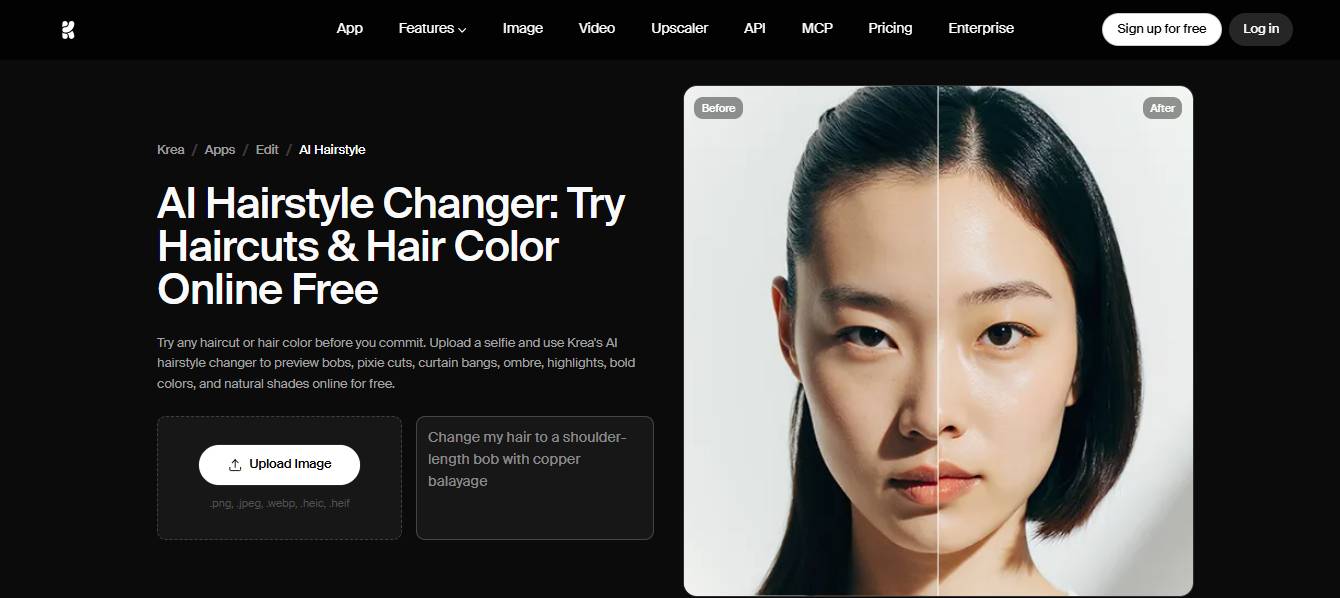
Krea AI is a creative AI platform designed for experimental styles. Its hairstyle feature appeals to users wanting to try artistic or unconventional looks.
Strengths
- Text-based creativity—describe a hairstyle in words and AI generates it visually.
- Handles unusual cuts better than most platforms (mohawks, ombre fades, fantasy styles).
- High-quality output images.
Weaknesses
- Requires more effort—you need to write detailed prompts instead of just clicking preset options.
- Results can be inconsistent. The same prompt may generate varying quality images.
- Not ideal for realistic everyday hairstyle previewing when precision matters.
Excellent for exploring creative inspiration and artistic expression. But if you're booking a salon appointment, this isn't your most practical choice.
5. Hairstyle AI – The Completely Free Option
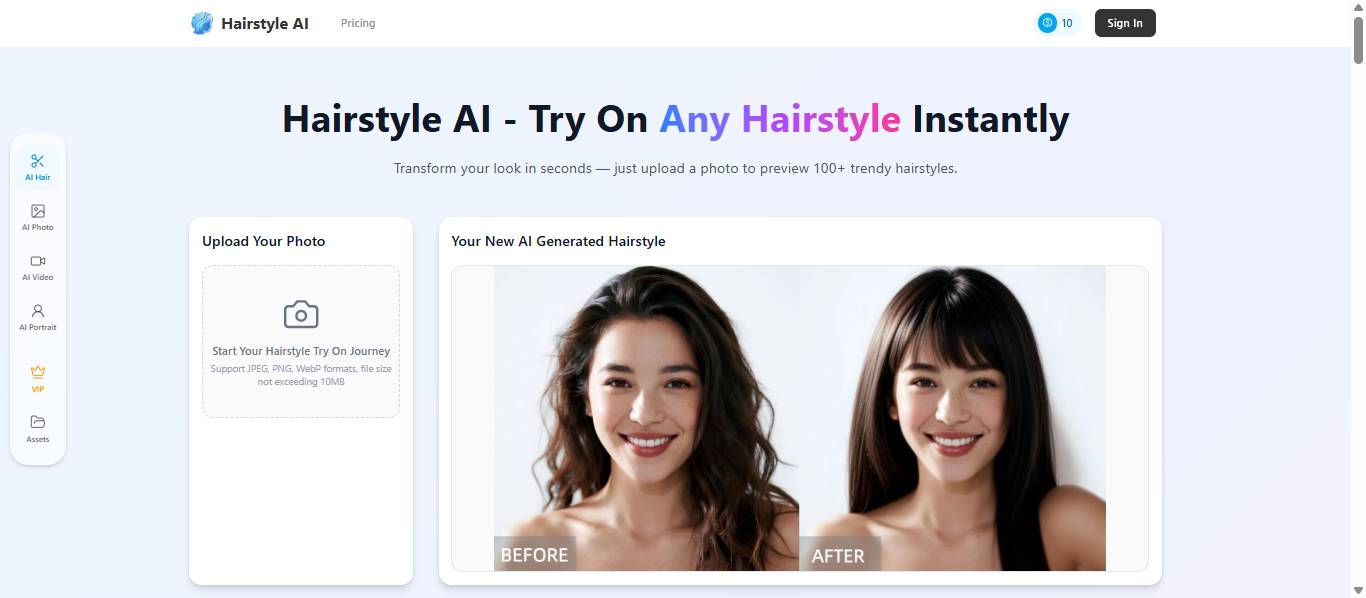
Hairstyle AI delivers completely free hairstyle transformations with zero hidden fees or trial expiration dates.
Strengths
- Completely free. Not the "free trial then paywall" kind. This is genuinely the most accessible AI hairstyle tool available.
- Decent variety of style options.
- Straightforward experience—just upload and go.
Weaknesses
- Worst hairline handling of all tested tools. Clear visible separation between new hair and scalp.
- Color accuracy is weaker than paid alternatives. My copper-red came out looking Halloween-orange.
- Limited customization—presets only, no adjustments available.
Worth trying if you want a quick free preview without salon-level precision. But invest in something more accurate if an actual haircut decision is on the line.
AI Hairstyle Tool Comparison Chart
| AI Hairstyle Tool | Realism | Style + Color | Free Option? | No App Needed |
|---|---|---|---|---|
| Tryonr | ★★★★★ | ✓ Both | Free credits | ✓ |
| YouCam | ★★★☆☆ | ✗ Color only | Free | ✓ |
| Fotor | ★★★☆☆ | ✓ Both | Limited free | ✓ |
| Krea AI | ★★★★☆ | ✓ Both | Limited free | ✓ |
| Hairstyle AI | ★★☆☆☆ | ✓ Both | ✓ Fully free | ✓ |
Next time you're staring in the mirror asking "would that cut actually work on me?", stop wondering. Open an AI hairstyle tool, upload a photo, and get your answer in 10 seconds flat. The best hairstyle changers all offer free trials—you've got nothing to lose and potentially your next perfect cut to gain.
Description: Test-drive 5 AI hairstyle tools to see which delivers realistic results. Tryonr, YouCam, Fotor, Krea, and Hairstyle AI compared.

No Comment to " The Best AI Hairstyle Changer Apps: Which Ones Actually Work? "