How to Summarize Audio Files Using NoteGPT
Sitting through lengthy recordings is exhausting. NoteGPT offers a smarter alternative: upload your audio file and let AI handle the heavy lifting. The platform automatically transcribes your content with precise timestamps, then analyzes it to generate summaries, key points, and highlighted takeaways. It supports multiple audio formats and languages, making it ideal for condensing lectures, meetings, interviews, podcasts, webinars, and study materials.
What's interesting here is that NoteGPT Audio Summary goes beyond simple speech-to-text conversion. It combines AI-powered transcription with intelligent content analysis and distillation, letting you grasp the main ideas without replaying the entire recording. Ready to get started? Here's how to use NoteGPT's audio summarization tool.
How to Summarize Audio on NoteGPT: Step-by-Step Guide
Step 1:
Head to the link below, create an account, or log in if you're already a user.
https://notegpt.io/audio-summaryNext, upload the audio file you want to summarize.
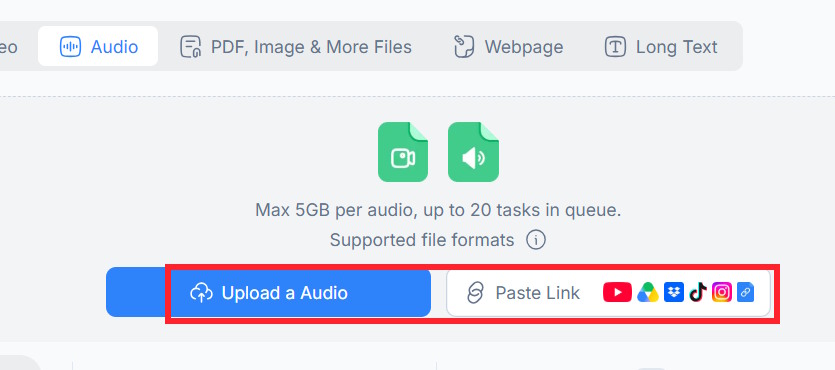
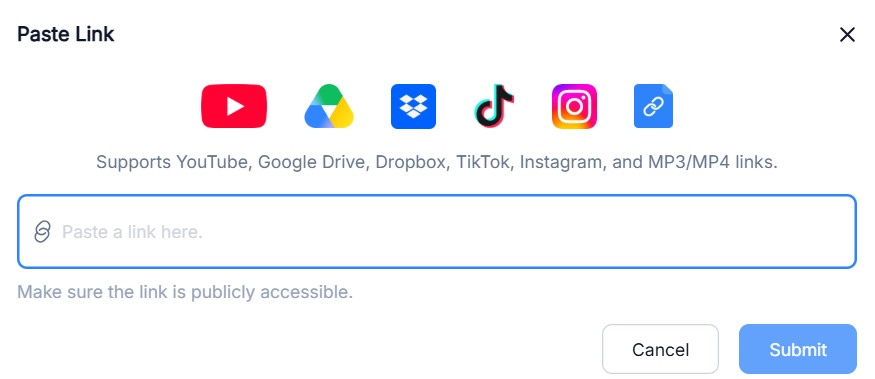
Alternatively, paste a direct link to the audio file into NoteGPT's interface.
Step 2:
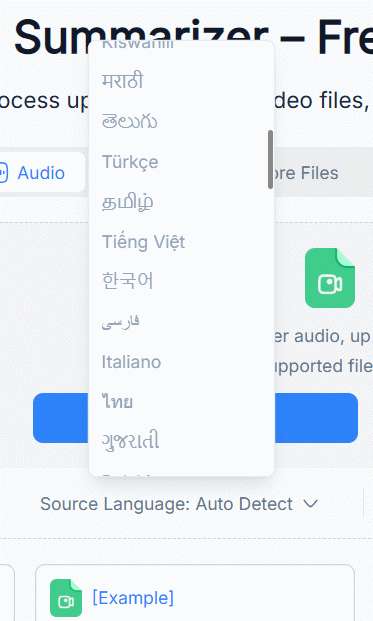
Select the language of your audio file, or let NoteGPT detect it automatically. Once you've configured your settings, click Generate to start creating your summary.
Step 3:
You'll now see a new interface. On the left, you'll find the detailed transcript of your uploaded audio file.
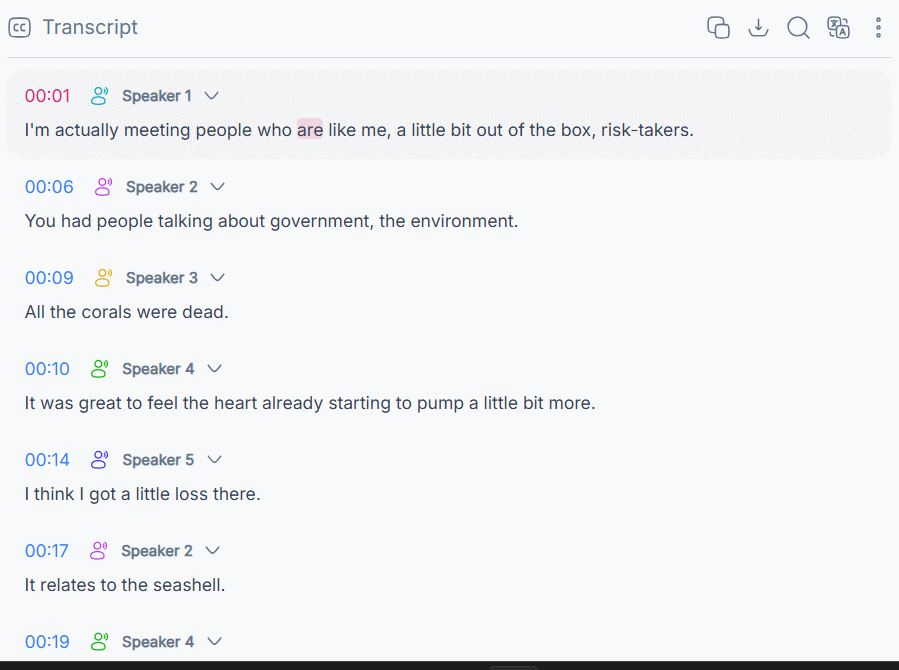
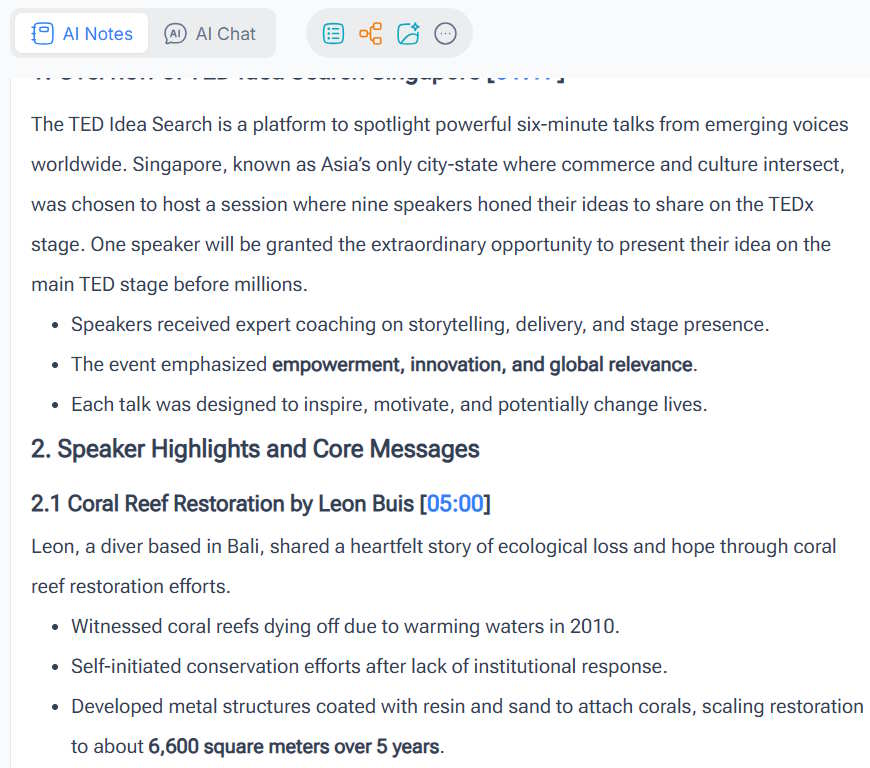
On the right side, you'll see the complete summary and key highlights that NoteGPT has extracted. Each summarized section includes timestamp markers, so you can easily reference where information appears in the original recording.
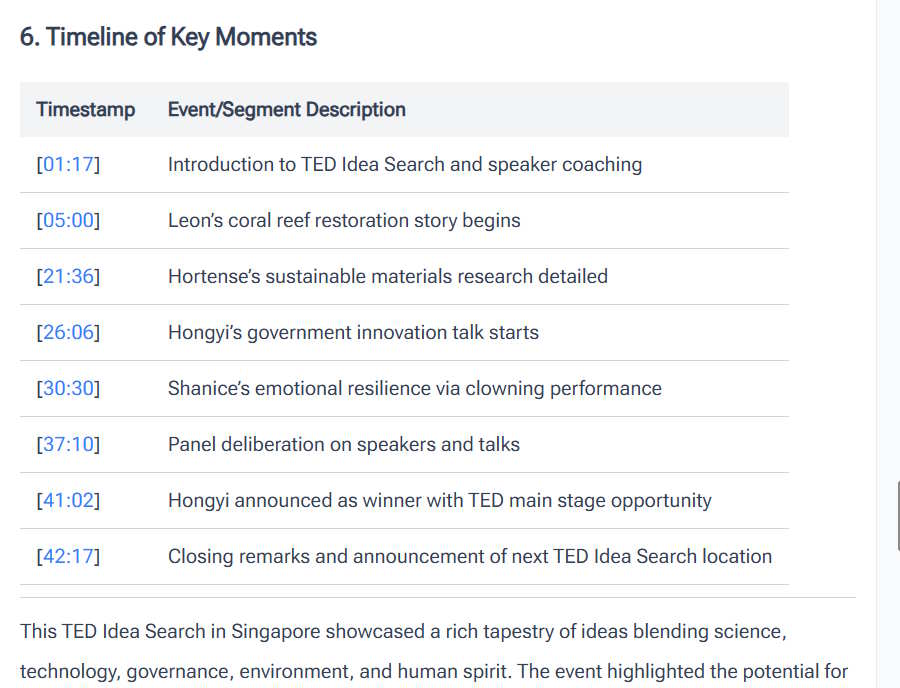
Scroll down to find the main points section, organized by timestamp. This gives you a clear overview of the audio content at a glance.
Step 4:
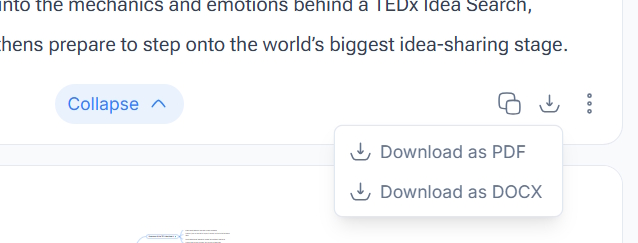
Finally, click the save icon and choose your preferred file format to download the summary. Done.
Description: Learn how NoteGPT uses AI to automatically transcribe, analyze, and summarize audio files in minutes instead of hours.
Related Articles
- Getting Started with Gemini Live: Your Guide to Voice Conversations with Google's AI
- How to Seamlessly Transfer Conversations Between ChatGPT, Claude, and Gemini Using ThreadPort
- Why You Should Run AI Agents Inside Windows Sandbox
- The 5 Best AI Recruitment Tools to Transform Your Hiring Process
- Google Photos Ask Photos AI vs. Classic Search: Which Photo Finding Tool Works Better?

No Comment to " How to Summarize Audio Files Using NoteGPT "