Windsurf: A Free, Feature-Rich IDE That Rivals Cursor
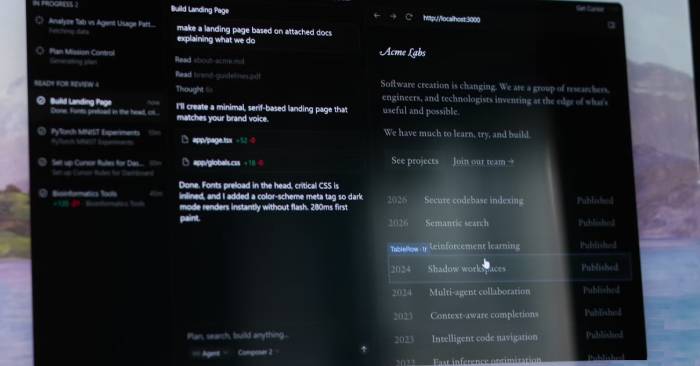
Like many developers lately, your first taste of AI-assisted coding probably came through tools like Lovable and Bolt—platforms where you describe what you want built and watch the system construct it automatically. Then you try Cursor, and while it's undeniably powerful, something feels off. The workflow skews toward traditional code editing rather than conversation, and you find yourself missing that seamless back-and-forth interaction.
Enter Windsurf. The buzz around this tool centers on its speed, cleaner interface, and—most notably—a genuinely free tier that includes unlimited autocomplete without artificial restrictions. Here's what really caught people's attention: Windsurf's workflow mirrors Lovable and Bolt far more than Cursor does. It's a free IDE that does everything Cursor does, plus a few things Cursor doesn't.
In This Article
Windsurf's interface is noticeably more polished
Fast launcher and smoother editor layout
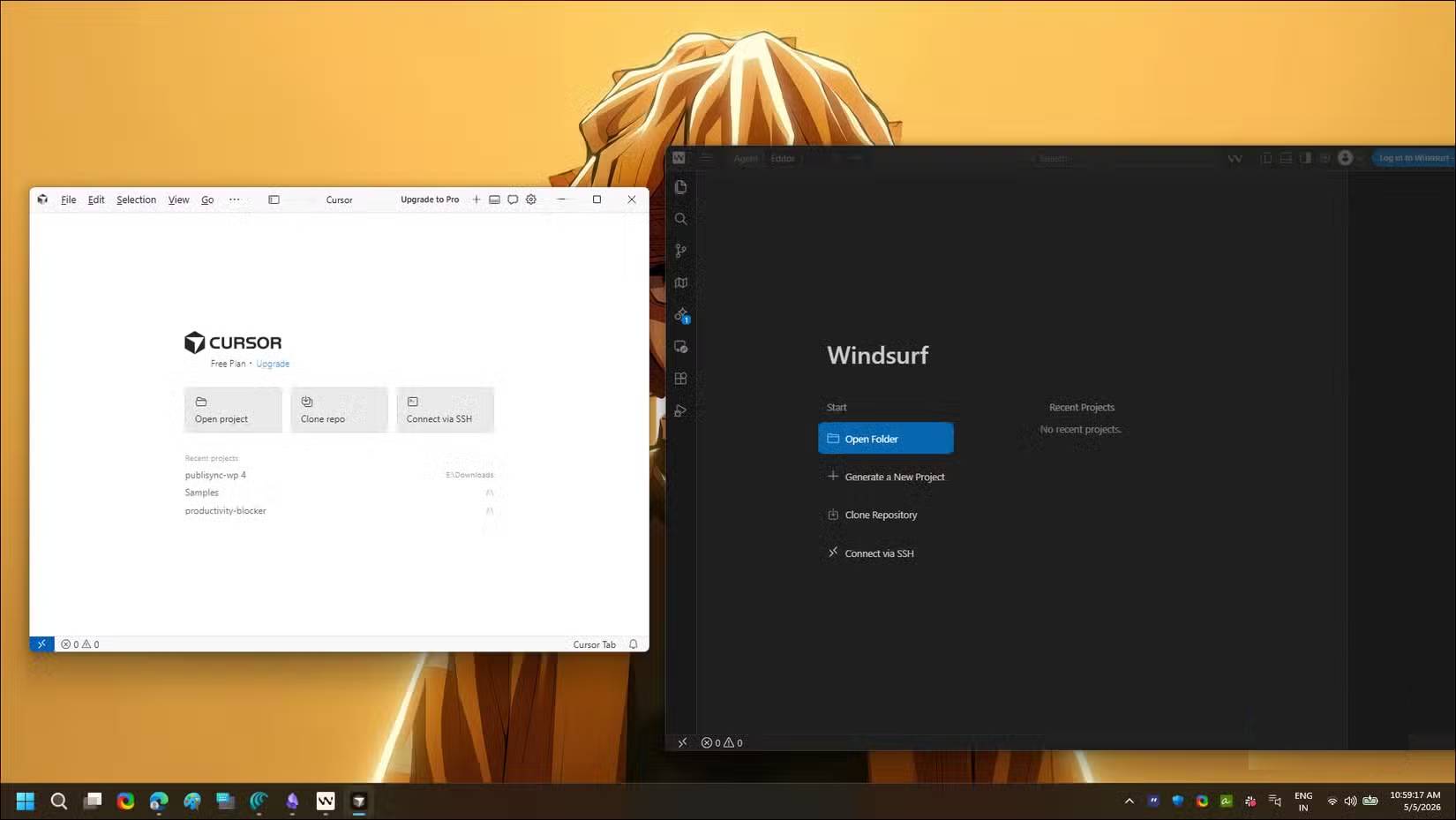
The first thing you'll notice about Windsurf is launch speed. Traditional IDEs typically chug during startup, and even Cursor carries noticeable boot lag. Windsurf launches significantly faster with a clean welcome screen displaying your recent projects right away.
The interior layout is familiar but quieter. You get the standard VS Code arrangement—file tree on the left, editor in the center—but the AI panel (called Cascade) sits on the right with a neat toggle between Write and Chat modes. A model dropdown nearby lets you switch between Claude Sonnet, GPT, and Windsurf's proprietary SWE model without leaving the editor.
What's interesting here is what's missing. Cursor takes an "everything everywhere" approach—every error gets a "Fix with AI" button, every section gets an "AI Debug" overlay. Windsurf hides most of these by default. Yes, inline code diffs exist, but you need to click Open Diff to see them in a full panel. This keeps the editor quiet until you actually need to review changes.
The user experience is genuinely easier
Click-to-edit functionality and built-in preview reduce friction
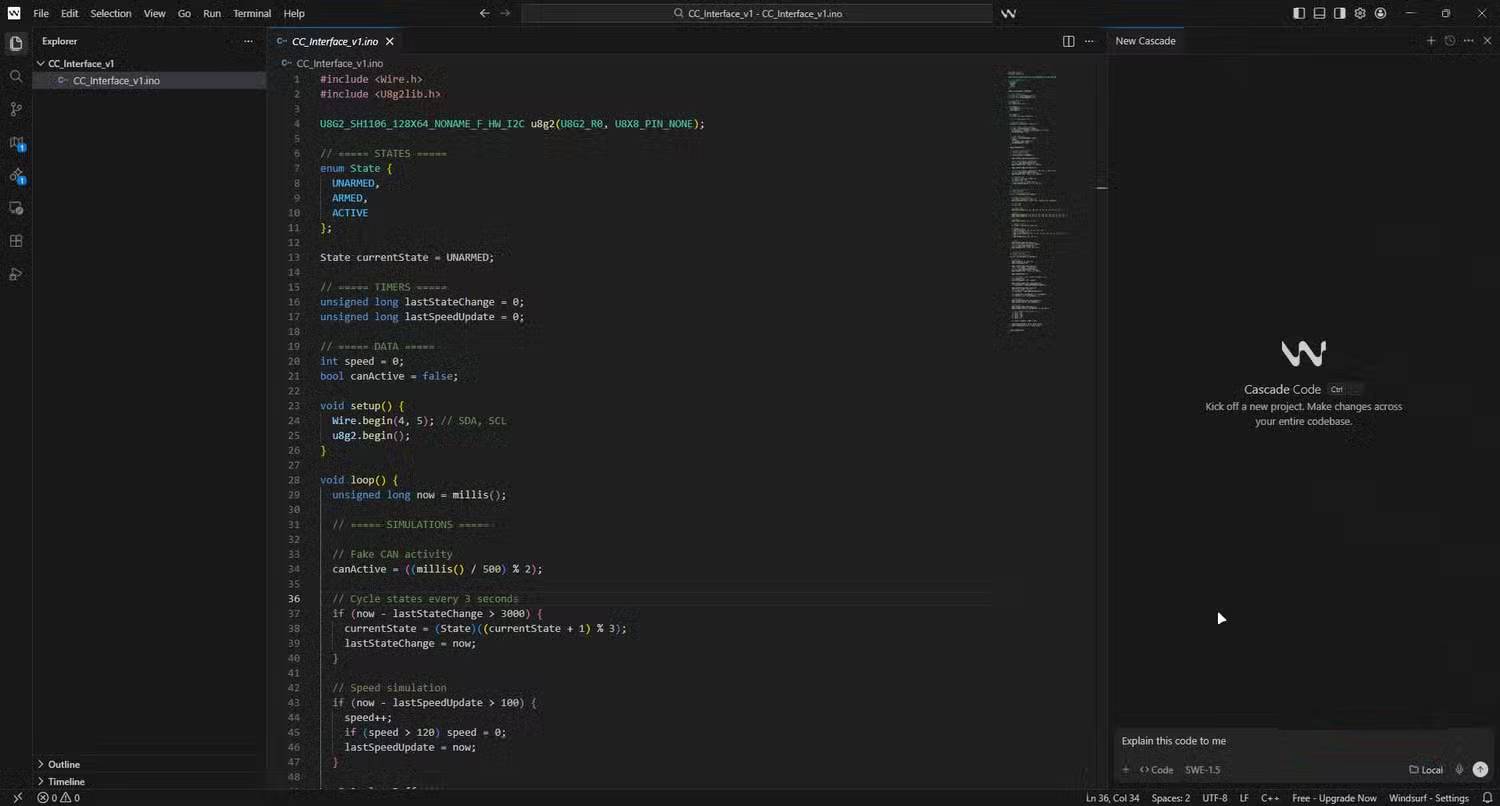
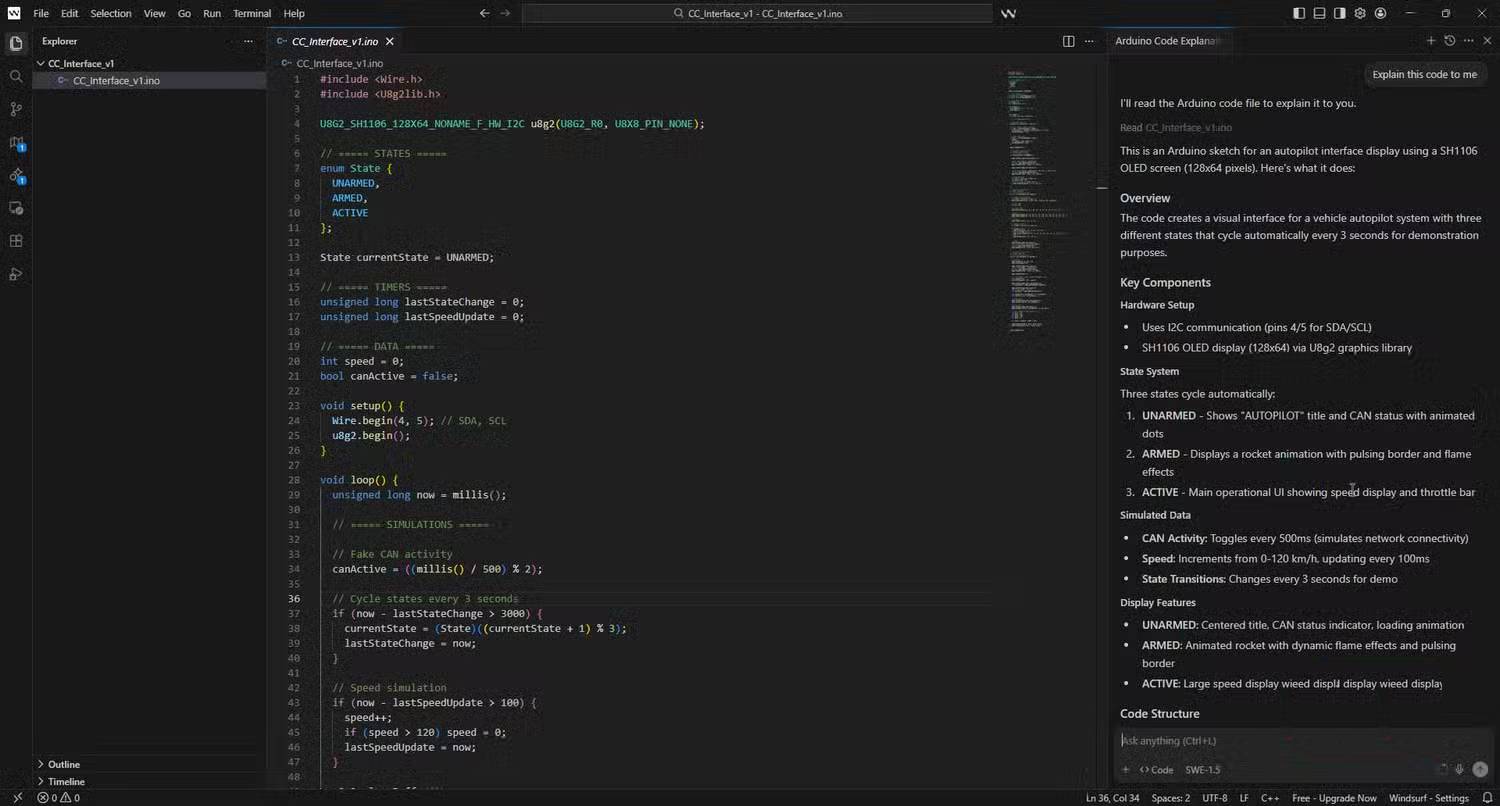
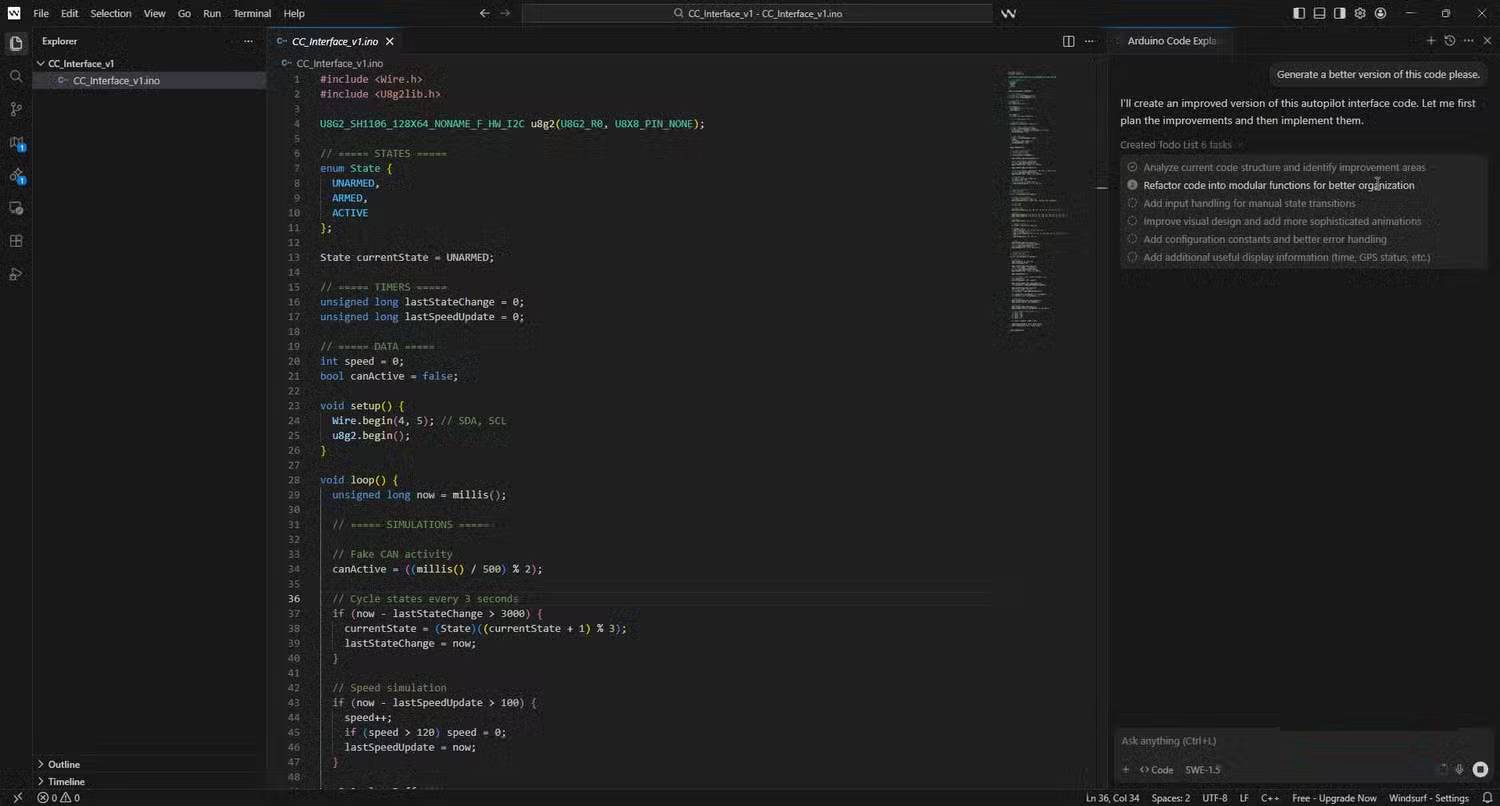
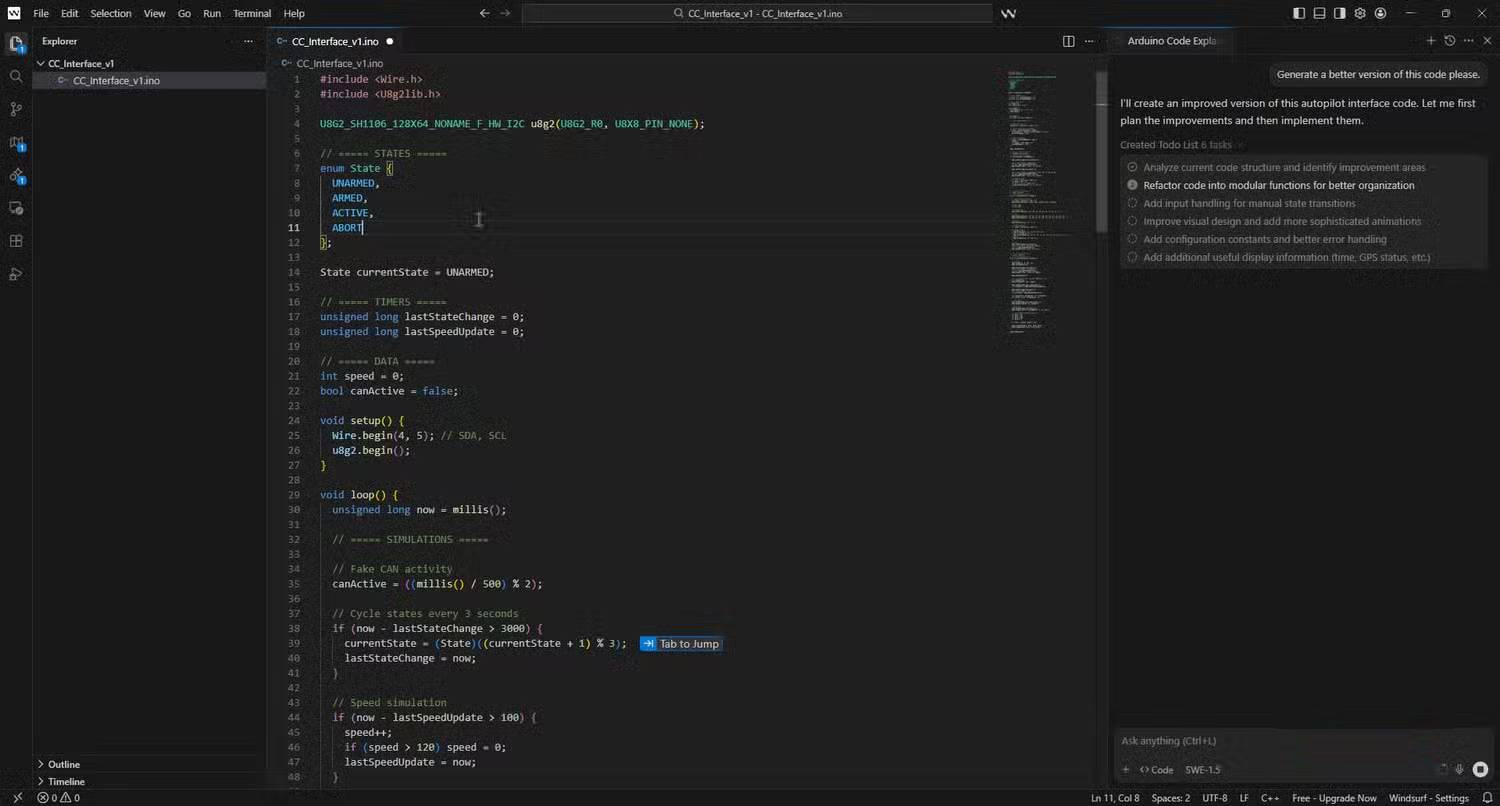
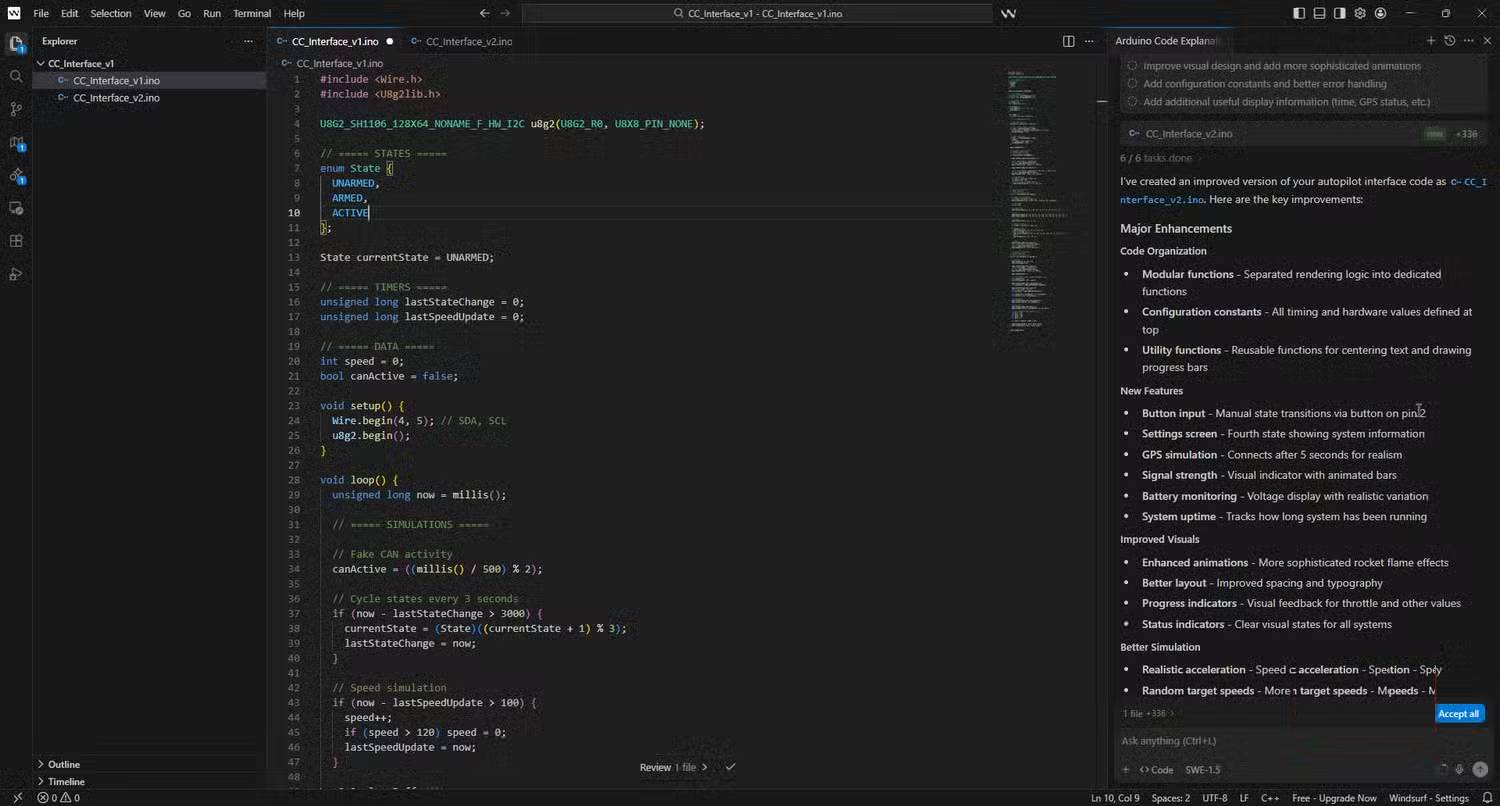
That polish extends to how you actually work in Windsurf. The preview pane runs your app live inside the editor, and Send element mode lets you click any UI component—a button, heading, whatever—and feed that exact DOM node straight into your next Cascade prompt.
Testing this with a small web project previously used in Cursor shows the difference immediately. Instead of hunting for class names or scrolling through CSS, you just click the score text in the preview, type "change color to neon yellow," and let Cascade handle it.
A small rocket icon above the Cascade chat window triggers deployment with one click. Cascade saves your config, verifies your Windsurf domain, and pushes the project to Netlify. Suddenly you have a shareable URL for a side project in seconds—something that would take 10 minutes with other tools.
Chat mode is set to automatic by default
Cascade plans, edits, and runs commands without hand-holding
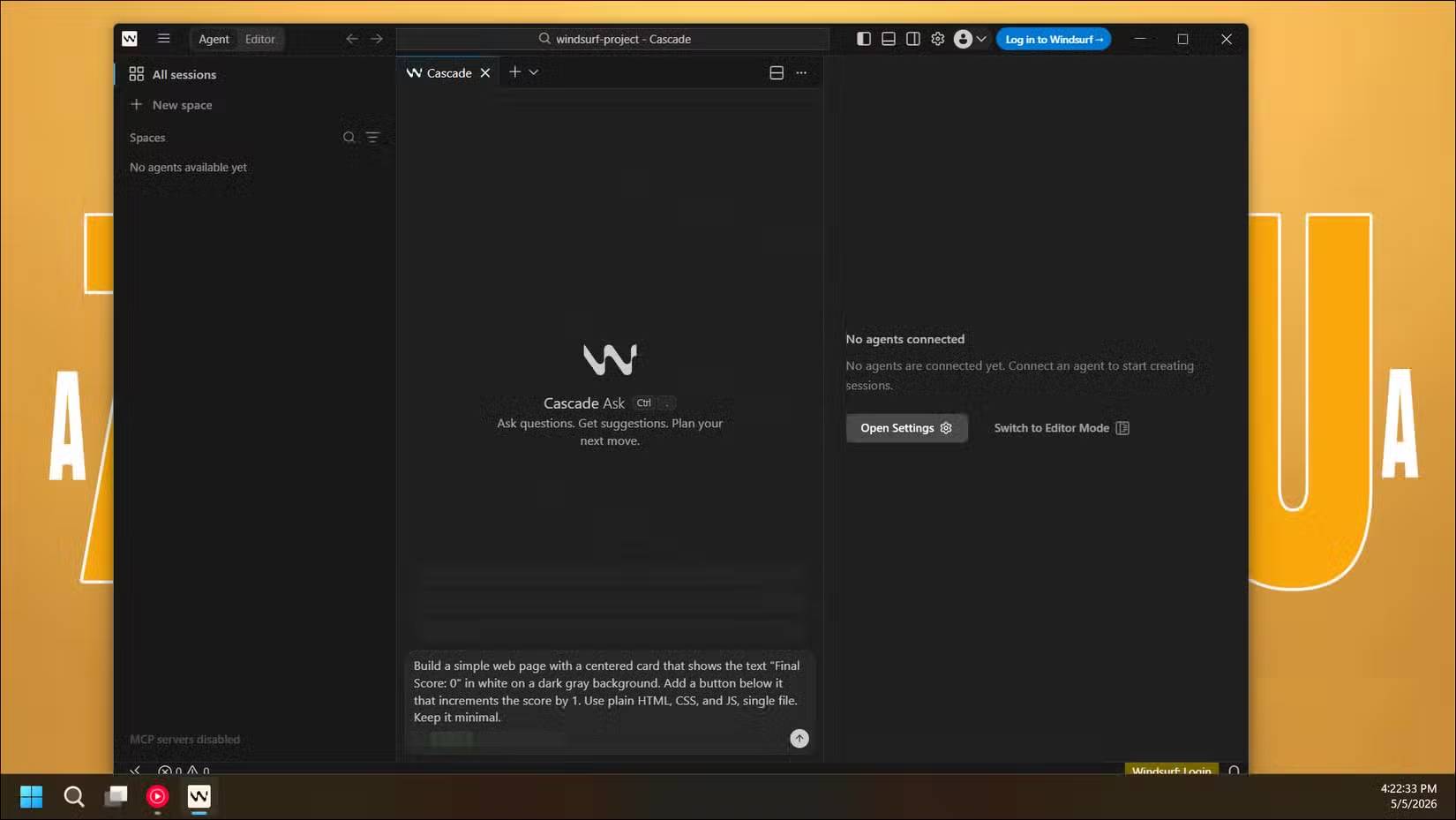
The real reason Windsurf resonates with developers is its automatic chat mode. In Cursor, you manually select which files to include in context and review every diff before committing. Good for control freaks, frustrating when you just want to ship a feature. Windsurf flips this. Like some other free Cursor alternatives, it lets you describe your goal and figures out which files need touching, what context to pull, and which commands to run.
It sounds like a minor shift, but it transforms the workflow from "directing an AI" to "telling it what you want." Ask Cascade to add a settings page to a small Express app, and it indexes relevant files, creates a new route, hooks it into the existing layout, and starts the dev server to confirm nothing broke. You don't pick a single file or paste a snippet.
Windsurf also writes changes to disk before you formally accept them, making the agent workflow feel natural. You see updates live on the dev server immediately, catch build errors, and iterate through chat without committing anything. Hate the result? Undo and revert the entire session to its original state with a single click.
Windsurf is free, and paid plans cost less
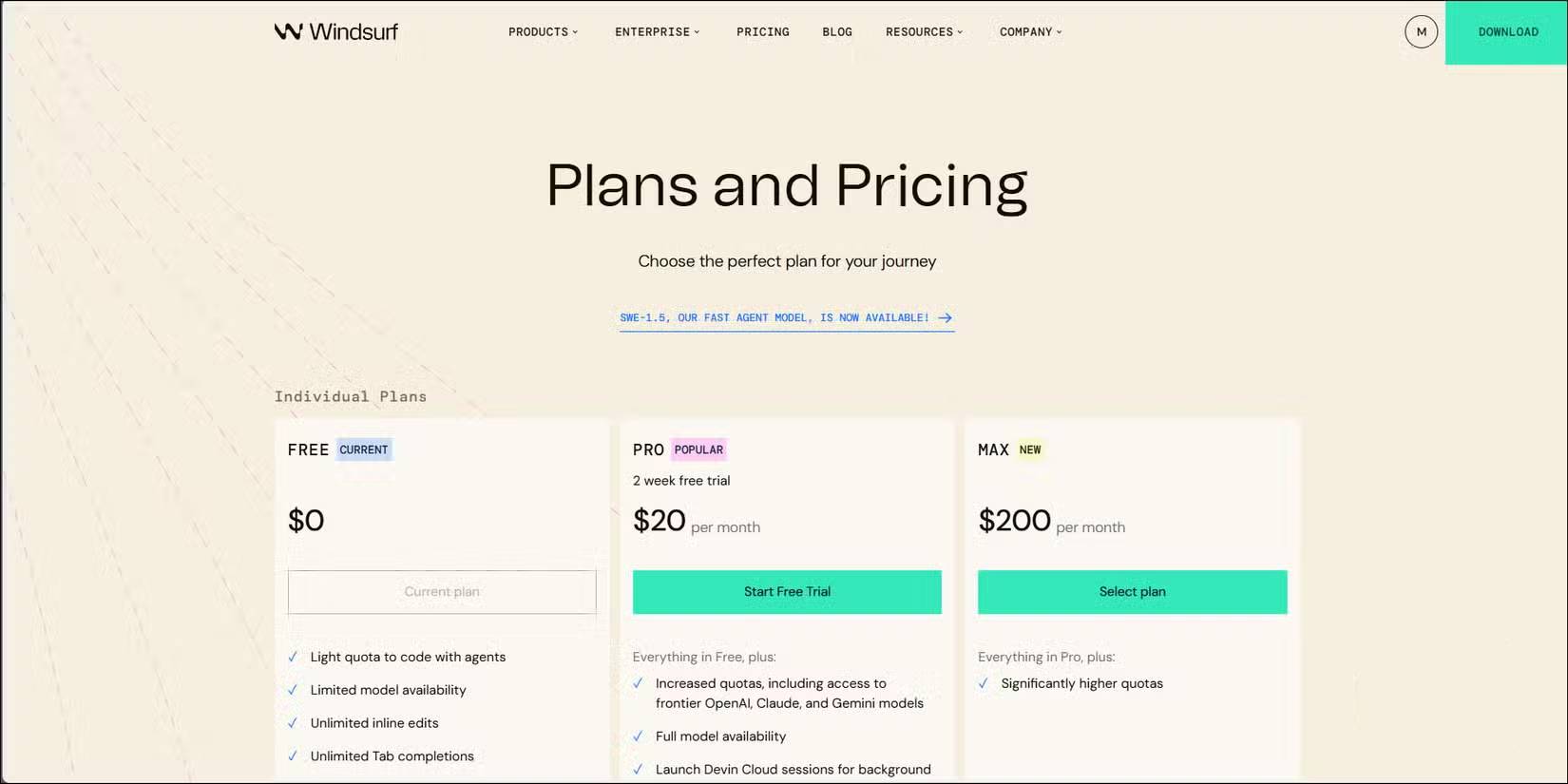
Cost is another reason developers stick with Windsurf. The free tier offers unlimited Tab autocomplete, inline editing, preview pane access, plus a small daily allowance of Cascade sessions for agent work. If you're tinkering with side projects, this actually matters. You can build two small apps and deploy one without ever hitting a paywall.
The paid tier also delivers better value. Windsurf Pro costs $20/month (same as Cursor Pro), but the included credits, free models, and unlimited Tab autocomplete across all tiers mean everyday use doesn't feel expensive. Stick with Windsurf's lighter SWE-1 model, and your credits last a long time.
The credit system takes getting used to. Different models consume credits at different rates, so a heavy session with an advanced model depletes your budget faster than using an internal model. The pricing structure isn't perfect, but the free tier is generous enough to evaluate the tool without pressure to upgrade.
Where Windsurf falls short
A few minor issues worth considering
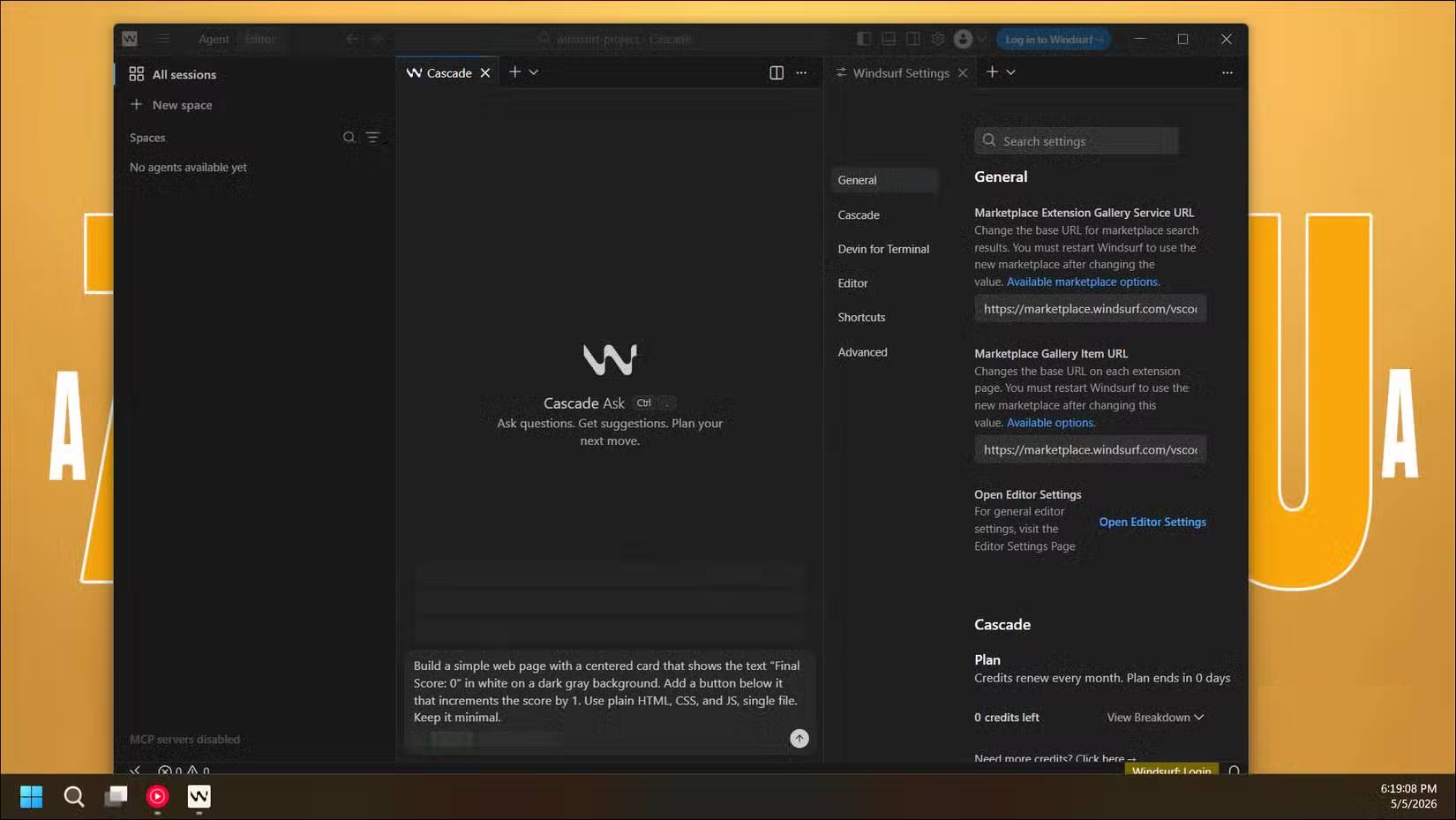
Windsurf isn't flawless. After a week of daily use, several minor frustrations emerge. Sometimes the agent produces code that feels less creative than querying the same Claude model directly in a browser. On complex tasks, responses drift off-topic or repeat themselves—especially as chat history grows—which is why many skip the "vibe coding" approach for serious projects.
The agent workflow has quirks too. Cascade occasionally stalls on terminal commands, forcing you to type "continue" multiple times to nudge it forward. Editing files while the system is working can confuse the diff mechanism, interrupting the natural instinct to tweak something mid-process.
The real concern is ecosystem. Windsurf's user community is smaller than Cursor's, third-party extensions are scarce, and the tool lacks powerful features like automatic refactoring or built-in test generation. For solo work, this barely matters. For larger team workflows, it's worth considering.
Windsurf isn't universally better than Cursor for everyone. If you maintain enormous monorepos, demand pixel-perfect control over every change, or rely heavily on extension ecosystems, Cursor still wins. Windsurf's agent feature can be spotty, and the credit system confuses more than it clarifies.
But for anyone transitioning from Lovable or Bolt into a real IDE—something that respects that conversational workflow—Windsurf is the better starting point. The free version delivers real value, the interface doesn't get in the way, and agent-first defaults make the whole process feel like collaborating with an editor rather than just using a tool.
Description: Discover Windsurf, the free AI-powered IDE that matches Cursor's capabilities while offering a smoother, more conversational workflow for developers.

No Comment to " Windsurf: A Free, Feature-Rich IDE That Rivals Cursor "