Building Websites with ChatGPT and Vercel: A Practical Guide

If web design feels intimidating or you're looking for expert guidance, pairing ChatGPT with the Vercel plugin changes the game. Once connected, Vercel transforms your website ideas into polished, professional-looking designs. What's interesting here is how minimal effort you actually need to invest—just describe what you want, and the AI handles the heavy lifting.
Simply describe your website requirements in detail—what it's for, who it's for, and how you want it to look—and Vercel builds it from your specifications. This guide walks you through connecting ChatGPT to Vercel and launching your first site in minutes.
How to Design a Website Using Vercel on ChatGPT
Step 1:
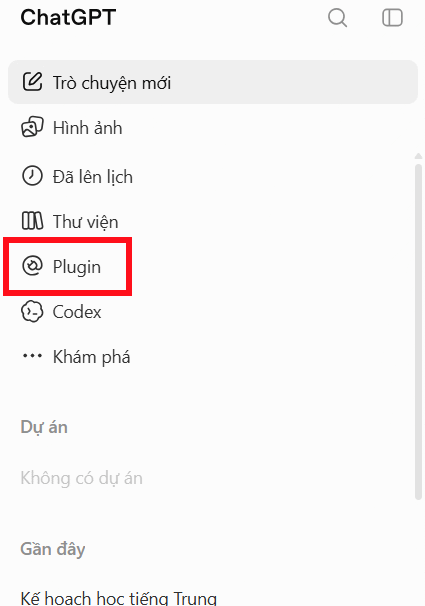
Open ChatGPT and click the Plugins section on the left sidebar.
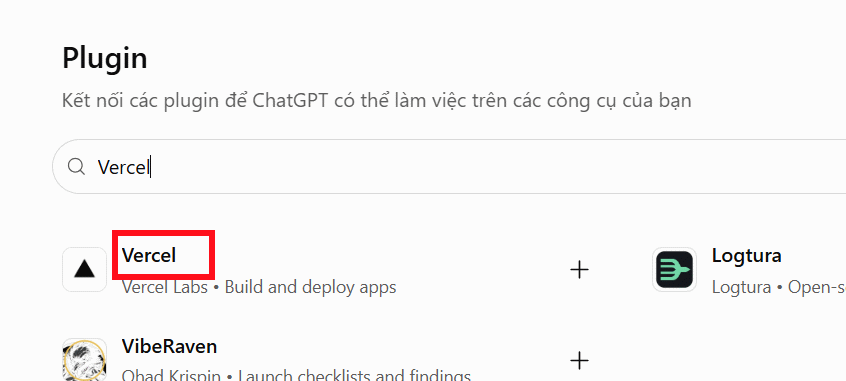
In the app management interface, type "Vercel" and select it from the dropdown results.
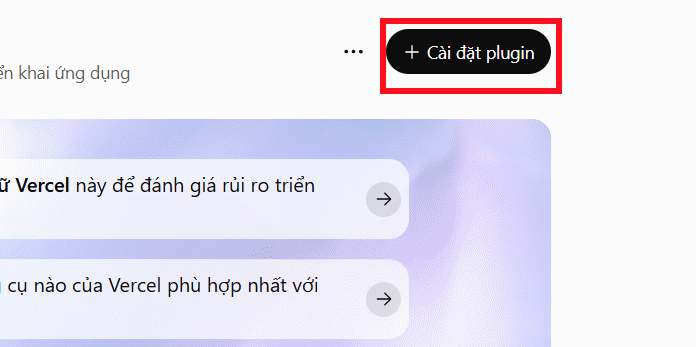
Next, click Install plugin to add Vercel to your ChatGPT account.
Step 2:
A connection dialog will appear. Click Connect Vercel to proceed.
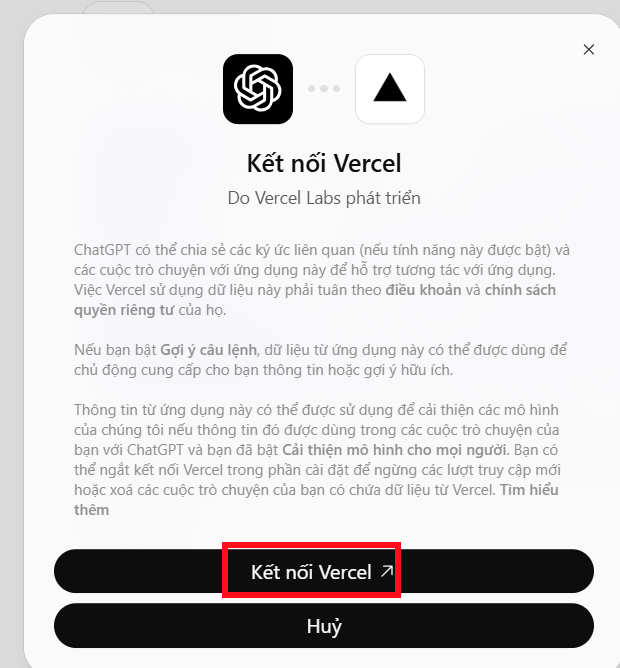
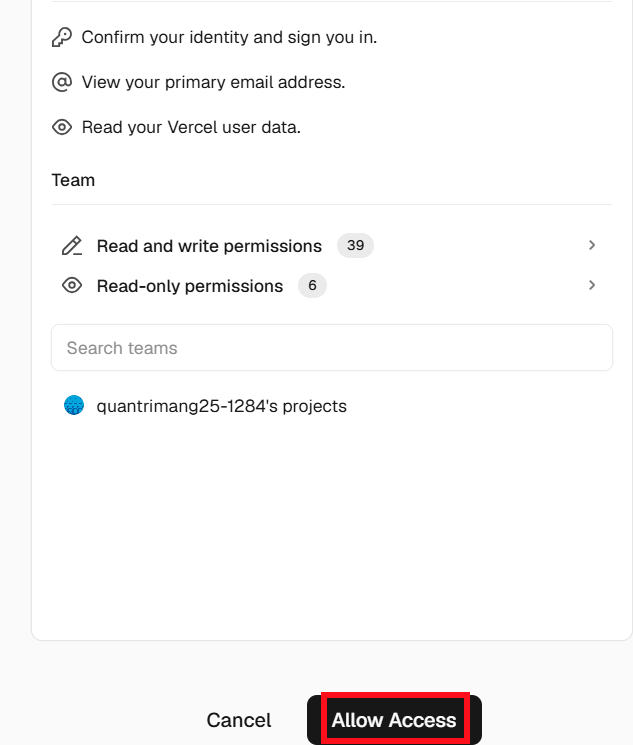
If you don't have a Vercel account yet, create one first. Then authorize ChatGPT to access your account by clicking Allow access.
Step 3:
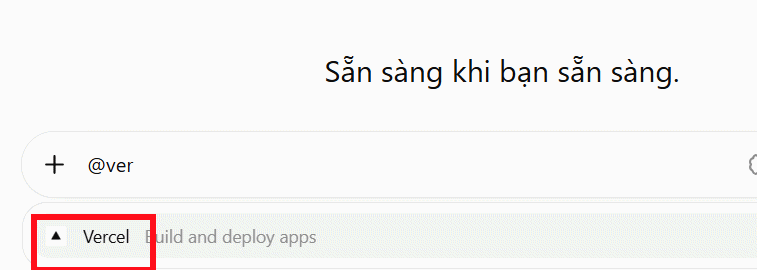
Return to your ChatGPT chat window, type @Vercel, and select the Vercel plugin from the suggestions below.
Now write your site requirements. Here's an example prompt:
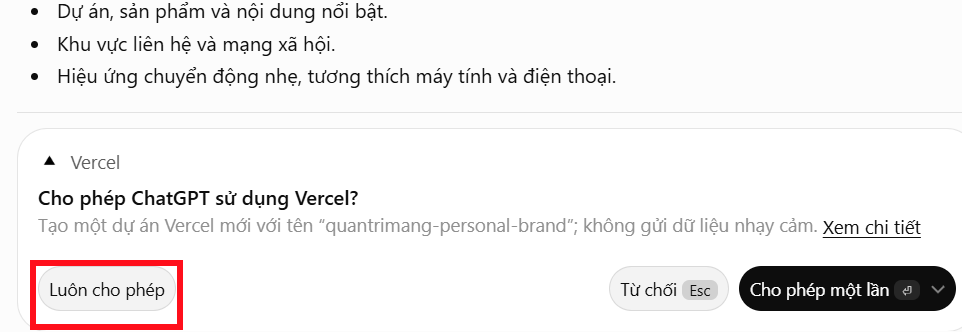
Create a beautiful personal portfolio website for me.Confirm that ChatGPT can use Vercel, and it will build your site according to your specifications.
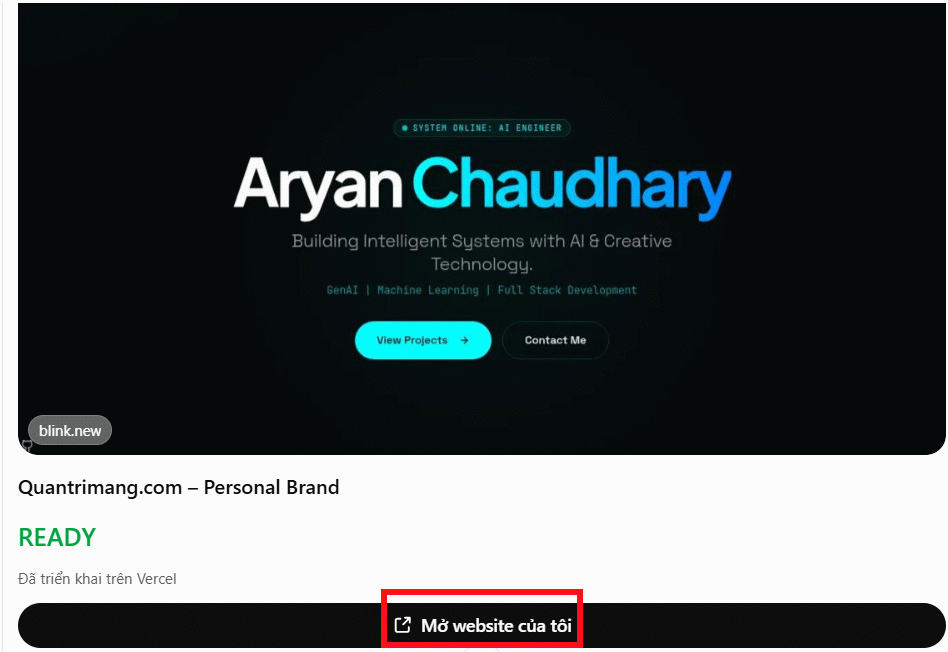
Wait a moment while Vercel generates your site design preview.
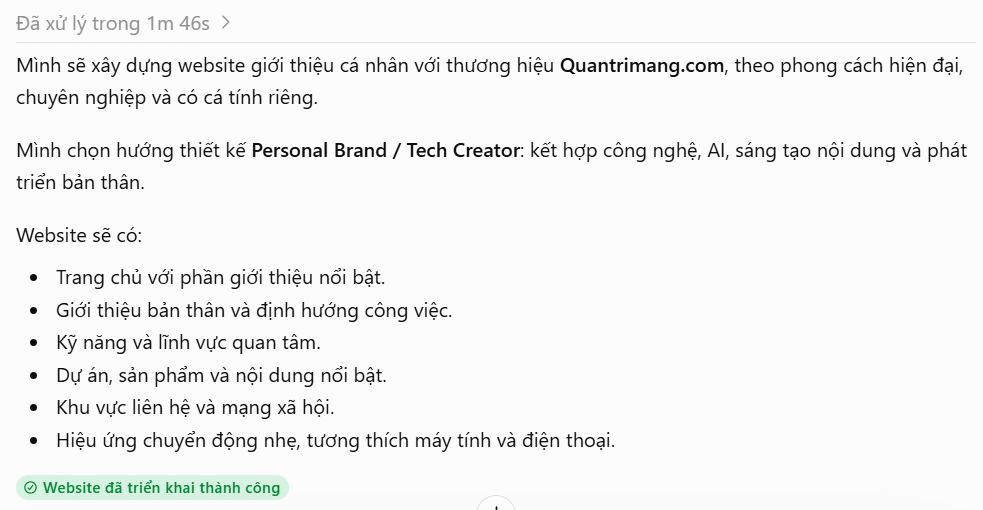
To view your new website, click View my website.
Step 4:
You'll be taken to your Vercel dashboard where your new site is live. Review the design and ask ChatGPT to make adjustments by simply describing what changes you want.
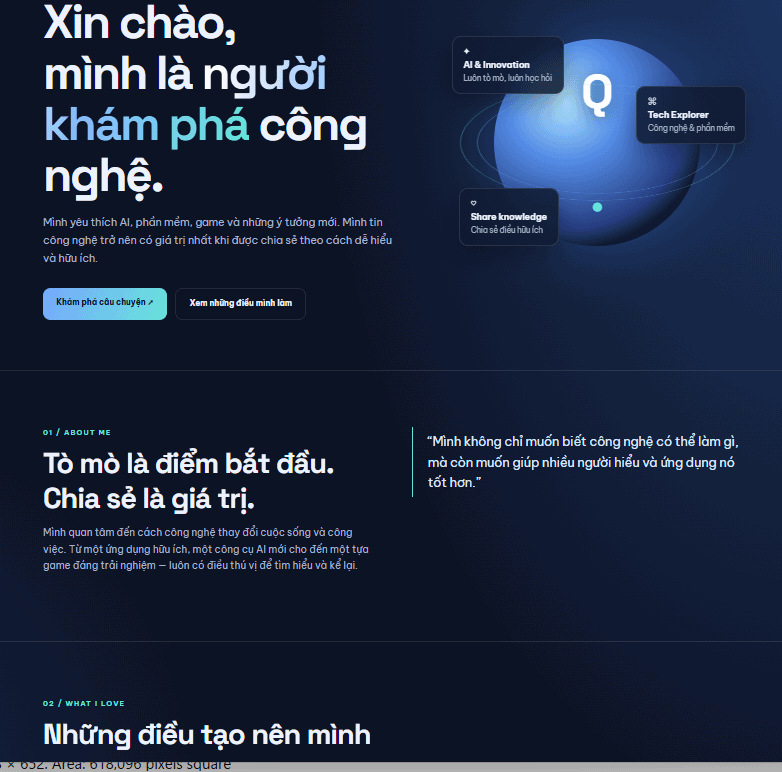
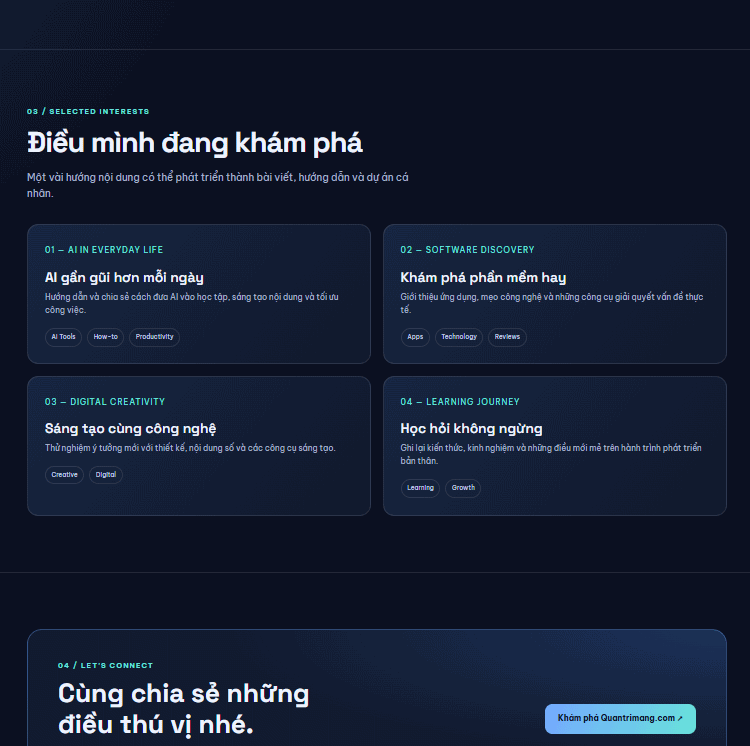
You can build many different types of sites this way. Here are some other prompts worth trying:
Create an E-commerce Store
Build an online shop with a product catalog, images, prices, and a checkout button.Create a Personal Blog
Design a beautiful personal blog with article publishing capability and topic categorization.Description: Learn how to leverage ChatGPT and Vercel together to create stunning websites without design experience. Step-by-step instructions included.
Related Articles
- The Upload Button Paradox: How AI Tools Became Your Company's Biggest Security Risk
- How to Connect Exa to ChatGPT for Advanced Search and Research
- How to Extract Image Prompts from Any Picture for AI Generation
- How AI Is Reshaping E-Commerce: From Tool to Team Member
- How to Create Videos of Students Describing Pictures in English Using AI

No Comment to " Building Websites with ChatGPT and Vercel: A Practical Guide "