Getting Started with Metricool on ChatGPT for Social Media Management
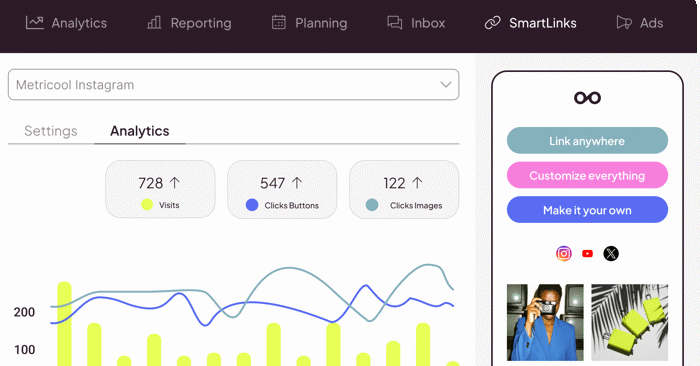
Integrating Metricool with ChatGPT opens up a powerful workflow for anyone managing social media accounts. Instead of bouncing between platforms to check metrics, you can now leverage ChatGPT to pull data directly from Metricool, ask questions about performance, and get actionable recommendations—all without leaving the chat interface. What's interesting here is how this combination transforms social media management from a time-consuming manual process into something much more conversational and accessible. This guide walks you through the entire setup process and shows you exactly how to use ChatGPT to analyze your social media performance, track key metrics, and build smarter marketing strategies.
How to Manage Social Media with Metricool on ChatGPT
Step 1:
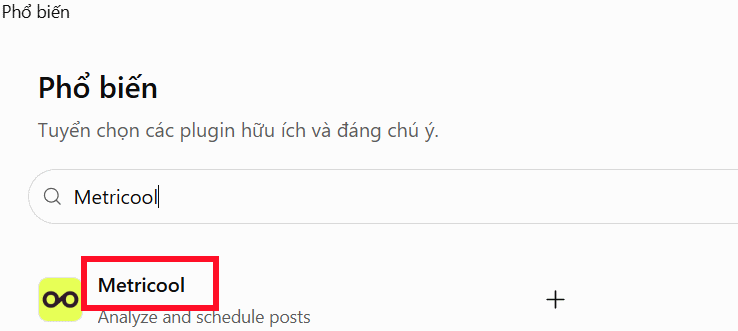
Open ChatGPT and click on the Plugins option in the left sidebar. Type Metricool into the search box that appears. Select Metricool from the results.
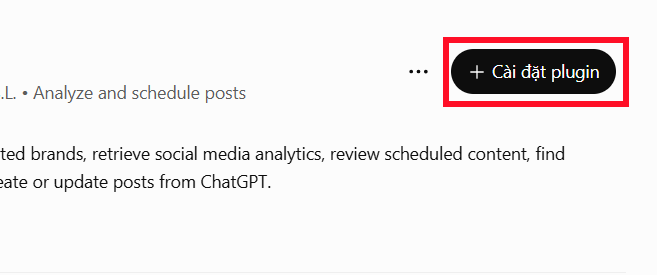
Next, click Install plugin to connect your Metricool account to ChatGPT.
Step 2:
The Metricool interface will load. If you don't have an account yet, create one now.
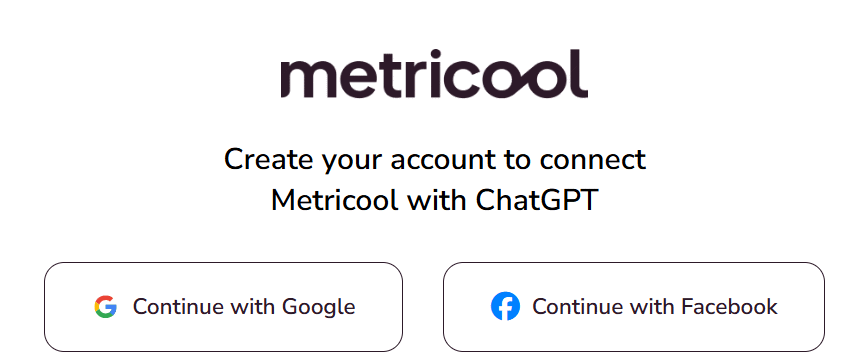
Once your Metricool account is set up, authorize ChatGPT to access it by confirming the permission request.
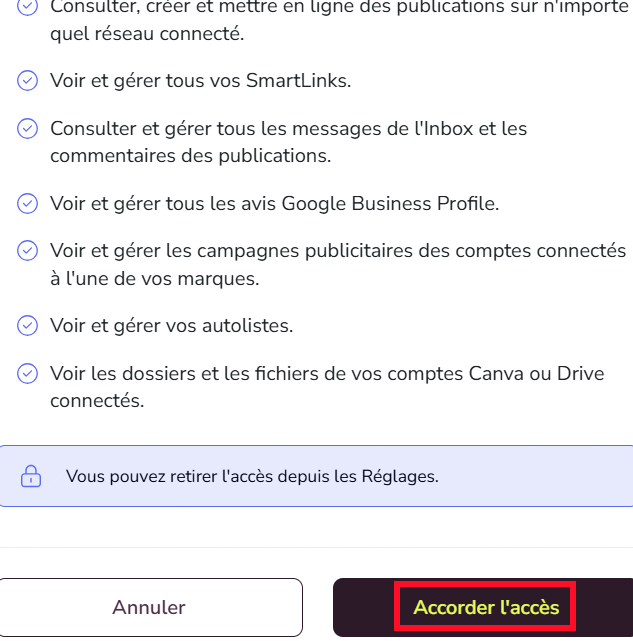
Review and approve the requested access permissions.
Step 3:
Head to the Metricool website and connect all your social media accounts that you want to track and manage. Follow the on-screen prompts to link each platform.
https://app.metricool.com/brands/connections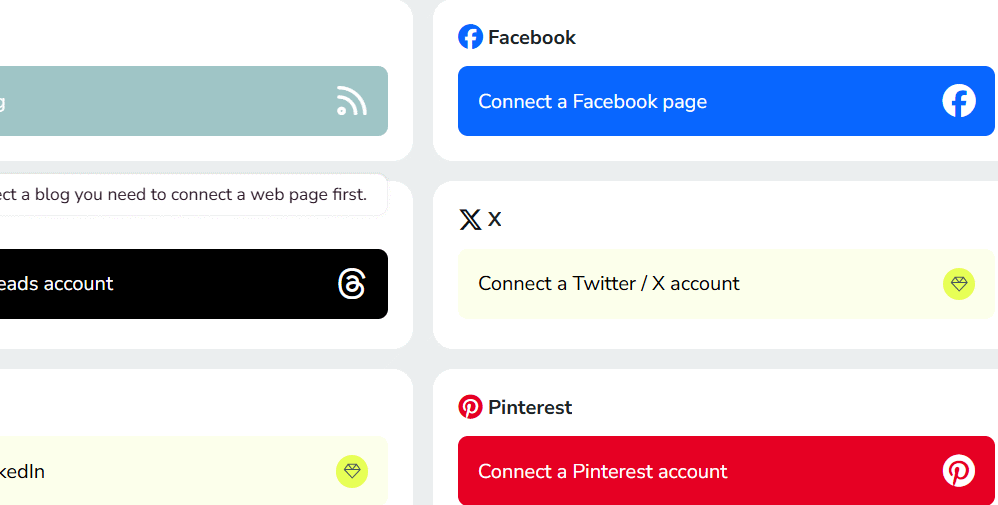
Step 4:
Type @Metricool in the ChatGPT chat box and click on the Metricool option that appears below to activate the plugin.
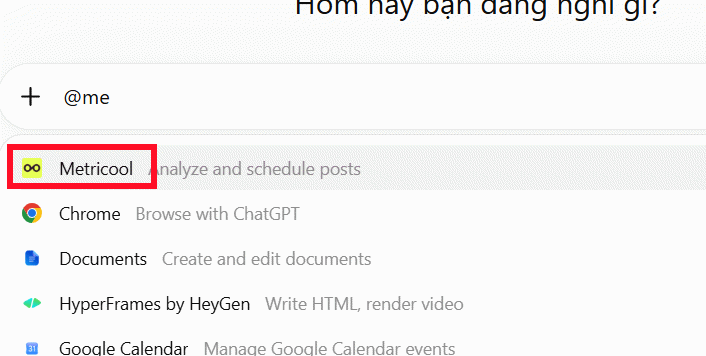
You're all set. Now you can start asking ChatGPT questions about your social media performance and get instant analysis of your connected accounts.
Sample Prompts: Performance Overview
Give me a complete breakdown of my social media performance over the last 30 days. Which channel performed best? Suggest 5 specific ways I can improve.Analyze my Facebook performance for the past 30 days.Show me my posts with the highest engagement rates.How much did my Instagram follower count grow this month?Tracking Content Performance
Which of my posts is currently performing best?Compare how my Facebook and Instagram content are performing relative to each other.Look at my low-engagement posts and tell me why they underperformed.Building Your Marketing Strategy
What's my current posting schedule across all social platforms?Create a Facebook content plan for the next week.Based on engagement data, when should I be posting for maximum reach?Generating Reports
Summarize my social media performance for last month.Compare this month's results with last month's numbers.Give me 5 actionable recommendations to boost my marketing results.Description: Learn how to connect Metricool to ChatGPT and streamline your social media management with AI-powered analytics and insights.
Related Articles
- Best Tools for Running LLM Models on Your Personal Computer
- 7 Classic Machine Learning Algorithms That Remain Essential in the AI Era
- 7 Surprising Tasks AI Assistants Can Actually Handle for You Right Now
- Five Hidden Perks of Google AI Pro You're Probably Missing
- Four Hidden Token Drains Quietly Eating Your Claude Code Budget

No Comment to " Getting Started with Metricool on ChatGPT for Social Media Management "