Generate 25+ AI Diagrams in Minutes with FreeDiagram
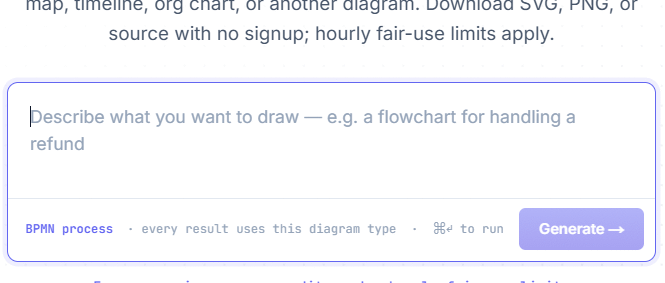
FreeDiagram is an AI-powered web tool that generates over 25 different diagram types from simple natural language descriptions. The workflow is straightforward: pick your diagram type—whether it's a flowchart, mind map, timeline, or something more specialized—then describe what you need. Alternatively, you can input a direct command and let the platform figure out the best diagram format for your content. What's interesting here is how accessible it makes diagram creation for people who'd normally struggle with design tools.
Beyond manual creation, FreeDiagram offers a library of pre-built templates. You simply fill in the prompts with your own content and watch as templates transform into polished, customized diagrams. If you're hunting for a fast, simple, and completely free tool to generate multiple diagram types, FreeDiagram deserves a spot in your workflow. Here's how to get started.
How to Create AI-Generated Diagrams on FreeDiagram
Step 1: Access the Platform
Head over to FreeDiagram using the link below. No account creation needed—you can start immediately.
https://www.freediagram.appWhen the site loads, you'll see a command input box where you'll type instructions to generate your desired diagram type.
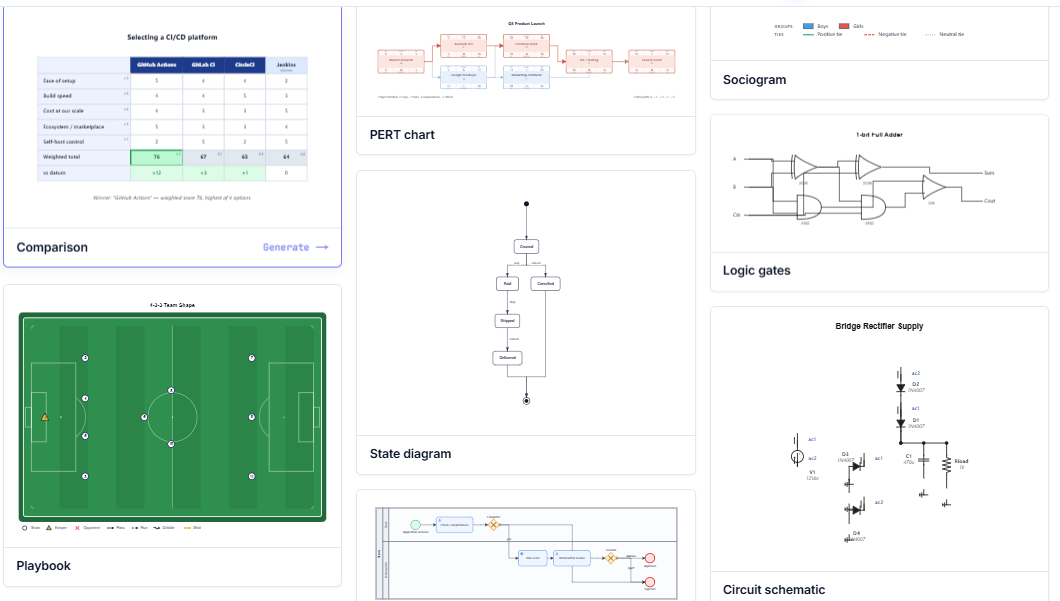
Below that input field, you'll find ready-made diagram templates across various styles and use cases ready for instant use.
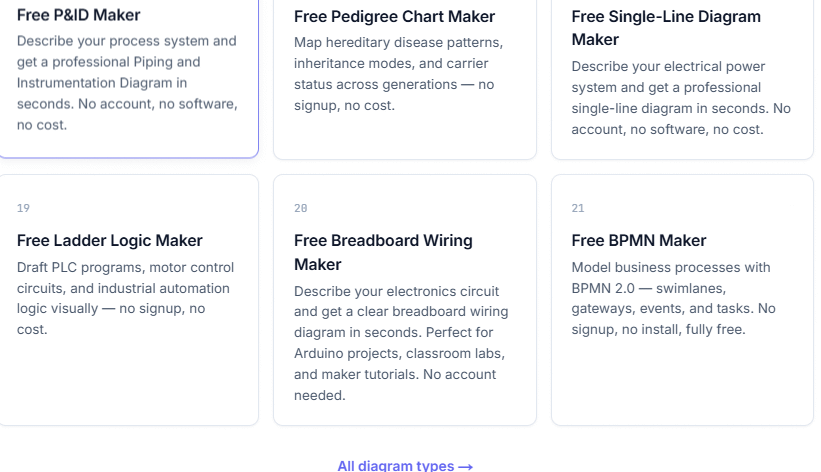
If you'd rather jump directly to a specific diagram type, scroll down to browse the full menu of supported diagram styles. Click on your preferred type, or tap All diagram types to see the complete catalog of what FreeDiagram can generate.
Step 2: Enter Your Diagram Description
Next, write a command describing the diagram you want to create. Keep in mind that FreeDiagram doesn't currently support uploading reference files, so detailed text descriptions are essential.
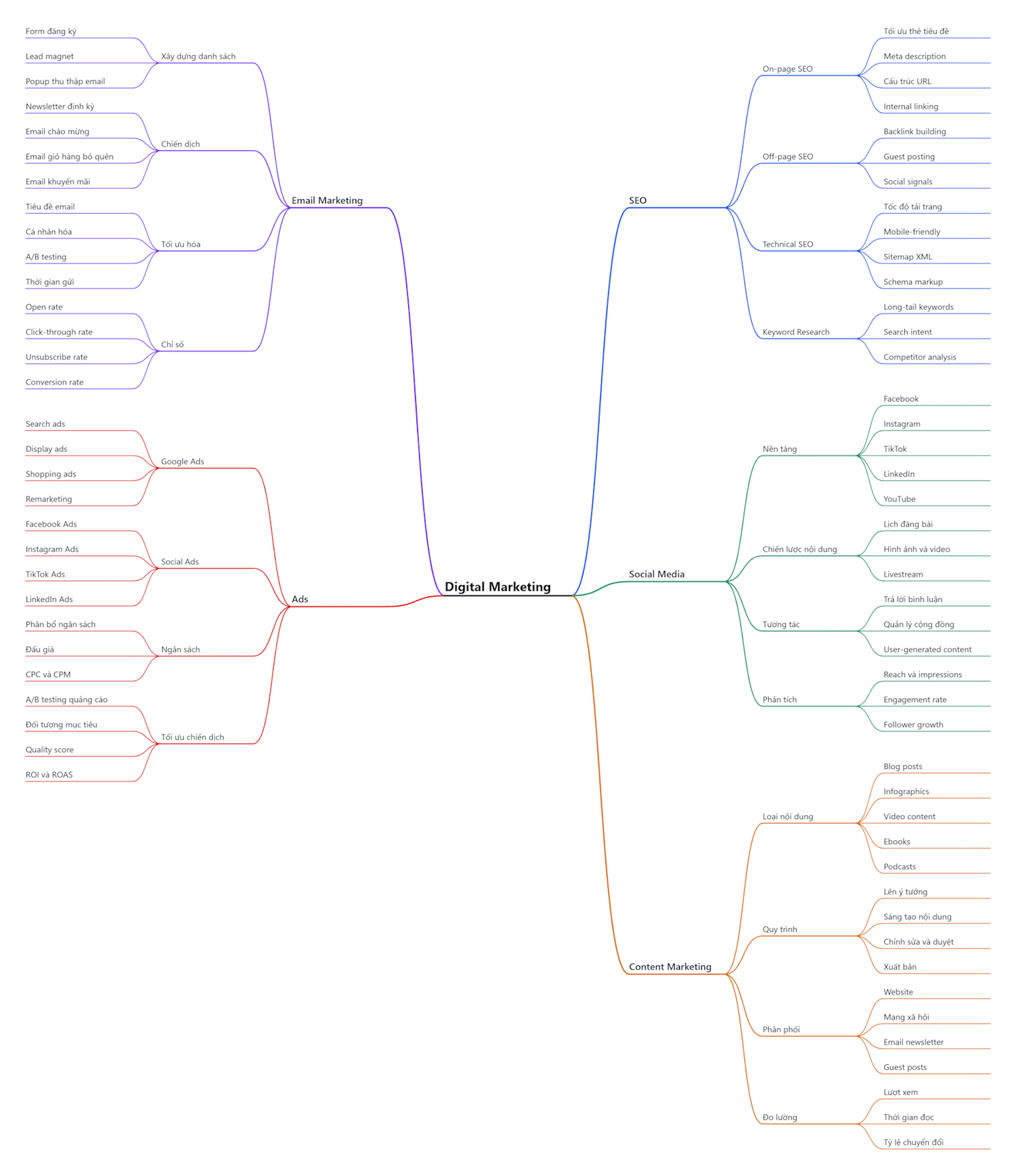
For example, you might enter a command like: Create a mind map about Digital Marketing with branches for SEO, Social Media, Content Marketing, Email Marketing, and Ads.
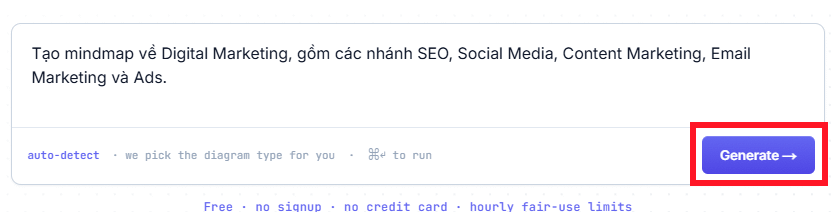
Moments later, FreeDiagram delivers a complete mind map visualization of your Digital Marketing structure. You can then download the image in your preferred format. SVG works best when you need scalable vector graphics that won't pixelate when enlarged. PNG is ideal for documents, social media posts, or presentations.
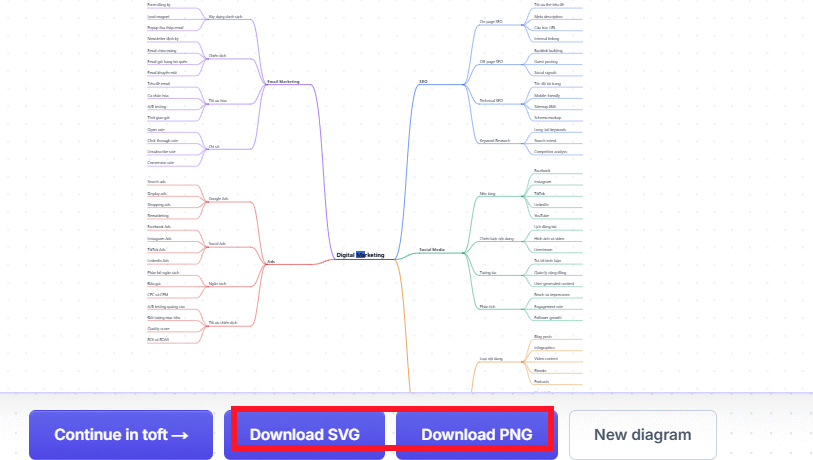
Here's the final Digital Marketing mind map generated by FreeDiagram:
Or try a Causal Loop Diagram
Create a Causal Loop Diagram showing business growth: Marketing → Customers → Revenue → Profit → Marketing. All relationships are positive (+), forming reinforcing loop R1.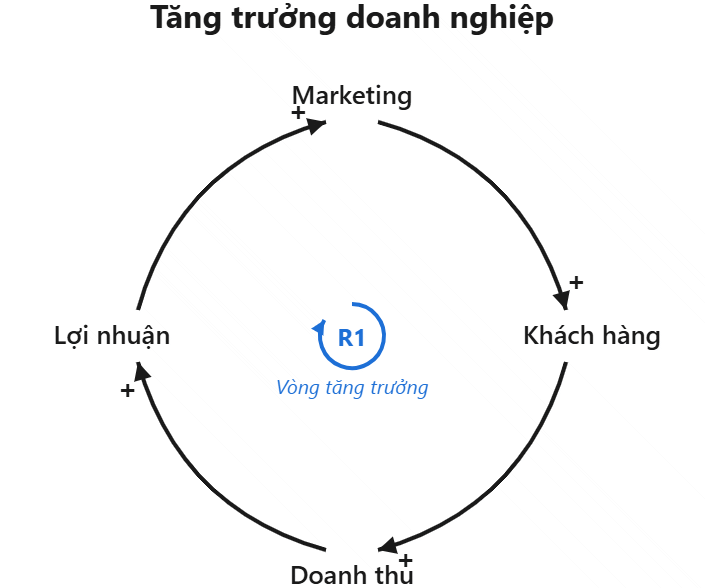
Example: Phylogenetic Tree Diagram
Create a detailed phylogenetic tree of major animal groups, including mammals, birds, reptiles, amphibians, fish, insects, arachnids, mollusks, and crustaceans, with multiple species under each group and clear evolutionary branches.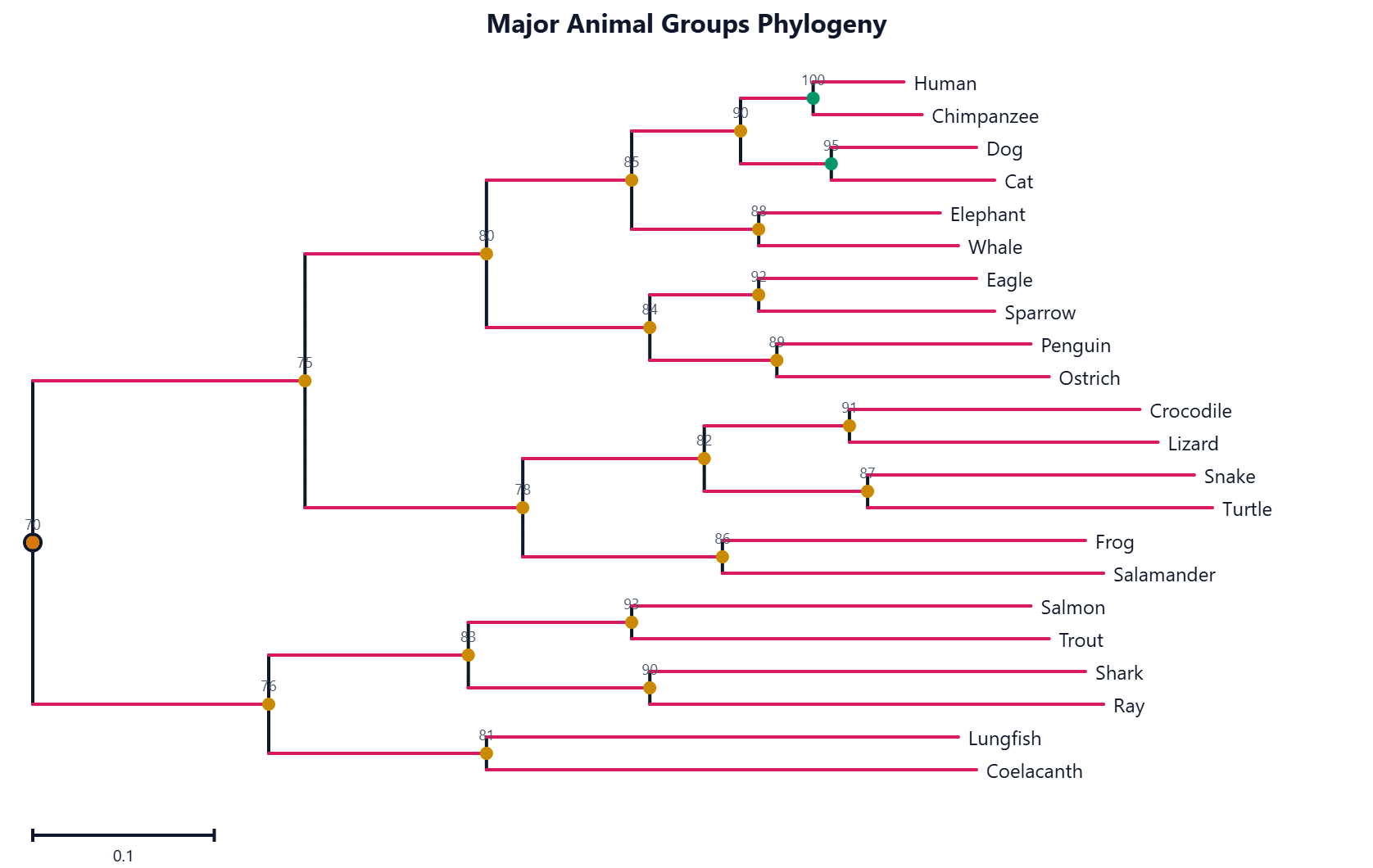
Description: Learn how to create flowcharts, mind maps, timelines and more using FreeDiagram's AI-powered diagram generator. No signup required.

No Comment to " Generate 25+ AI Diagrams in Minutes with FreeDiagram "