Automatically Balance Chemical Equations with AI Tools
Balancing chemical equations trips up countless students, especially when equations get complicated with multiple elements and coefficients. The good news? AI tools have made this process far less painful.
AI-powered chemical equation balancers are game-changers. These tools automatically analyze element composition, calculate the right coefficients, and deliver fully balanced equations in seconds. But here's what makes them genuinely useful: they show you exactly how to get there, not just the answer. Students get step-by-step breakdowns of the balancing process, plus access to supplementary resources like the periodic table and topic-specific knowledge bases tailored to different grade levels.
Let's walk through how to use these tools effectively.
Using an Automatic Chemical Equation Balancer
Step 1:
Access the equation balancing tool using the link below.
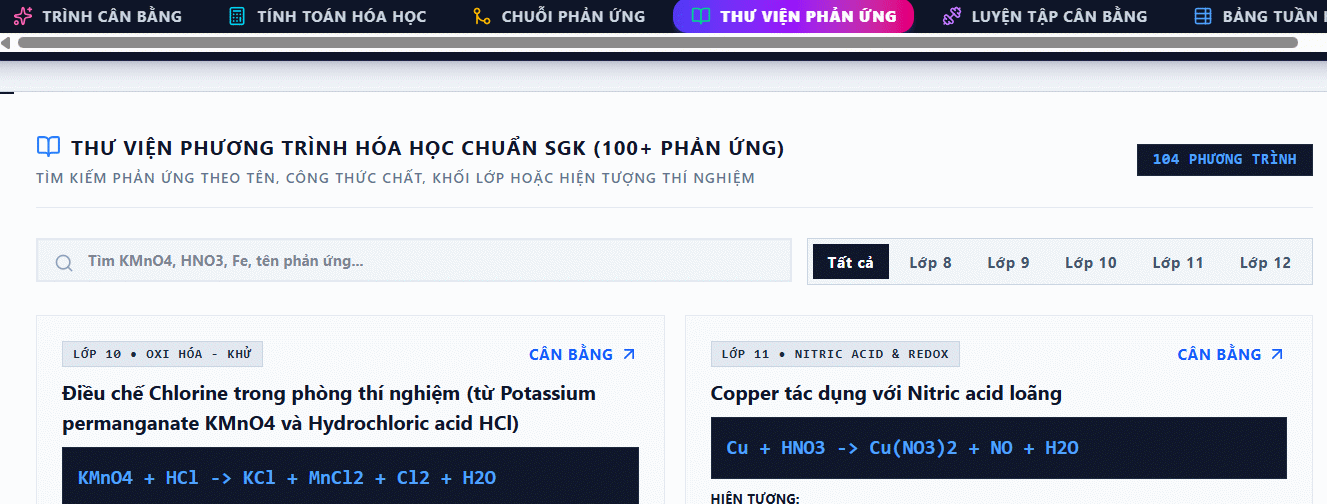
The top menu shows all available functions in the tool.
Step 2:
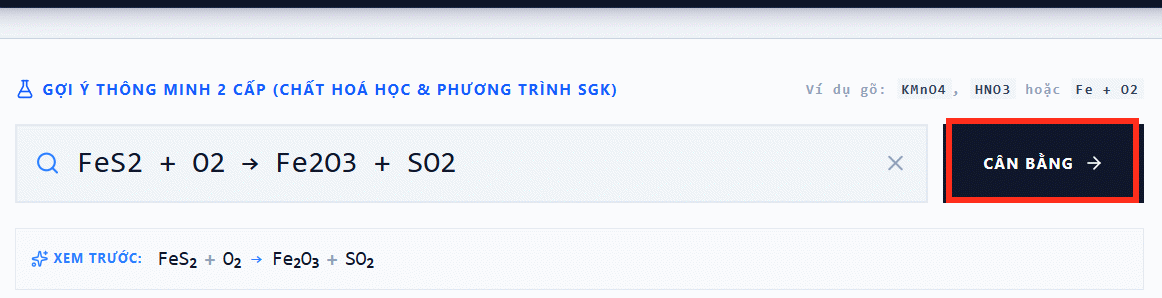
Click the Balancer section, then enter your equation. Hit the Balance button to process it.
Wait a moment, and you'll get your balanced equation.
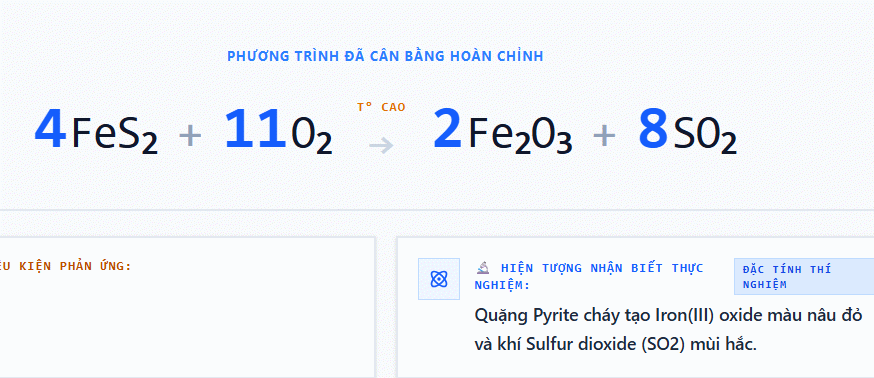
What's valuable here is the Detailed Solution section. You'll see the exact balancing method and the chemistry principles that apply.
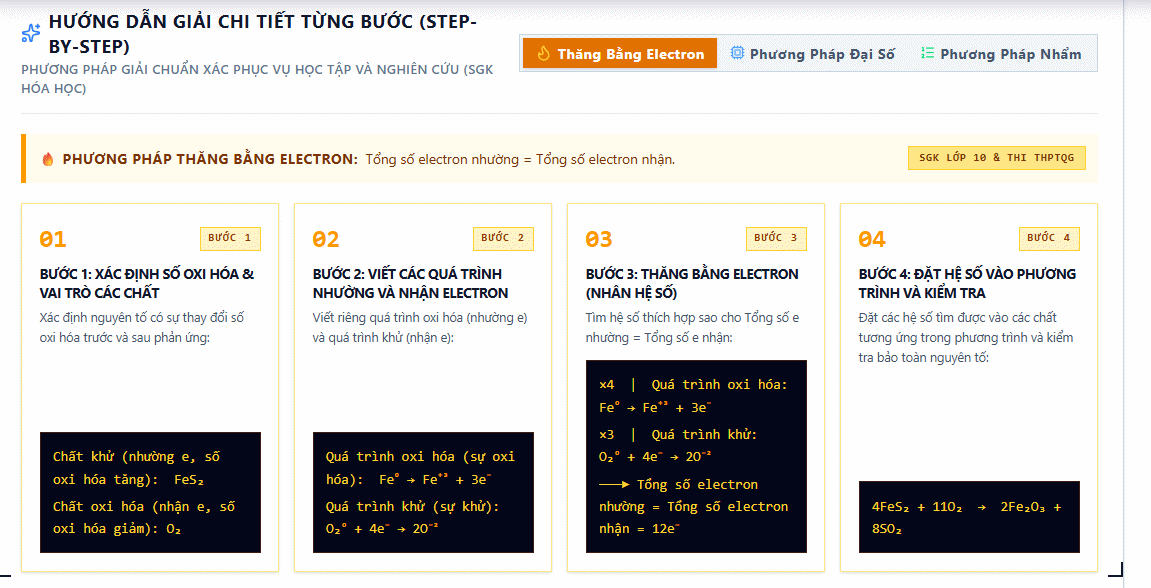
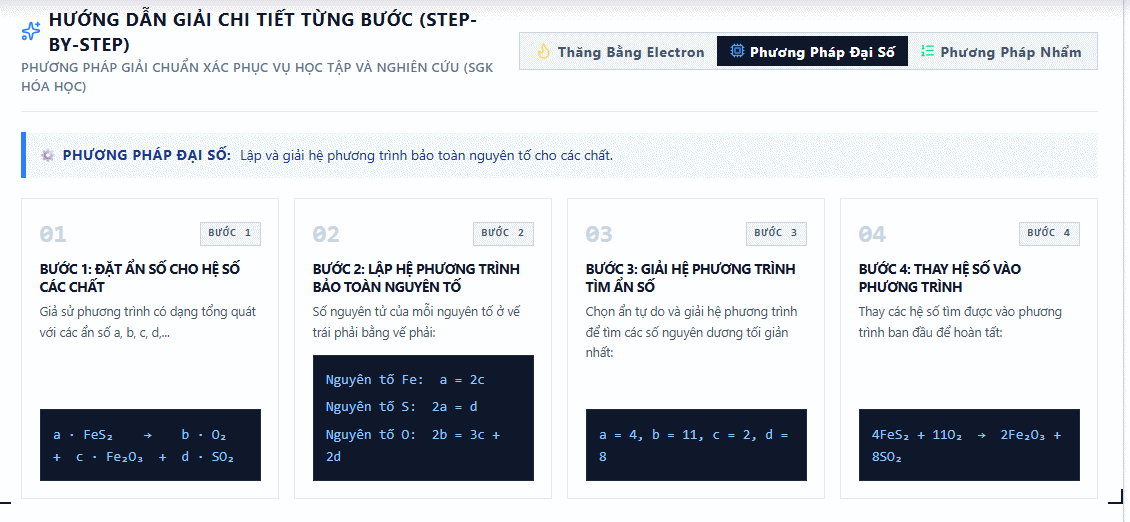
The tool shows multiple balancing approaches so you can understand different methods.
Step 3:
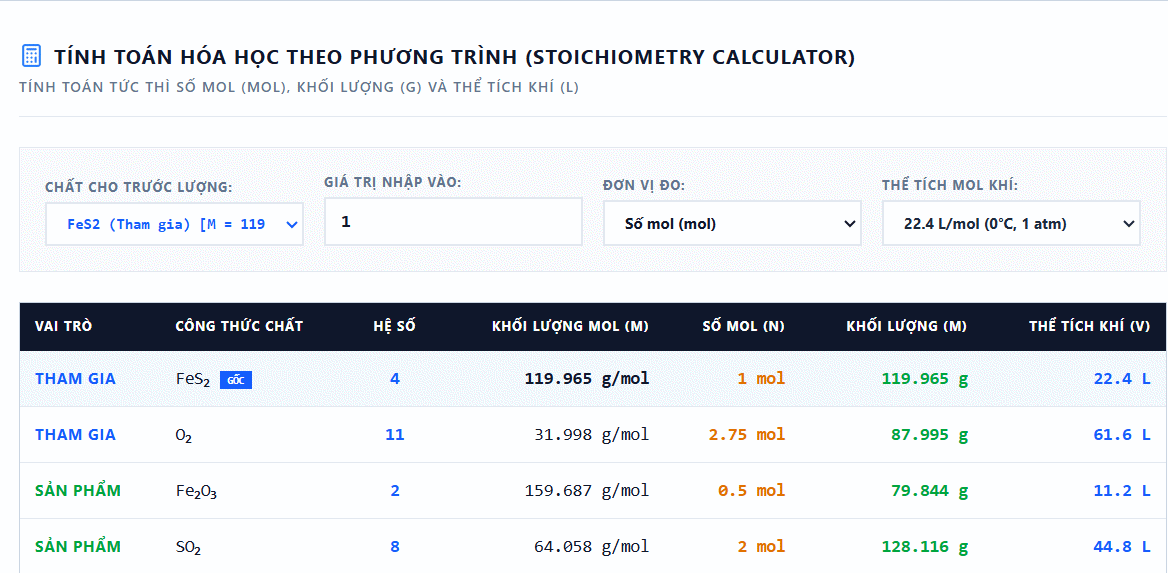
The Chemistry Calculator section opens up once you've balanced an equation.
Step 4:
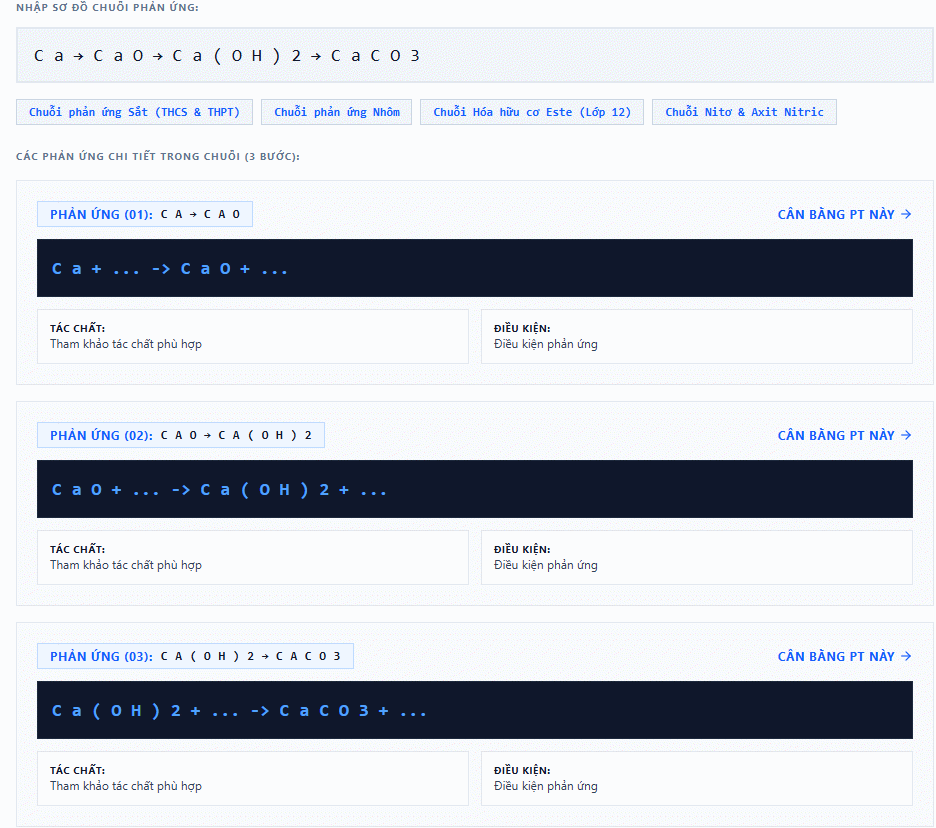
Use the Reaction Sequences section to input a series of consecutive chemical transformations. The tool breaks down each reaction step for you.
Step 5:
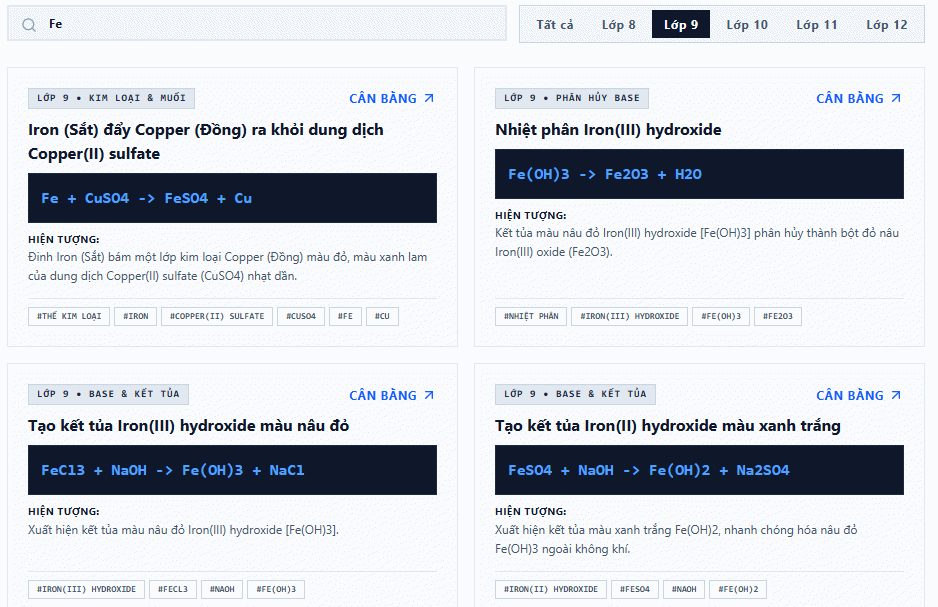
The Reaction Library is your reference database. It collects chemical equations organized by grade level, making it easy to research reactions at your academic level.
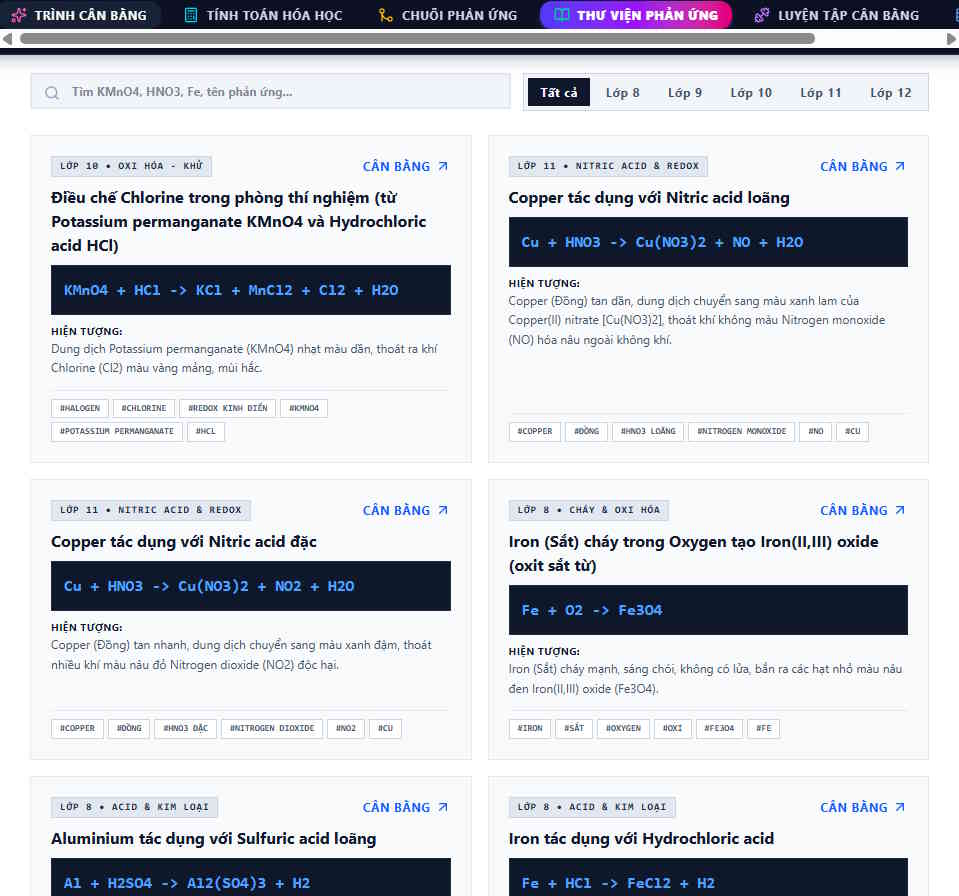
Just type in a chemical substance name or reaction type, and instantly see results filtered by grade level.
Step 6:
Finally, try the Practice Balancing section to test your own skills, plus check out the periodic table for element references.
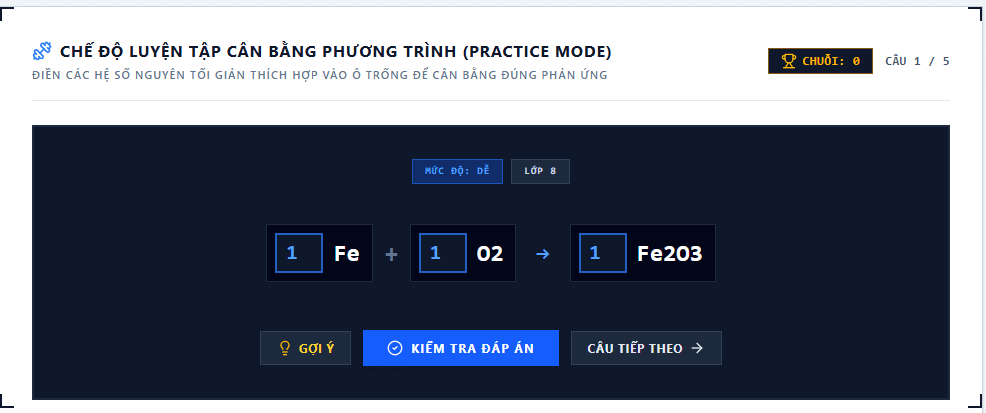
This tool goes beyond just balancing equations. It's really a complete chemistry learning platform with automatic balancing, extensive knowledge resources, grade-level filtered equation searches, and dedicated practice areas.
Guide to Using Zperiod for Automatic Equation Balancing
Step 1:
Start by visiting the Zperiod website using the link below.
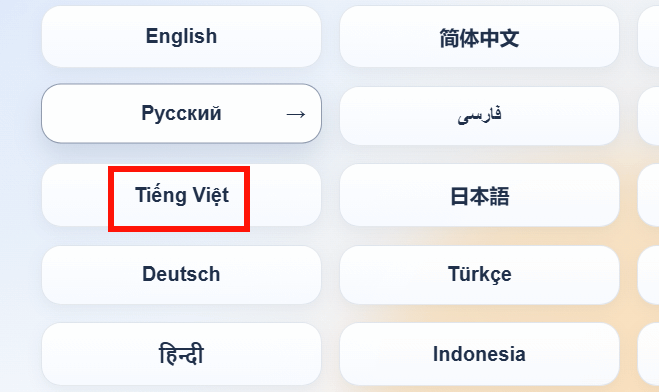
https://zperiod.appFirst, select Vietnamese to set the interface language.
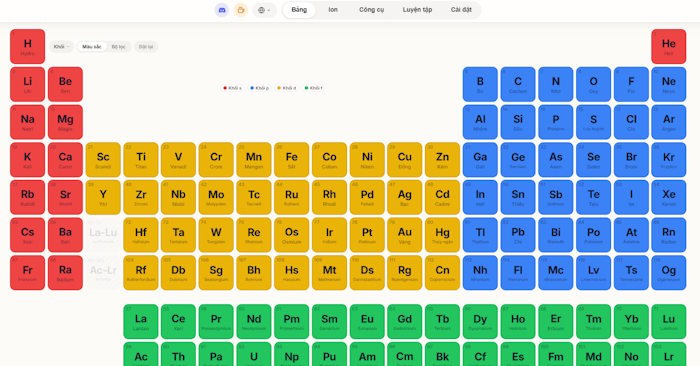
You'll see the periodic table with all 118 elements, each color-coded by element type.
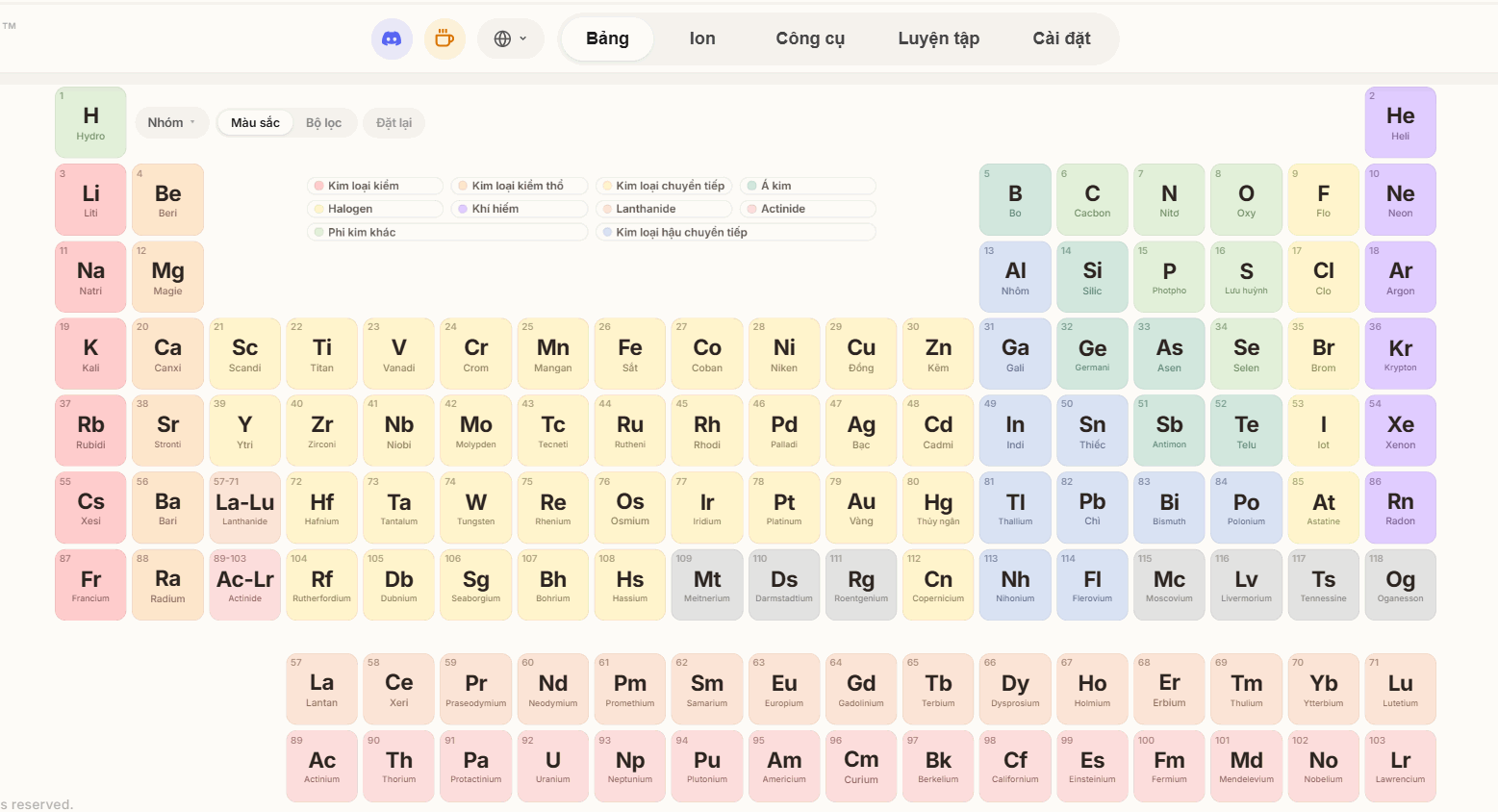
Step 2:
You can switch between different element classification views from this interface.
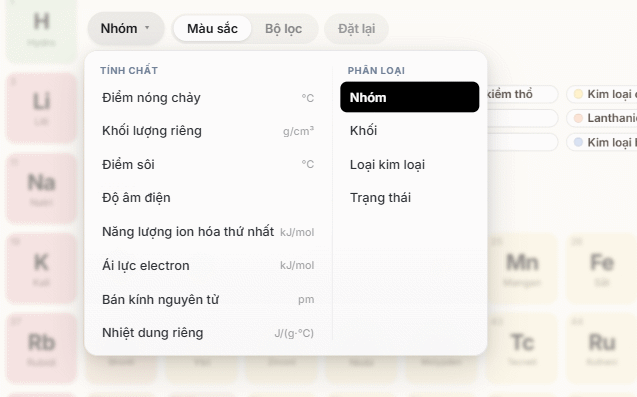
Switch the view type and the periodic table reorganizes itself accordingly.
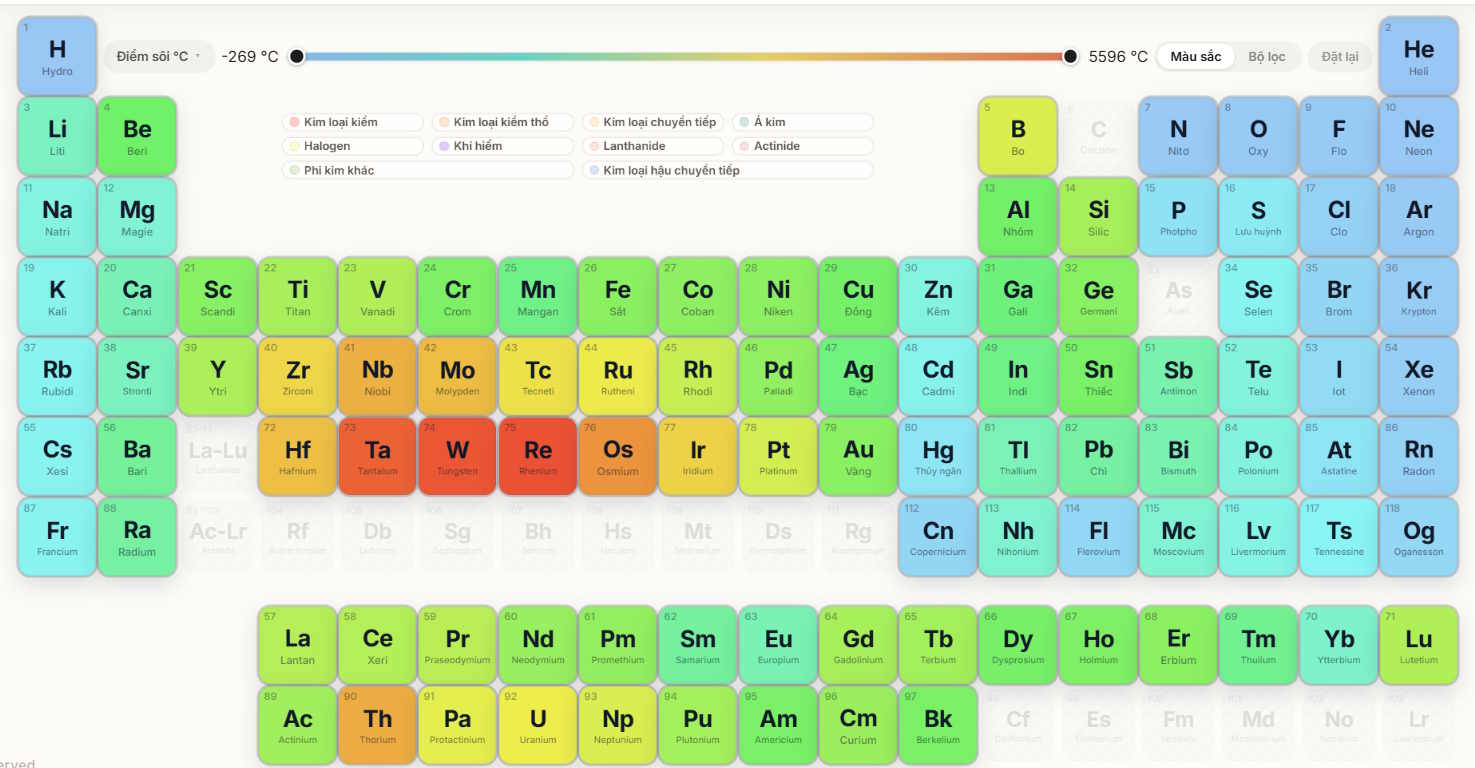
Step 3:
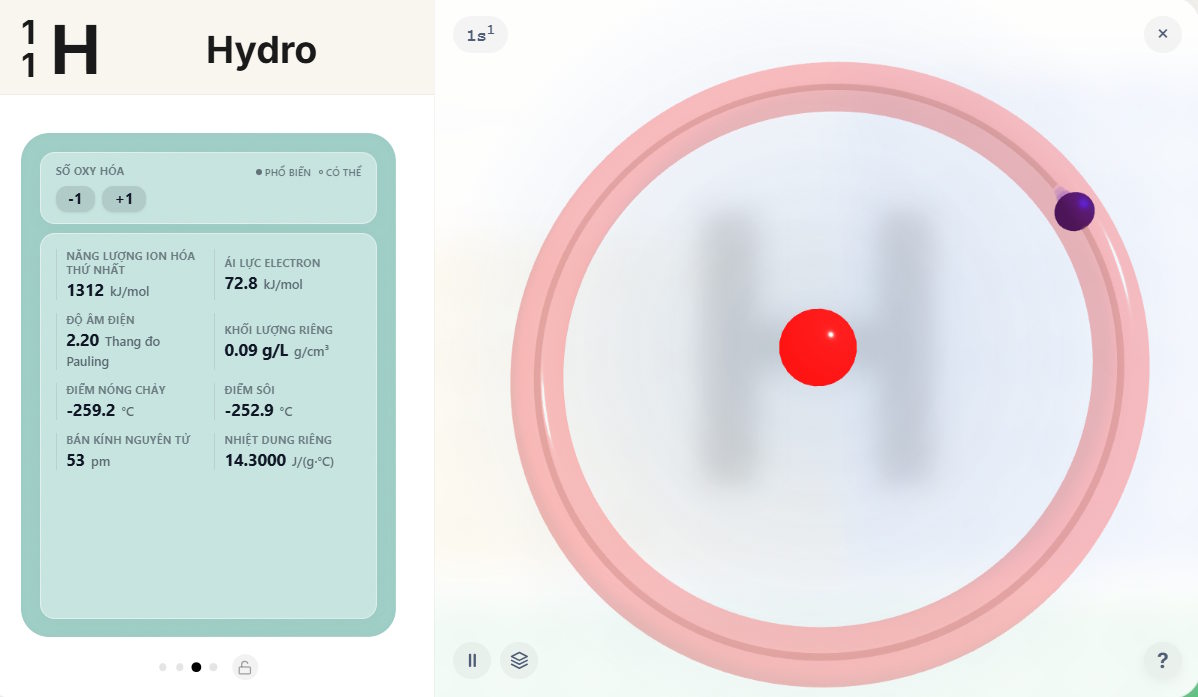
Click any element to view detailed information, ranging from basic facts to advanced properties.
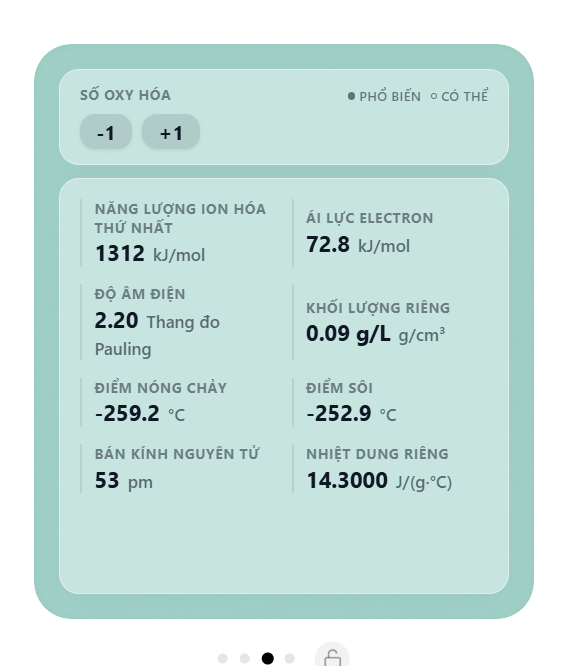
Next to it, you'll find a 3D atomic model that lets students visualize atomic structure in three dimensions—much easier to understand than flat diagrams.
Step 4:
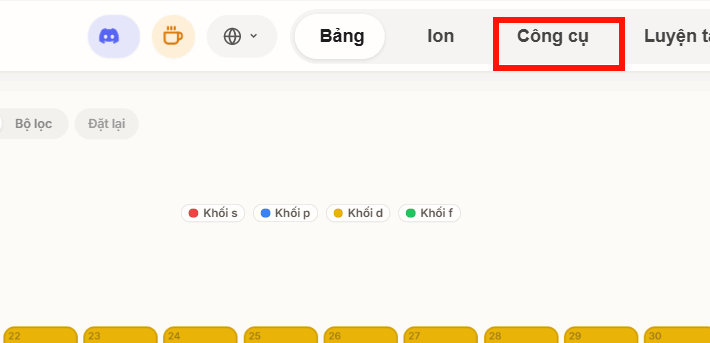
Back at the main Zperiod screen, click on the Tools section at the top.
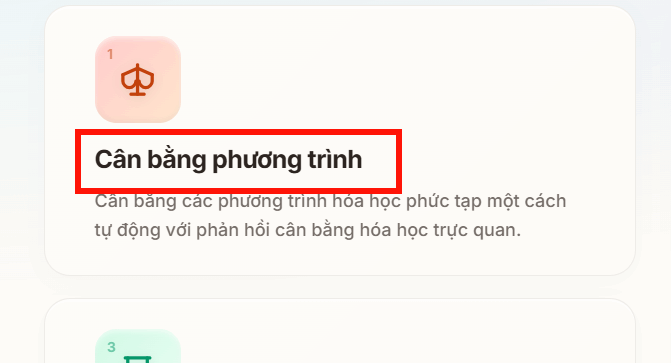
Now click Equation Balancer to access the automatic balancing feature.
Step 5:
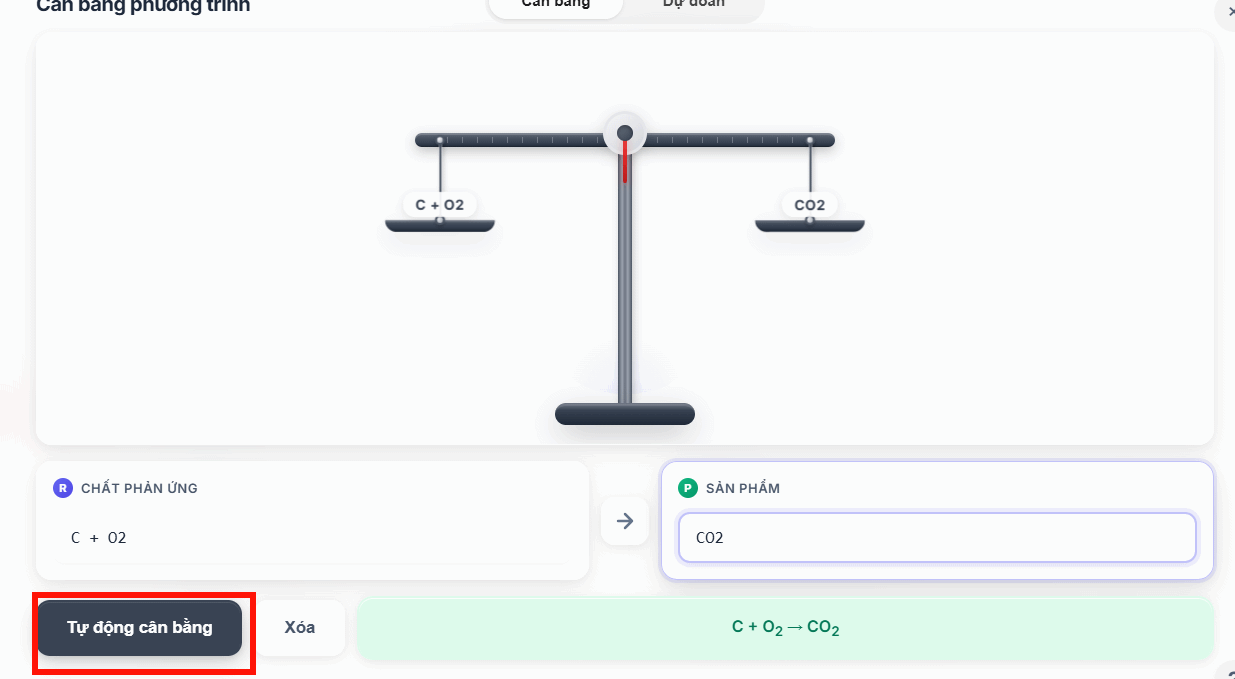
Enter your chemical equation and products, then click Auto Balance. The system analyzes the balancing process and shows you the chemistry at work.
Step 6:
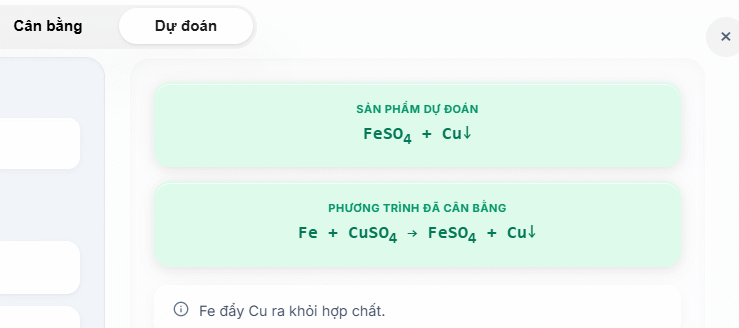
Move to the Prediction section, enter your reactants and select the reaction type below, then click Predict Products.
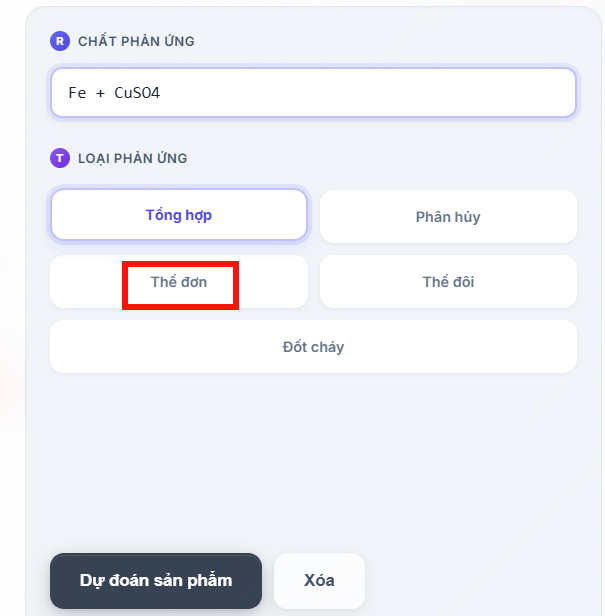
You'll see the reactants, predicted products, and the automatically balanced equation all in one view.
Step 7:
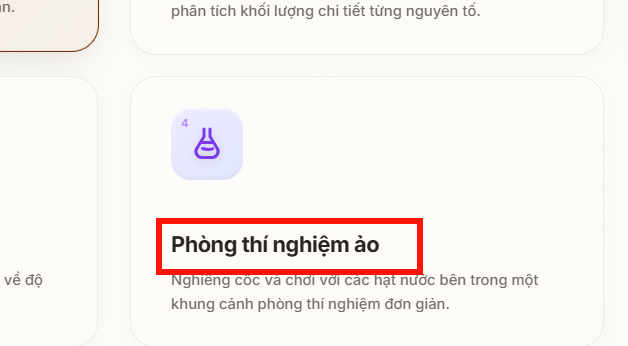
Click Virtual Lab to observe chemical reactions with interactive visualizations.
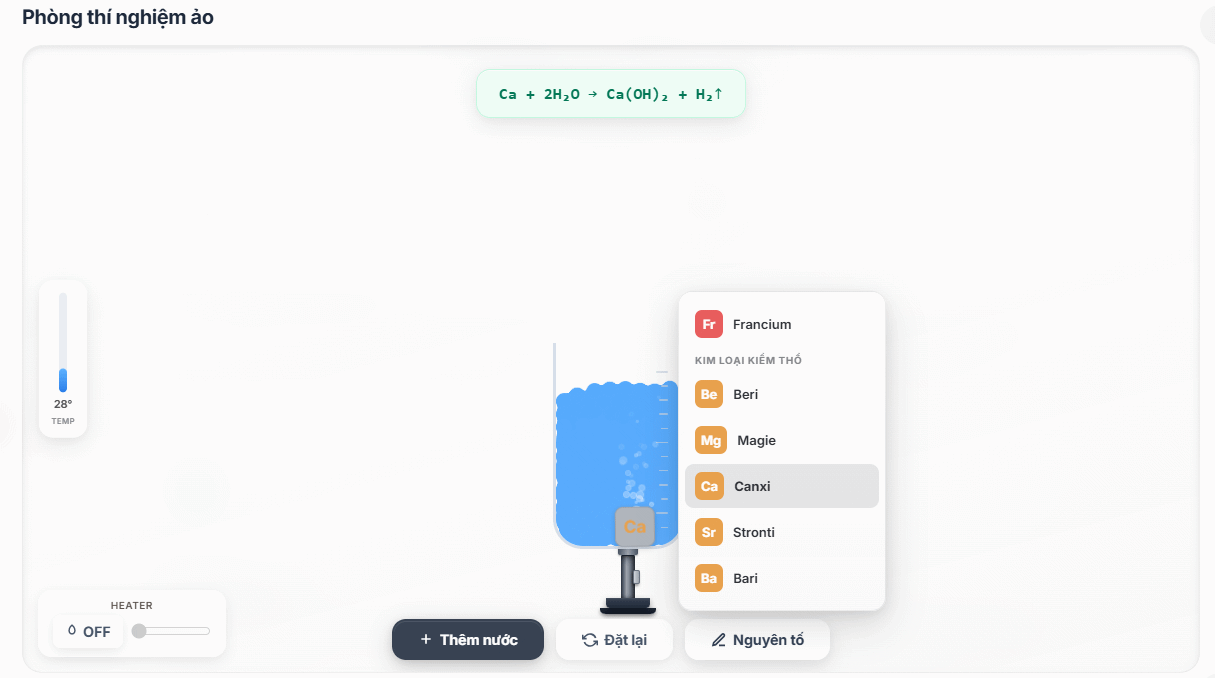
Select a metal, add water to the beaker, turn up the heat, and watch the reaction unfold. The balanced equation appears above so you see the exact chemistry of what's happening.
Description: Master chemical equation balancing with AI-powered tools. Step-by-step guides for automatic balancing, interactive learning, and detailed explanations

No Comment to " Automatically Balance Chemical Equations with AI Tools "