Best Free AI Image Generators in 2026: Professional Graphics Without the Price Tag
Gone are the days when eye-catching visuals for presentations, blogs, and mockups required hiring a designer. AI image models have evolved dramatically, letting you generate professional artwork with just a text prompt—completely free.
Here's a breakdown of the leading AI image generators available today, organized by skill level from basic to advanced.
Contents
1. Professional AI Image Creators
Modern AI image generators let you create visuals instantly from text descriptions. You can base new images on existing photos and ask the AI to replicate that style, or specify exactly what you want. The results arrive immediately—no waiting around.
Step 1:
Access the AI image generator tool through the link below.
You can upload a reference character or simply type your image description directly into the interface.
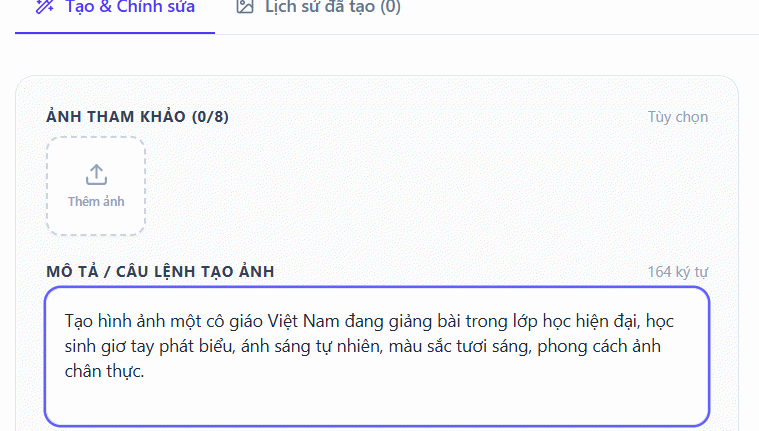
Step 2:
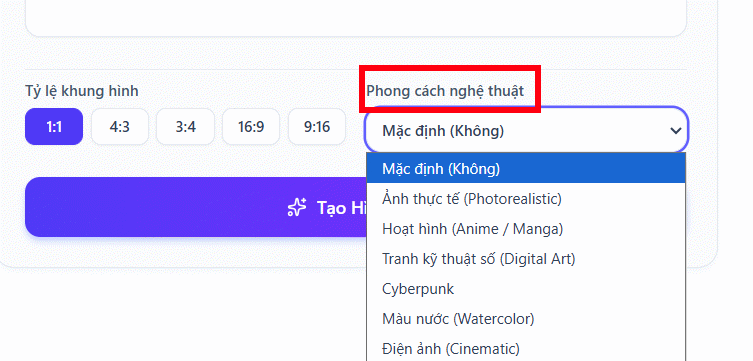
Next, choose an art style from the available options, or skip this if you prefer.
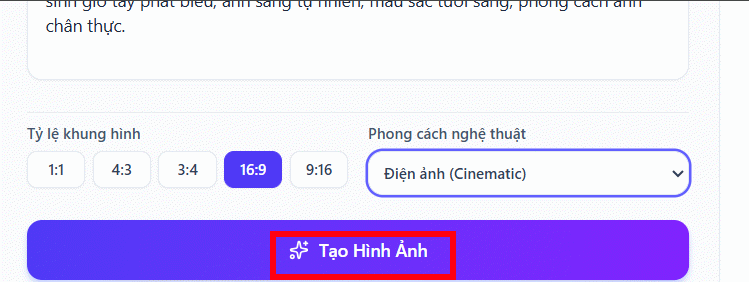
Select your desired image dimensions, then click Generate Image to create your AI artwork.
Step 3:
Your AI-generated image appears instantly. Preview it by zooming in before downloading.
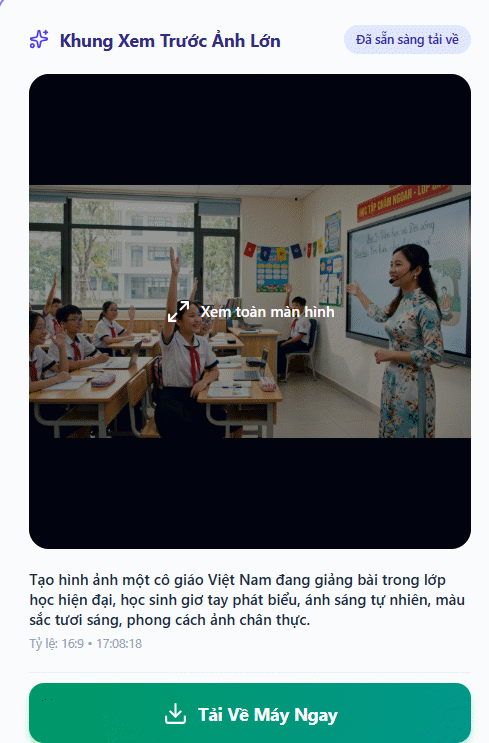
Pro tip: English prompts often produce even higher-quality results.
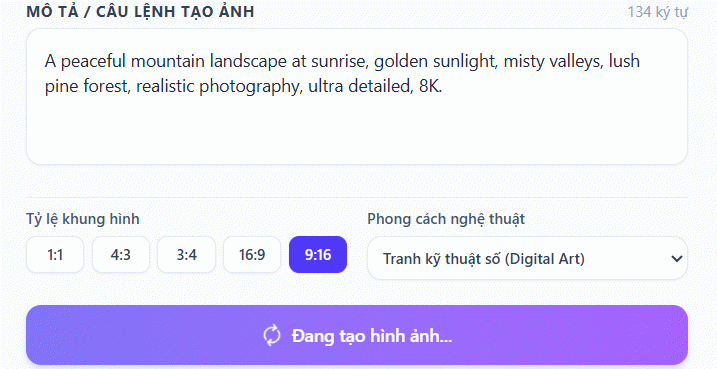
The process works the same way.
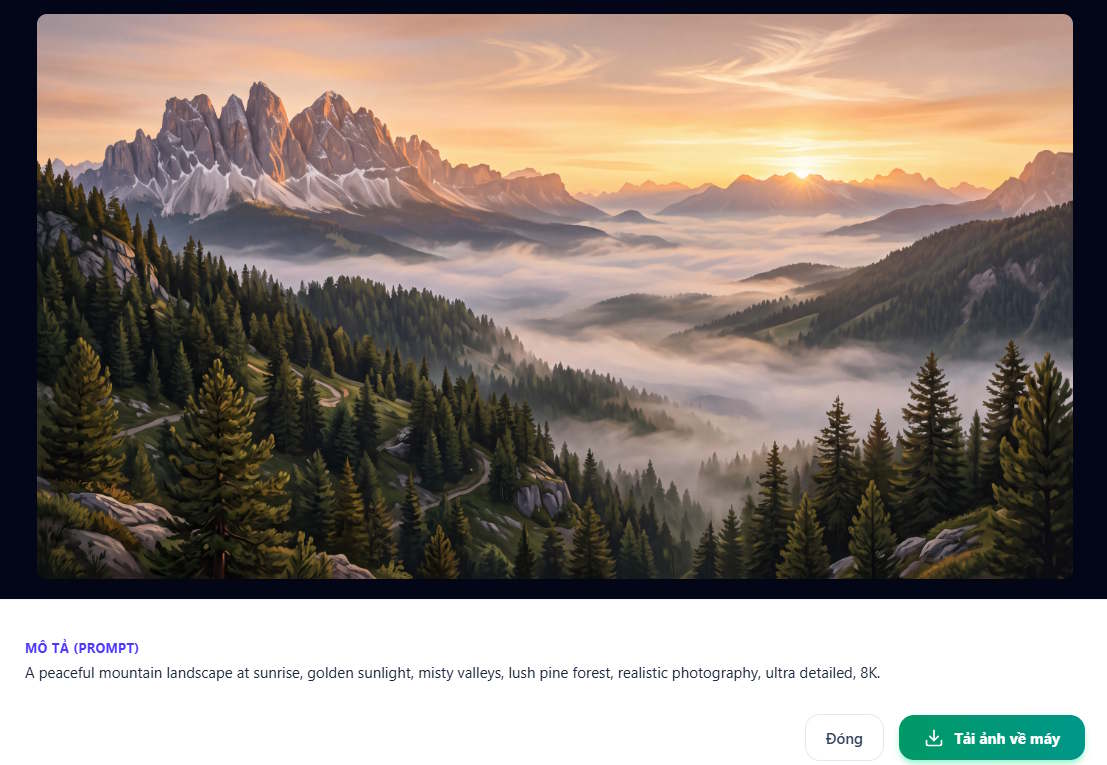
Step 4:
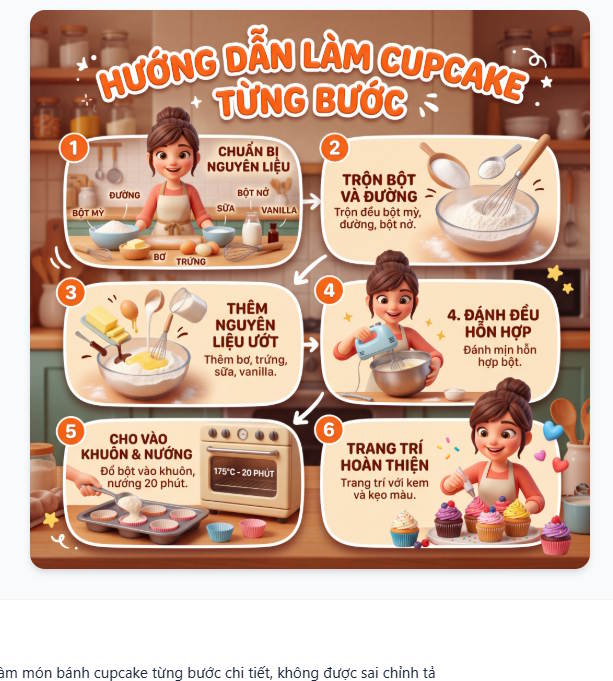
You can also use this tool to create step-by-step process illustrations without writing lengthy descriptions. The AI automatically breaks down the steps and generates numbered visuals.
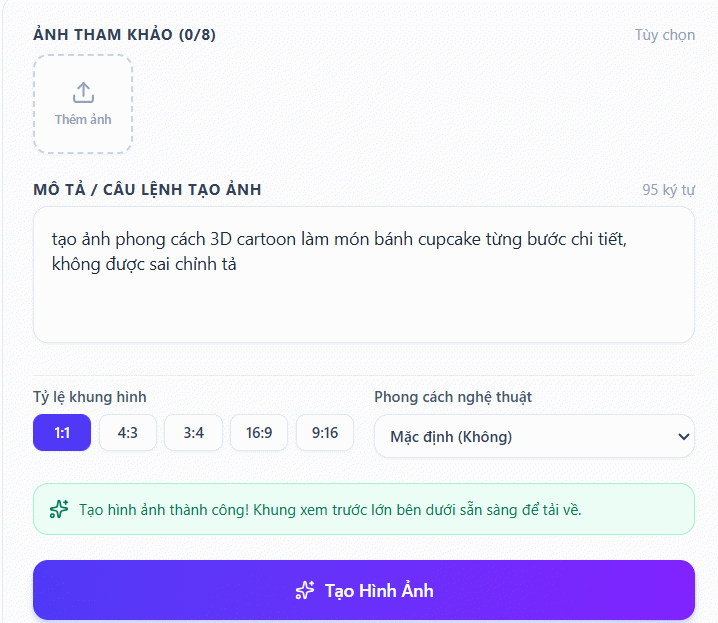
Each step appears numbered and clearly labeled, keeping descriptions concise while retaining essential information.
Step 5:
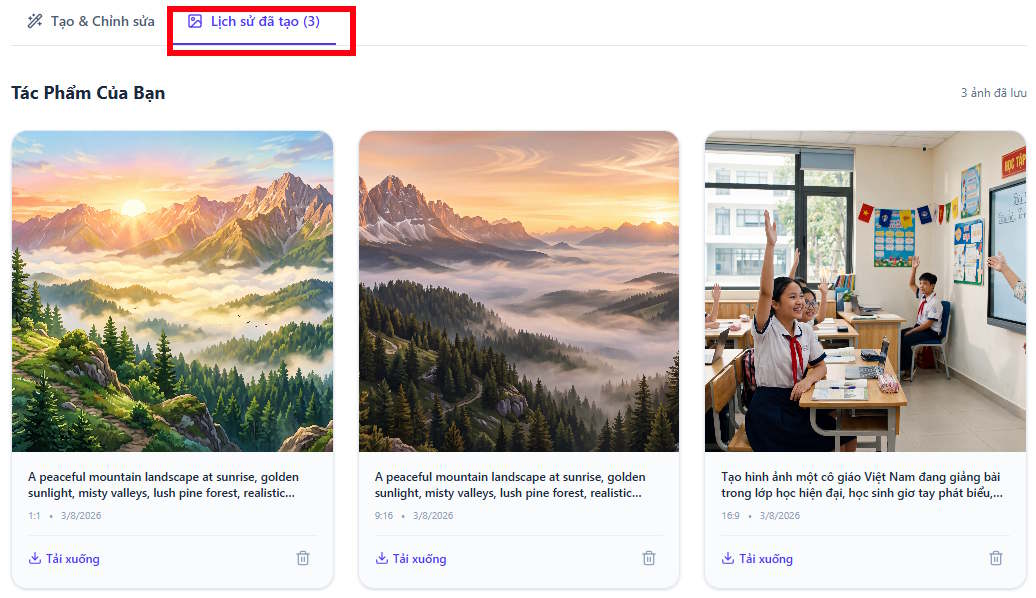
The tool includes a history section so you can easily retrieve previously generated images from past sessions.
2. Free Integrated AI Tools (Built into Chatbots)
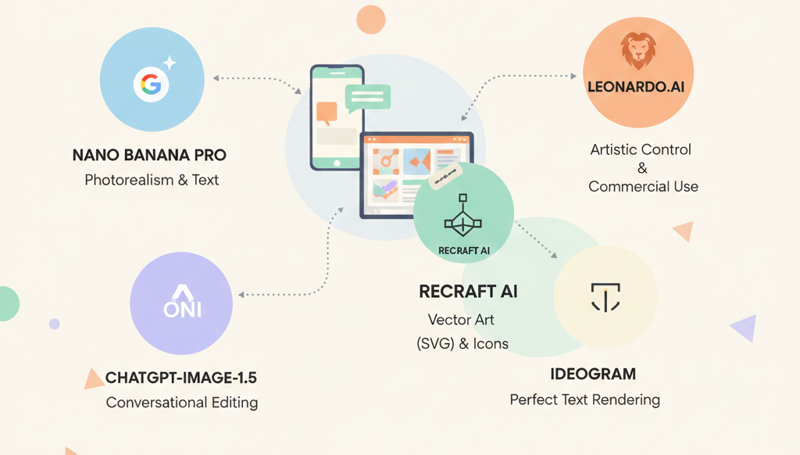
This category includes image generators built directly into conversational AI platforms. It's ideal if you want to create images quickly through natural dialogue without fiddling with sliders or complex settings.
Nano Banana Pro (Google)
Widely considered Google's most powerful image model as of early 2026, Nano Banana Pro is a beast when it comes to text rendering within Gemini AI.
- Strengths: Precise multilingual text placement. What's impressive here is the "translate text in images" feature—it rewrites text to different languages while preserving the original font and style.
- Drawbacks: Free images typically carry Gemini watermarks and hidden SynthID encoding to mark AI copyright. While removal tools exist, this is a disadvantage compared to other generators.
ChatGPT Image Generation (OpenAI)
OpenAI has given free users access to its GPT-Image-1.5 model. Its killer feature? Conversational editing.
- Standout capability: You can say "Change that blue chart to purple," and the AI understands context, editing the existing image directly instead of generating from scratch.
- Limitation: While image quality is solid, ChatGPT tends to be slower than other tools on this list.
Copilot (Microsoft)—Your Windows Companion
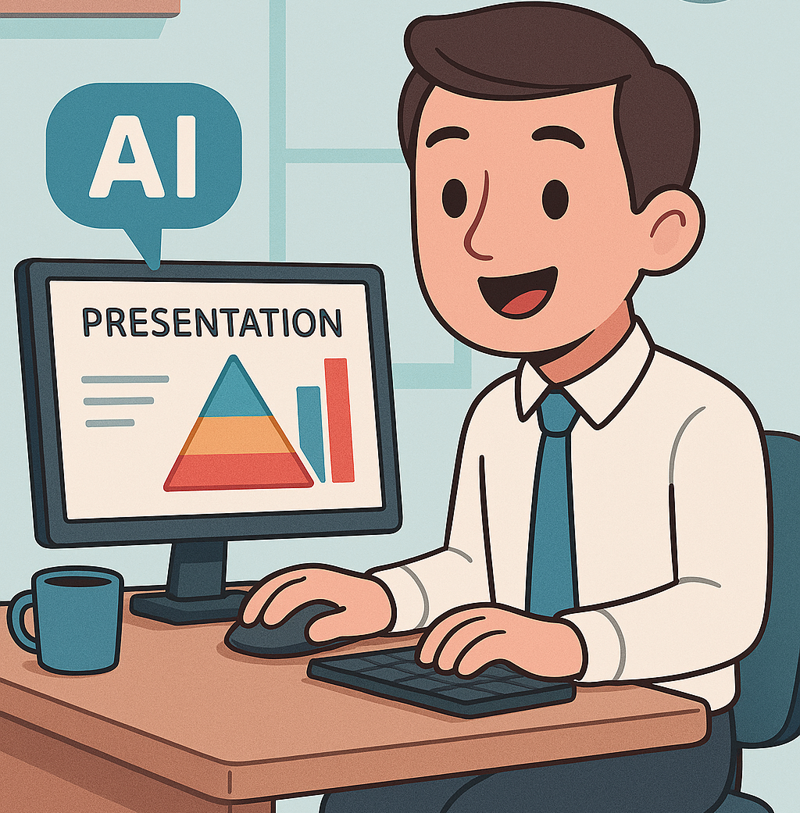
Copilot harnesses DALL-E's latest version from OpenAI, but Microsoft has optimized it for its entire ecosystem.
- Defining trait: Completely free and accessible everywhere—Edge browser, Windows, mobile apps.
- Advantages: Excellent Vietnamese language support. Use natural commands, and the AI generates 4 variations simultaneously. It also suggests quick redesigns on the fly.
- Limitation: The safety filters run quite strict—sometimes refusing requests that aren't actually problematic.
Grok (xAI by Elon Musk)—Raw and Realistic
Grok (versions 2.0 or 3.0 depending on region) integrates FLUX.1—currently one of the most photorealistic image models available.
- Overview: Lives on the X (Twitter) platform. Previously Grok required Premium, but xAI has now rolled out limited free trials or restricted access for regular accounts in some regions.
- Strengths: Freedom. Grok generates highly realistic, less-restricted images compared to Copilot or Gemini. Its portrait and landscape capabilities are considered best-in-class for realism.
- Weakness: While it produces multiple options, Grok occasionally misses the mark on user requests.
3. Advanced Tools for Professional Designers
When you need deeper control over style, composition, and format, these specialized platforms deliver.
Leonardo.Ai: Maximum Artistic Control
Leonardo.Ai offers features typically locked behind paywalls—like "Image Guidance," which lets you upload a sketch and have AI paint over it.
- Free tier limit: 150 tokens daily (roughly 30–70 images).
- Note: Free-tier images become public in the community gallery. However, Leonardo permits commercial use even at the free tier.
Recraft AI: The Vector Designer's Best Friend
If you're in UI/UX or app development, Recraft AI is the only tool right now that generates vector graphics (SVG) for free.
- What it does: Create icons, logos, and illustrations that scale infinitely without pixelation.
- Free tier limit: 30 credits daily (~25 images). Important: The free plan is personal-use only—not for commercial projects.
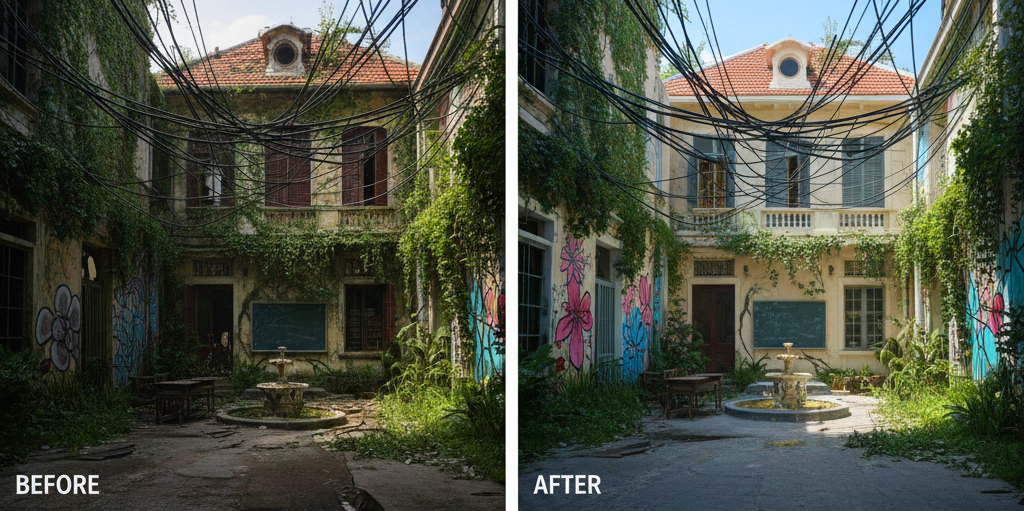
Ideogram: Typography Mastery
Ideogram has earned its reputation for flawless text rendering—rarely misspells anything.
Magic Prompt feature: Automatically rewrites your basic request into a detailed, artfully crafted prompt for the best possible output.
4. Comparison Table: AI Image Generators 2026
| Tool | Category | Best For | Free Limit | Core Strength |
|---|---|---|---|---|
| Nano Banana Pro | Integrated chat | Realistic images & multilingual text | Generous (Gemini) | In-image text translation; precise prompt adherence |
| ChatGPT Image Generation | Integrated chat | Conversational editing | ~2–3 images/day | Intelligent iterative editing through dialogue |
| Leonardo.Ai | Advanced platform | Fine-tuned artistic control | 150 tokens/day (~30–70 images) | Commercial rights included; sketch-to-image |
| Recraft AI | Advanced platform | Vector graphics & icons | 30 credits/day (~25 images) | SVG export without pixelation; brand color control |
| Ideogram | Advanced platform | Text & typography | 10–20 prompts/day | 100% accurate text rendering; Magic Prompt |
5. Other Popular AI Image Tools Worth Trying
Beyond these heavy hitters, 2026 has seen an explosion of browser and app-based generators:
- Adobe Firefly (Web/Photoshop): Famous for "Generative Fill," which expands image regions or adds details using ethically-trained AI (based on Adobe Stock images).
- Microsoft Designer (DALL-E 3): Built into Edge and Windows, enabling rapid image creation and poster design in seconds.
- Canva Magic Media: Perfect for marketers—create AI images and drop them directly into slide decks or social posts without leaving the platform.
Tips for Writing Better Prompts
To get the most from these tools, follow this formula: [Subject] + [Action/Setting] + [Art Style] + [Lighting/Camera Angle]. The more specific your description, the more accurately the AI will interpret your vision on the first try.
Description: Explore the top free AI image tools for 2026—from integrated chatbots to advanced design platforms. Create stunning visuals instantly.
Related Articles
- Create 3D Infographic Posters That Summarize Content Using Gemini
- The Best AI Programming Tools You Should Know About in 2024
- Use AI to Edit Photos Directly in Google Slides
- How to Seamlessly Transfer Conversations Between ChatGPT, Claude, and Gemini Using ThreadPort
- 8 Essential Privacy Tips for ChatGPT Users

No Comment to " Best Free AI Image Generators in 2026: Professional Graphics Without the Price Tag "