How the /goal Command Transforms Claude Code's Workflow
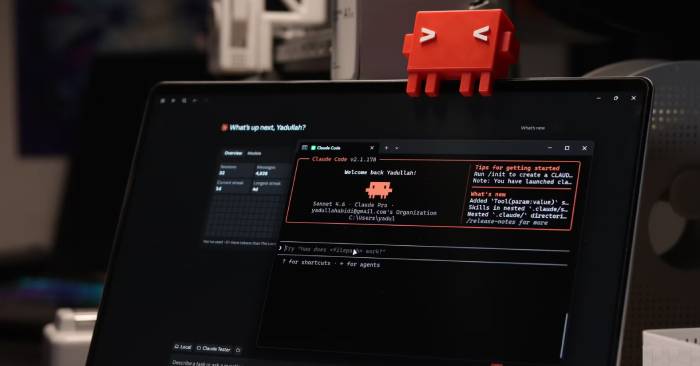
For people without coding experience, Claude Code feels like magic: describe what you want, and it builds it for you. That's precisely why Claude Code has become one of the most popular AI coding tools—even non-programmers are using it effectively.
But here's the catch: Claude Code isn't fully automatic. In reality, you'll need to answer follow-up questions and provide additional prompts at different stages of development. This stays manageable for small projects, but becomes frustrating when you're counting on Claude Code to complete everything without interruption.
There's a built-in feature designed to fix this exact problem. Better yet, adding just one simple command before your Claude Code prompt makes a dramatic difference: the /goal command.
The /goal Command Cuts Required Prompts From 4 Down to 1
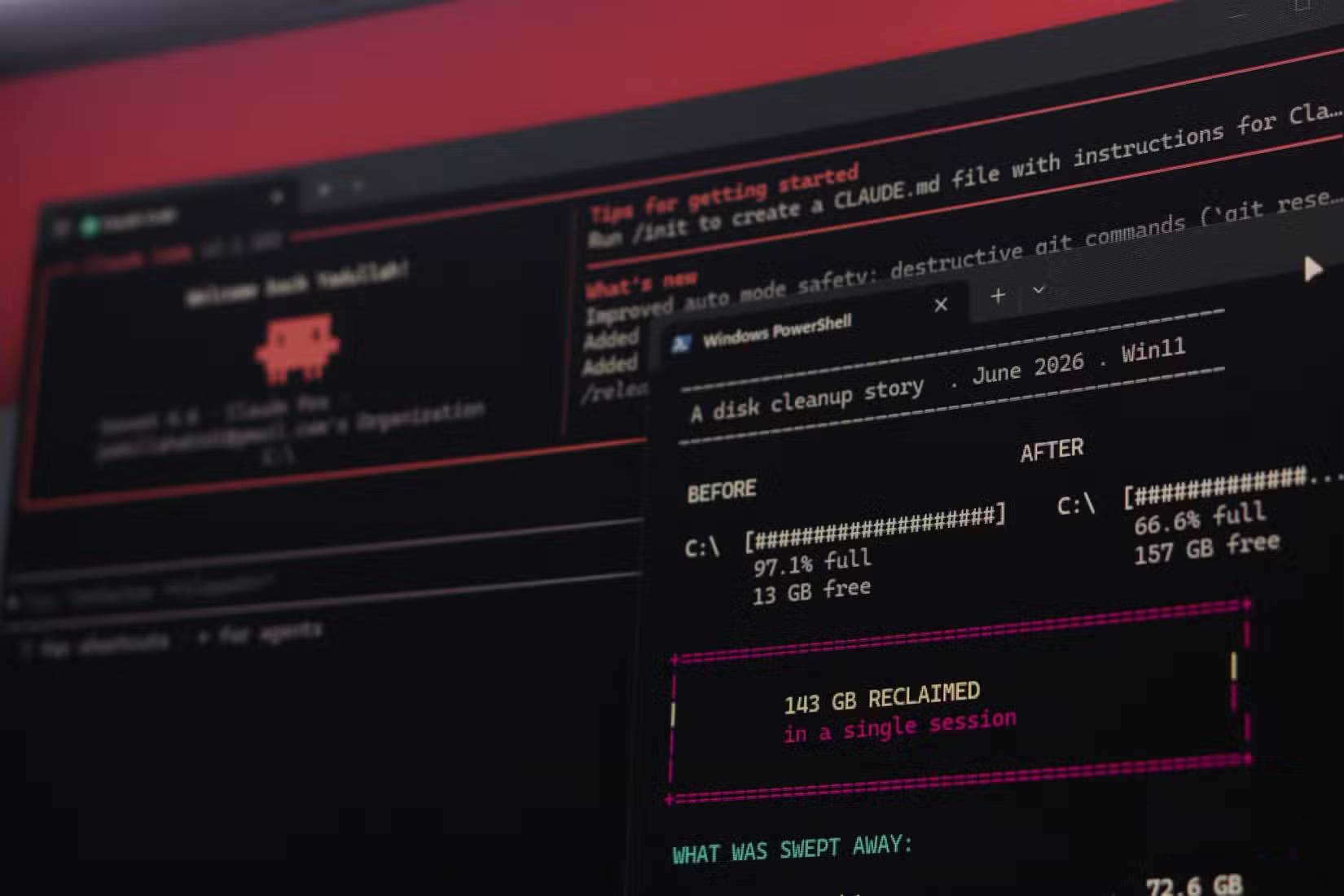
Before explaining what /goal does, let's walk through a typical Claude Code session without it. Imagine you want to build a web-based habit tracker, and English is the only language you need to know.
Open Terminal, launch Claude Code, and type something like:
Create a web-based habit tracker for me that stores everything on the browser and works completely offline.Claude Code immediately springs into action and starts building. But here's where it gets messy: you'll be asked questions throughout the process. More importantly, the final product usually has gaps—you'll need to submit additional commands and wait while Claude Code fills in the missing pieces.
Adding /goal changes everything.
When you prefix your prompt with /goal, Claude Code treats it as a hard requirement—a specific target the application must achieve. Instead of asking you for more input, Claude Code keeps working until it reaches that goal. After each task, it runs a smaller model to verify whether the goal has been met. If it has, you see results. If not, Claude Code continues building to reach the target. What's interesting here is that this differs from Claude Code's Auto mode; Auto only accepts existing tool calls rather than creating new ones automatically.
For end users, this means fewer follow-up questions and fewer supplementary commands—or possibly none at all. Using /goal consistently produces better overall results than skipping it. The difference is genuinely substantial.
A Habit Tracker App Proves It With Numbers
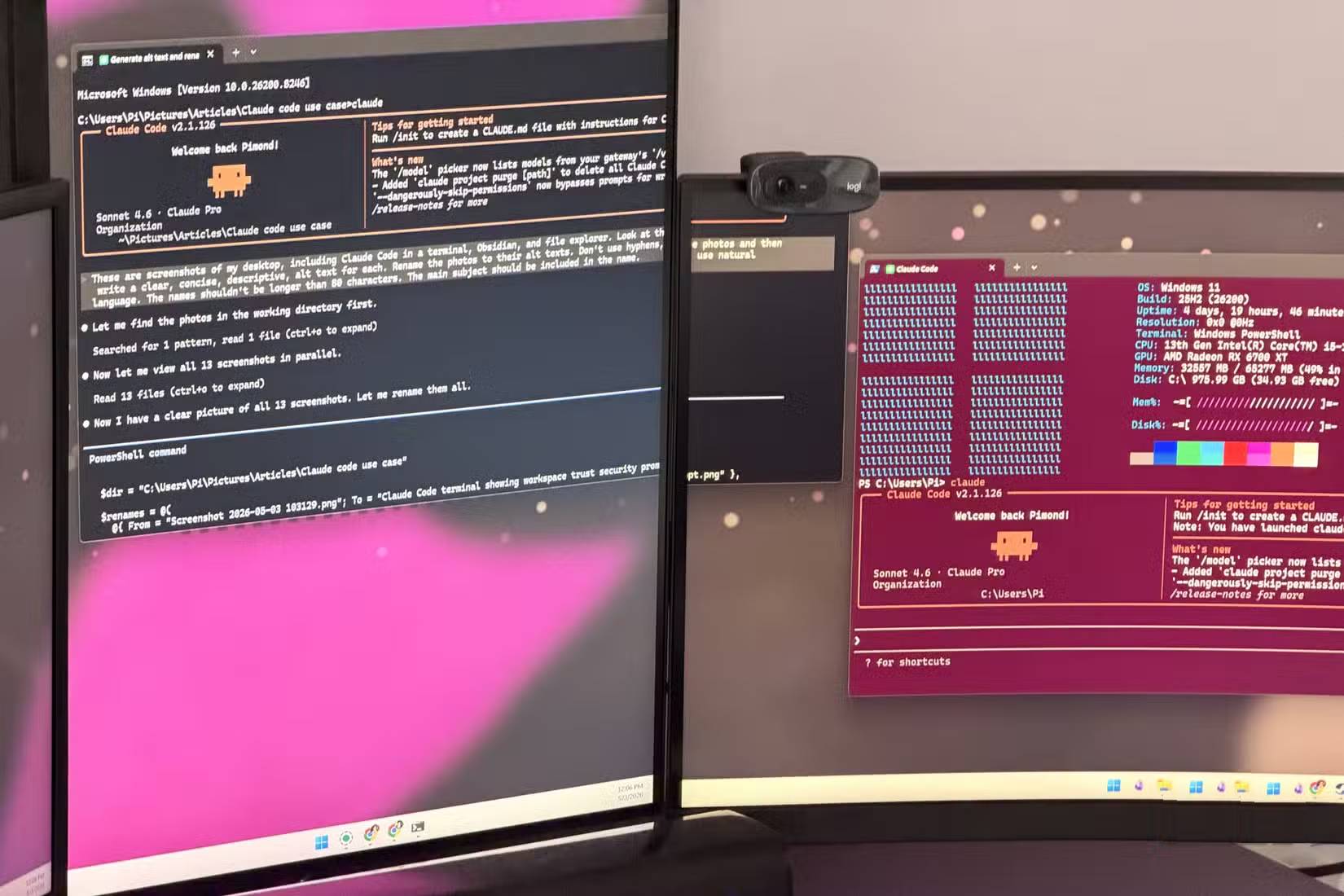
By now, adding /goal to prompts has become second nature for many Claude Code users. But does the difference actually hold up under scrutiny? Let's test it properly by running the same prompt twice—once with /goal and once without. Here's the exact prompt:
Build a single HTML file habit tracking app where I can add habits, check them off per day, the data persists after a page refresh with no backend.Here are the results from building this habit tracker.
Without /goal, Claude Code created a single HTML file with a working habit tracker that follows the instructions. After testing, it lets you add and manage habits, stores everything locally in the browser—but it's missing several elements that would make it a polished web app.
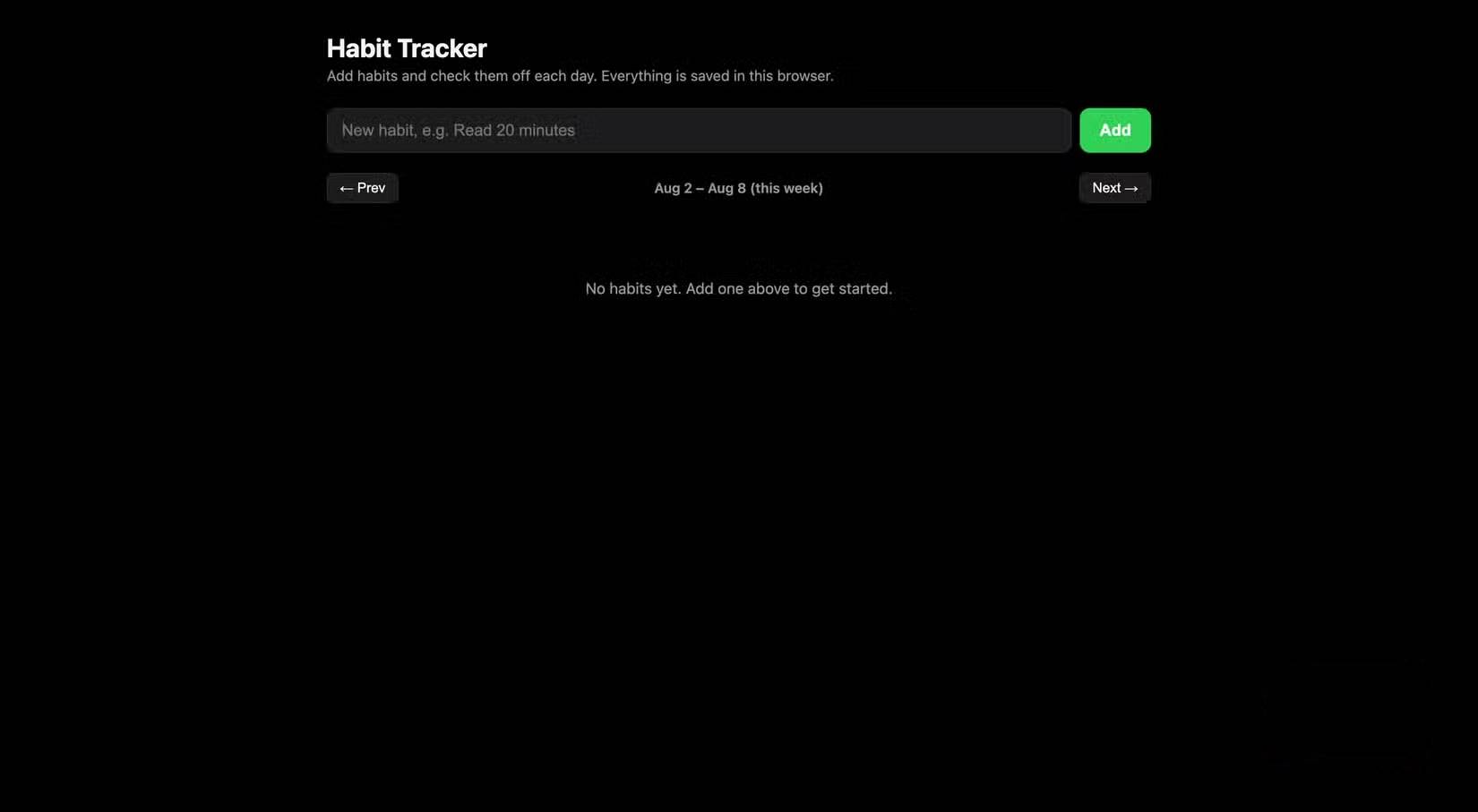
With /goal, the result is a fully-featured habit tracking application that meets every requirement. As you can see in the screenshot below, it includes all the essential features. The real concern is: without this command, you'd waste several extra minutes submitting follow-up prompts in that first session to add the features that /goal automatically included.
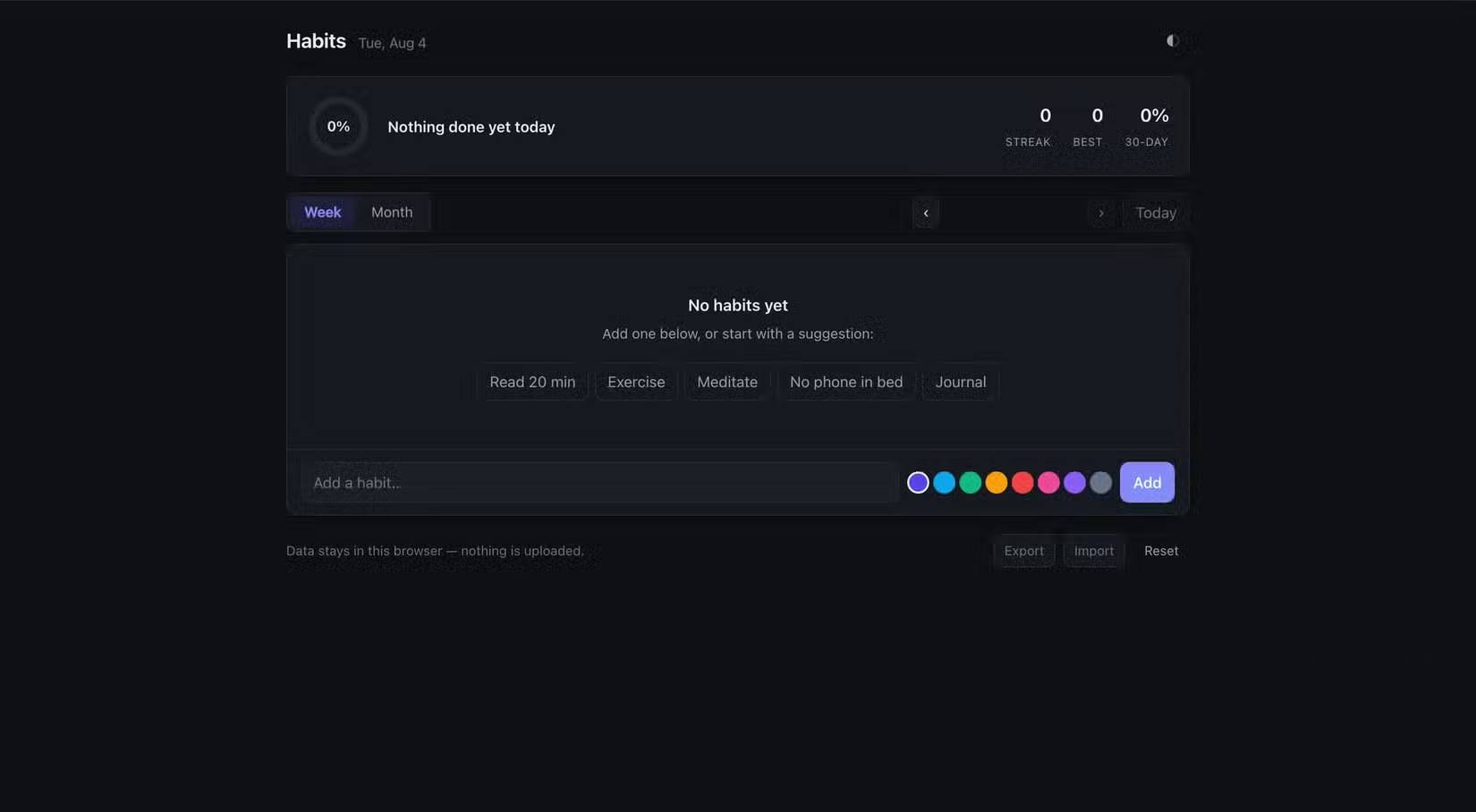
This means you can focus on other work while Claude Code handles everything. To get the best results though, you need to trust your working directory and enable Auto mode. Also understand that /goal's value becomes much more obvious on complex projects.
Not Every Condition in /goal Saves Time Equally
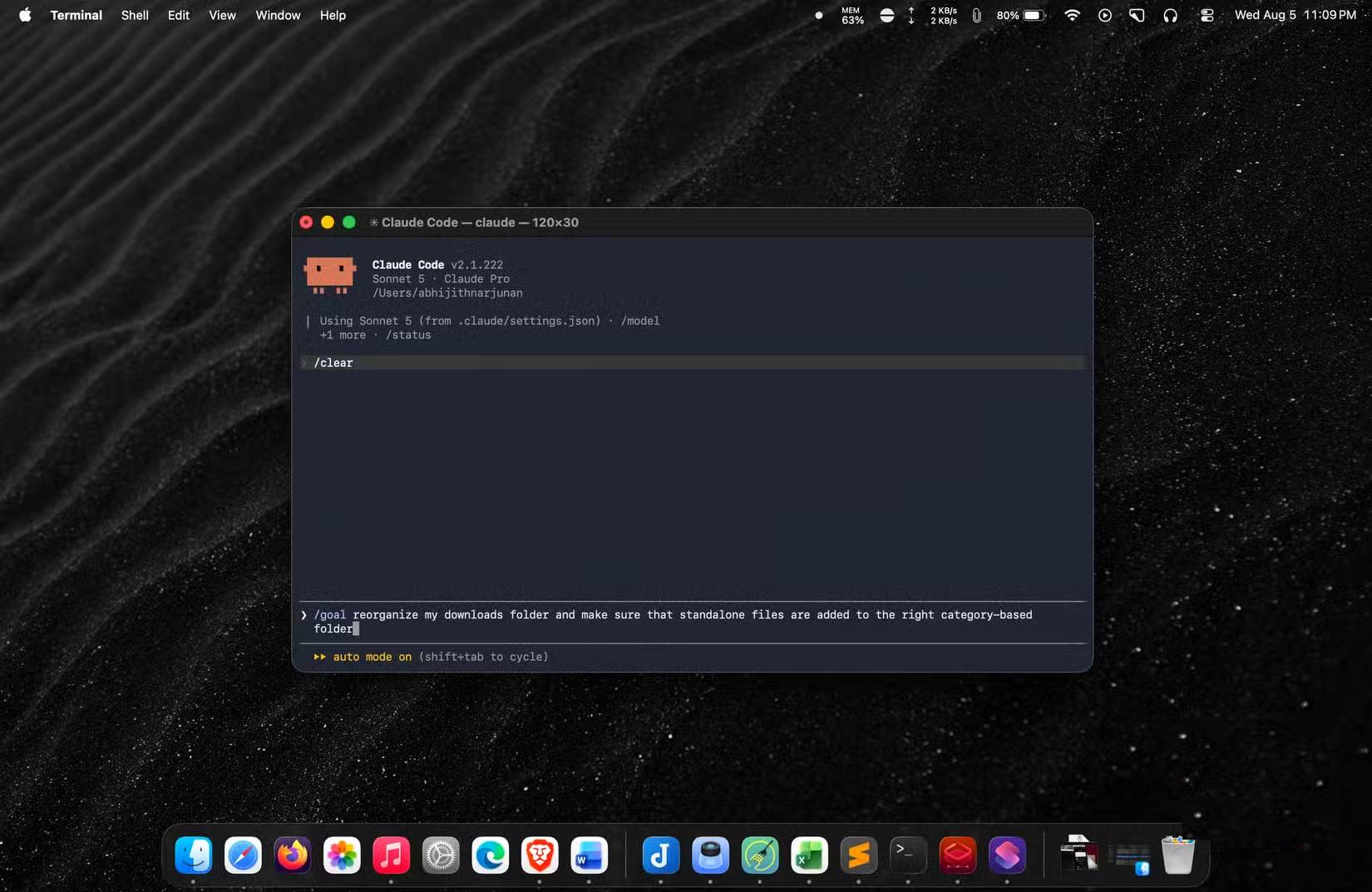
Don't treat /goal as a magic bullet that solves everything. You only maximize this feature by writing your prompt correctly. While /goal usually delivers better results, it works because your initial command contains elements Claude Code can use as verification conditions. These might be specific features or the overall state of the app or script being built.
For example, when using /goal to organize your Downloads folder, add a concrete condition to your prompt—like organizing files by category. That way, after each organizing task, Claude Code can check whether that condition has been satisfied.
Without this conditional element, results fall short of optimal. Vague goals just mean more manual command entry anyway.
Automation Doesn't Mean Hands-Off Operation
Looking ahead, the goal feature will eventually make Claude Code operate far more autonomously than it does today. Combined with proper permissions and Auto mode, it can produce better results faster. Just remember: it works based on certain assumptions about the build process, so sometimes you'll still need to review and rework what it's done. In other words, you can't completely abandon oversight. Still, using this command genuinely saves significant time and makes a real difference.
Description: Learn how adding /goal to Claude Code prompts reduces manual input from 4 interactions to 1, with real examples.

No Comment to " How the /goal Command Transforms Claude Code's Workflow "