Is AI-Powered Notepad Actually Worth It? Here's Why Developers Are Building Alternatives
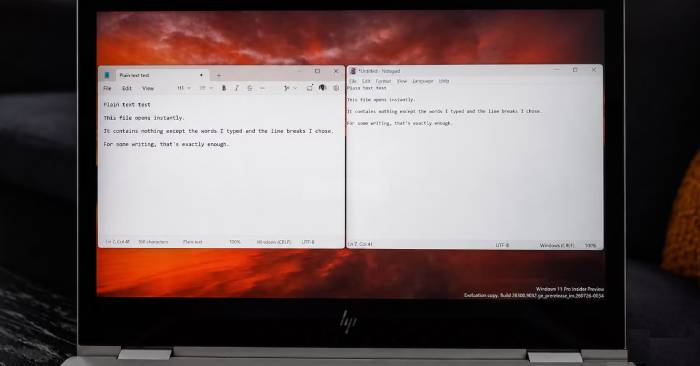
For decades, Notepad has been refreshingly simple. Open it. Type. Save. Close. No complex formatting menus, no cloud account requirements, no cluttered toolbars getting in your way. That minimalism was the whole appeal.
But Microsoft is changing that. The company has steadily packed Notepad with AI-powered writing tools—and not everyone is happy about it. In response, a developer named ForLoopCodes decided to rebuild Notepad from scratch in C++ using Win32 API. Their GitHub README message was blunt: Microsoft "will not stop shoving bloated AI into notepad.exe."
Enter Legacy Notepad—an open-source text editor built to reclaim the simple, distraction-free writing experience Microsoft's version has gradually abandoned.
Microsoft's AI Features Keep Arriving, One By One
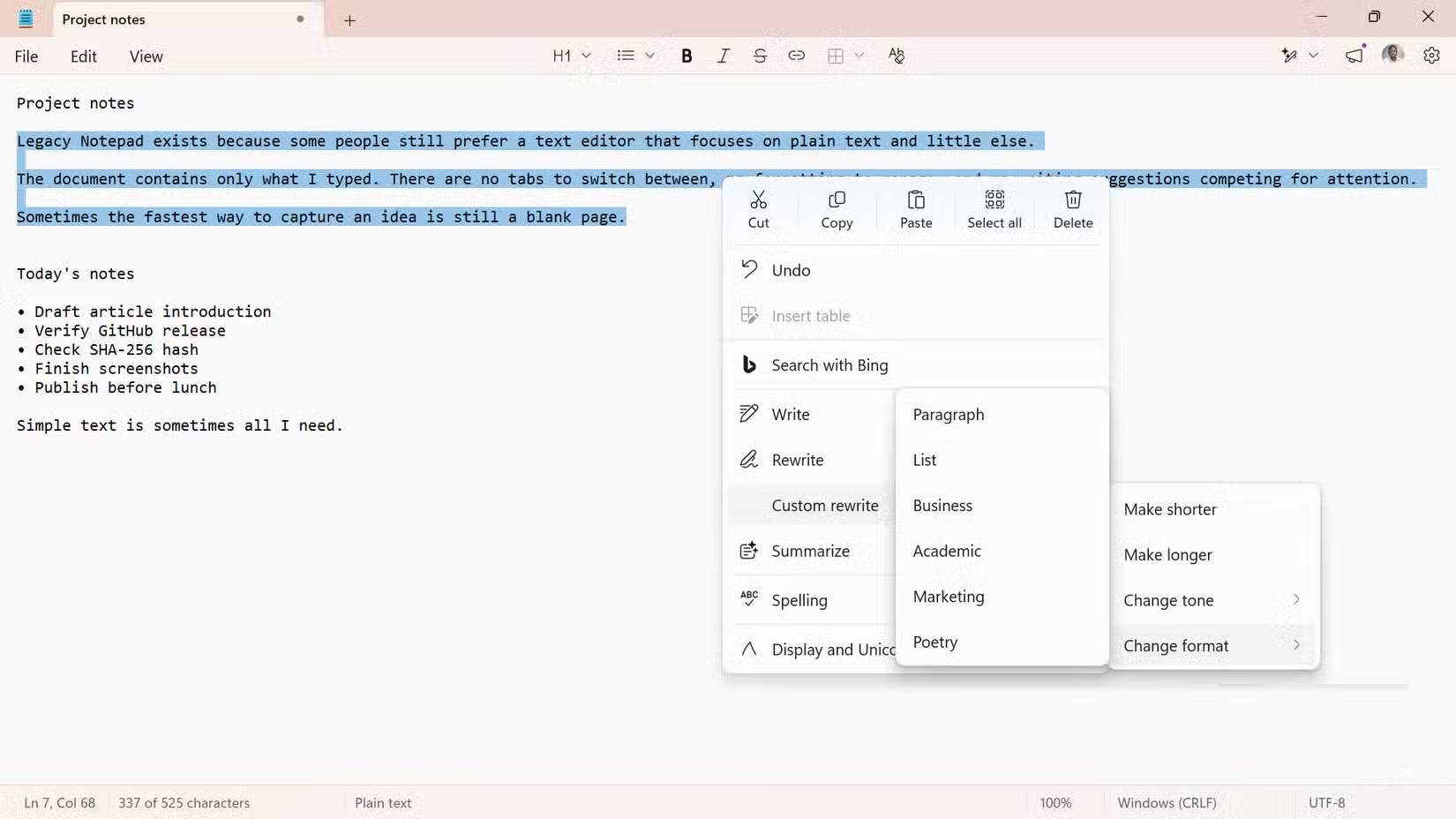
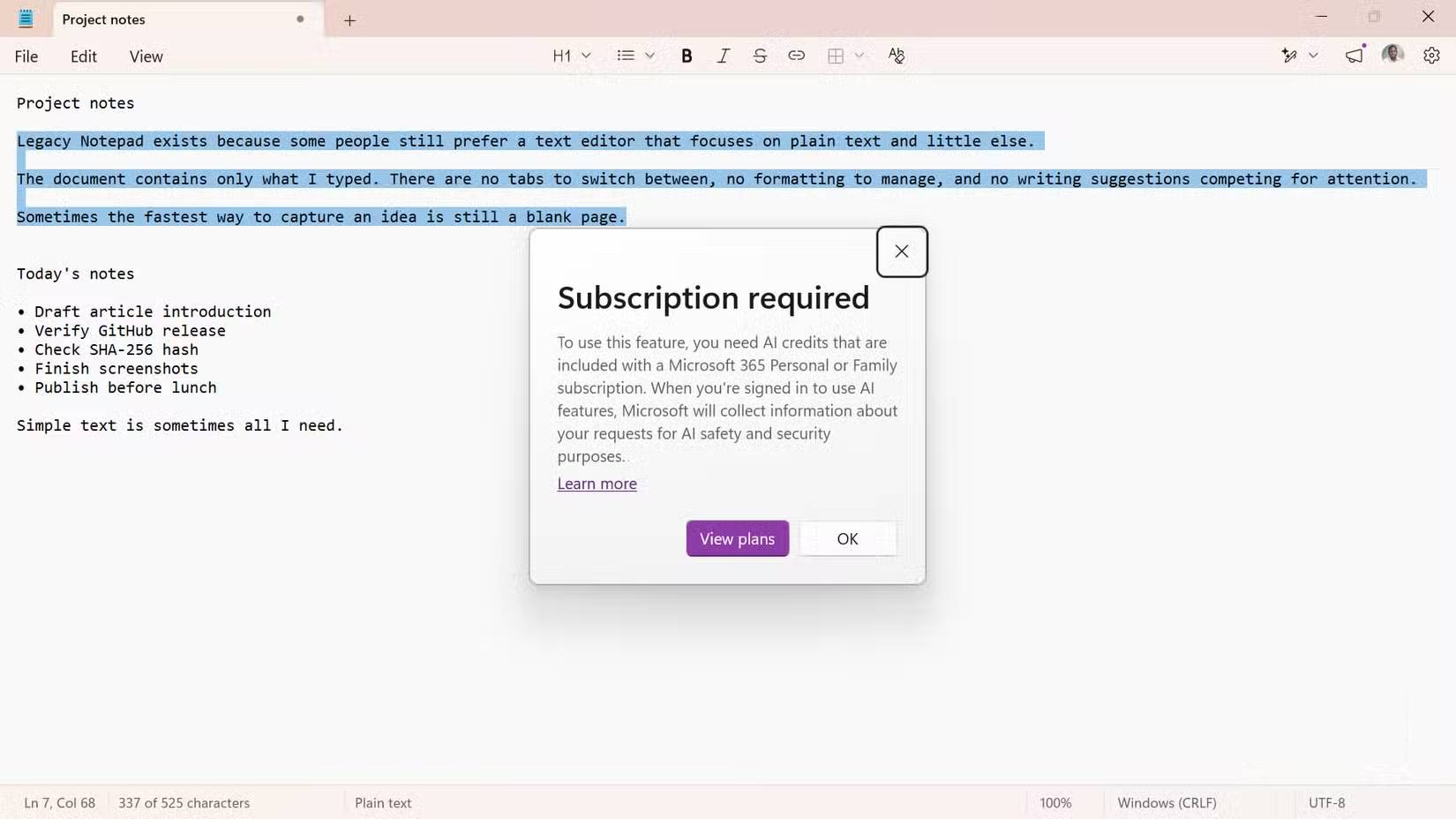
The timeline tells the whole story. Starting in November 2024, Microsoft began rolling out AI-powered "Rewrite" to Windows Insider users. Then came "Summarize" in March 2025, followed by "Write" in May of that year. These cloud-based features require a Microsoft account and consume monthly AI credits.
By spring 2026, Microsoft had rebranded the Copilot icon to "Writing Tools," making it less blatantly branded while keeping the AI features intact. What's interesting here is that Microsoft does allow users to disable these features in settings—so Legacy Notepad isn't the only way to escape them.
But here's the difference: Legacy Notepad has nothing to turn off. The appeal isn't just avoiding features you don't want. It's ditching them entirely—no AI tools, no account login, no tabs, no session recovery. Just a text editor focused on doing one thing well: opening a document and letting you write.
Legacy Notepad Is Built From Scratch, Not Just a Skin
Win32 and RichEdit Keep It Close to the Windows Classics
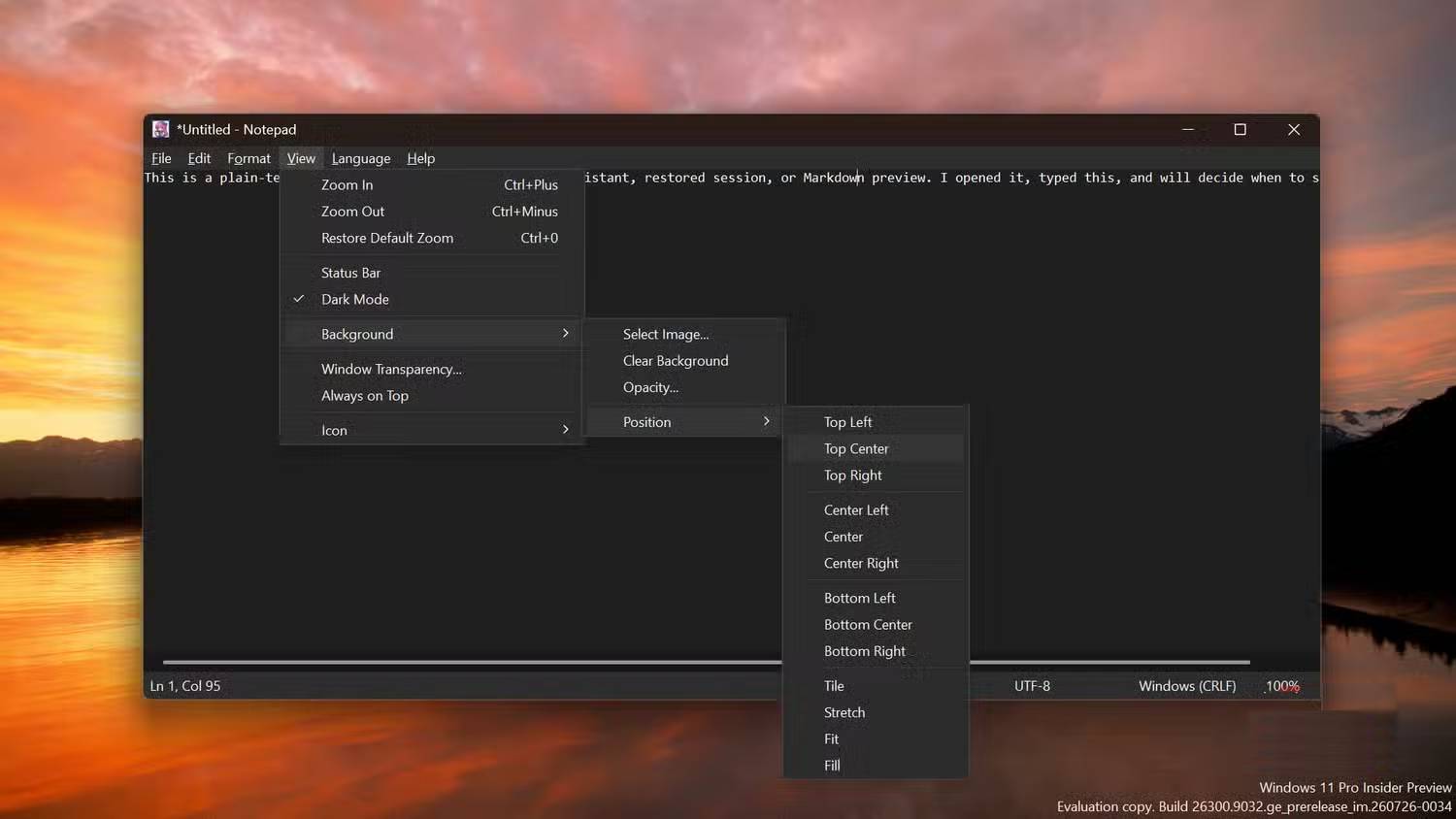
This isn't a theme or registry hack layered on top of Microsoft's app. It's a completely new C++17 codebase built directly on Win32 API and RichEdit 4.1 control—the same core Windows text controls that Microsoft Notepad uses. GDI+ handles optional background rendering.
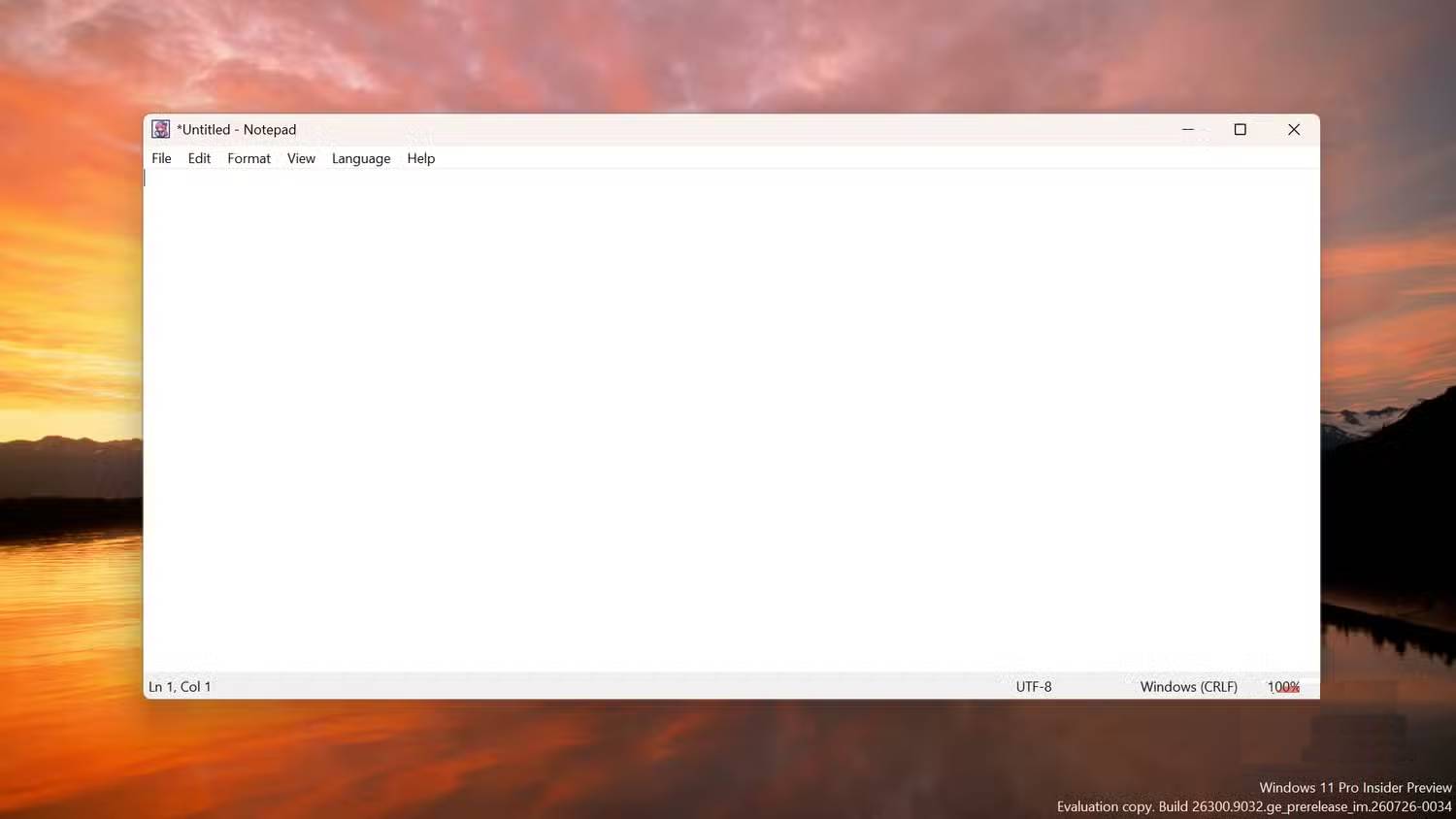
The interface follows classic Notepad design. One document at a time. Traditional menu bar above a spacious text editing area. The File and Edit menus contain essentials: save, print, find, replace, navigate, select text. Format and View handle word wrap, fonts, zoom, status bar, dark mode, transparency, and always-on-top mode.
What's been removed defines the experience more than what's been added. No tab bar. No AI assistance. No account requirement. No Markdown processing layer. No spell-check, auto-correct, auto-save recovery, or session restoration. Close without saving, and your work is gone. That's the trade-off—exactly like classic Notepad.
The app supports multiple encodings: UTF-8, UTF-8 with BOM, UTF-16 (both byte orders), and ANSI, with configurable line endings. You can pin the window to stay on top. Printing works through standard print dialogs.
Some customization options go beyond nostalgia. Set a background image behind your text. Adjust its opacity. Change the app icon to something from an ICO, EXE, DLL, or ICL file. These aren't essential features, but they add personality without changing the core writing model.
The Trade-Offs of Taking Control
Here's the reality: this is a young project maintained by a single developer, not a Microsoft-tested default app. It has received outside contributions and genuine interest, but testing scope is inevitably limited.
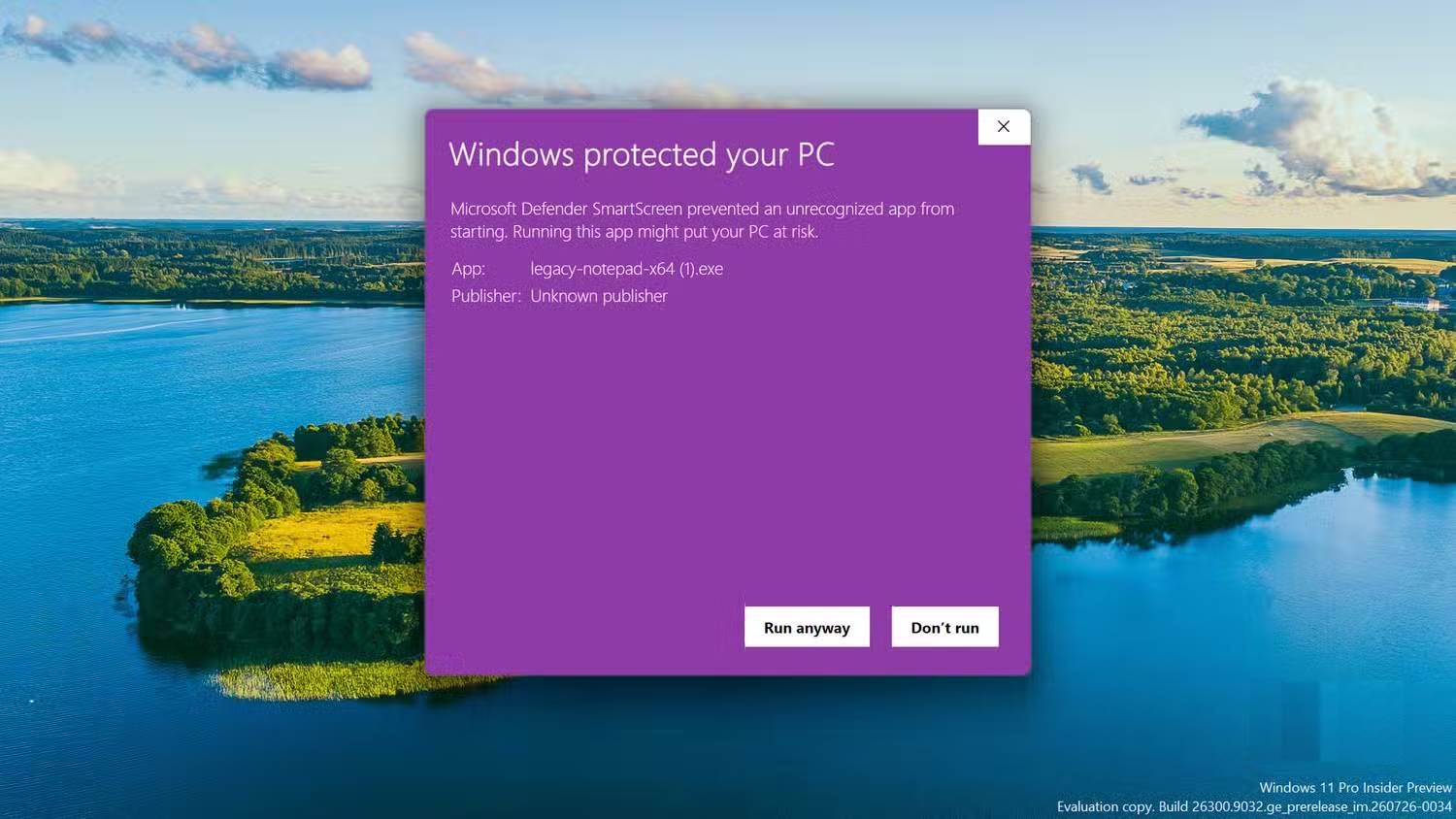
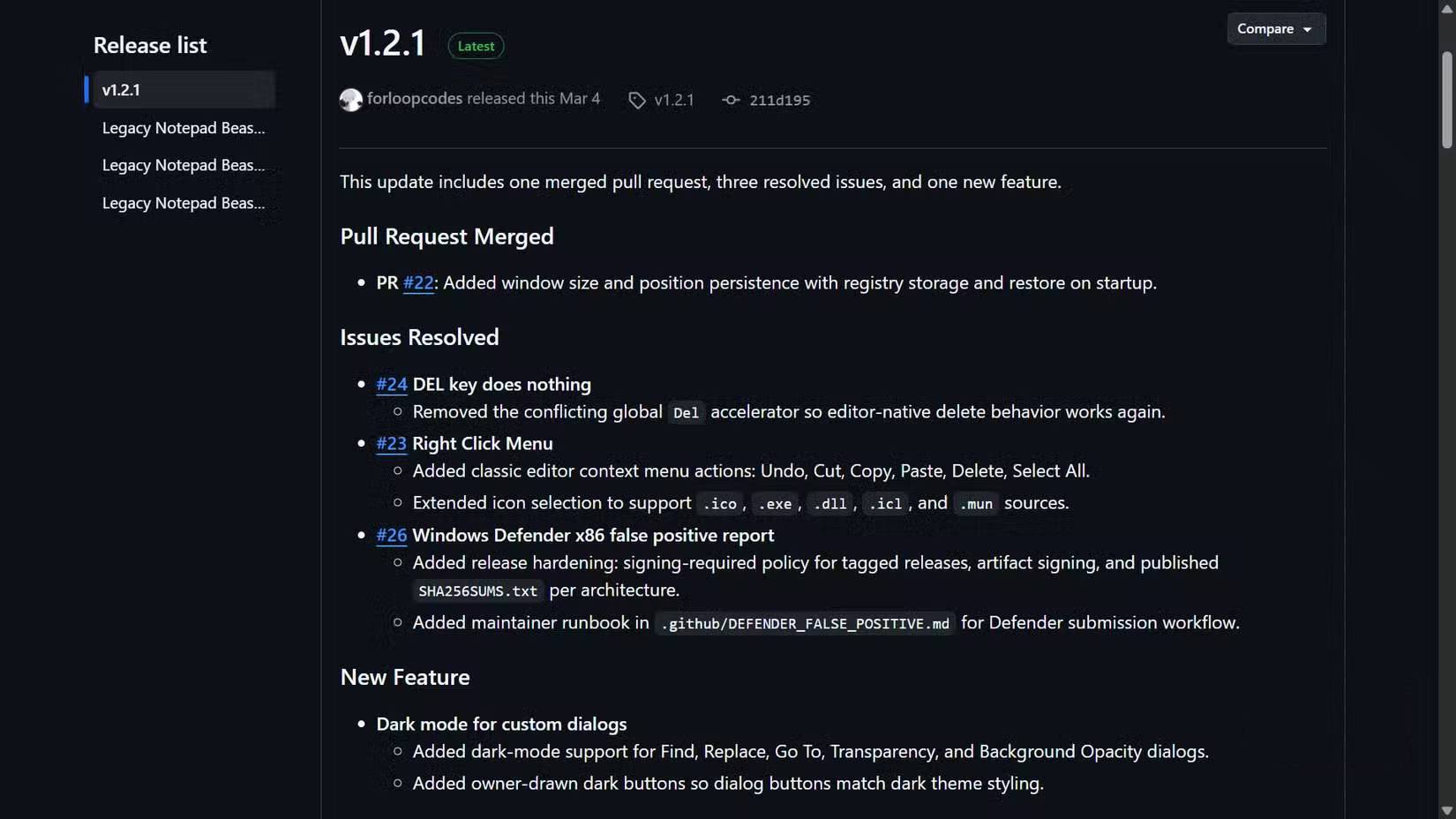
The project has documented one concern—Windows Defender flagged the x86 build as suspicious. The real concern is that false positives happen all the time with small projects, but that doesn't automatically prove the file is safe either. Verifying the published SHA-256 hash only confirms the file matches what the developer released. Later releases added digital signatures and per-architecture hashes. If you download it, grab the latest version, verify its SHA-256 against the published value, and make your own judgment before running it.
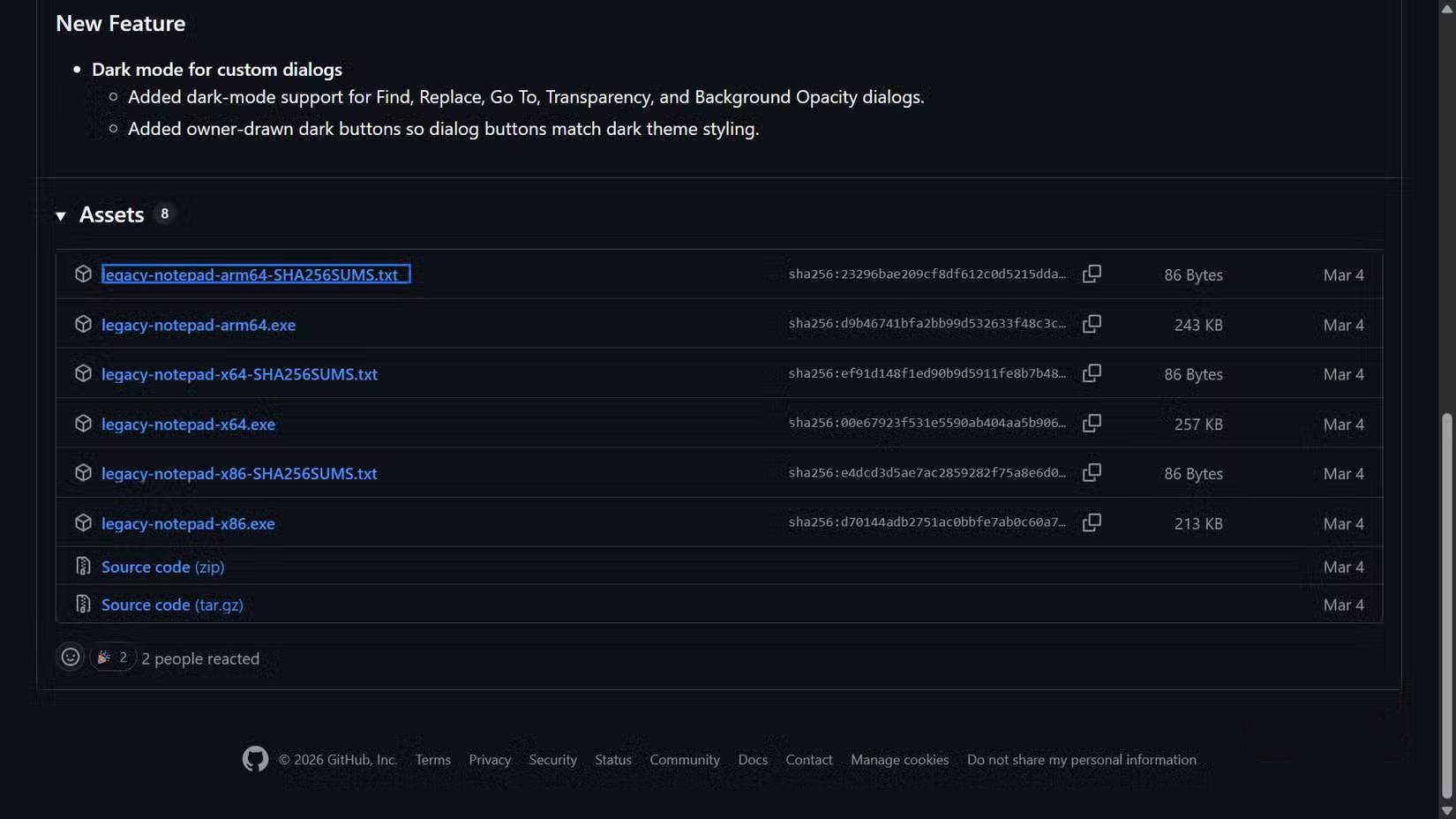
Legacy Notepad is Windows-only because it's built on Win32 API directly. Compatibility with Wine and Proton hasn't been tested. Building from source requires CMake plus MinGW-w64 or MSVC, though compiled releases handle that for most users. MIT licensing means anyone can inspect, modify, or fork the code.
Sometimes, Simplicity Is the Feature
Legacy Notepad isn't your only escape route. Microsoft lets you disable their writing tools, which might be enough if you want to keep tabs, auto-save, session recovery, and modern conveniences.
This fork is for people who want to go back completely. You get one document at a time. Manual saving. Traditional Windows UI. A compact codebase you can actually review. In return, you lose auto-recovery, modern writing assistance, and the assurance that comes with using thoroughly tested Microsoft software.
Sometimes the solution to bloated software isn't adding more toggle switches. It's using an editor that never had those features in the first place.
Description: Microsoft keeps adding AI features to Notepad. Some developers think that's a mistake. Meet Legacy Notepad, a stripped-down alternative.
Related Articles
- 7 Classic Machine Learning Algorithms That Remain Essential in the AI Era
- The Upload Button Paradox: How AI Tools Became Your Company's Biggest Security Risk
- Which AI Should You Actually Use: ChatGPT, Claude, or Gemini?
- Generate 25+ AI Diagrams in Minutes with FreeDiagram
- How to Download Music from Suno AI: Complete Guide

No Comment to " Is AI-Powered Notepad Actually Worth It? Here's Why Developers Are Building Alternatives "