Build a Free Portfolio Website Using ChatGPT
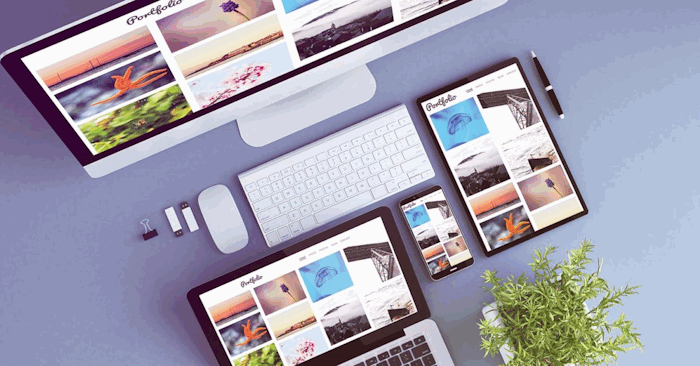
A personal portfolio site is one of the most effective ways to showcase your skills, work experience, and completed projects to potential employers or clients. Rather than relying solely on a traditional resume, you can build your own dedicated website that makes it easy for hiring managers and customers to understand what you're capable of.
Here's what's interesting: you don't need any programming knowledge to pull this off. With a simple text prompt, you can generate a complete portfolio website directly within ChatGPT. This guide walks you through the entire process.
Building Your Portfolio Website With ChatGPT
What do you need to prepare first?
- Personal details: Your full name, job title, a brief bio, and contact information you want to make public.
- Your CV or resume: Have your existing CV ready so ChatGPT can reference your education, work history, and skills. If you don't have one yet, simply gather this information and provide it directly.
- Sample projects or portfolio pieces: Prepare descriptions, images, or links to work you want to highlight. This step is optional but recommended if you have relevant projects to showcase.
Step 1:
Head to ChatGPT and use the prompt below to generate your website. Make sure to swap out the personal details with your own information.
Create a single-page personal portfolio website saved as one HTML file.

All HTML, CSS, and JavaScript code must be in the same file. Do not use any frameworks and do not use external images.

Personal Information

- Name: Nguyen Minh Anh

- Job Title: UI/UX Designer

- Bio: I'm a UI/UX Designer with 2 years of experience designing interfaces for websites and mobile applications. I'm passionate about creating simple, intuitive, and user-friendly experiences.

- Skills: Figma, Wireframing, Prototyping, User Research, Design System.

- Email: minhanh@example.com

- LinkedIn: https://www.linkedin.com/

Design Requirements:

Modern, minimalist aesthetic with a light background and one primary accent color.

Include these sections: Hero header, About me, Project showcase displayed as cards, Skills, and Contact.

Must be fully responsive and mobile-friendly.
Step 2:
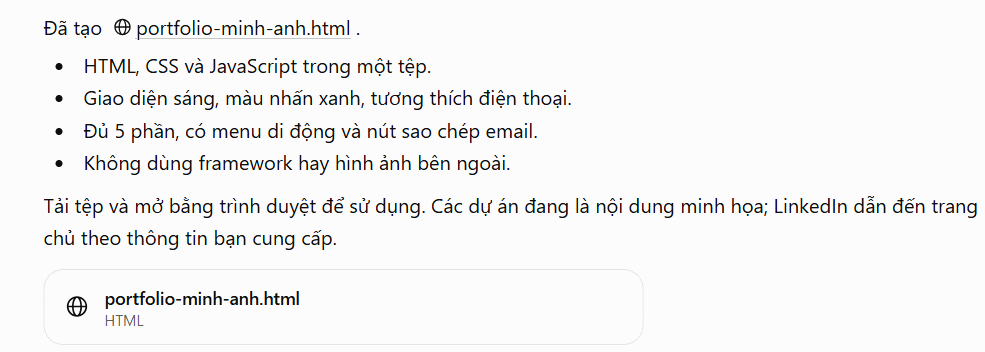
Wait for ChatGPT to generate your portfolio based on the information and design specifications you provided. Once complete, you'll receive an HTML file. Download it to your computer. You can also click the file preview option if you want to see how it looks before saving.
Step 3:
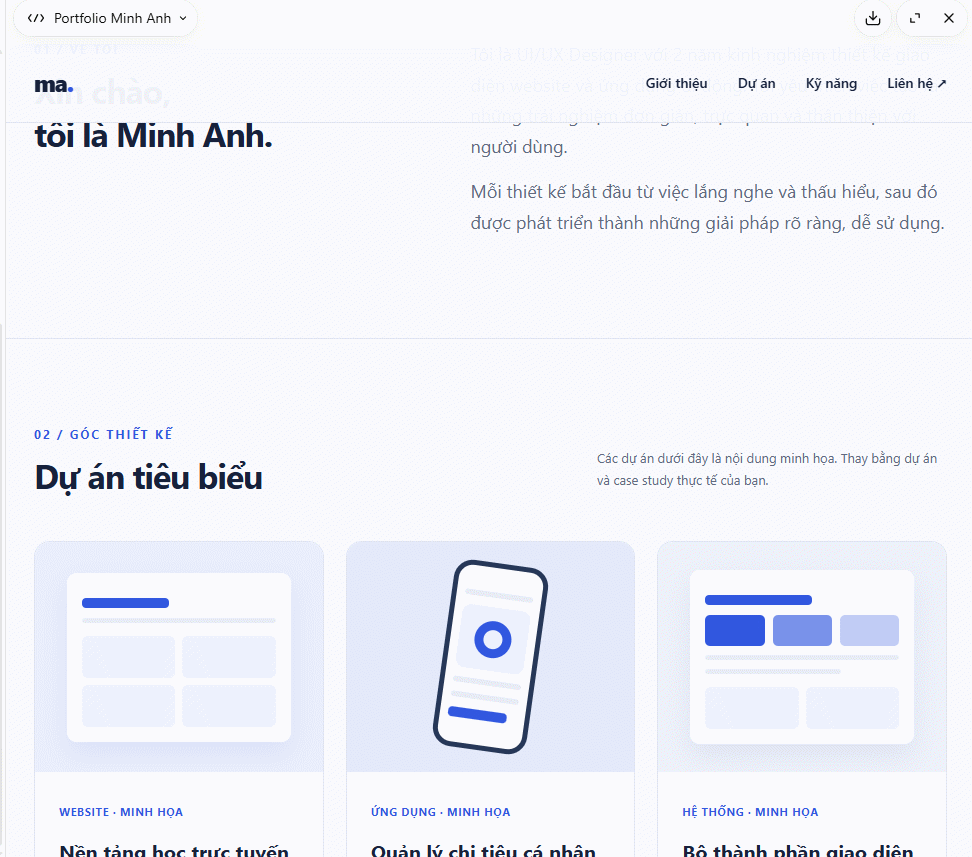
On the right side of your screen, you'll see a live preview of your portfolio website. Review all sections and content to make sure everything matches your vision. If you need to adjust anything—change a description, add more projects, or tweak the design—just type a request. ChatGPT will regenerate the code accordingly. The real benefit here is the speed of iteration. Once you're happy with the result, click the download icon in the top-right corner to save your file.
Description: Learn how to create a professional portfolio website with ChatGPT—no coding experience needed. Follow our step-by-step guide.
Related Articles
- 8 Free AI Tools Worth Using Right Now
- How to Drive Successful AI Transformation in Your Organization
- Complete ChatGPT Guide: How to Use It, Troubleshoot Common Problems
- How to Generate Images in Google Docs Using Gemini: Complete Guide
- Create Short AI Videos with Google Vids: A Complete Gemini Omni Guide

No Comment to " Build a Free Portfolio Website Using ChatGPT "