How to Access Kling 3.0: Your Complete Guide to Free and Paid Options
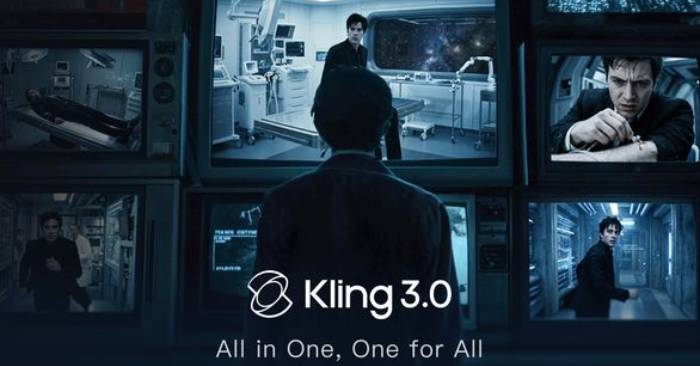
Getting started with Kling 3.0 doesn't have a one-size-fits-all answer. You've got two fundamentally different paths forward, each with distinct trade-offs when it comes to cost and workflow. Let's break down which option actually makes sense for you.
Option 1: The Official Kling Platform (kling.ai)
Kuaishou's native platform gives you direct access to Kling 3.0. The free tier serves up 66 credits monthly, with videos exported at 1080p and stamped with a watermark. It's solid for experimenting, but falls short if you're working professionally.

Want clean 4K video without watermarks? Here's what you're paying for:
- Standard Plan ($9/month): Watermark-free exports come with limits, and most features cap out at 1080p resolution.
- Pro Plan ($89/month): Full 4K and 60fps capability, watermark-free exports, and priority rendering queue placement.
This path works beautifully if Kling 3.0 is your only tool. But here's the thing—most professional content creators aren't in that situation.
Option 2: Multi-Model AI Platforms
These unified platforms let you run Kling 3.0 alongside Sora 2, Veo 3.1, Runway Gen-4 Turbo, Midjourney, Flux 2, and 40+ other models. Everything shares a single credit system. What's interesting here is the flexibility and savings you unlock by consolidating your tools.
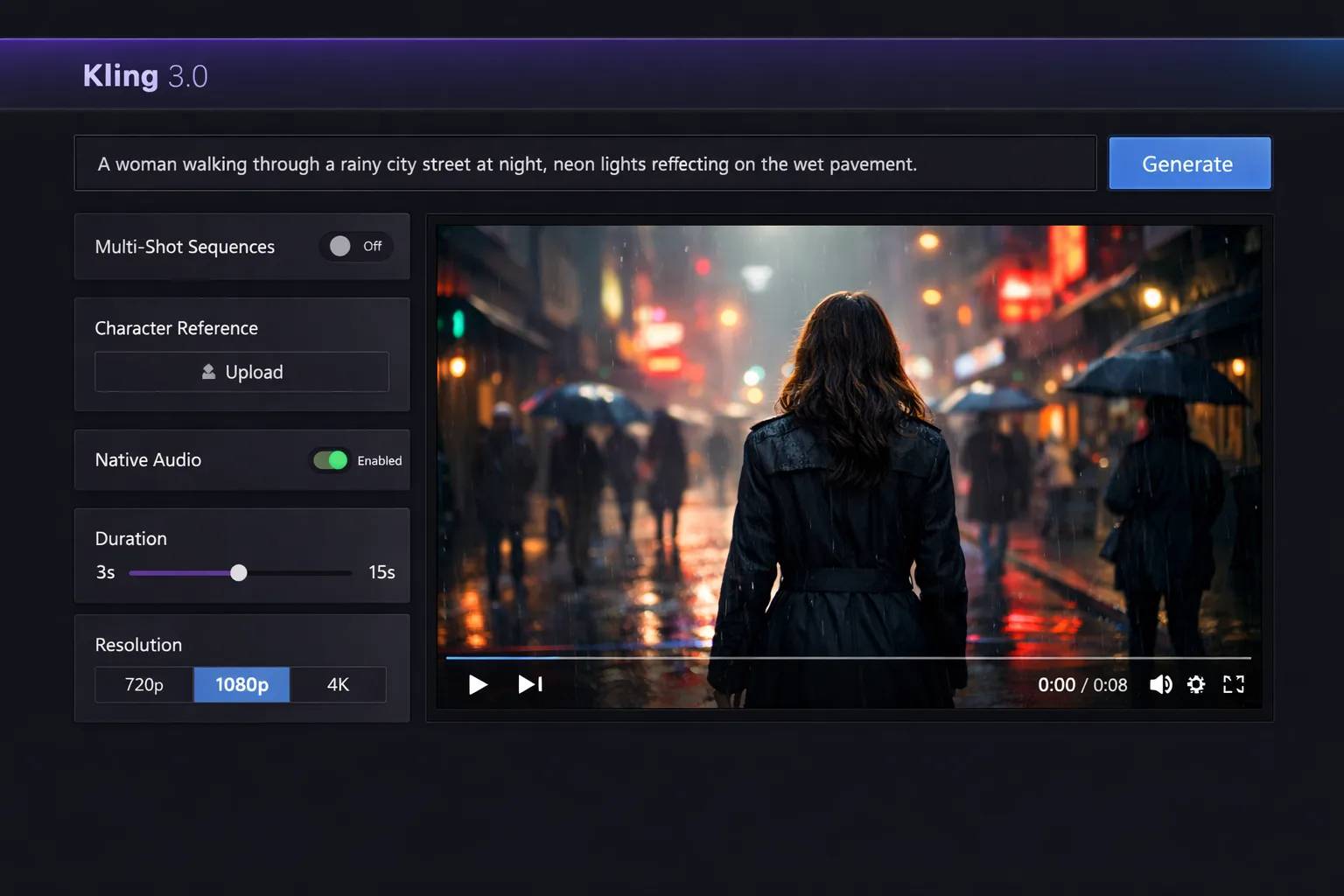
Tryonr offers free access to Kling 3.0 through their platform. Here's exactly how to get started:
- Step 1: Head to the Kling 3.0 page. Navigate to tryonr.com/kling-3. No app download needed—it runs entirely in your browser on desktop or mobile.
- Step 2: Sign up for a free account. Hit the registration button. You can register with email, Google, or GitHub. Takes about 30 seconds flat.
- Step 3: Check your free credit balance. Once logged in, your daily credit allowance shows on your dashboard. This resets every 24 hours, so you'll have fresh credits to work with daily.
- Step 4: Pick your model. Select the Kling 3.0 variant you want. On your first go, try Video 3.0 (V3) for the best quality, or Video 3.0 Omni (O3) if you're testing multi-shot sequences.
- Step 5: Write your prompt. Describe what you want to create in text form. Be specific. Instead of "a dog running," try "a Golden Retriever sprinting through a sunlit wheat field during golden hour, slow-motion effect, cinematic depth of field." More detail equals better results.
- Step 6: Configure your settings. Choose your resolution (up to 4K), duration (3-15 seconds), and frame rate (up to 30fps). Higher settings drain more credits. For stretching your free credits, 1080p at 5 seconds is the smart starting point.
- Step 7: Generate and download. Click Generate and wait for your video to render—typically 1-3 minutes depending on your settings. Preview and download once it's done.
Cliprise starts at $9.99/month and unlocks access to all 47+ models, including Kling 3.0. A unified credit system covers everything—no need to pay $89/month for Kling, $95/month for Runway, and $200/month for Sora 2 separately.
Here's where the math gets important: if you're regularly juggling more than one or two models, a multi-model platform saves you serious money. The real concern is that many professionals don't realize how much they're overspending by staying siloed on individual subscriptions.
Kling 3.0 has emerged as the gold standard for AI video quality. The 4K and 60fps combination is genuinely unmatched on the market. The texture realism rivals actual cinematography, camera movement handling is precise, and it's become the backbone of serious production workflows. For professional creators, this matters.
Want deeper technical details? Check out our comprehensive guide on maximizing Kling 3.0 for creators, filmmakers, and marketers for additional insights.
Description: Explore two main ways to access Kling 3.0: the official platform or multi-model AI platforms. Compare pricing, features, and find the best fit for you
Related Articles
- Meta Is Building Its Own AI Chips to Break Free From Nvidia's Grip
- Getting Started with Mapify AI: Turn Any Content Into Mind Maps in Minutes
- AI's Memory Shortage Could Push TV Prices Significantly Higher
- Can a Basic Phone Run ChatGPT? The Answer Might Surprise You
- The Internet's Greatest Strengths and Weaknesses: A Balanced Look

No Comment to " How to Access Kling 3.0: Your Complete Guide to Free and Paid Options "