What Is Google's Nano Banana 2? Complete Guide & Usage Tips
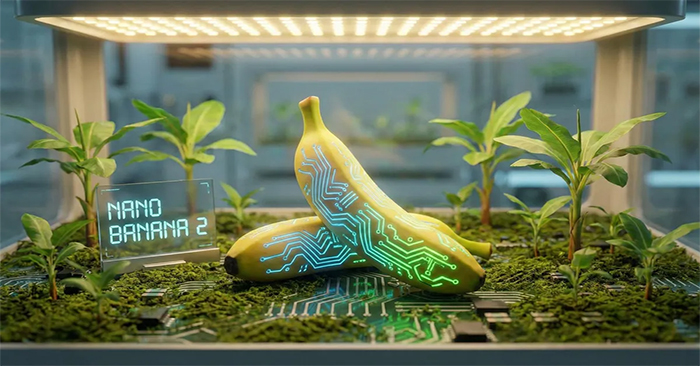
Google just rolled out Nano Banana 2, and it's genuinely impressive. This is now Google's fastest image processing model, delivering professional-grade output at lightning speed with 4K resolution and character consistency across up to five subjects. What's interesting here is that Google managed to close the quality gap with its Pro model while keeping generation times dramatically faster—the kind of optimization that actually changes how creators work.
What Exactly Is Nano Banana 2?
Nano Banana 2 is Google's most advanced image generation model, built on Gemini 3.1 Flash. Think of it as the bridge between two competing priorities: the deep knowledge, image authenticity, and precision of Nano Banana Pro, paired with the blazing speed that creative professionals desperately need to iterate quickly.
The model launched officially on February 26, 2026, and immediately became the default image generation tool across Gemini's Fast, Thinking, and Pro modes.
Inside LTX Studio, Nano Banana 2 integrates directly into Gen Space alongside the LTX-2 video model. This matters because you can now generate high-quality images and animate them with motion without ever leaving the platform—a genuine workflow improvement.
Nano Banana Pro vs. Nano Banana 2: Which Should You Use?
Both models pack serious firepower, but they're built for different jobs.
Nano Banana Pro is Google's premium image model, constructed on Gemini 3. It's engineered for maximum image fidelity, advanced multimodal editing, and specialized tasks where precision and fine detail are absolutely critical. It remains the top choice for specialized work demanding maximum accuracy.
Nano Banana 2 runs on Gemini 3.1 Flash—a newer, faster architecture that narrows the quality gap with Pro while delivering significantly faster generation times. The real takeaway: Pro-level capability at Flash speeds. For most creative workflows, Nano Banana 2 will feel like a substantial upgrade—faster output, sharper detail, broader capabilities, zero quality compromise.
| Nano Banana Pro | Nano Banana 2 | |
|---|---|---|
| Base Model | Gemini 3 Pro | Gemini 3.1 Flash |
| Speed | Standard | Flash (significantly faster) |
| Image Quality | Studio-grade | Pro-level with Flash speed |
| Text Rendering | Excellent | Excellent |
| Subject Consistency | Strong | Up to 5 characters, 14 objects |
| Resolution | High | Up to 4K |
| Best For | Maximum precision, specialized tasks | Rapid iteration, diverse creative workflows |
Google AI Pro and Ultra subscribers still have access to Nano Banana Pro for specialized tasks requiring maximum accuracy. For everything else, Nano Banana 2 is now the standard.
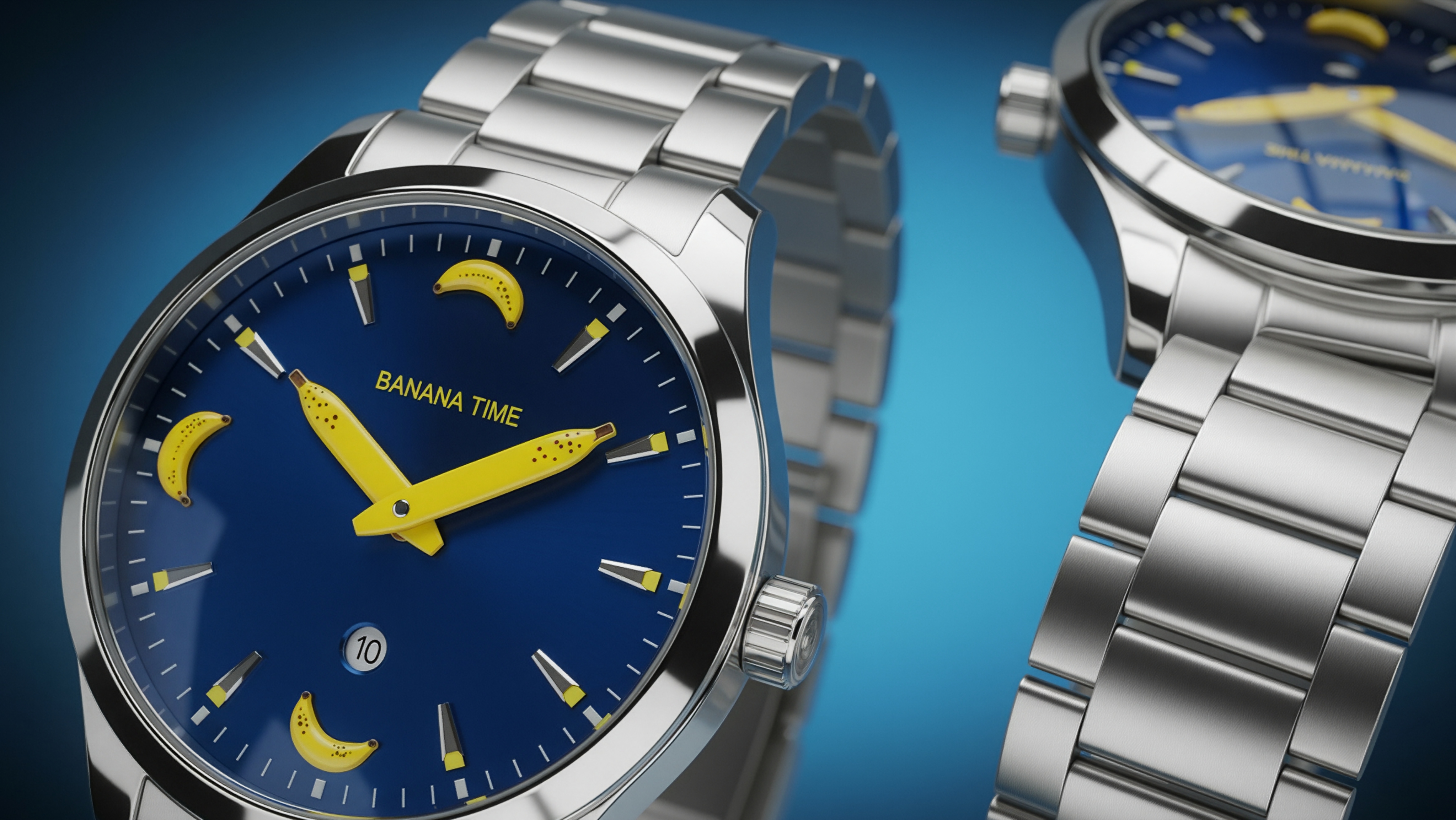
Key Features That Matter
| Feature | What It Does | Why It Matters |
|---|---|---|
| Web & Image Search Integration | Uses real-time web and image search results during generation | More accurate info on people, places, events, and products |
| Faster Generation | Delivers professional-quality images roughly 2x faster than Pro | Test more ideas per session |
| Cinematic Image Quality | Richer lighting and texture with razor-sharp detail | Frames and mockups look production-ready |
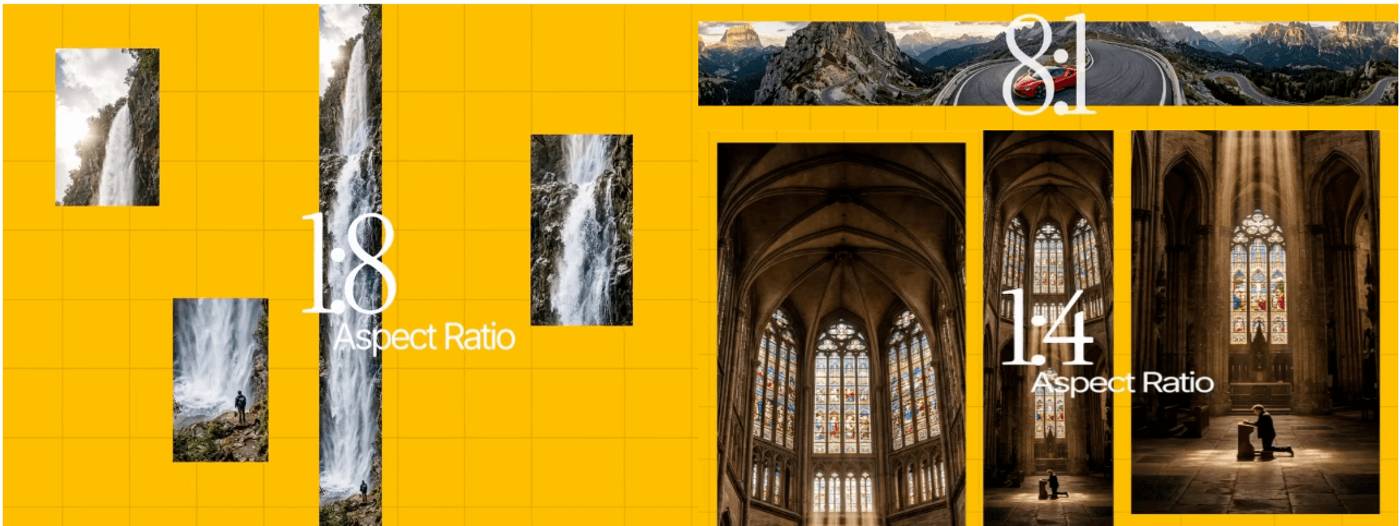
| Multiple Aspect Ratios & 4K | Supports formats from 512px to 4K in portrait, square, and landscape | Reuse one concept across social media, web, and video |
| Subject & Character Consistency | Maintains consistency for up to 5 characters and 14 objects across scenes | Use the same hero character, props, and setting across storyboards and campaigns |
| Text Rendering & Localization | Renders clear, legible text in images and can localize it | Actual headlines and CTAs in marketing and product images |
| SynthID Digital Watermark & C2PA | Adds AI watermark and Content Credentials metadata | Increases trust, traceability, and regulatory compliance |
| Semantic Understanding | Fully grasps complex prompt meanings while maintaining detail consistency | Fewer failed outputs and retries; faster concept-to-deliverable time |
1. Web & Image Search Built Into Generation
Nano Banana 2 can pull real-time reference images and data from Google Search while creating your image. Enable web or image search, and the model taps into current information about people, events, locations, and products to guide the output.
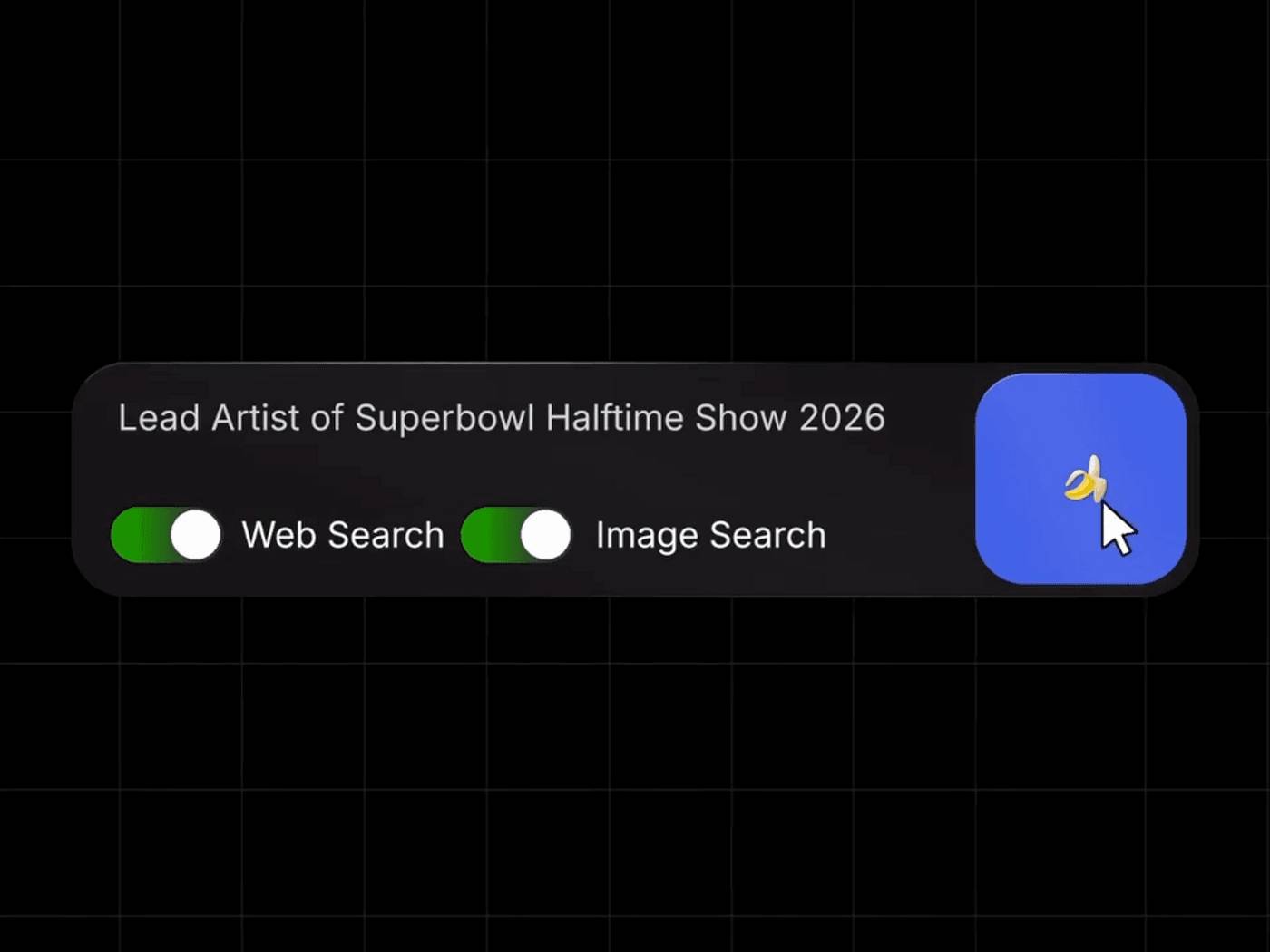
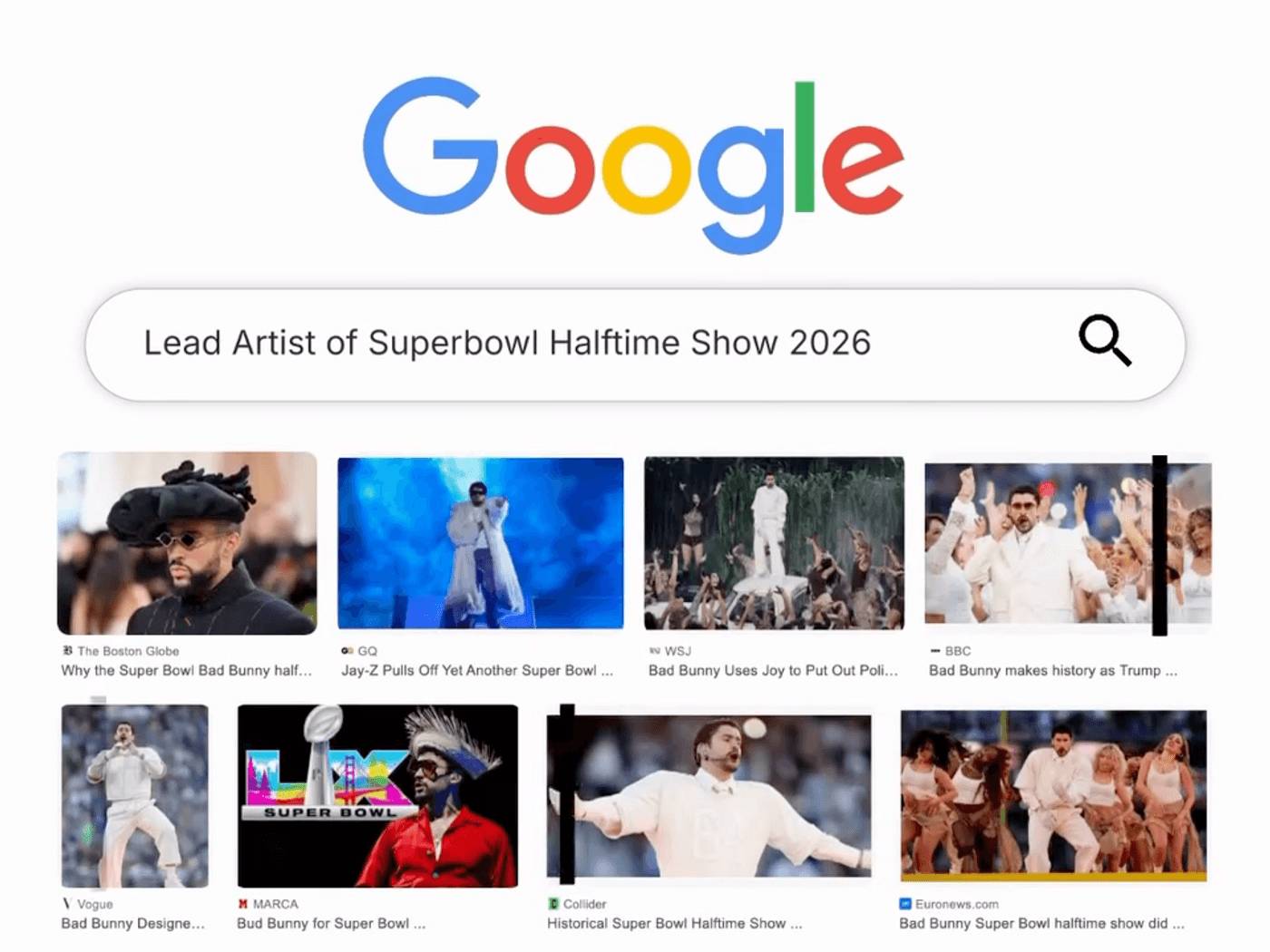
Ask for "The main performer of the Super Bowl 2026 halftime show in a stadium crowd scene," and the system doesn't rely on stale training data—it looks up current results. Fewer hallucinations, less time hunting for reference images manually.
2. Generation Speed That Actually Changes Your Workflow
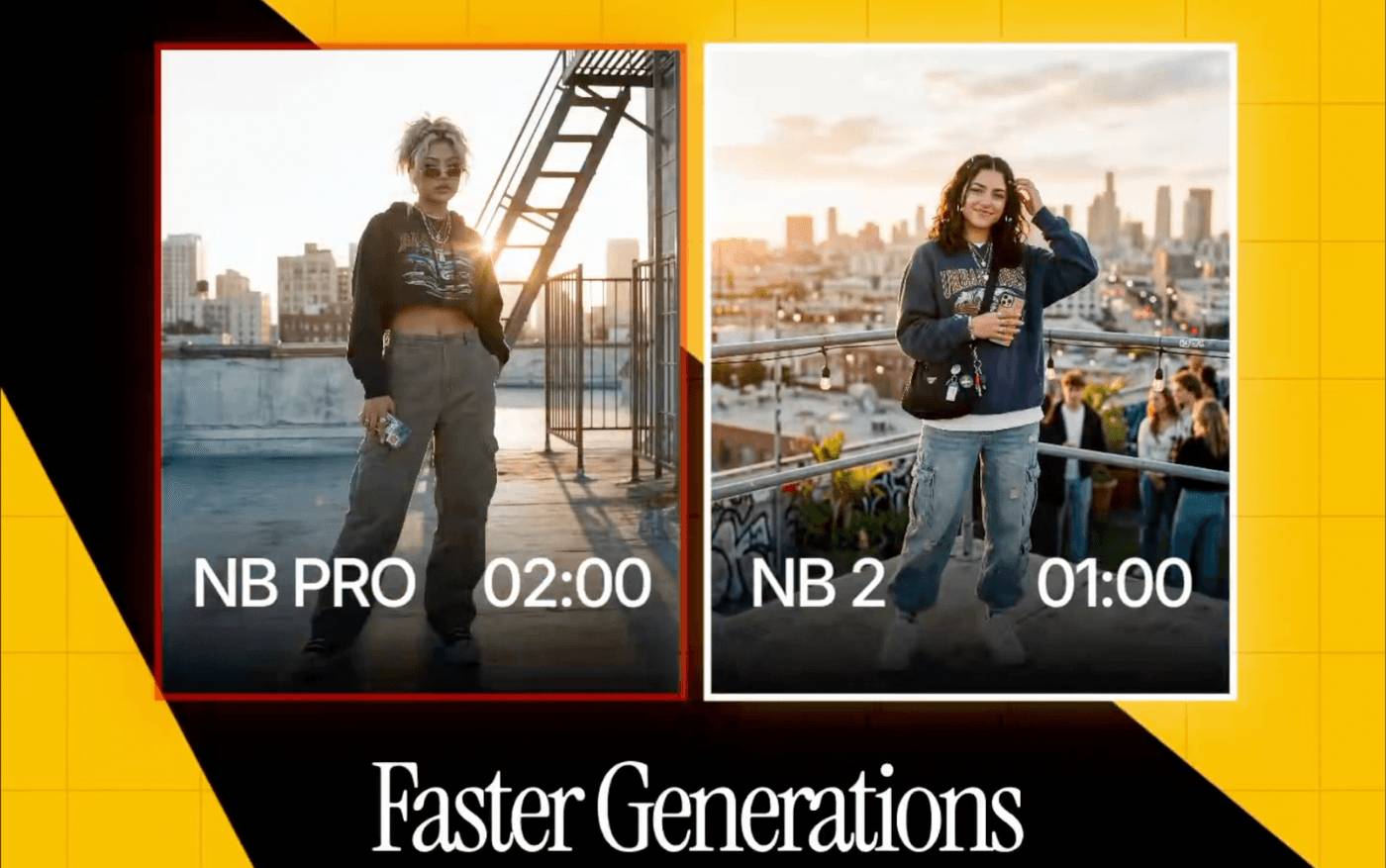
Speed sounds like a "nice to have" until you're racing a deadline. Nano Banana 2 maintains high quality while pushing generation speed forward significantly. With Gemini 3.1 Flash Image, you can do what professional teams usually can't: Test five versions instead of one. Instead of waiting minutes for a storyboard frame or ad sketch, test multiple iterations simultaneously. More experiments without inflating your budget.
3. Cinematic Image Quality Out of the Box
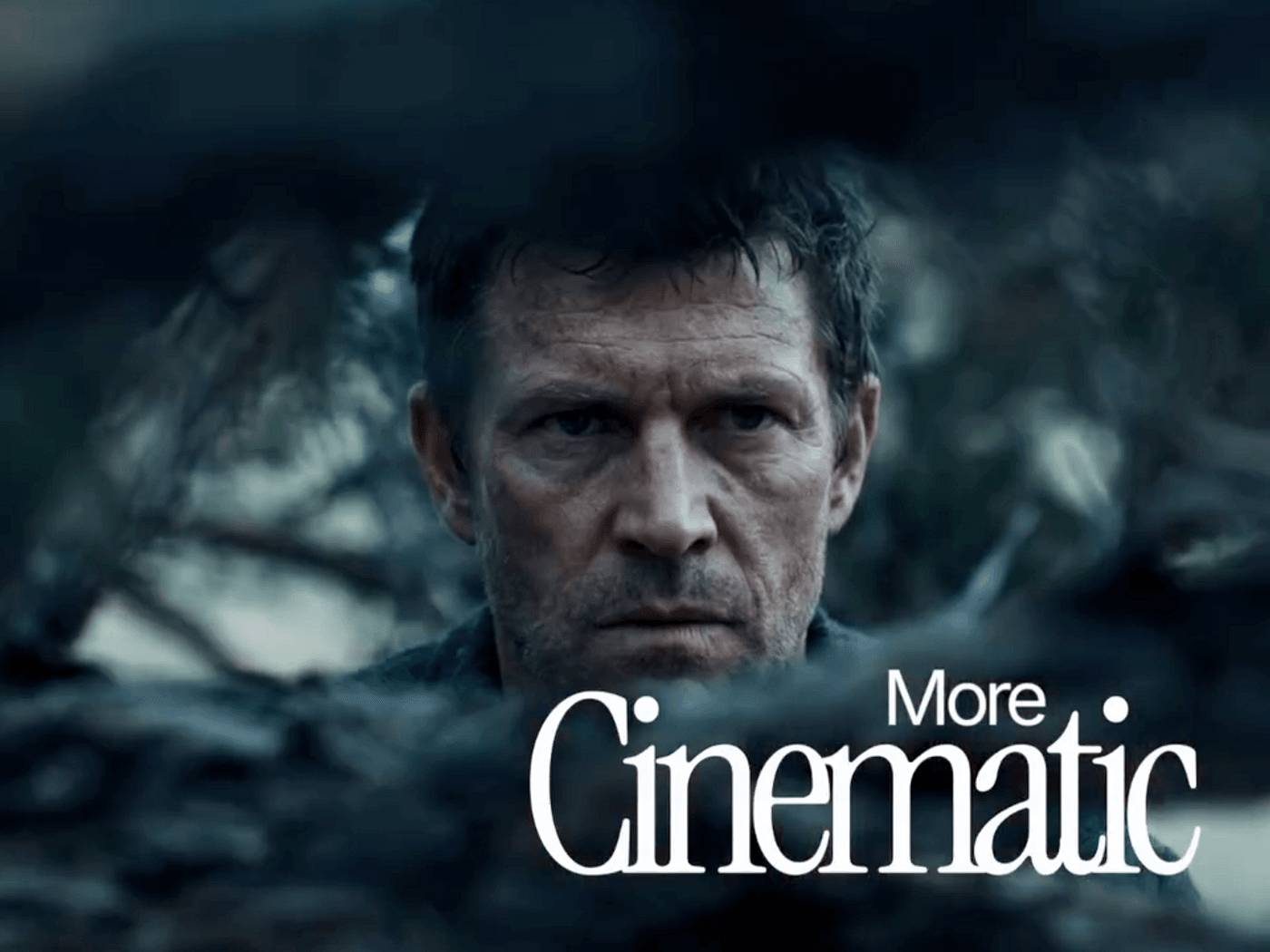
People don't click on low-quality images. Clients don't approve unfinished-looking products.
Google emphasizes improvements like dynamic lighting, rich texture, and sharper detail. The reason this matters: First outputs already approach "show-ready" quality. Use them for storyboards, pitch-frame presentations, hero images, or ad concepts without apologies about fidelity.
4. Flexible Aspect Ratios and 4K Output
Today's creators think modular. One campaign needs vertical, square, and horizontal formats. One story needs mobile-friendly and desktop frames.
Nano Banana 2 supports multiple sizes and aspect ratios, including 4K-standard output. This means you keep the core idea and adjust the format, instead of rebuilding the image from scratch for each channel.
5. Consistent Characters and Objects Across Scenes
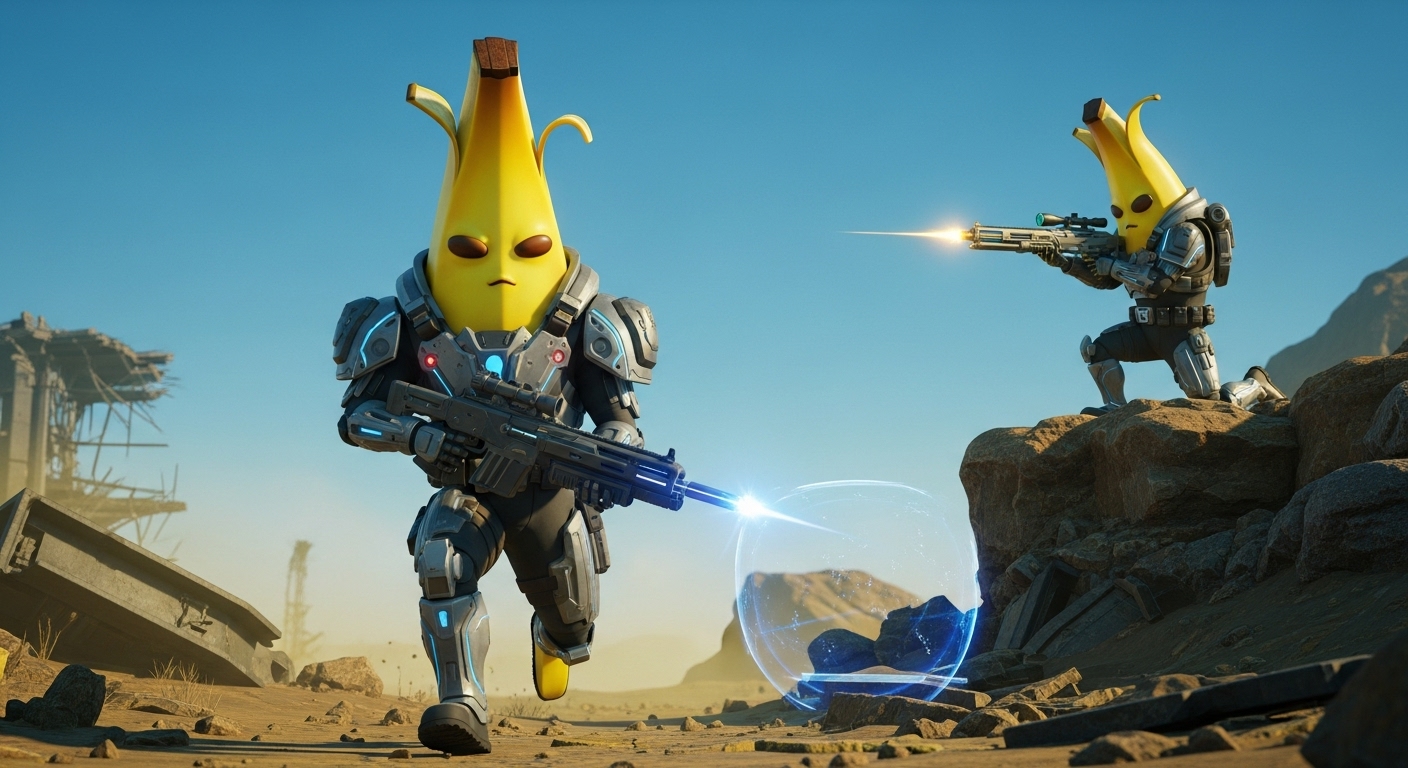
Nano Banana 2 maintains consistency for up to five characters and accurately renders up to 14 objects in a single scene or workflow.
Once you nail down your hero character, supporting cast, and key props, you can reuse them across multiple frames. This transforms Nano Banana 2 from a tool that makes "pretty single images" into a foundational storytelling tool.
6. Text Rendering and Localization
A major improvement: rendering accurate, legible text directly in your images. Nano Banana 2 can embed actual text content into posters, banners, product shots, and UI mockups while supporting translation and localization across multiple languages.
For marketers and designers, this kills an intermediate step. Create a concept mockup with complete, legible text content, then decide if refinement is needed. Particularly useful for rapid ad template creation, promotional posters, thumbnails, packaging ideas, and global market content versions.
7. Trust and Authenticity with SynthID and C2PA
Every image Nano Banana 2 generates carries a SynthID watermark and aligns with C2PA Content Credentials standards—endorsed by major tech and creative companies to ensure transparency.
Platforms supporting this standard can identify AI-generated images and display additional details about the creation process. This matters for teams needing transparent AI disclosure and regulatory compliance without building custom infrastructure.
8. Real Semantic Understanding
Semantic understanding means the model grasps full prompt meaning instead of parsing isolated words. It handles complex requests—like "rainy city street at night, hero character holding red umbrella, cinematic lighting, wide camera angle"—and nails every detail. The upshot: fewer failed outputs, fewer rewrites, dramatically shorter concept-to-deliverable time.
Prompt Writing Tips for Better Results
To get the most from Nano Banana 2, communicate your intent clearly. Here are practical tips to land better results faster.
Start with a clear subject-action-setting structure. A formula like "Create an image of [subject] [doing something] in [setting]" gives the model a solid foundation. Build from there with specific details.
The more precise your prompt, the closer your first output lands to what you want. Instead of "a person in red clothing," try "a young woman wearing a structured red blazer standing on a rain-slick street at dusk with cinematic lighting."
Leverage text rendering by clearly describing text content, font style, and placement when you need legible text. Nano Banana 2 handles logos, signs, and overlays far more reliably than previous models—aligned with one of 2026's biggest AI image trends: accuracy and control over every image element.
For consistent subjects across scenes, describe your character consistently in each prompt and use reference images in Gen Space as a foundation for their appearance. Lock in aspect ratio and resolution upfront. Use Nano Banana 2's speed advantage to iterate fast instead of over-engineering your initial prompt.
How to Use Nano Banana 2 in LTX Studio
Getting started with Nano Banana 2 in LTX Studio takes under a minute. Head to the AI Image Generator in Gen Space to jump directly into your project.
Step 1: Open Gen Space
Navigate to Gen Space within any project, or launch a fresh session from the LTX Studio homepage.
Step 2: Select Nano Banana 2
In the model dropdown menu, pick "Nano Banana 2" as your image generation model.
Step 3: Enter Your Prompt
Add a detailed text prompt describing your subject, composition, style, and mood. For better control, attach reference images or use annotations to specify particular image elements.
Step 4: Generate and Refine
Click Generate. Lean into Nano Banana 2's speed—iterate fast, tweak your request, land your intended result quickly.
Step 5: Add to Your Project
Once your image is ready, add it to your storyboard or timeline, save it as an Element for reuse, or use it as a starting frame for LTX-2 video generation.

Nano Banana 2 is here with professional quality, Flash speed, 4K resolution, and subject consistency across characters and objects—all within the platform where your entire production workflow lives.
Description: Nano Banana 2 is Google's fastest image generation model. Learn its features, how it compares to Pro, and how to use it in LTX Studio.
Related Articles
- How to Summarize Audio Files Using NoteGPT
- ChatGPT vs Meta AI: Which AI Chatbot Actually Wins?
- 10 Strategies to Future-Proof Your Career in the AI Era
- Create a Brand Context Folder to Make Every AI Output Feel Authentically Yours
- What Makes Google Flow Agent Special? Complete Guide to AI Video Creation

No Comment to " What Is Google's Nano Banana 2? Complete Guide & Usage Tips "