The 6 Best AI-Powered PDF Readers You Should Know About
Still manually scrolling through 50-page PDFs hunting for one specific clause? Squinting at dense reports until your eyes hurt? You're working harder than you need to.
By 2026, artificial intelligence has genuinely transformed how we handle documents. Modern PDF tools now deliver two genuinely useful solutions. First, you've got AI analysis tools that summarize text, extract data, and answer questions about your documents. Second, there are audio-focused AI tools that read files aloud in natural-sounding, human-like voices.
Want to save time, reduce screen fatigue, or simply handle documents more efficiently? This guide breaks down the best AI-powered PDF readers currently available. These tools will make your work life significantly easier.
1. Adobe Acrobat AI Assistant
Key Highlights
| Criteria | Details |
|---|---|
| Best for | Professionals and enterprise teams already using Adobe Acrobat |
| Pricing | Requires Acrobat subscription (starting at $12.99/month) plus AI Assistant add-on ($1.99-$9.99/month depending on promotions) |
| Strengths | Excellent formatting preservation, strong security, seamless integration with existing workflows |
| Weaknesses | Expensive if you don't need a full-featured PDF editor; limited audio features |
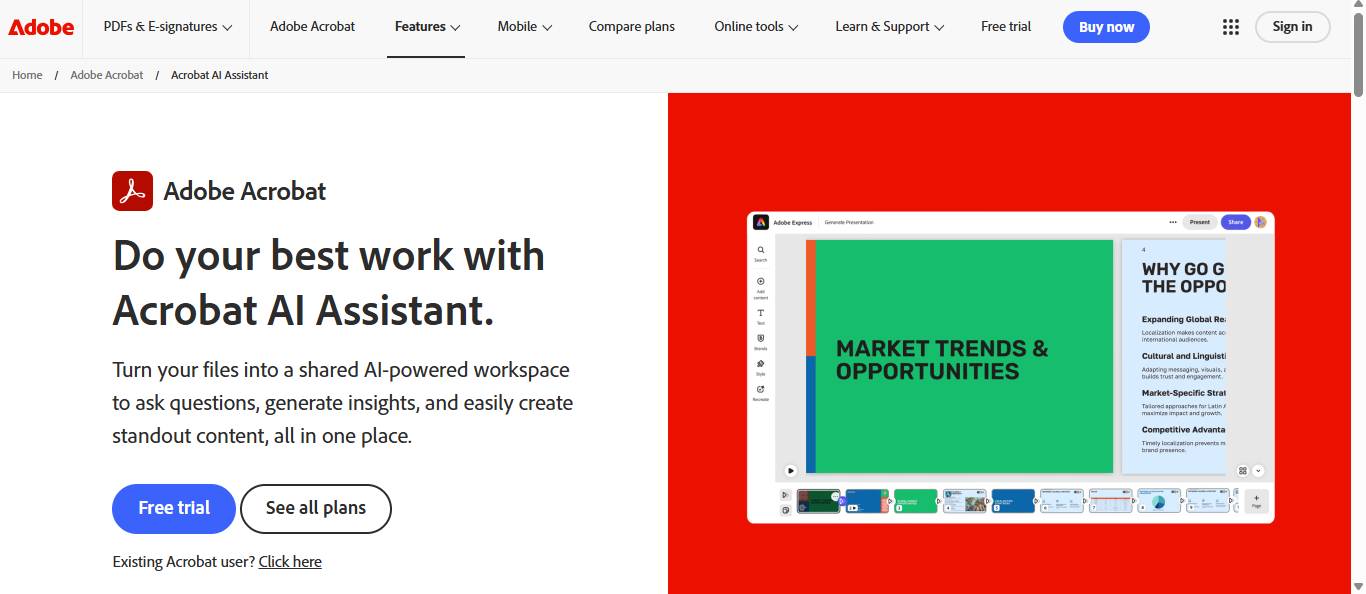
Adobe created the PDF format in the first place, so it's no surprise they're embedding AI directly into their flagship product. What's interesting here is that Acrobat's AI Assistant targets people already invested in Adobe's ecosystem for document management and sharing. You can ask questions about documents, create quick summaries, and extract critical information for emails, reports, or presentations. Since it's built right into Acrobat, it handles complex layouts and charts better than most standalone web tools.
2. ChatPDF
Key Highlights
| Criteria | Details |
|---|---|
| Best for | Students, researchers, and anyone needing quick answers from a single document |
| Pricing | Free for small files; Plus plan around $5/month for larger files and more questions |
| Strengths | Extremely user-friendly, provides citations for answers |
| Weaknesses | Web-based only; struggles with image-heavy PDFs or poorly formatted files; no audio features |
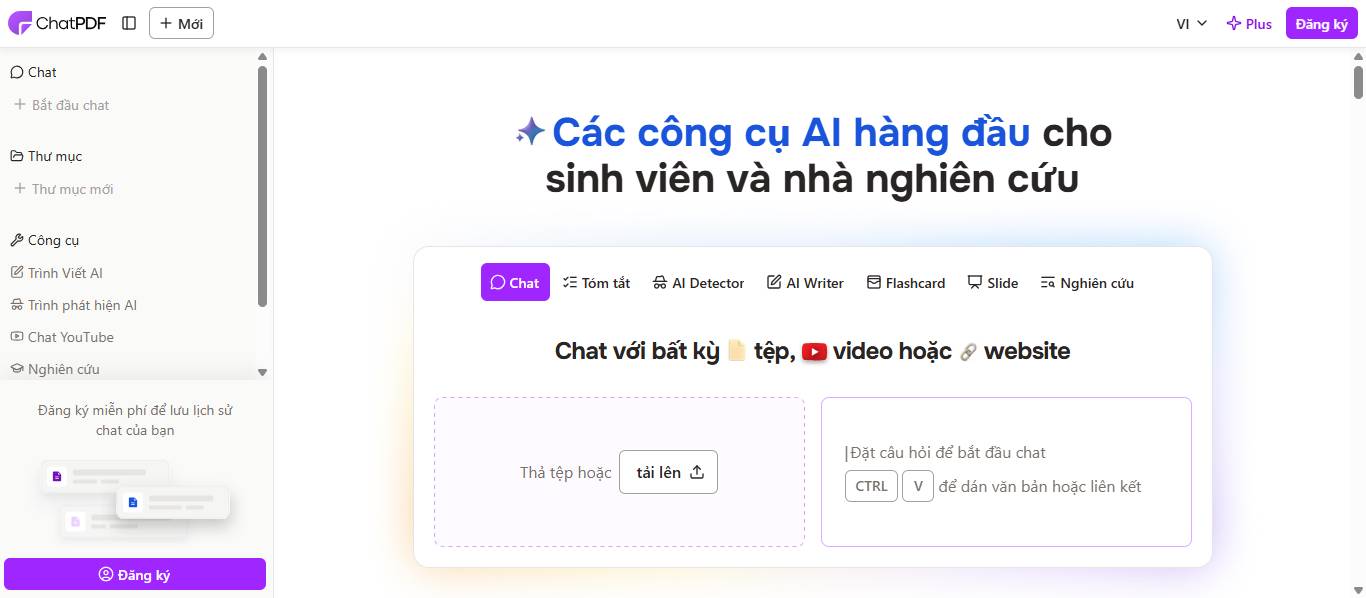
ChatPDF does exactly what its name promises. Upload a PDF and have a conversation with its contents using AI. Instead of endless scrolling, you ask questions and get instant answers pulled directly from the document. This makes it particularly popular with students and researchers who need to extract core information from academic papers without spending hours reading page by page. You can even try it without creating an account, making it one of the easiest tools to jump into immediately.
3. eesel AI
Key Highlights
| Criteria | Details |
|---|---|
| Best for | Customer support teams and enterprise knowledge management |
| Pricing | Starts at $299/month for Team plan |
| Strengths | Connects multiple data sources, automates workflows, integrates with Slack and Zendesk |
| Weaknesses | Enterprise pricing; overkill for individual users |
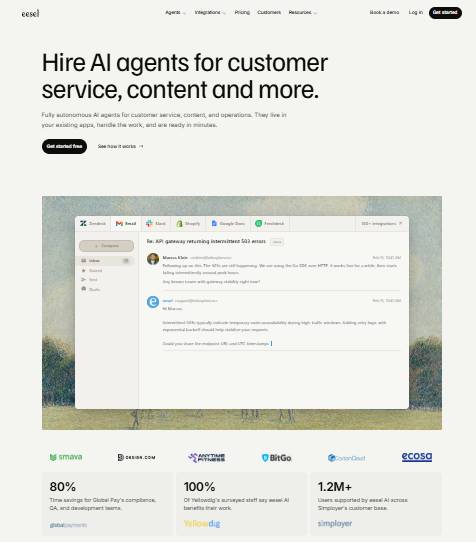
While tools like ChatPDF focus on individual users, eesel AI targets teams within organizations. The real concern is that this tool pulls together an entire company knowledge base—PDFs, internal wikis, past support tickets—and makes it all searchable through one system. This is especially valuable for customer support and IT departments handling massive question volumes daily. Think of it as a knowledge management layer built specifically for business workflows.
4. ElevenReader

Key Highlights
| Criteria | Details |
|---|---|
| Best for | Professionals, students, and audiobook enthusiasts who want to listen to lengthy documents with natural-sounding narration |
| Pricing | Free plan includes 10 hours monthly with premium voices; Ultra plan starts at $8.25/month for unlimited listening |
| Strengths | Superior audio quality, cross-device sync, generous free tier |
| Weaknesses | Focused solely on reading and listening; no document editing or AI conversation features |
ElevenReader specializes in consuming long-form content through audio. Upload a PDF from your computer and it syncs automatically with the ElevenReader app on iOS or Android. The app transforms documents into smooth, audiobook-like listening experiences with genuinely human-sounding voices. What makes this valuable is the cross-device sync. Upload during the day on your desktop, then pick up exactly where you left off on your phone. This flexibility lets you process lengthy documents without disrupting your daily routine.
5. Speechify
Key Highlights
| Criteria | Details |
|---|---|
| Best for | Users wanting celebrity voices or specific accessibility features |
| Pricing | Free tier offers only basic, robotic-sounding voices; Premium starts at $29/month |
| Strengths | Multi-platform support, celebrity voice options, strong accessibility features |
| Weaknesses | Annual commitment required and pricey; free tier voices sound artificial |
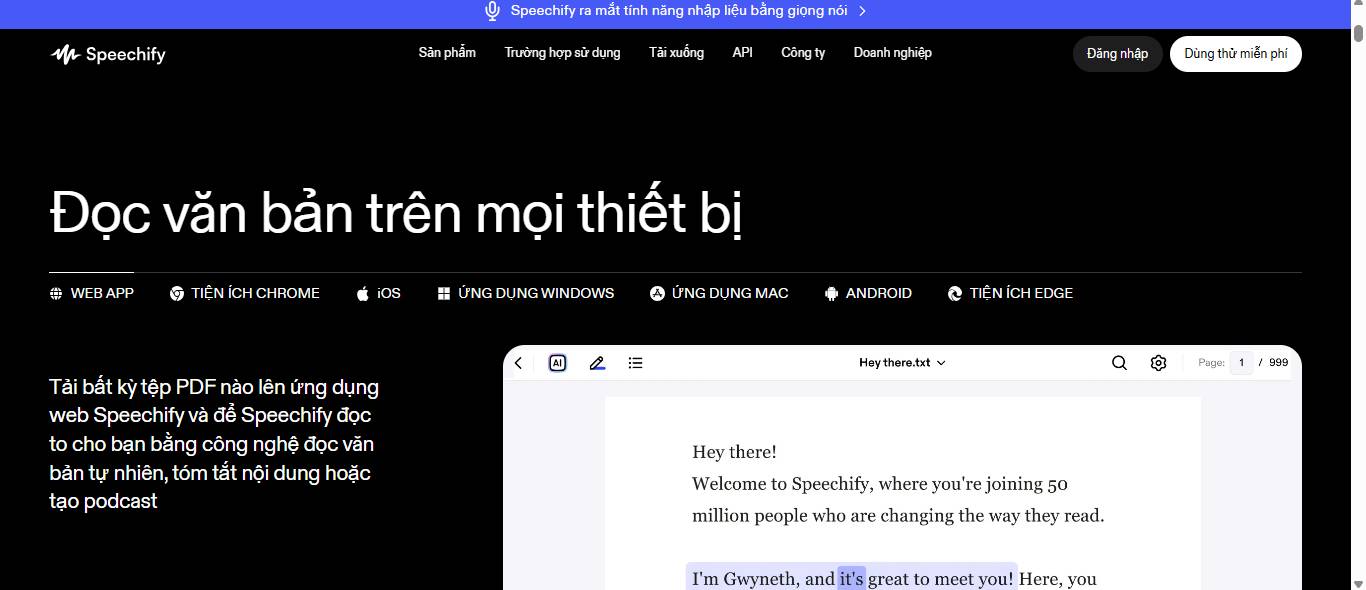
Speechify works reliably across platforms—mobile apps, browser extensions for Chrome, and more. You can upload documents or open PDFs directly in your browser and start listening immediately. The catch? Pricing structure. The free version is limited, and accessing quality voices means subscribing to an annual plan, which can feel like a commitment for some users.
6. NaturalReader
Key Highlights
| Criteria | Details |
|---|---|
| Best for | Users seeking a straightforward text-to-speech tool without bells and whistles |
| Pricing | Free version available; Plus plans start at $20.90/month; Premium with top-quality AI voices costs $25.90/month |
| Strengths | Easy to use, supports multiple file formats, commercial license available |
| Weaknesses | Premium voices carry premium pricing; interface feels slightly dated |
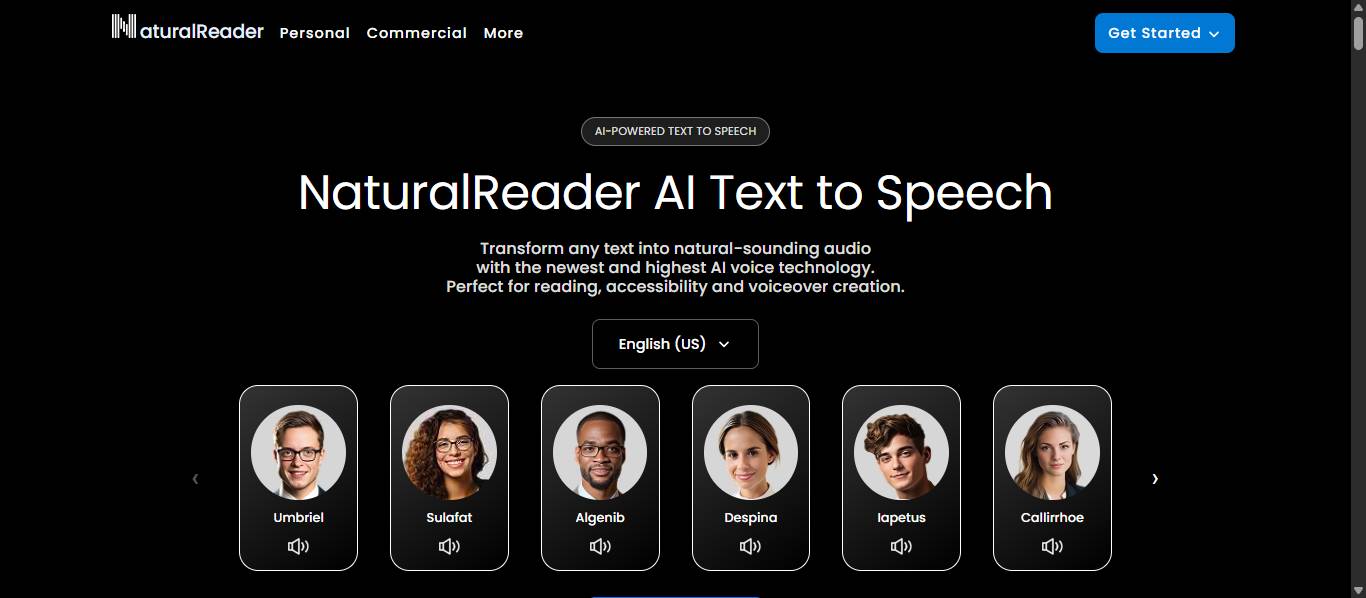
NaturalReader is a veteran in the text-to-speech space, delivering dependable, straightforward performance. It handles multiple file formats including PDFs and features a clean interface for quick setup. The voice quality beats system defaults by a significant margin—though it hasn't quite reached the hyper-realistic neural voices we're seeing emerge lately. If you're after something basic that works reliably, NaturalReader strikes a solid balance between functionality and trustworthiness.
Description: Discover the top AI-enabled PDF tools that can summarize documents, answer questions, and read files aloud with natural voices.

No Comment to " The 6 Best AI-Powered PDF Readers You Should Know About "