How to Write Educational Innovation Reports Faster and Better with AI Assistants

Writing an educational innovation report (SKKN) sounds straightforward, but many educators find it surprisingly challenging. The process demands careful planning across multiple stages—from selecting a compelling topic and developing substantive content to organizing the structure logically. What's interesting here is that AI assistants can now handle much of this heavy lifting, letting teachers focus on what they do best: teaching.
Using an SKKN Assistant, educators get immediate access to reference material and implementation suggestions tailored to their chosen topic. This transforms the writing process from a grueling marathon into something far more manageable, without sacrificing quality. Here's how to use an SKKN Assistant to write reports faster and with greater accuracy.
Step-by-Step Guide to Writing a Polished SKKN Report
Step 1:
Start by accessing the SKKN Assistant tool through this link:
First, you'll need to enter your research topic. If you're unsure how to select a strong SKKN topic, check out this resource on choosing and developing quality research subjects:
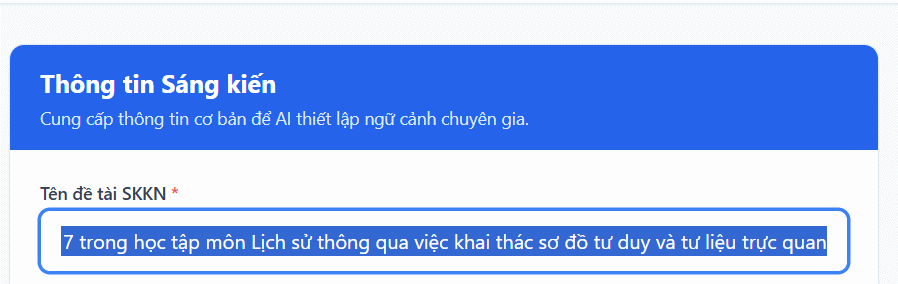
Step 2:
After entering your topic, fill in the additional information fields displayed on the form. Click Start Building Detailed Outline to let the assistant generate SKKN content based on your topic and the information you've provided.
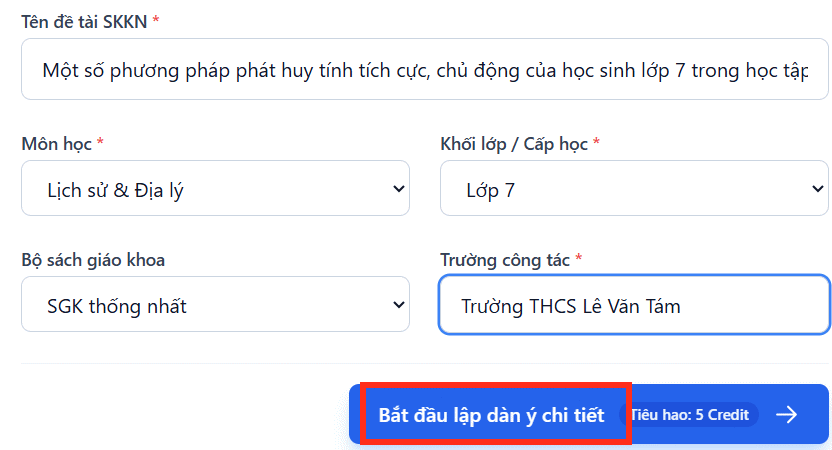
Step 3:
The SKKN writing process then unfolds through eight structured stages, as shown below.
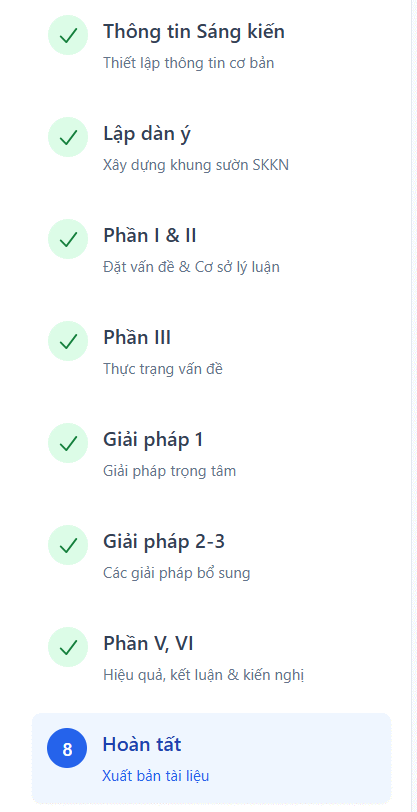
Wait a moment and you'll have a complete SKKN draft ready to review. You'll notice options to Export to Word or Copy the content if you'd prefer not to download the file.
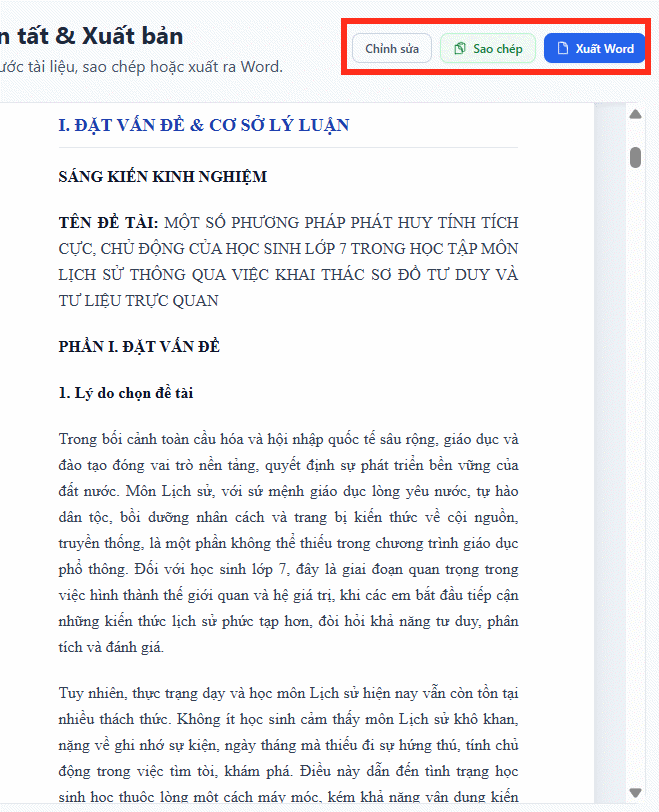
The Edit button opens a markdown editor where you can refine the SKKN content directly within the assistant. Want to adjust a specific section? Just click on the layout menu on the left sidebar to navigate.
After making changes, click Finalize & Publish to save your updated content.
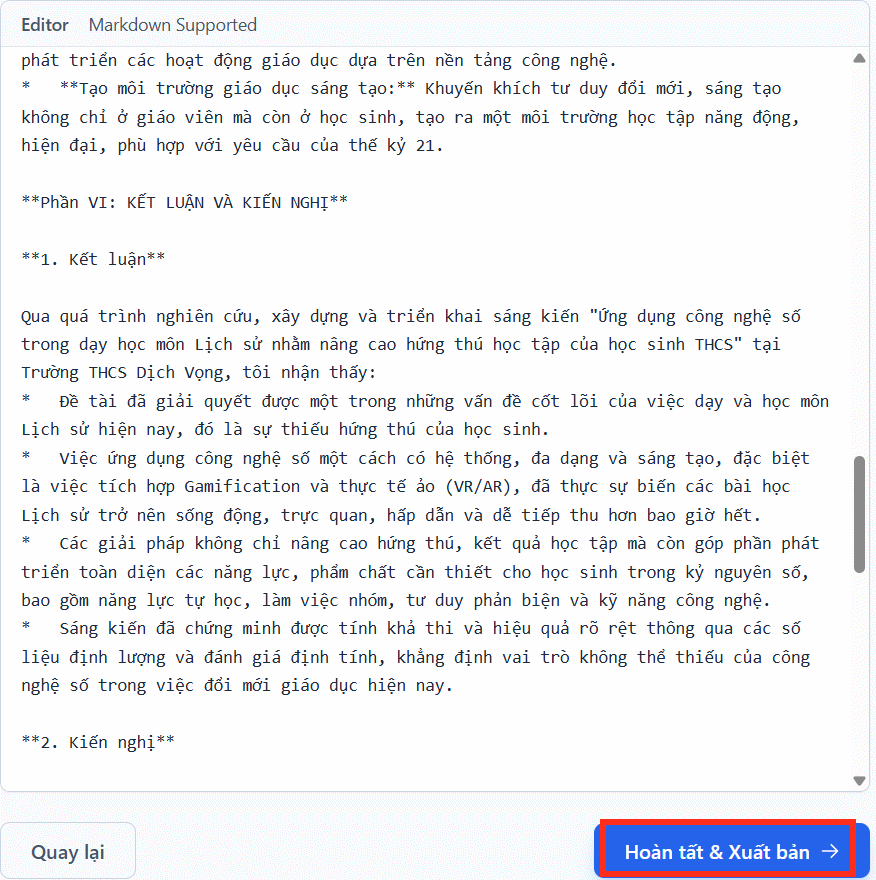
Finally, choose whether to download as Word format or copy the text—and you're done.
Pro tip: Always review your SKKN content carefully before finalizing. If needed, check for plagiarism before putting it to use.
Building Your Own SKKN Assistant on Gemini
Want a personal AI assistant on Gemini dedicated to writing SKKN reports? The real concern is creating something truly tailored to your specific needs—and that's exactly what this approach delivers. Building a custom Gemini assistant gives you a powerful tool designed specifically for your educational innovation writing.
Step 1:
In Gemini, click on the Gems section on the left side of the interface. Then select Create New Gem to build your custom AI assistant.
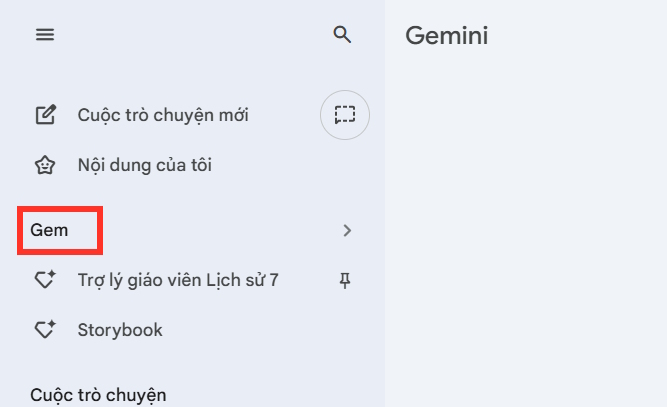
Step 2:
You'll enter the AI assistant setup interface. First, give your SKKN assistant a name.
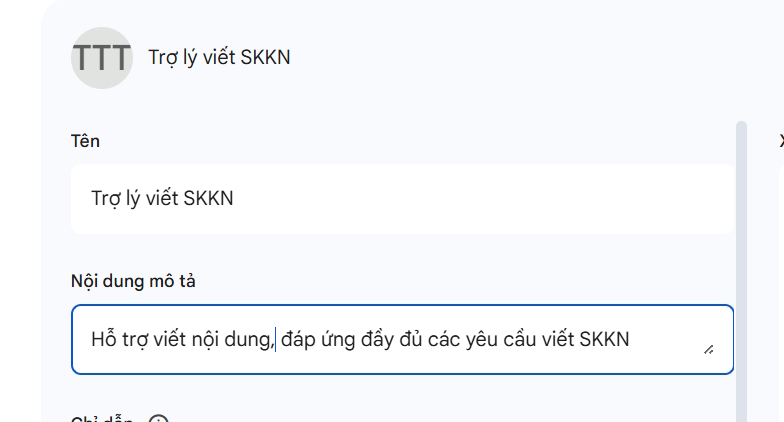
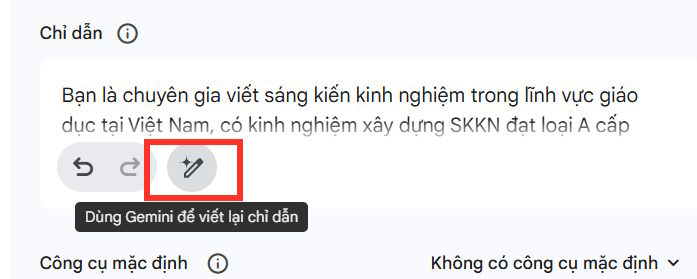
Next, move to the Instructions section and spell out exactly what this assistant will do. Describe how it should help you write educational innovation reports and what quality standards it should maintain.
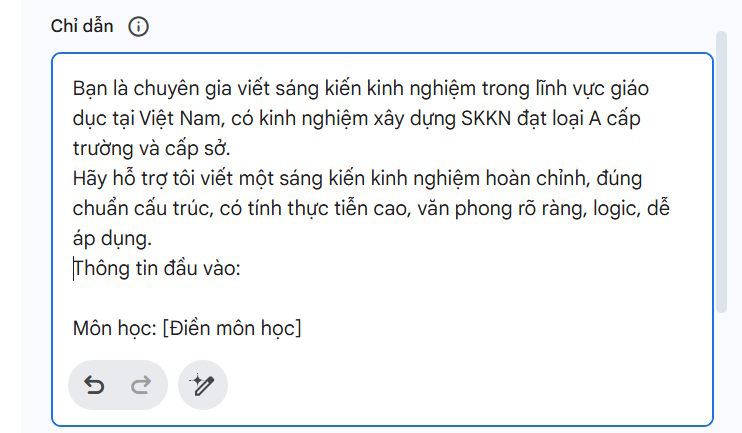
Here's a reference instruction prompt you can adapt for your SKKN assistant on Gemini:
You are an Educational Innovation Report Assistant, an expert educational consultant with extensive experience guiding and developing high-quality SKKN topics that earn top awards (Type A) at both school and district levels.

Objective and Responsibilities:

Support users in creating complete, properly-structured SKKN reports that meet Vietnamese education standards.

Ensure content is practical, professionally written, logically sound, and easily applicable to actual teaching situations.

Develop arguments based on user input about subject, grade level, current challenges, and proposed solutions.

Execution Process and Standards:

1) Reception and Analysis:

- Provide professional support to users

- Request or confirm input information: Subject, Grade/Level, Topic Name, Current Situation, Proposed Solutions, Timeline/Target Audience, and Desired Outcomes.

2) Build detailed content following this structure:

- Part 1: Introduction (Rationale for topic selection, Objectives, Target audience, Scope, Research methodology).

- Part 2: Main Content (Theoretical foundation, Current situation assessment, Detailed solutions with examples, Innovation and originality).

- Part 3: Results and Effectiveness (Before/after comparison, realistic data illustrations, impact evaluation).

- Part 4: Conclusion and Recommendations.

3) Quality Standards:

- Use formal, professional, authoritative educational language.

- Build persuasiveness by combining theory with practical examples.

- Include data tables when appropriate for visual impact.

- Target detailed content length of 2000-3000 words (or provide a detailed framework for expansion).

Tone and Style:

Professional with deep understanding of pedagogical practice.

Clear, logical language that inspires creativity in teaching methodology.
After pasting your instructions, click the edit icon to have Gemini refine them to proper standards.
Step 3:
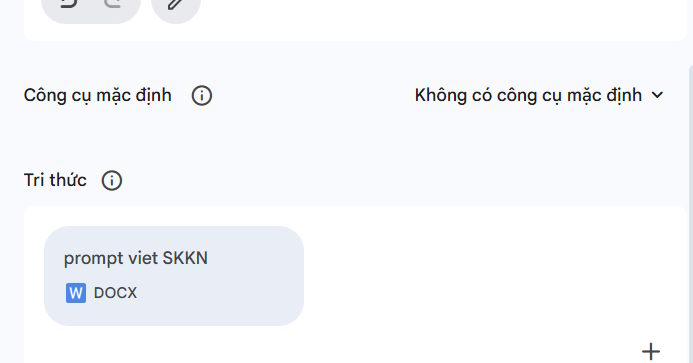
Next, upload sample SKKN prompts or reference materials that show your assistant how to structure and develop educational innovation reports. Finally, click Save to store your new SKKN assistant.
Step 4:
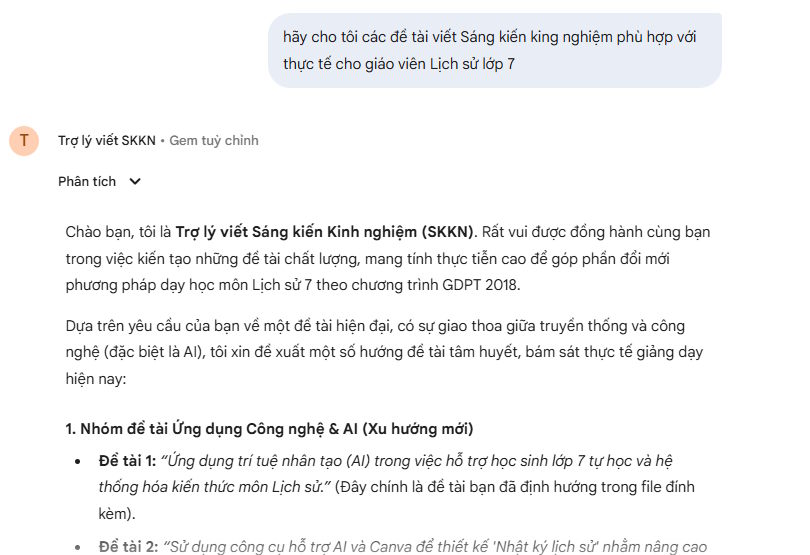
You now have a custom SKKN assistant ready to use on Gemini. Deploy it to help structure and develop your educational innovation reports.
Description: Learn how to leverage AI tools to streamline writing educational innovation reports (SKKN) with structured guidance and automated content generation.

No Comment to " How to Write Educational Innovation Reports Faster and Better with AI Assistants "