8 Best AI Logo Makers for Small Business Branding in 2024
AI-powered logo creation platforms have transformed how small businesses build their brand identity. If you're running a startup or small company without design experience or the budget to hire an agency, these tools let you generate professional-quality logos in minutes instead of starting from scratch. The real game-changer? You can iterate on designs without needing to understand design software.
This roundup covers the best online logo makers with strong AI capabilities, evaluated on logo quality, customization options, pricing, ownership rights, and how well each platform supports brand expansion beyond the logo itself.
8 Best AI Logo Generators
1. Design.com — Best for Building a Complete Brand System
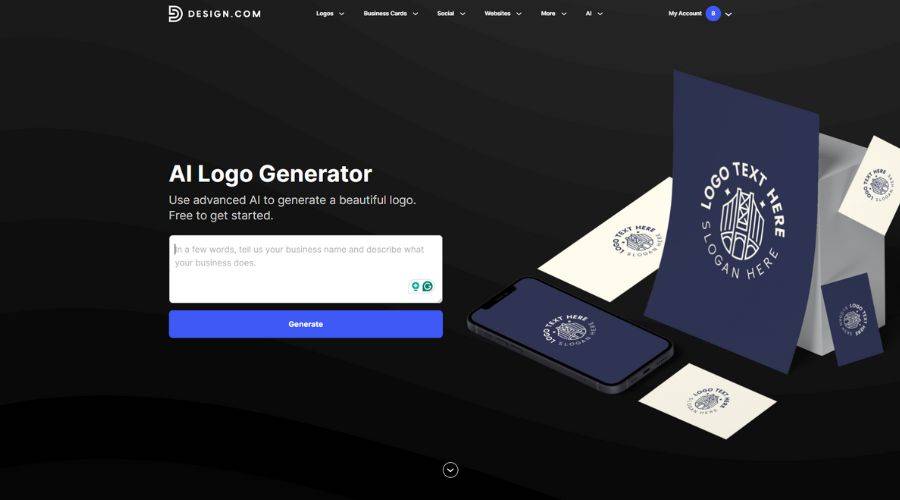
Design.com goes beyond just generating a logo. It combines AI-powered logo generation with professional templates and connected brand-building tools, letting you evolve from a single logo concept into a complete brand system. What's interesting here is the platform's emphasis on reliability, consistency, and scalability—meaning your logo won't need a redesign as your business grows.
Key Features:
- AI infers your industry and relevant keywords directly from your business name
- Over 360,000 professionally designed logo templates
- Advanced logo editor with non-destructive adjustments
- Free tier includes vector and high-resolution downloads
- 50+ connected brand-building tools for scaling beyond the logo
- Includes website builder, link-in-bio tool, and digital business card maker
- Extended licensing options for exclusive logo ownership
Real Examples in Action:
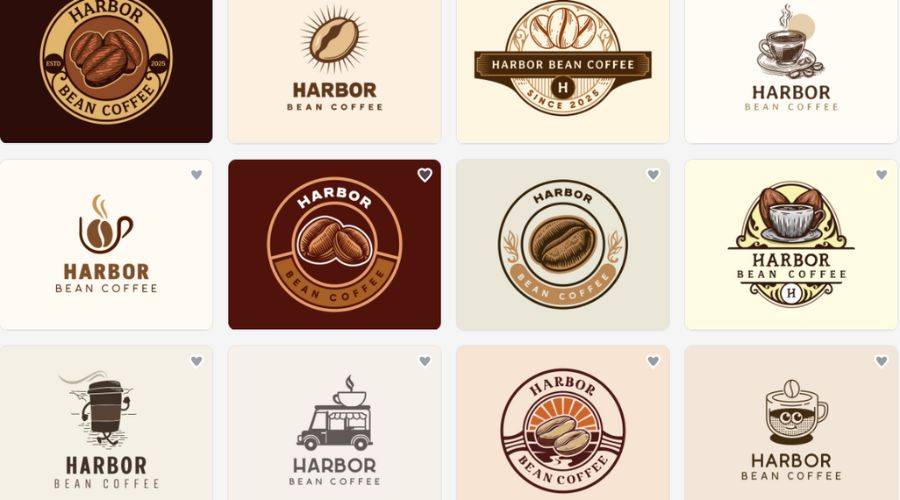
Harbor Bean Coffee (Coffee Shop): The tool generated multiple logo directions with different structures—emblem styles, wordmarks, and icon-based layouts. Rather than minor tweaks, these delivered genuinely distinct brand directions.
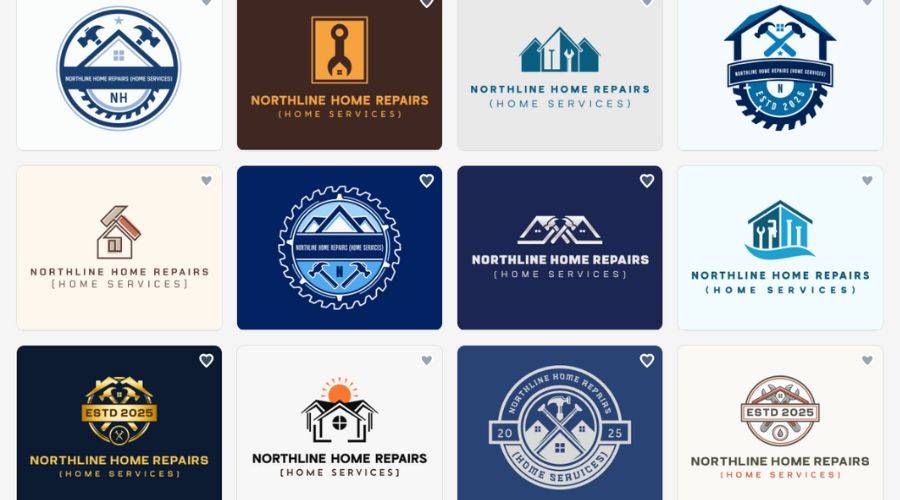
Northline Home Repairs (Home Services): The generated options focused on clarity and trustworthiness, using bold typography and strong iconography with layouts designed to work on vehicles, invoices, and signage.
How the AI Works:
Design.com's AI extracts your industry and related keywords straight from your business name, then generates fitting logo options right from the start. This means you skip the step of pre-selecting visual preferences, and you get distinct design structures rather than minor variations.
Logo Quality and Variety:
The platform delivers logos across multiple styles—wordmarks, emblems, abstract icons, and image-based layouts. Because designs are professionally curated and vetted, spacing, alignment, and proportions stay polished and professional.
Customization and Editing:
Refine your logo by adjusting fonts, colors, layout, and advanced spacing tools while maintaining visual balance. Non-destructive edits mean you can experiment confidently without permanently altering your original.
Expanding Your Brand Beyond the Logo:
Once your logo is locked, its colors and fonts sync across 50+ brand-building tools, including business cards, invoices, social posts, websites, and gift certificates. Your logo becomes a reusable brand system, not just a standalone asset.
File Formats and Ownership:
Design.com exports high-resolution raster files and vector formats (SVG, EPS, PDF) for both digital and print use. Extended licensing is available for businesses needing exclusive ownership rights.
Pricing and Plans:
Design.com offers monthly or yearly payment options, with annual plans carrying significant discounts. The free tier includes complete logo creation and vector/high-res downloads, plus access to website, link-in-bio, and digital business card tools.
Paid tiers focus on brand expansion rather than logo-only gatekeeping:
- Starter (Logo): $15/month or $5/month when billed annually
- Value (Logo + Website): $24/month or $6/month when billed annually
- Premium (Logo + Website + More): $29/month or $7/month when billed annually
2. Canva Logo Maker — Best for Flexibility and Ease of Use
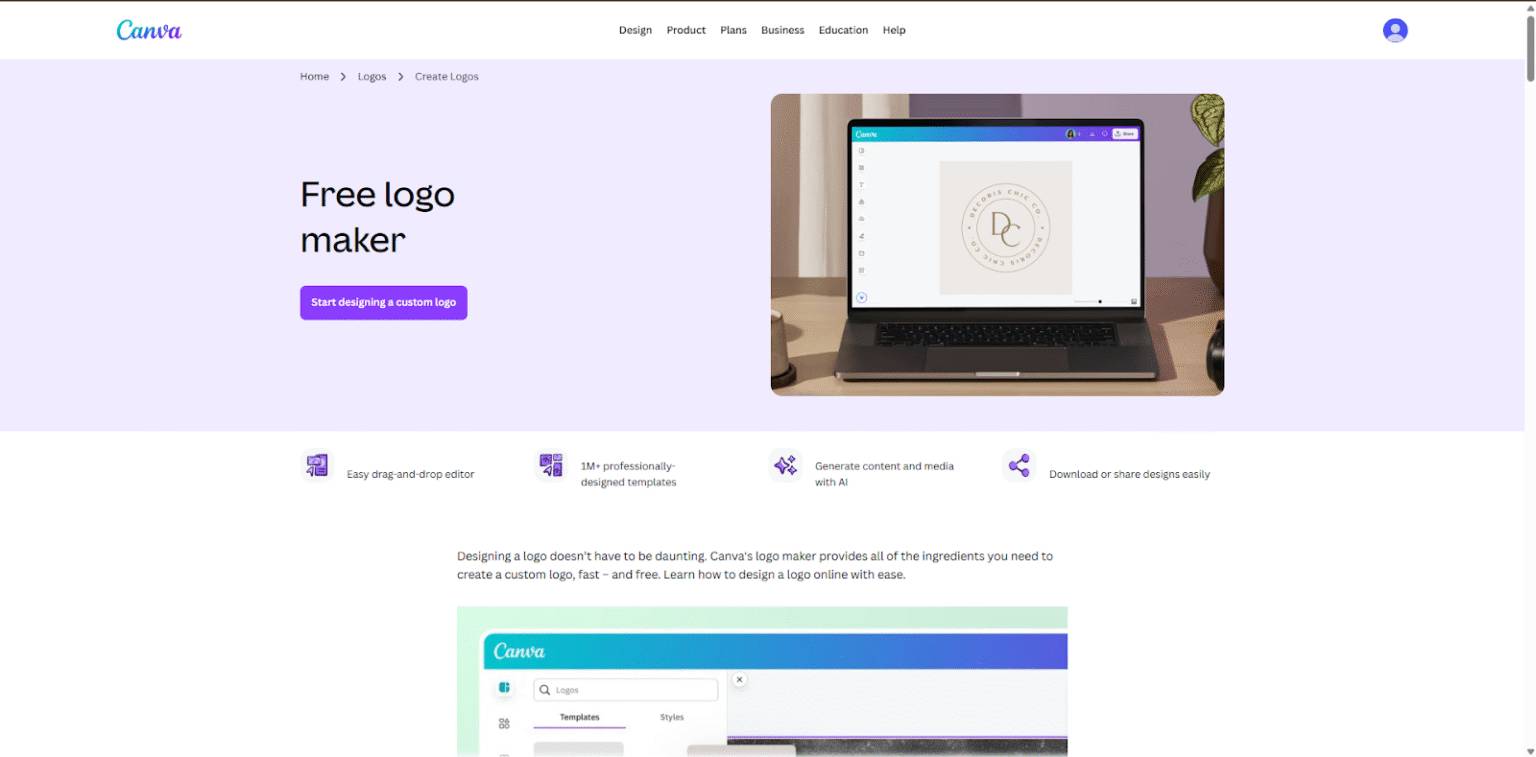
Canva treats logo creation as part of a broader design ecosystem. Its AI-powered logo tools generate quick starting points that you refine in the familiar drag-and-drop editor. This approach appeals to small businesses that value ease-of-use and want to repurpose their logo across marketing materials, social content, and presentations.
Key Features:
- AI-assisted logo creation with template-based starting points
- Drag-and-drop logo editor
- Extensive library of fonts, icons, and design elements
- Brand kit tool to store logos, colors, and fonts
- SVG export available on paid plans
- Strong support for marketing and social media content creation
3. Tailor Brands — Best for Fast, Automated Logo Generation
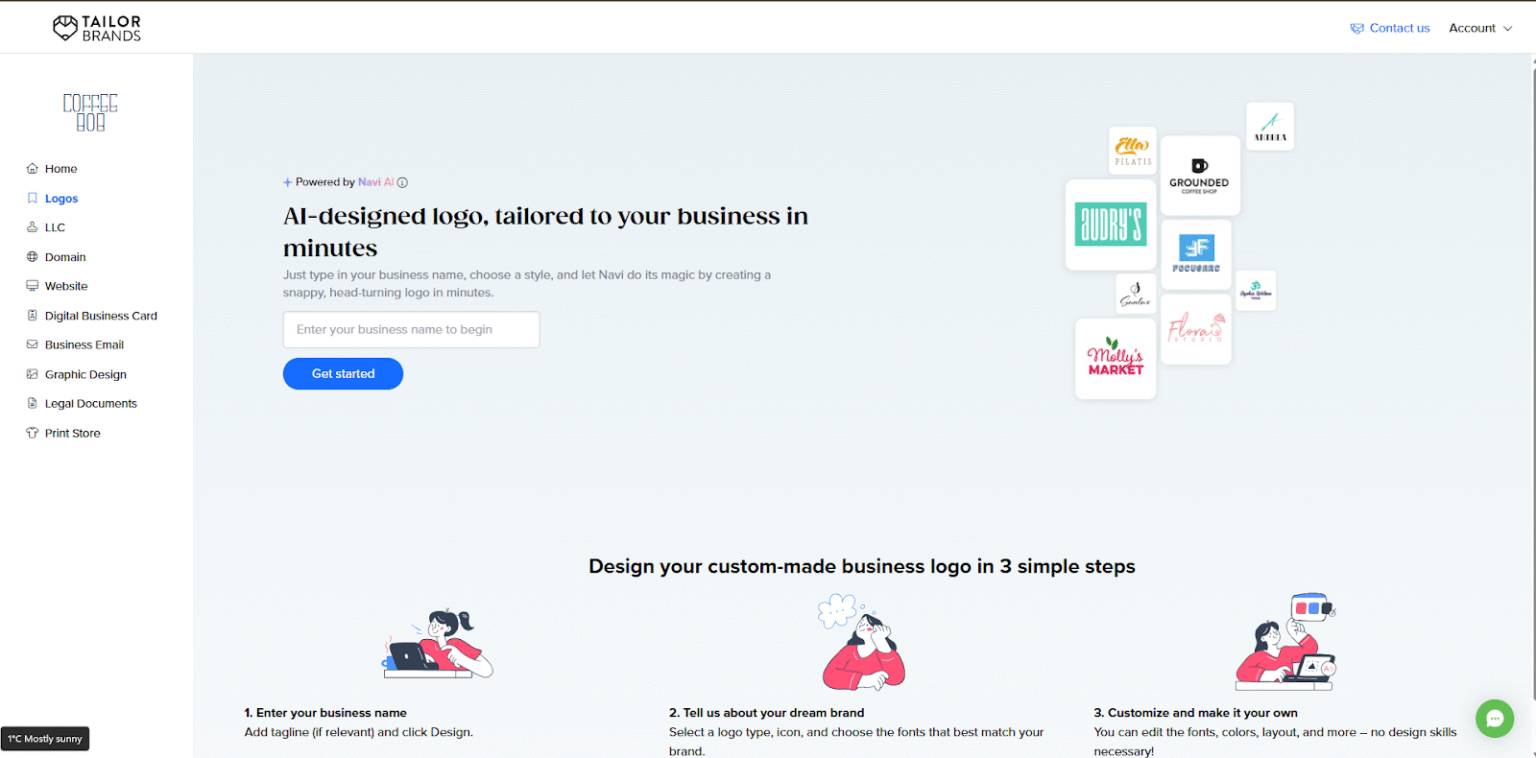
Tailor Brands prioritizes speed and automation, removing as much decision-making as possible from the process. The AI guides you through a quick questionnaire and automatically generates logo options without requiring extensive input.
Key Features:
- Questionnaire-driven AI logo generation
- Automatic brand style suggestions
- Streamlined logo editor focused on speed
- Brand asset extensions built on your logo
- Commercial usage rights on paid plans
- Minimal setup and decision-making
4. Wix Logo Maker — Best for Wix Website Users
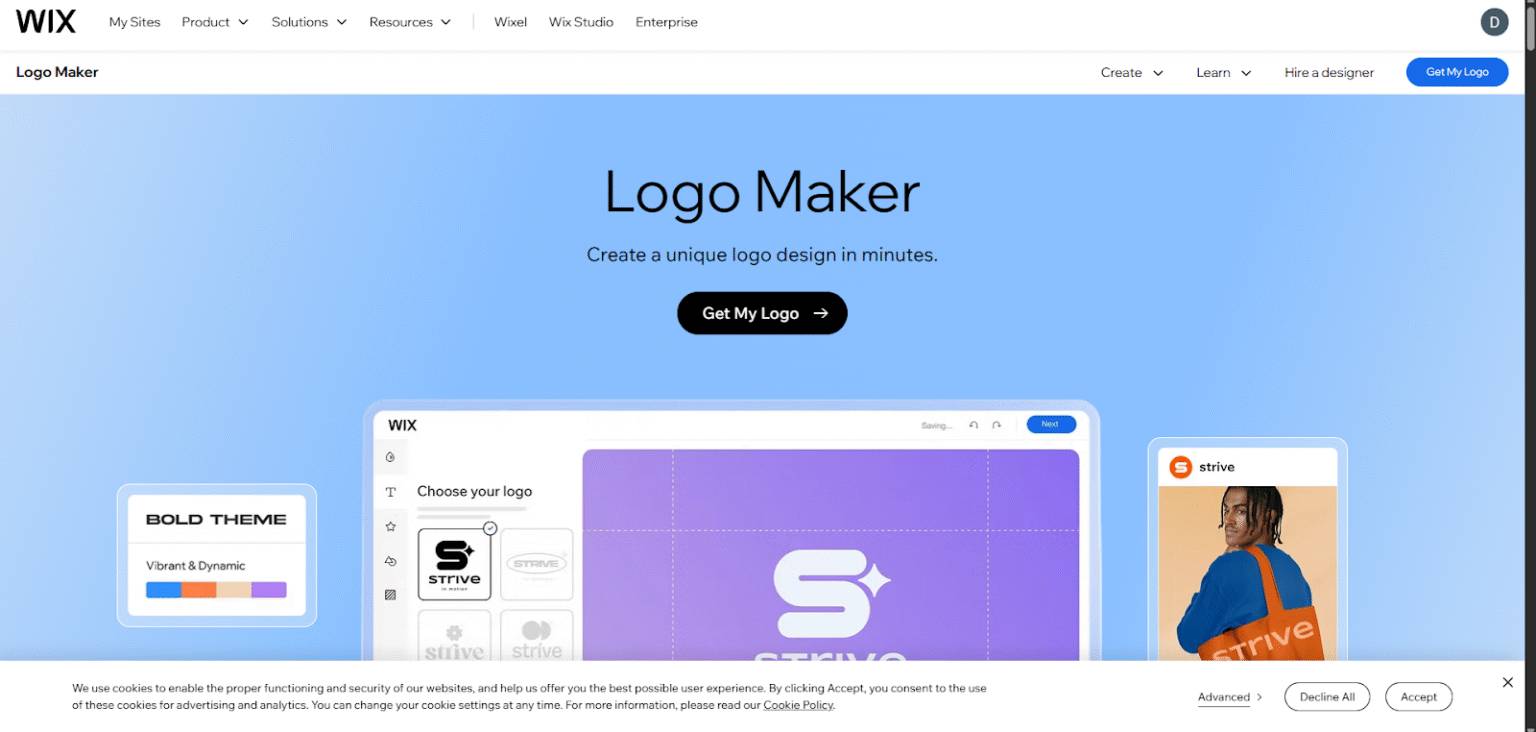
Wix Logo Maker targets small businesses planning to build their website on Wix and wanting seamless logo integration into that ecosystem. It emphasizes clean, web-ready logos that sit naturally alongside Wix headers, navigation bars, and marketing pages—prioritizing usability and consistency over experimentation.
Key Features:
- AI-powered logo creation integrated with Wix
- Streamlined editor focused on web-friendly layouts
- High-resolution and vector files available after purchase
- Direct integration with Wix website and branding tools
- Traditional, readable logo styles
- One-time purchase option
5. Looka — Best for Quick AI Logo Ideas and Inspiration
Looka targets speed and volume, generating dozens of logo ideas based on minimal input. It works well for small businesses wanting to explore multiple directions quickly and narrow down their visual direction without spending time on setup or configuration.
Key Features:
- Bulk AI-generated logo ideas
- Focused, streamlined logo editor
- Customization through fonts and colors
- Brand identity packages with supporting materials
- Commercial usage rights included in paid logos
- One-time purchase option available
6. Brandmark
Strengths
- Simple, intuitive interface
- Flexible customization and design choices
- Beginner-friendly
Limitations
- Color palette options somewhat limited
- Generated logos sometimes lack uniqueness compared to newer AI tools
- Advanced features require payment
Brandmark serves users with little design experience. The platform walks you through a simple process where you select style, colors, and business type, then customize the resulting design.
Highlights:
- Quick logo generation based on style, color, and industry choices
- Multiple design directions for reference
- Post-generation editing and refinement
- No prompt writing or professional design software needed
- Multiple file formats available on paid plans
Pricing: Starting at $25 for one-time logo purchase; Enterprise plans reach $175, including additional file formats and design team access.
7. Logo.com
Strengths
- Fast, simple logo generation
- Many design options upfront
- Strong customization capabilities
- Deliverables are more polished than many template-based tools
Limitations
- Still heavily template-dependent
- Creativity and uniqueness lag behind modern AI image tools
- Some features and design files require payment
Logo.com emphasizes speed and customization. You provide business type, colors, icons, and style preferences to receive multiple design suggestions.
Highlights:
- Generate multiple logo templates based on industry and brand style
- Extensive color, icon, and layout options
- Direct editing of elements after logo creation
- Logo preview across multiple products and brand materials
- Useful for building basic brand identity quickly
Pricing: Free download of one logo; additional files start around $8, with full brand-building suites costing more.
8. Recraft
Strengths
- Generates usable SVG vector files
- Results feel creative and less template-driven than traditional tools
- Strong brand style and color consistency
- Designer-friendly interface
- Iterate on and refine logos from previous ideas
Limitations
- Requires some prompt-writing skill for best results
- Free tier burns through credits quickly
- Not ideal if you also need photorealistic images alongside logos
Recraft is an AI image generator built for graphic designers, particularly strong at logo creation. Unlike traditional AI logo makers, Recraft outputs actual vector SVG files—meaning your logo scales to any size without quality loss.
The V4 version also supports Brand Kit, letting you upload color palettes and reference images so the AI maintains consistent brand style during logo creation and editing.
Highlights:
- Generates logos as vector SVG files for multi-size use
- Brand Kit support for consistent colors and style
- Multiple design styles: vector, flat, realistic
- Strong typography capabilities for text-based logos
- Generate and iterate on different logo directions
- Use prompts to guide style, color, and imagery
Pricing: Free tier with limited credits; paid plans for individuals start around $12/month, with team plans priced higher.
Best For: Designers, content creators, businesses, and users wanting high customization and directly usable vector files.
Final Thoughts
AI logo makers offer small businesses multiple paths to professional branding, but the experience varies significantly between tools. Some prioritize speed and simplicity, while others focus on long-term brand consistency.
Design.com stands out for businesses wanting to create a logo once and expand it into a complete brand system. The others may fit narrower or faster needs, but typically require upgrading sooner or adding complementary tools as your business scales.
Hopefully this breakdown helps you pick the right fit for your business.
Description: Compare top AI logo generators for small businesses. Find the best tool for your brand with features, pricing, and real examples.

No Comment to " 8 Best AI Logo Makers for Small Business Branding in 2024 "