What is Grok Bot? xAI's Multi-Agent Assistant Explained
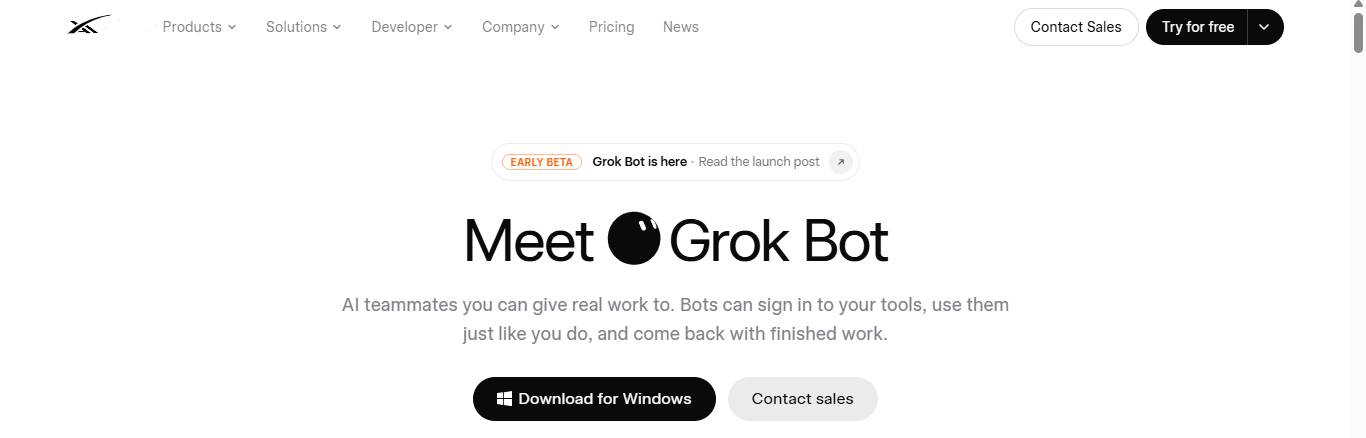
Grok Bot orchestrates networks of AI agents that run continuously in the background. Each agent gets its own dedicated cloud computer and stays synced across your phone and desktop. Here's how this multi-agent system actually works under the hood.
What Exactly is Grok Bot?
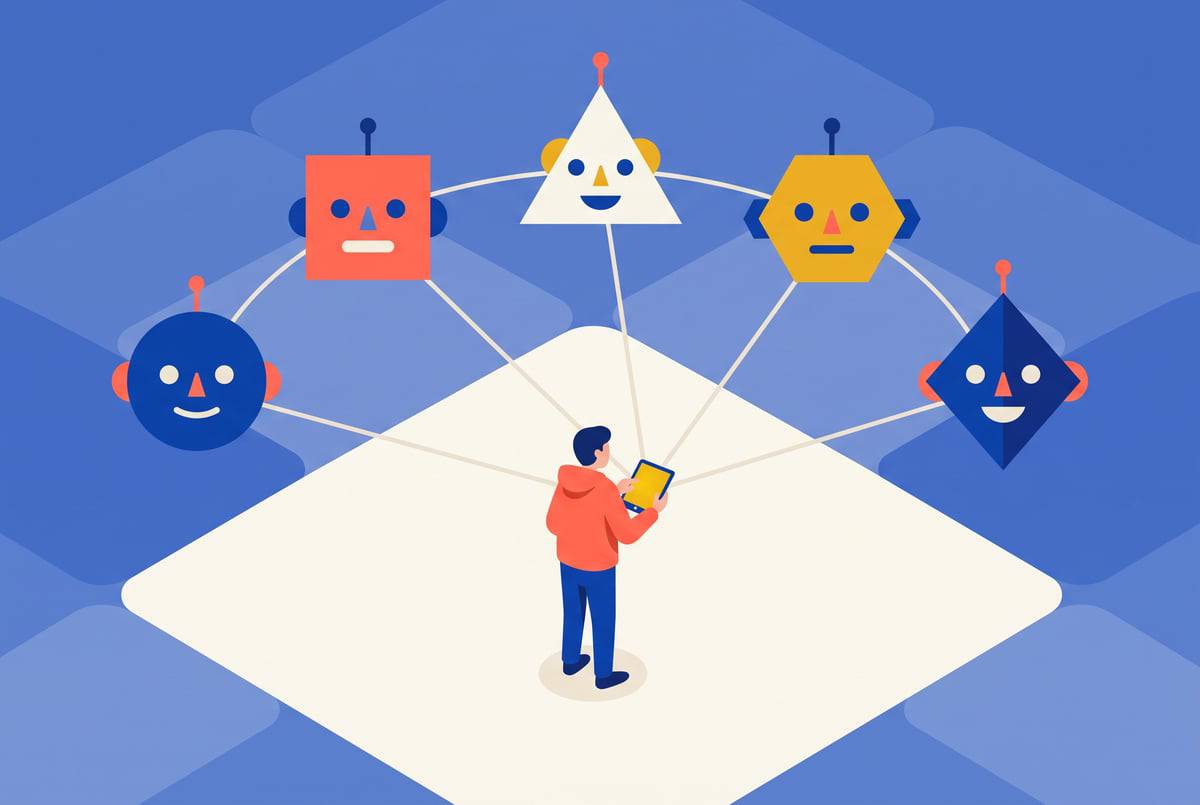
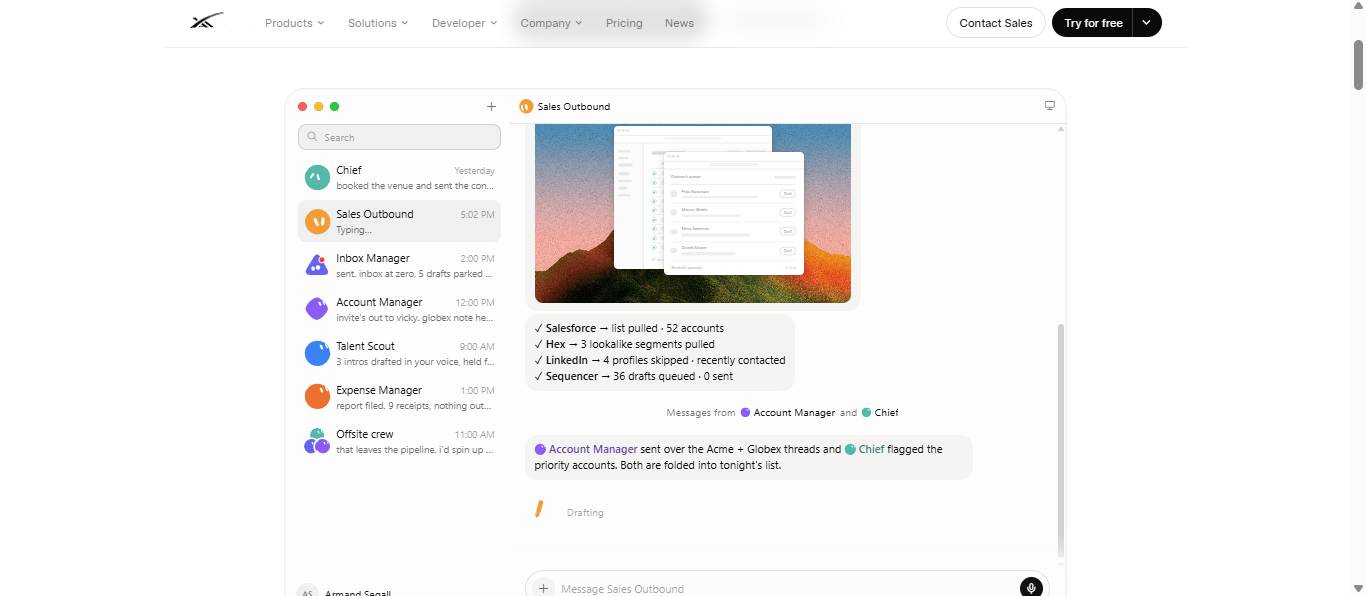
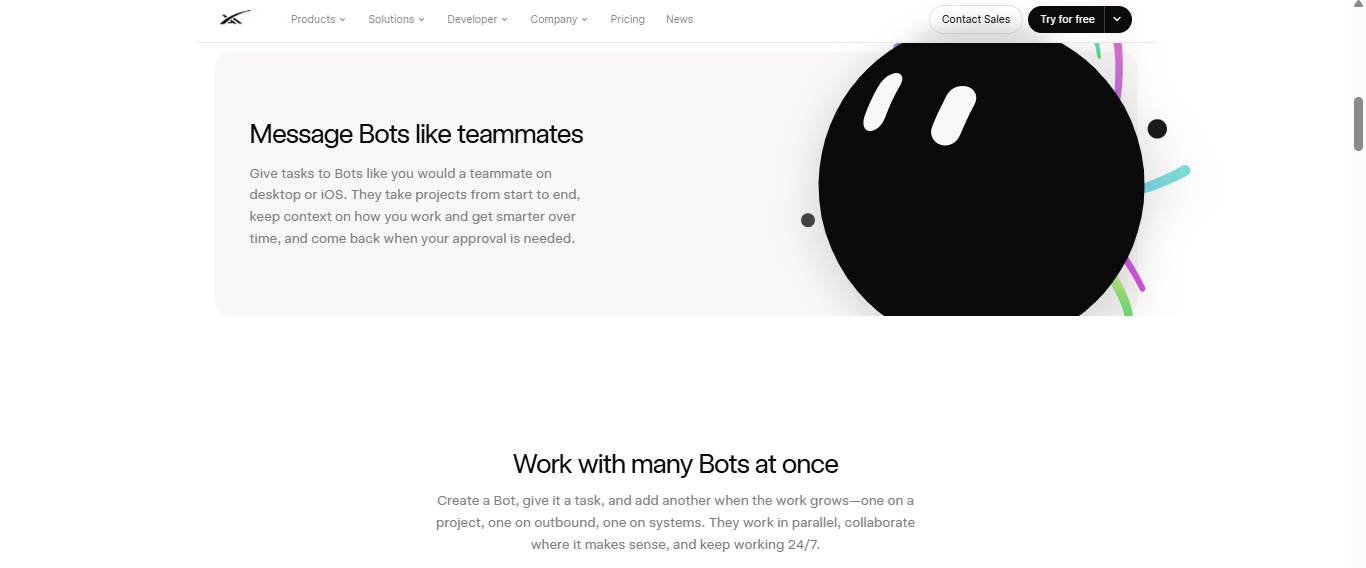
Grok Bot is a multi-agent assistant platform that lets you run several specialized AI agents at the same time. Instead of relying on a single chatbot to handle everything, you build a team of agents—like an executive assistant, a coding specialist, a morning planner, and a Slack monitor. Each agent maintains its own cloud computer and memory, can hand off tasks to other agents automatically, and stays synchronized between your devices. The really powerful part? These agents keep working even after you close your laptop or power down your phone.
How Does Task Delegation Between Agents Work?
Every agent in Grok Bot has three core attributes: a name, a job title, and a description. That description field isn't just window dressing—it functions like a skill list for the entire team. When an agent encounters a task outside its wheelhouse, it scans the descriptions of other agents in your account to find the right fit. If it finds a match, it hands the work off rather than struggling through it alone.
Think of it this way: a general-purpose executive assistant agent can immediately defer to a specialized AI engineer agent the moment a request turns technical. You don't switch windows or manually copy context between them. This mimics the orchestrator/subagent pattern already popular in coding tools like Claude Code and OpenAI's Codex, where a main process breaks down work and distributes it to specialist agents. Grok Bot applies that same structure to everyday personal and business tasks, not just programming.
What Are These Cloud Computers, Exactly?
Each agent connects to its own dedicated cloud computer that maintains persistent state—essentially a remote machine the agent controls. You can pull up a window to watch what the agent is doing in real-time, even take the wheel yourself by logging into a service or clicking around, then hand control back to the agent. Login credentials stick around across sessions, so agents stay authenticated on community platforms, social accounts, and work tools without re-logging in every time they run a task.
Since these computers run in the cloud rather than on your device, agents keep working even when your phone is off or your laptop is closed. A task scheduled for 7 AM runs automatically whether you're watching or not. What's interesting here is that Grok Bot's "always-on" claim doesn't just mean notifications—it means agents literally continue executing on their own machines in the background. That's a critical difference from typical assistant apps.
How Do You Teach an Agent a New Skill?
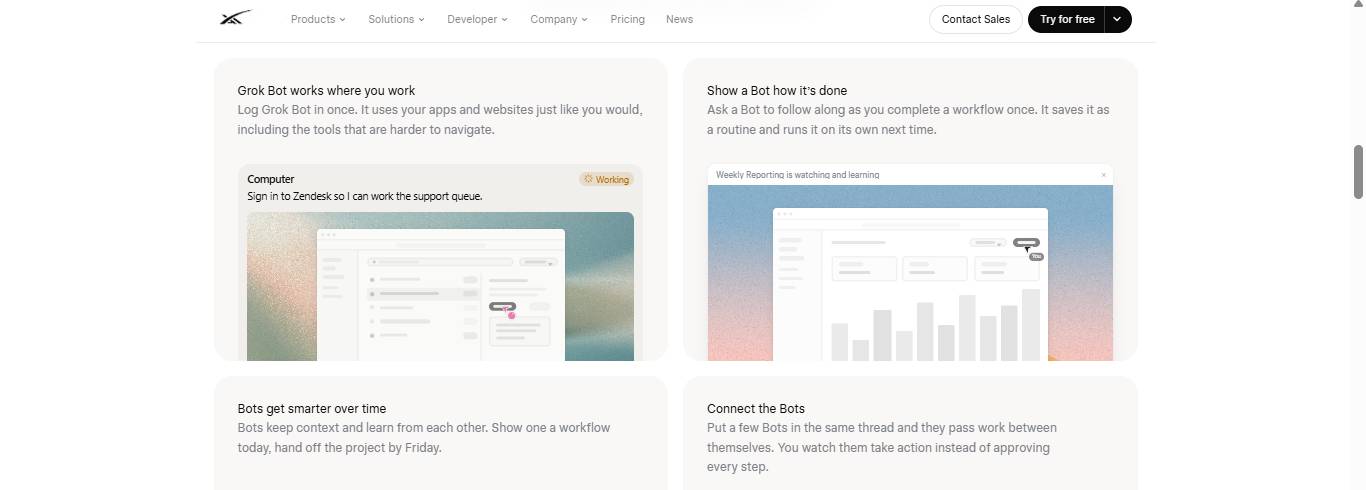
Grok Bot includes a "Teach a Task" feature. You perform a single action on the agent's cloud computer—say, clicking through a community platform and liking specific posts—and Grok Bot converts that recorded sequence into a reusable skill. The agent can then repeat it automatically without supervision.
Here's where it gets clever: agents don't just mindlessly replay exactly what was recorded. In one example, after running a "like posts" skill, the agent realized it couldn't reliably tell whether a post was already liked. So it rewrote the process on its own to open each post before liking and updated the skill without anyone asking. Grok Bot treats this as agents becoming smarter over time by building context and refining workflows with each execution, rather than staying frozen in their initial recorded state.
How Do Workflows and Triggers Work?
Workflows sit on top of individual skills and handle the automation layer. They come in two flavors: scheduled workflows and trigger-based workflows.
Scheduled workflows run at specific times you set. For example, a morning briefing workflow could run on weekday mornings, pulling data from Gmail and Google Calendar, flagging emails that need action, and suggesting how to slot personal commitments around back-to-back meetings.
Trigger-based workflows fire automatically when a specific event occurs. Currently supported triggers include Slack messages, GitHub events, and Microsoft Teams messages, with more coming down the line. Setting these up requires you to specify which channel or event to watch and what action to take when the trigger fires. For Slack specifically, you need to add the Cursor Slack app to your chosen channel to activate the trigger.
Setting up a workflow that sends a Slack notification—from granting workspace permissions all the way to testing the actual message—takes just minutes with a single natural language command. That's dramatically faster than manually configuring something in n8n or writing custom code through Claude Code.
How Do Plugins and Context Sharing Work?
Plugins connect Grok Bot to external services like Gmail, Google Calendar, Slack, Google Drive, GitHub, and task managers such as ClickUp. Authorization follows the standard OAuth login flow.
What's important to understand is that plugin connections are shared across all agents in your account. Connect GitHub through your software development agent, and your executive assistant agent can use that same connection without re-authorizing. This lets your specialized agent team function as one unified system with shared access to the same calendar, inbox, and code repository, rather than each agent having to repeat setup steps separately.
Grok Bot can also integrate with your existing personal knowledge repositories. If you maintain a structured knowledge base—like a GitHub repo with notes and context—you can connect it, and every new agent you create inherits that context instead of starting from scratch.
Should You Set Up Grok Bot?
If you're managing repetitive workflows like email sorting, Slack monitoring, content scheduling, or community management, Grok Bot's appeal is obvious: setup speed beats building equivalent automation manually. A Slack trigger notification that normally requires complex manual setup in other automation tools can be created in minutes through conversation.
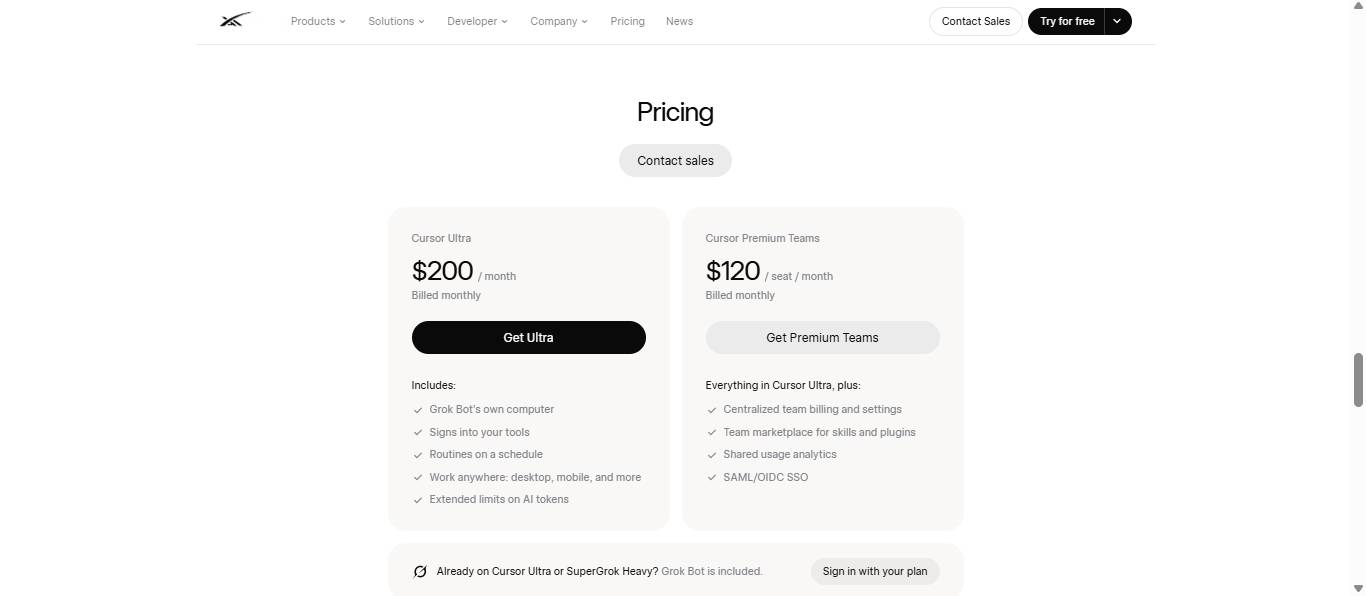
The real concern is access. Right now, Grok Bot requires a Cursor Ultra subscription—it's bundled into a paid coding tool rather than a standalone product with a free tier. That makes the best-fit audience developers and technically savvy people who already pay for Cursor, not a consumer automation app people download on a whim.
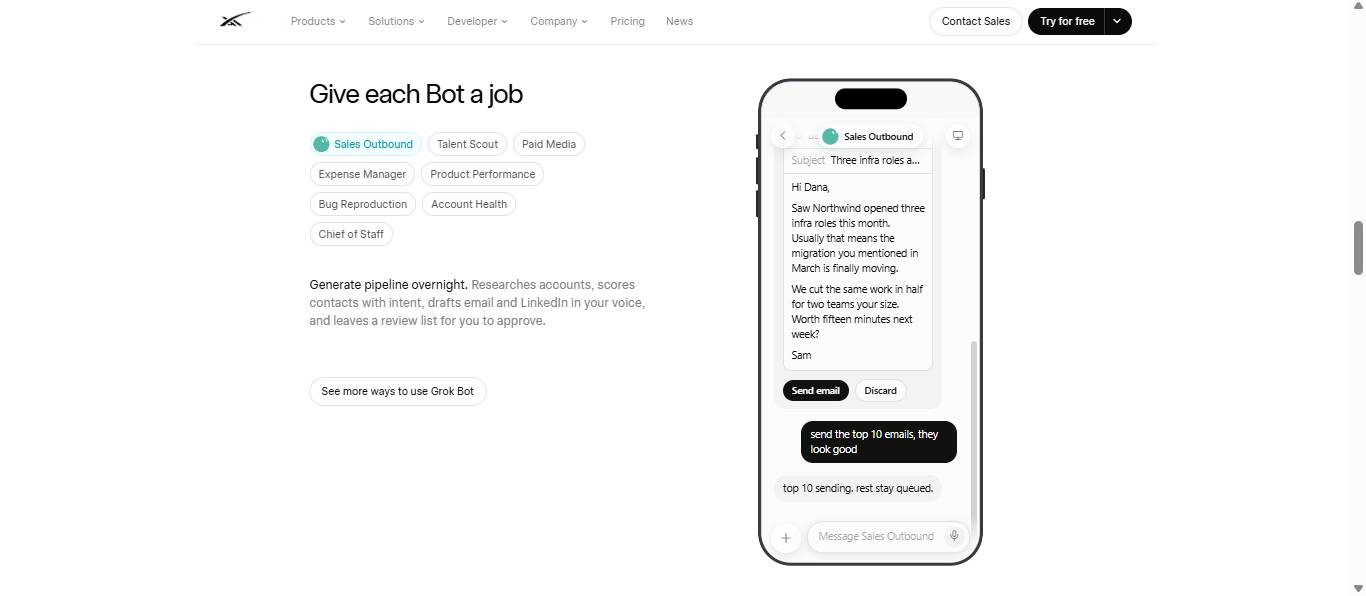
Another consideration is agent design philosophy. Grok Bot's guidance recommends assigning each agent a narrow, specific task (like lead outreach, expense tracking, or monitoring one Slack channel) rather than building one multi-purpose agent doing everything. Users who create a single agent to handle everything typically see weaker results than those who build multiple focused agents that coordinate and delegate work between them.
Description: Grok Bot lets you run multiple specialized AI agents simultaneously, each with its own cloud computer. Learn how delegation, task learning, and automa
Related Articles
- Enhance Your Google Slides Presentations with Gemini's AI Writing Tools
- Open Design: The Free, Open-Source Alternative to Claude Design That Actually Works
- Teaching AI to Remember Your Writing Style: A Self-Learning System
- Meet Muse Glimmer: Meta's Open-Source Agent AI That Runs Entirely on Your Device
- Generate and Edit Images with AI Using Dola

No Comment to " What is Grok Bot? xAI's Multi-Agent Assistant Explained "