Build Your Own Custom AI Voice with NoteGPT's Voice Designer
Looking to generate an AI voice that perfectly matches your content style but unsure where to start? NoteGPT's Voice Designer tool makes it surprisingly simple. You can craft a custom voice by specifying the tone, accent, and delivery style you want. Within just a few clicks, you'll have a tailored AI voice ready for narration, video content, storytelling, or any other project.
What's interesting here is that NoteGPT doesn't limit you to a single approach. The platform offers multiple pathways for voice creation—upload existing audio samples, record yourself live, or write detailed prompts describing your ideal voice. Each method serves different needs, so you can pick whichever works best for your specific content and use case. Below, we'll walk through each option step-by-step.
How to Create a Custom AI Voice on NoteGPT
Step 1:
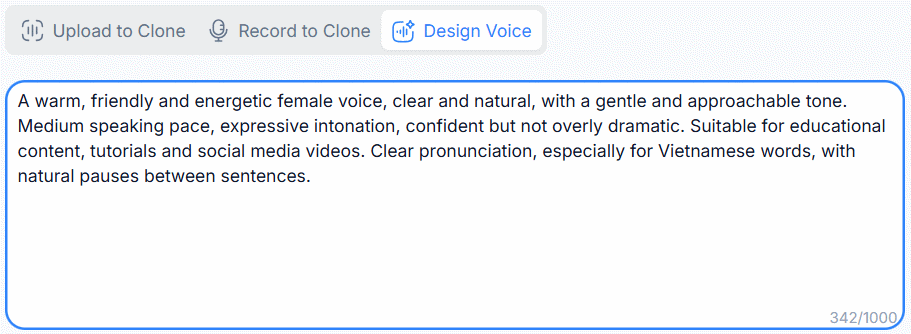
Head over to NoteGPT's AI Voice Designer tool using the link below. Once there, you'll see three distinct methods for generating your AI voice.
https://notegpt.io/ai-voice-designer- Upload to Clone – Import an MP3, M4A, or WAV file to clone a voice. Audio must be between 10 seconds and 5 minutes, under 20 MB, with clear, distinct speech.
- Record to Clone – Record your own voice directly within the tool to use as a template.
- Design Voice with Prompts – Describe your ideal voice using text prompts, letting AI generate it from scratch.
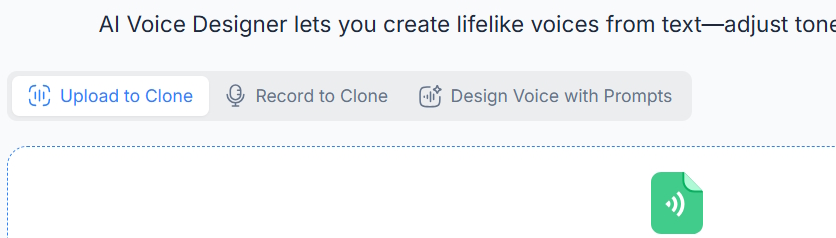
With the Upload to Clone method, you'll need to provide the original voice sample you want to transform into a different AI voice.
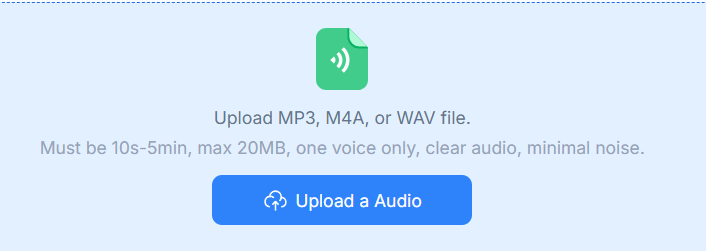
The Record to Clone option lets you record your own voice in real-time, which the system then converts into a different AI-generated voice.
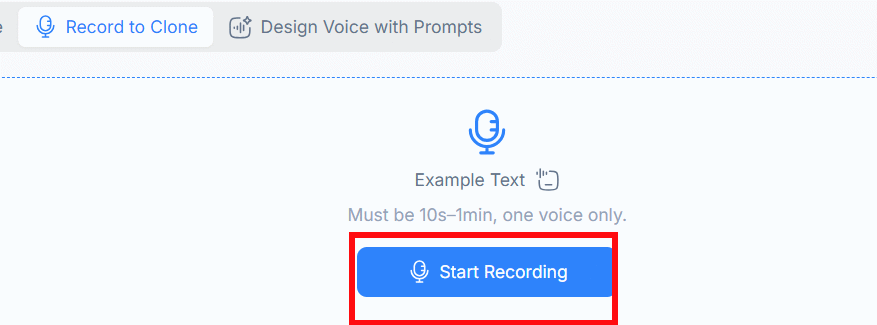
Alternatively, you can type in a detailed description of the voice you're envisioning. Be specific—describe the pitch, tone, and any distinctive characteristics you want the AI voice to have.
Step 2:
Once you've selected your voice creation method, hit the Generate Voice button to start the creation process on NoteGPT.

Step 3:
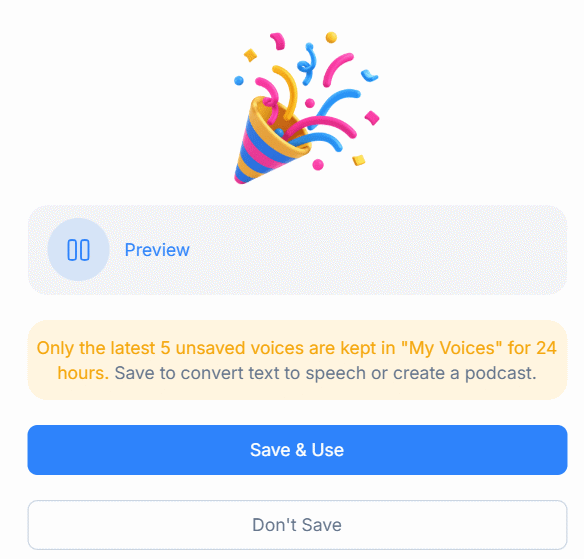
Now you wait while NoteGPT generates your AI voice based on your settings. When it's ready, you'll get a preview option to hear how it sounds. If you're happy with the result, click Save & Use to download the voice file to your device.
Description: Learn how to create personalized AI voices using NoteGPT's Voice Designer tool. Choose from three methods: upload audio, record live, or design with p
Related Articles
- Can Qwen 3.8 Really Compete with Claude Opus? We Tested It on a Gaming GPU
- Create Professional Promotional Videos with AI: A Step-by-Step Guide
- How to Make Money With AI in 2026: 8 Proven Methods for Beginners
- The 9 Best AI Social Media Management Tools in 2026
- Seedance 2.5 vs 2.0: What Actually Changed (Spoiler: Not What You Think)

No Comment to " Build Your Own Custom AI Voice with NoteGPT's Voice Designer "