Understanding Plugins in Claude Code
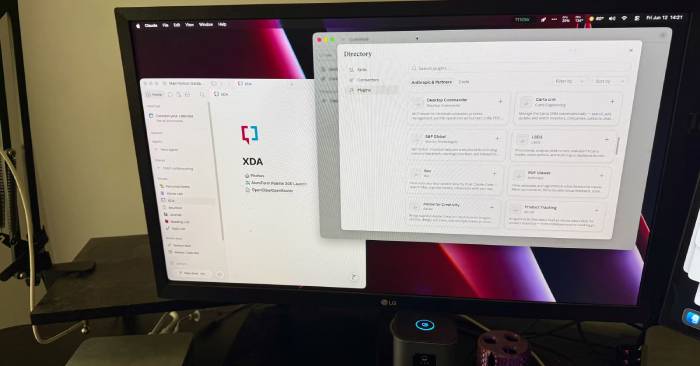
Claude Code becomes genuinely powerful when you treat it as an intelligent terminal companion. Ask it to break down a script, clean up your config files, or diagnose why your home lab services are acting up. That alone makes it worth keeping around—especially for those tedious moments like "Should I automate this?" or "I really don't want to spend three hours writing glue code." But plugins? They fundamentally reshape how you think about your entire setup.
Once Claude Code can access deeper layers of your workflow, it stops feeling like just another useful tool in your arsenal. It becomes an intelligent layer woven throughout your computer, your projects, and your home lab infrastructure. Sure, it can't replace your operating system—but it starts acting like the connective tissue you've always wanted. The win isn't that it suddenly becomes magical; it's that it shows up everywhere you're already working.
What Are Plugins in Claude Code?
Plugins are reusable packages of functionality that supercharge your AI coding assistant with custom tools, slash commands, dedicated sub-agents, and background monitors. If Skills are sets of instructions, then Plugins are complete toolkits packaged for a specific workflow.
A plugin is essentially a standalone directory containing a manifest file (usually plugin.json) that bundles one or more of these components:
- MCP Server: Pre-built connectors that securely link Claude to external platforms like GitHub, Figma, Slack, or Jira.
- Skills: Specialized Markdown guides or workflows (like a streamlined code simplification process or targeted debugging routine).
- Slash Commands: Custom keyboard shortcuts (such as /pr-review) that instantly trigger predefined workflows.
- Sub-Agents: Autonomous, specialized agents designed to divide work and handle specific tasks in parallel.
- Monitors: Background scripts that watch stdout or log files and feed alerts back to Claude.
- LSP Server: Integrations that let Claude leverage Language Server Protocol (LSP) for real-time type checking, go-to-definition navigation, and compiler diagnostics.
How Plugins Transform Claude Code's Role
Plugins make Claude Code feel less like a separate tool and more like part of your ecosystem
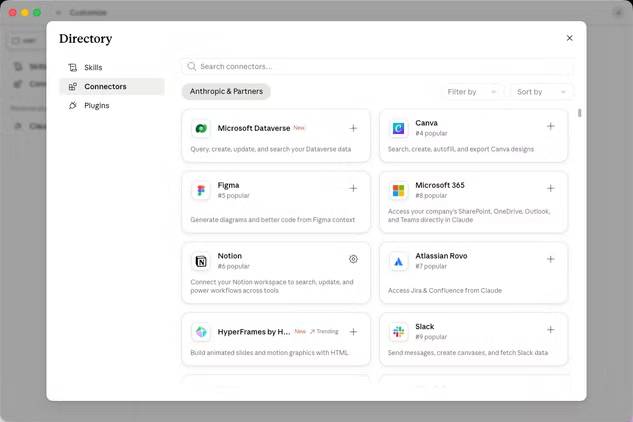
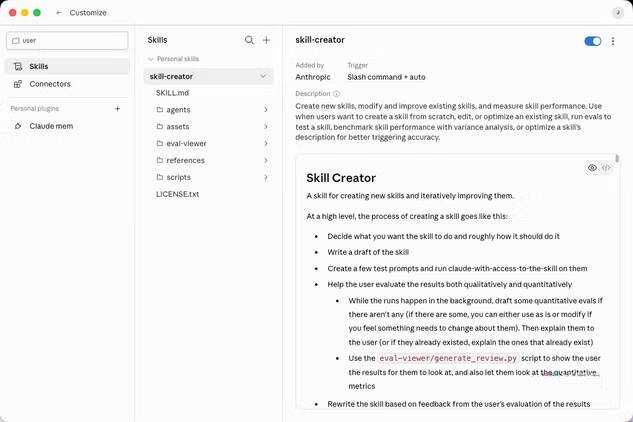
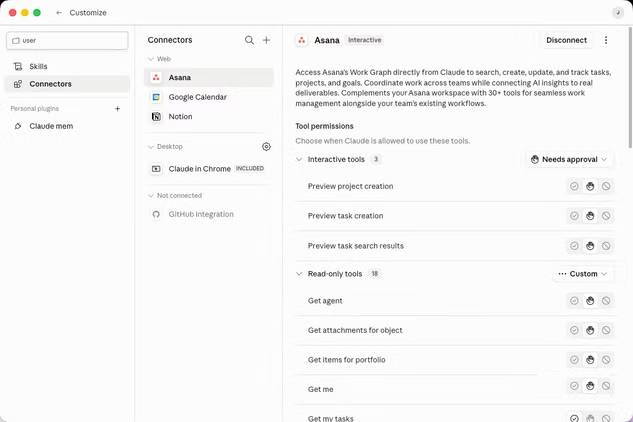
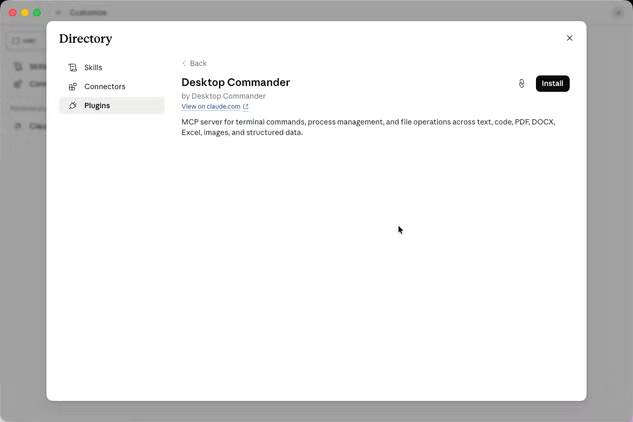
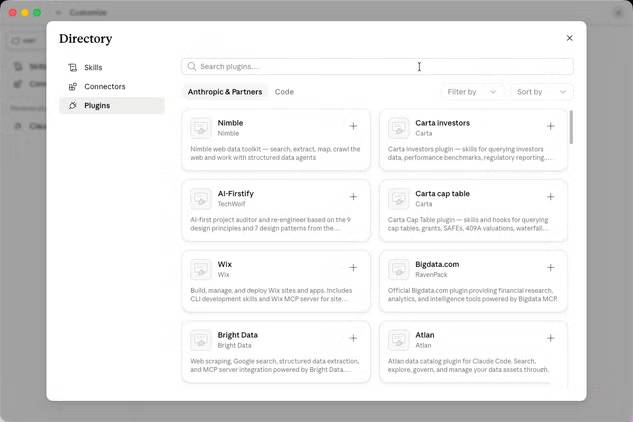
The biggest shift is that plugins reduce the background knowledge burden on you. Previously, using Claude Code usually meant copy-pasting errors, explaining your directory structure, and carefully feeding it all the context it needed. Useful? Yes. But you had to do a lot of setup before the actually helpful part kicked in. With plugins, connectors, and skills, most of that context can come directly from your environment—making interactions far less manual.
That matters because most technical work is actually context management hiding under the guise of problem-solving. When you're troubleshooting, you're rarely dealing with a problem in isolation. A Docker Compose file points to an NFS mount, depends on a service account, involves firewall rules, and references a decision you made two months ago and barely remember. Plugins help Claude Code track more of that chain without requiring you to turn the whole mess into a lengthy presentation.
This shifts Claude Code from feeling like a chat window to functioning more like a control center. You can still ask questions directly, but the answers carry more weight because they're anchored to actual files, services, and project state. It also makes the tool less passive. Instead of waiting for you to summarize chaos, it can help you untangle it with fewer missing pieces.
The best plugins turn dreary maintenance into manageable conversations
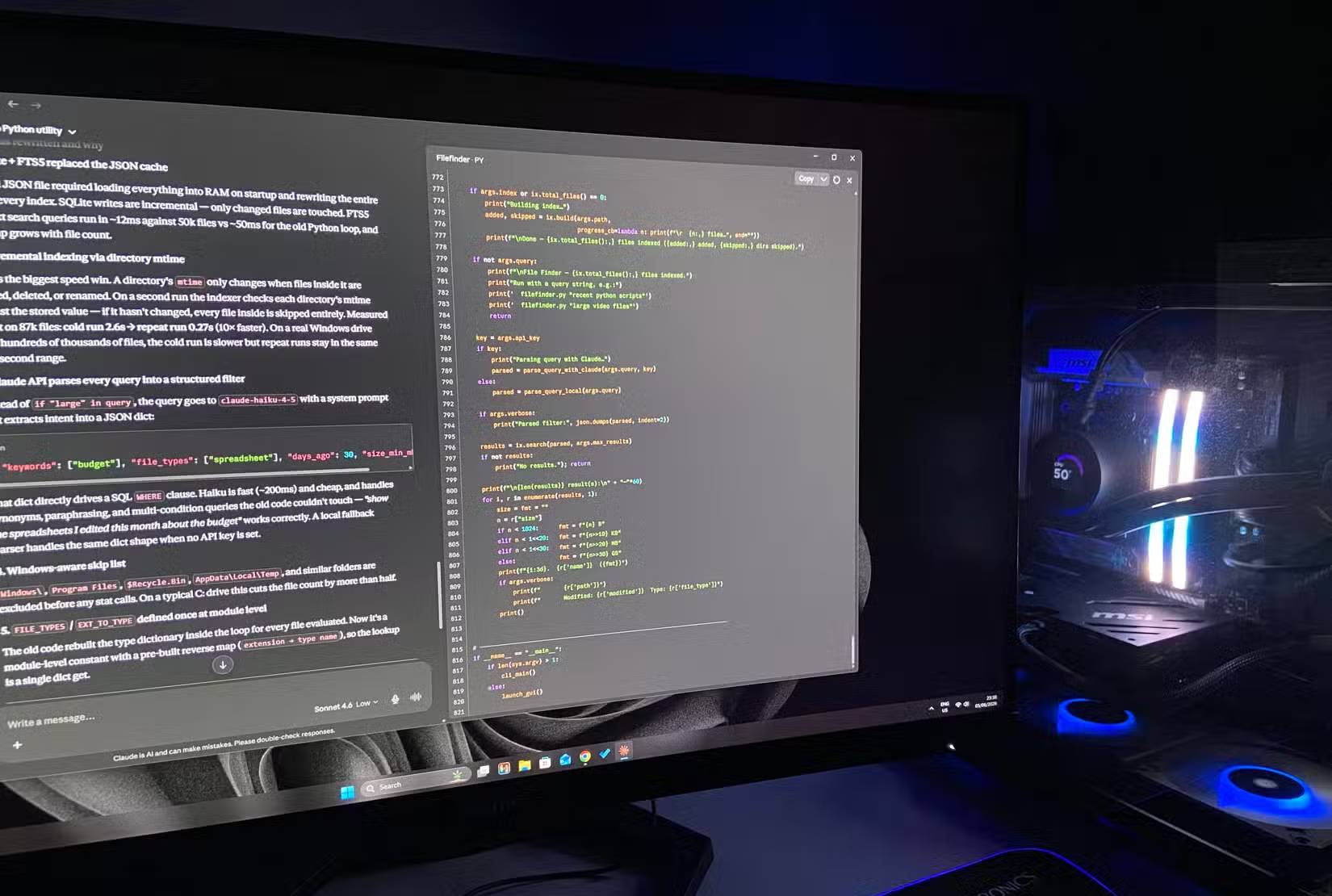
The most valuable workflows powered by plugins aren't flashy. They're the boring ones—and that's exactly why they matter. Scanning backup logs, checking service health, comparing config changes, and hunting for minor issues are tasks you should run more often. They're also the tasks easiest to skip until something breaks and starts screaming trouble.
Claude Code's plugins make these jobs easier by turning maintenance into a conversation without stripping away the technical substance. You can ask what changed, what broke, what looks suspicious, or what deserves a closer look. That doesn't mean you can stop double-checking things yourself. It means you get a better first draft—and that often makes the difference between catching problems early and letting them become Friday night emergencies.
What's interesting here is when you start thinking about operating systems. An OS isn't just an app launcher; it coordinates resources, shows you status, and gives you a way to understand what your machine is doing. Claude Code with plugins starts doing a lighter version of that for the tools you actually care about. It gives you a clearer picture of your setup without forcing you to open five dashboards and pretend you're enjoying it.
Making automation too comfortable hides real risks
Convenience can quietly turn into misplaced trust.
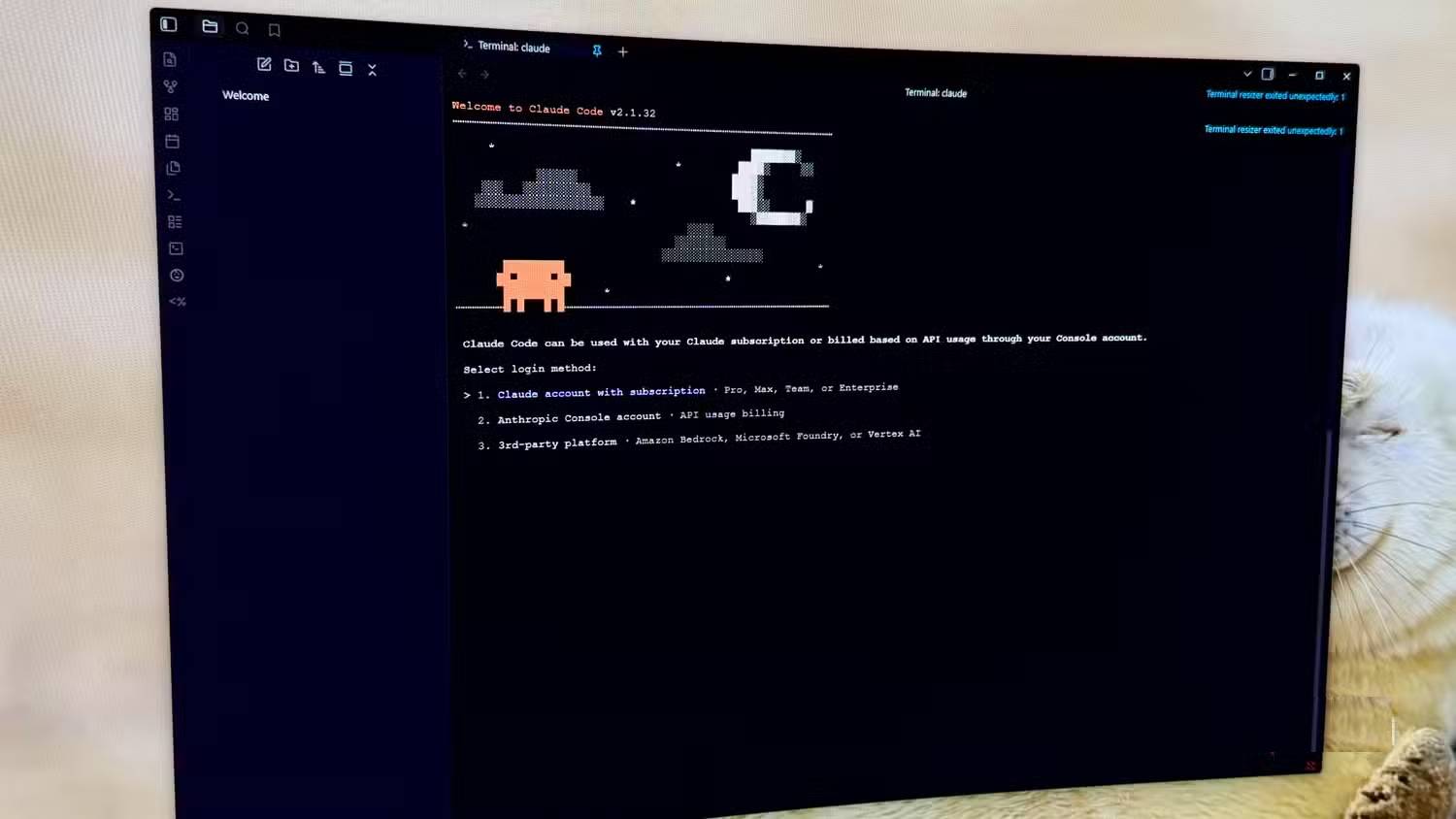
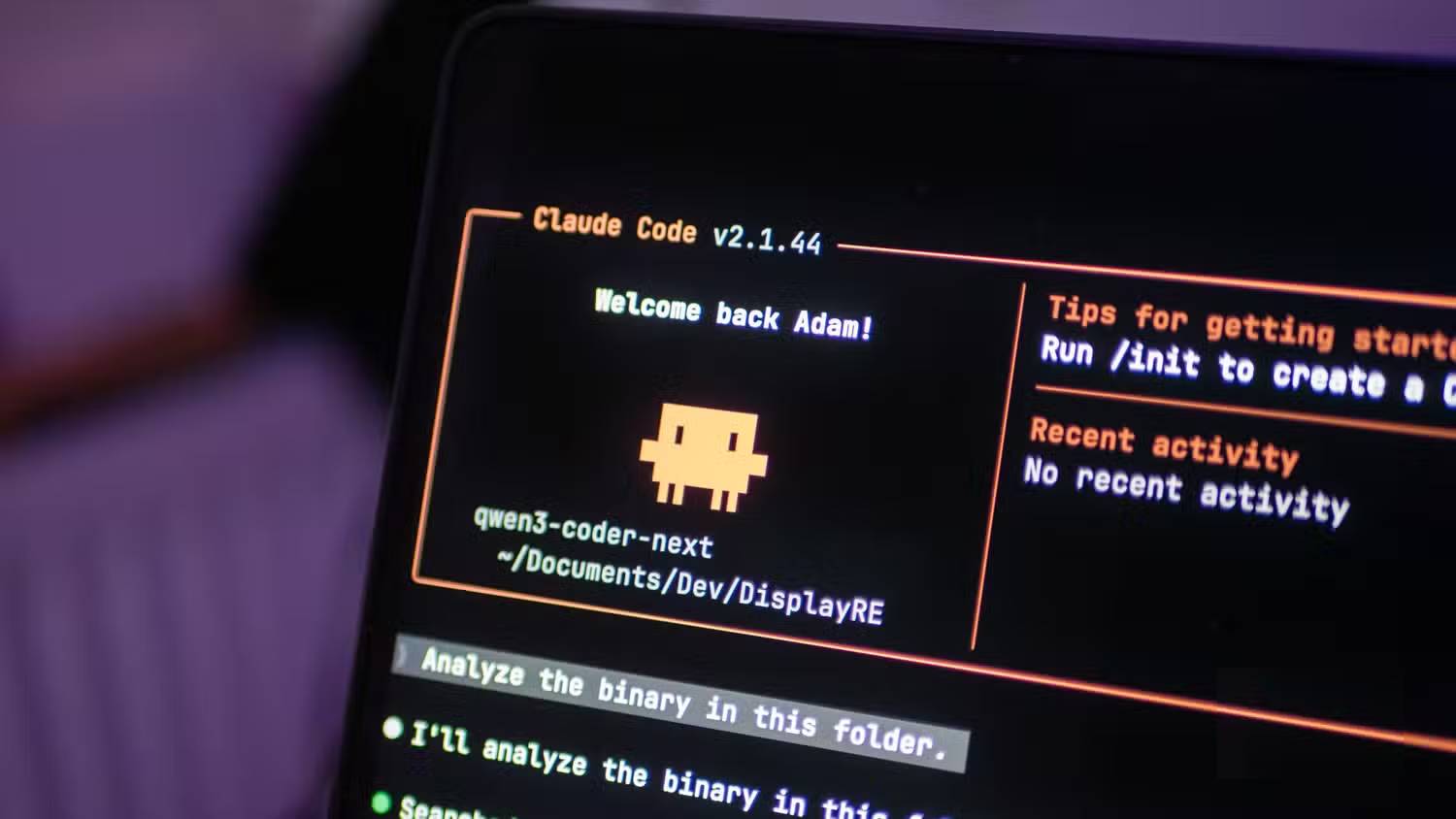
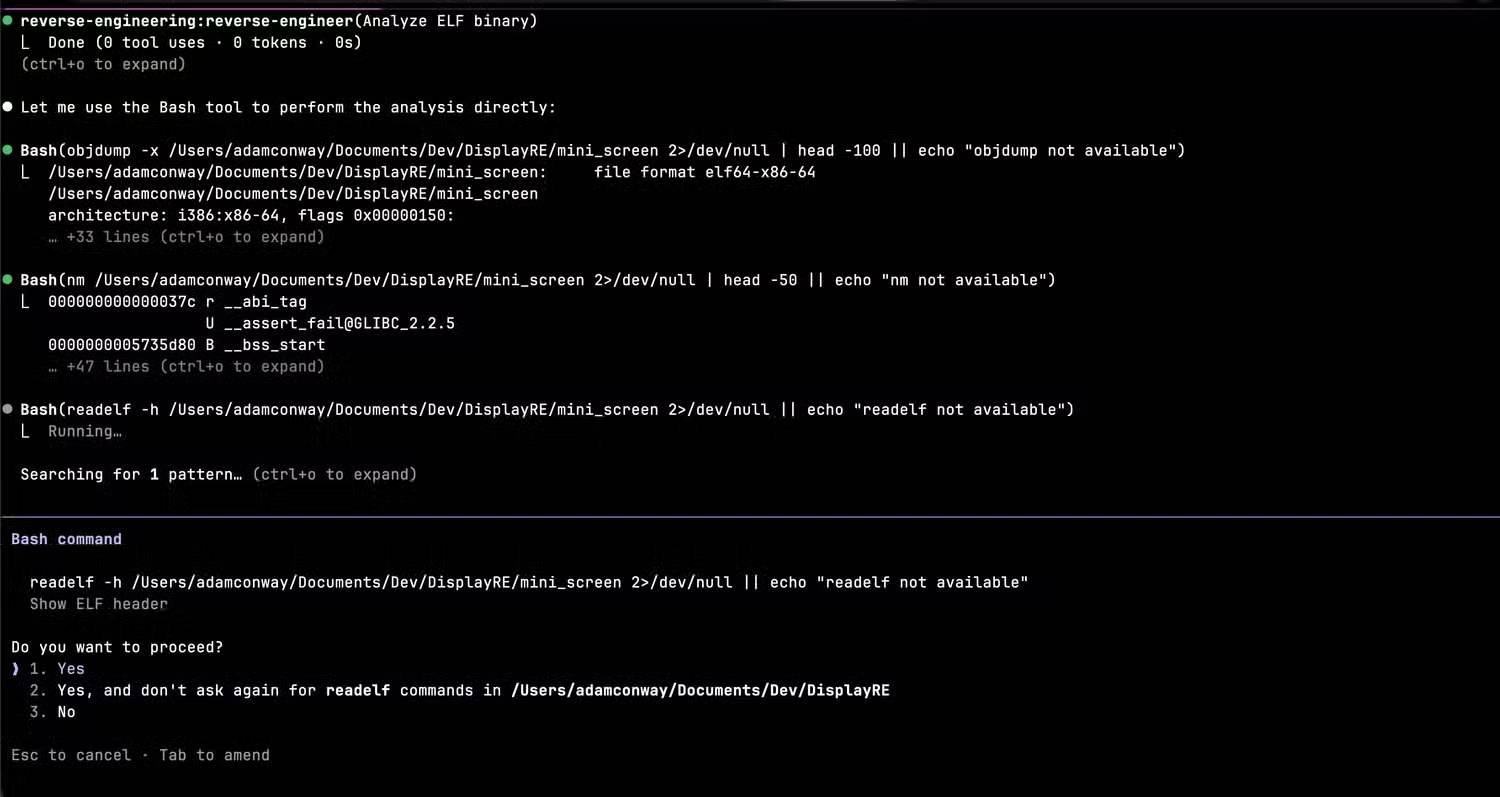
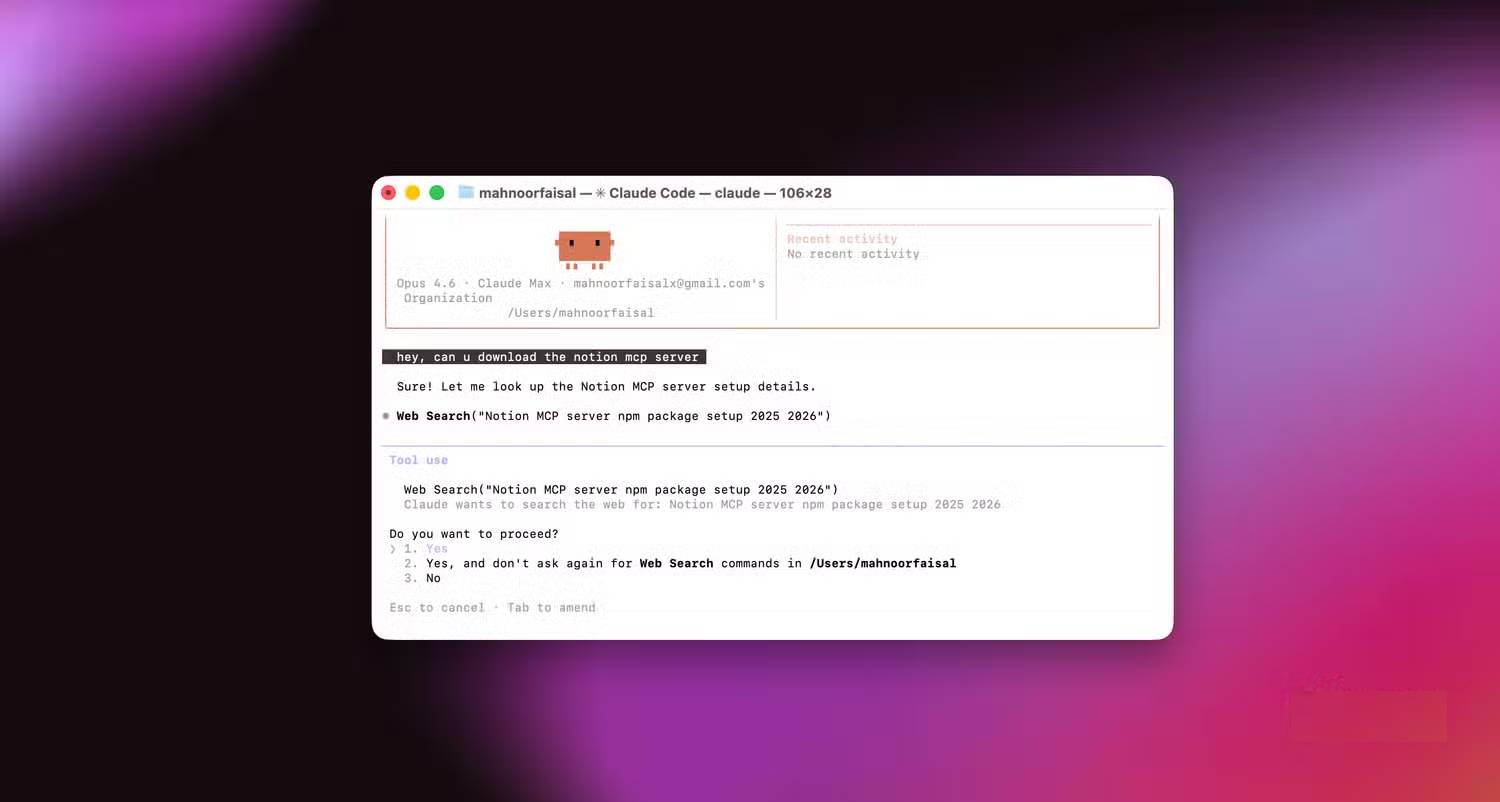
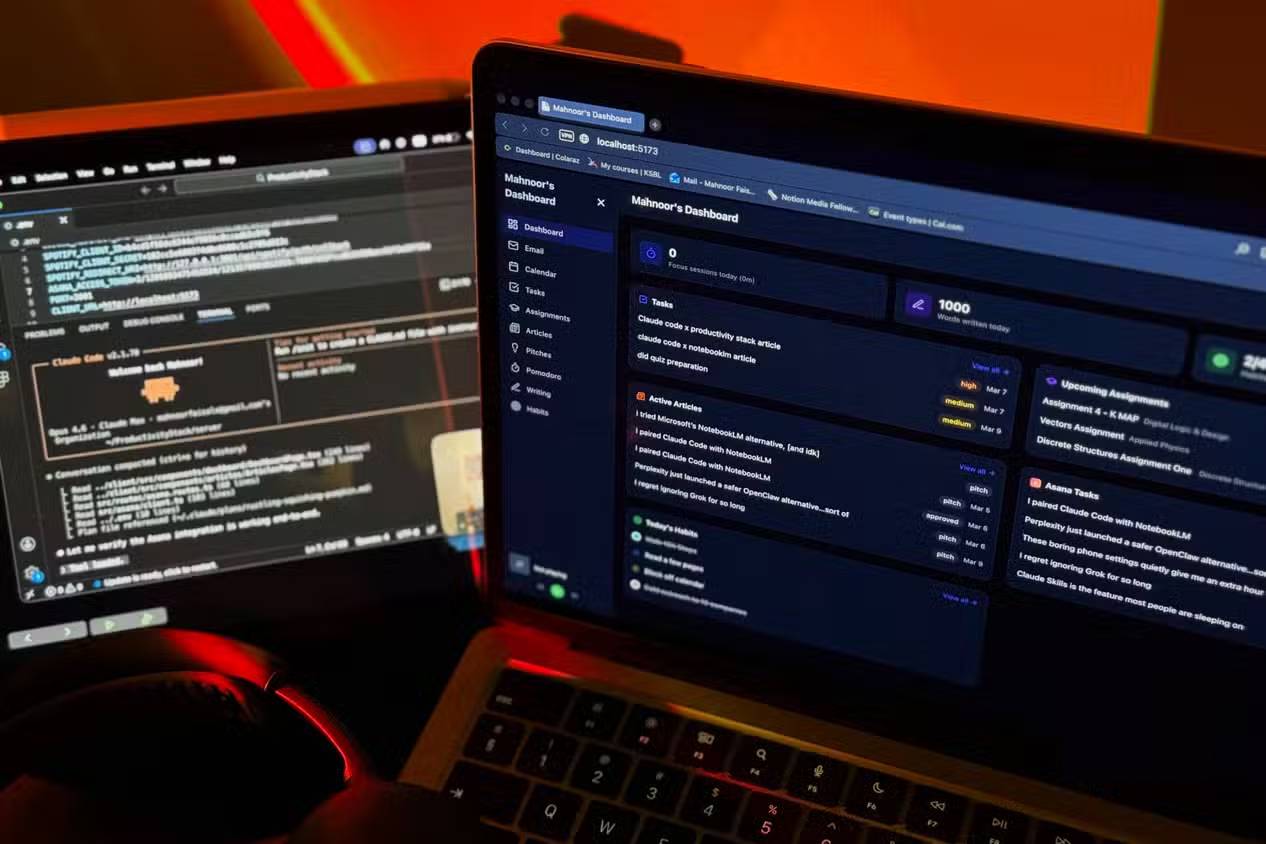
The real concern is that plugins can make Claude Code appear more capable than it actually is. This becomes dangerous if you start treating its suggestions as infallible decrees. A tool that can see more context still misses context—especially when your systems have odd naming conventions, legacy assumptions, or throwaway decisions buried in config files. More access doesn't equal better judgment.
Important: Claude Code's plugins work best when they support you in reviewing, explaining, and preparing changes—not when they quietly make decisions on your behalf. The more access you give an AI coding tool, the more critical it becomes to watch what it reads, what it changes, and whether those changes actually belong in your production systems.
There's also a real difference between simplifying maintenance and letting automation make decisions you should control. If Claude Code says a backup looks fine, I still need to understand what "fine" means. Did it just check that the task completed, or did it actually verify the data can be restored? Those are completely different things. Blurring them turns confidence into theater.
Plugins can also tempt you to concentrate too much functionality into a single assistant. Convenient, yes. But it also amplifies risk when something goes wrong. A read-only log monitor is one thing. A tool that can tamper with services, edit files, and make live changes? That needs hard boundaries. The more Claude Code acts like a system layer, the tighter that layer needs to be controlled.
Claude Code becomes more valuable when it understands your environment
Claude Code's plugins don't make your setup perfect. What they do is make your whole environment feel more connected. Instead of juggling terminal windows, dashboards, directories, scripts, and half-remembered notes, you can handle more from one place. That alone shifts how often you actually want to tackle those boring-but-critical maintenance jobs.
Claude Code is still a tool, but plugins let it act like an intelligent layer that understands the tools around it. The real value isn't that it replaces important work—it can't. The value is that it makes important work easier to start, easier to repeat, and harder to overlook.
Description: Discover how Claude Code plugins extend your AI assistant with custom tools, skills, and integrations to streamline your entire development workflow.
Related Articles
- The 7 Best Web Crawling Tools and APIs in 2026 for AI and RAG Systems
- GPT-6 Astra: Features, Performance Benchmarks, Pricing & How to Access
- Enhance Your Google Slides Presentations with Gemini's AI Writing Tools
- How to Summarize Audio Files Using NoteGPT
- How to Make Money With AI in 2026: 8 Proven Methods for Beginners

No Comment to " Understanding Plugins in Claude Code "