Top 6 AI-Powered Browsers That Boost Your Productivity
Let's be honest: artificial intelligence isn't coming anymore—it's already here. Companies are embedding AI into everything you touch, and there's no escaping it. From the moment you wake up to when you hit the pillow, AI quietly shapes your experience through smart home devices, personal assistants, and even the websites you visit on your phone. What's interesting here is that your web browser is joining the party too. Modern browsers now include built-in AI features that can browse the web alongside you, summarize content, and handle routine tasks. If you're ready to embrace an AI companion during your daily browsing sessions, these browsers might just transform how you work.
What Exactly Is an AI Browser?
Think of an AI browser as the smarter sibling of your regular web browser. These tools integrate AI agents directly into the browsing experience, letting you accomplish more with minimal effort. They can summarize articles, answer questions, pull important information from pages, or even draft messages for you. Some go further by automating entire workflows—comparing products, managing tabs, or handling repetitive tasks on their own. Two standouts leading the charge are Perplexity's Comet and The Browser Company's Dia, while traditional players like Chrome and Brave are racing to catch up with their own AI transformations.
1. Comet
Platforms: Windows, macOS
Ever wish your browser could do more than just display web pages? Comet answers that wish. Built by Perplexity, this is an AI-first browser with an integrated assistant that reads and interacts with whatever's on your screen. It's genuinely helpful. The sidebar assistant can summarize content, manage websites, and even navigate pages on your behalf. Dump a messy inbox into a tab and Comet extracts the key points instantly. It spots meeting invites in your calendar, hunts down specific data buried in dense web pages, and highlights questions worth asking as you browse.
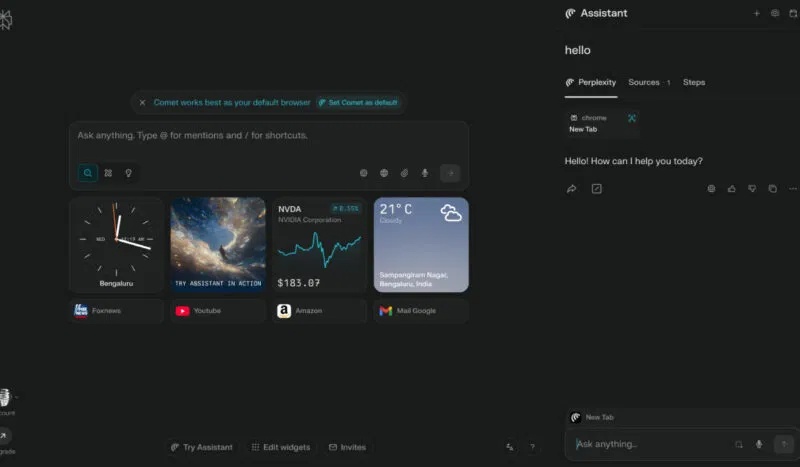
The real differentiator is Comet's ability to function as an independent agent. It handles multi-step tasks automatically. Ask it to draft a reply email, add the cheapest concert tickets to your cart, and find the best flights for your trip—it'll do all three without waiting for your input on each step. Originally planned as a paid browser, Perplexity recently made Comet free for everyone. That's a generous move that makes it worth trying out.
2. Opera
Platforms: Windows, macOS, Linux, Android, iOS
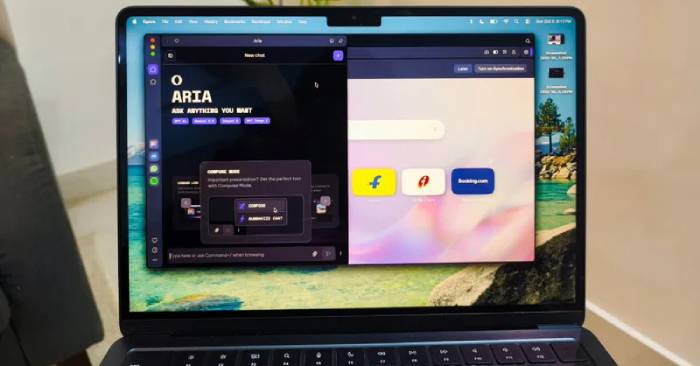
Opera quietly transformed itself into one of today's most AI-focused browsers. Building on its reputation for speed and customization, Opera packed powerful AI features directly into your browsing experience. The star feature is Aria, Opera's built-in AI assistant available on desktop and mobile without requiring any extensions.
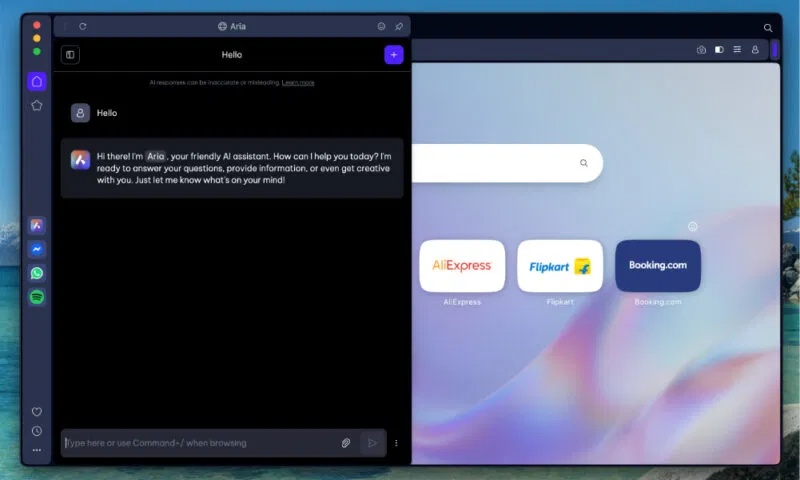
Aria summarizes articles, untangles complex topics, drafts messages, and even writes code on demand. Unlike many browser assistants, Aria connects directly to the web, so its answers stay current rather than stuck with old training data. This makes it especially valuable for research, fact-checking news, or quickly comparing information across multiple sources. The sidebar lets you chat with Aria while browsing, use AI to auto-fill any text field, or instantly translate and rephrase content. You can also ask it to organize your tabs, build to-do lists, or highlight key points from long documents.
Opera recently announced Opera Neon at $18 monthly. It's genuinely surprising that some users will pay for a browser traditionally free. Neon is positioned as "a browser built to get things done." Like Comet, it handles your tasks, interprets web content, manages tabs, and much more. It's an intriguing premium play in a world where free is the norm.
3. Dia
Platforms: macOS
Dia represents what happens when you design a browser from the ground up with AI as the core. Created by The Browser Company (previously known for the Arc Browser) and now owned by Atlassian, Dia is currently in beta. It's remarkably similar to Comet but cleaner and far more user-friendly. It handles almost everything Comet does, just with a different approach. For starters, Dia's address bar doubles as an AI chat interface. Type natural language commands where you'd normally enter a URL, and the AI understands what you want.
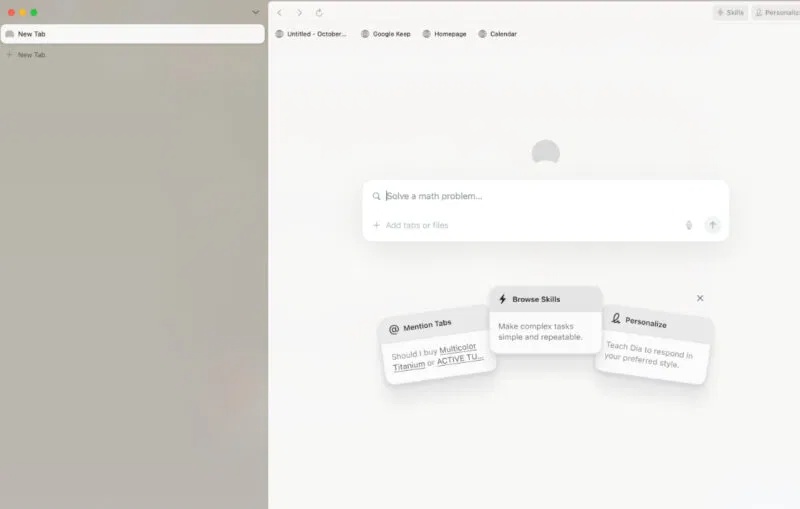
This AI searches the web on your behalf, summarizes PDFs and web pages you have open, and answers questions by synthesizing information across all your active tabs. Say you're researching something with 10 articles open—just ask Dia. It pulls together the main points or even drafts a full summary combining insights from all those tabs. What's interesting here is the Skills feature, which functions like AI-powered custom macros. You can "teach" the browser new skills through simple natural language instructions or code snippets, then reuse them anytime. Create a skill to instantly convert a website into reading mode, or extract all contact information from any page you visit.
4. Google Chrome
Platforms: Windows, macOS, Linux, Android, iOS
Chrome isn't boring anymore. It's evolving into an AI-powered productivity tool through integration with Google Gemini. This upgrade brings smarter searching, better automation, and improved security directly into the browser without needing extensions.
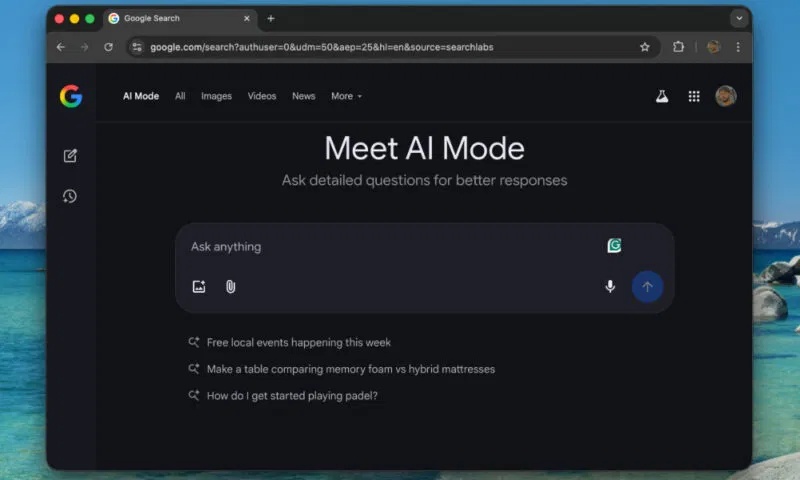
Like other browser assistants mentioned here, Gemini simplifies complex information on any page, answers contextual questions, and handles actions like scheduling appointments or managing online tasks for you. It can also compare data from multiple tabs into one clear summary. If you're trying to find something you viewed earlier, Gemini recalls previous pages based on simple prompts. Chrome's AI integrates seamlessly with Google's other services. Schedule calendar events, jump to specific YouTube video timestamps, or check directions on Maps without leaving your current tab. A new AI mode built into the address bar lets you ask complex questions and get richer search results right there.
5. Brave
Platforms: Windows, macOS, Linux, Android, iOS
Brave earned its reputation as a privacy-focused browser, but it's now becoming an AI-powered productivity tool without compromising user data. Brave's AI efforts center on accelerating search and information processing rather than building full virtual assistants. The real concern is balancing powerful AI features with iron-clad privacy—and Brave seems committed to that balance.
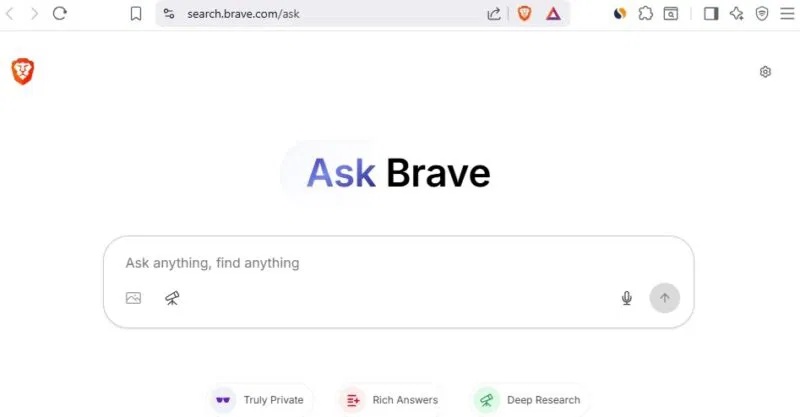
Brave recently added Ask Brave, an AI-powered search tool that gives you structured answers with embedded videos, news, or product links instead of just a list of results. It runs multiple queries and uses "deep research" methods to ensure reliable answers. You can switch to conversation mode to follow up or format results as bullet points and summaries. Leo, Brave's built-in AI assistant, summarizes articles and PDFs, drafts emails or posts, and integrates with features like Brave Talk to create meeting summaries and real-time task lists. The tool now retrieves results directly from the web through Brave Search and cites sources in its answers. What many people appreciate about Brave is that user prompts are encrypted, auto-deleted after a short time, and never used to train external models.
6. Microsoft Edge
Platforms: Windows, macOS, Linux, Android, iOS
Microsoft Edge quietly evolved from a basic default browser into a powerful AI-driven tool. Its new Copilot mode brings the latest Bing AI directly into your browsing experience, appearing in the sidebar and on new tabs to handle tasks like summarizing pages, comparing content, and drafting responses. One standout feature is Copilot's ability to analyze multiple open tabs at once. Say you're comparing hotels—ask Copilot to scan all your tabs and deliver a detailed breakdown of the best options by price or location. No more manual copying or endless tab-switching.
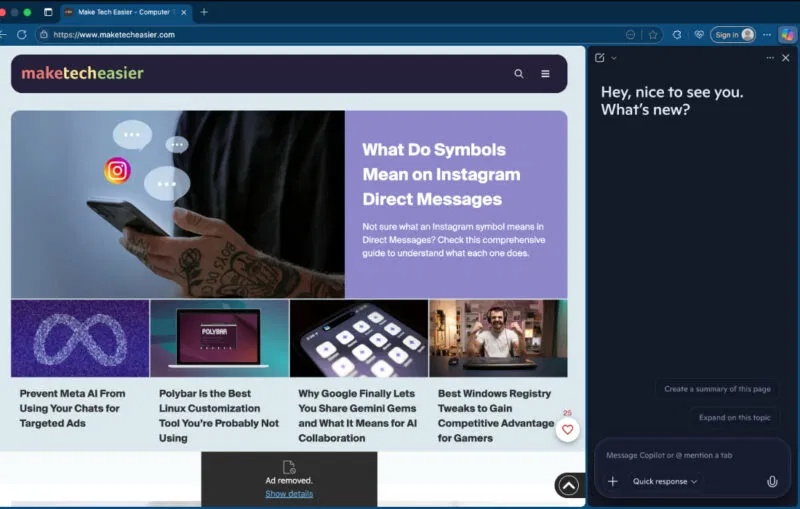
Copilot works directly on web pages too. Highlight any text to get an explanation, summary, or rephrasing. Use the Compose feature to draft emails, posts, or code snippets from just a brief command. The browser even supports voice control, letting you search or open tabs hands-free. Choosing the right browser depends entirely on your needs. If you're already subscribed to AI services, sticking with a traditional browser might make sense. The real concern is that current AI browsers haven't fully optimized for security and privacy yet. If you want more options, consider exploring privacy-focused anonymous browsers as an alternative.
Description: Discover the best AI browsers transforming web browsing. From Comet to Microsoft Edge, find which AI assistant works best for your workflow.
Related Articles
- What Makes Google Flow Agent Special? Complete Guide to AI Video Creation
- How to Animate Mind Maps and Infographics in Gemini
- Google Flow Music: Generate Professional Music Videos with Just a Text Prompt
- Gemini Now Lets You Create Images by Speaking—No Typing Required
- How to Summarize Audio Files Using NoteGPT

No Comment to " Top 6 AI-Powered Browsers That Boost Your Productivity "